shadcn desktop app blocks for React and Tailwind
Windows for a Tauri or Electron app that look native on macOS and Windows: preferences, a menu bar panel, software update, licence activation, permissions setup, an About window and a shortcuts editor.
8 blocks · 0 free under MIT · 8 in Pro
All desktop app blocks
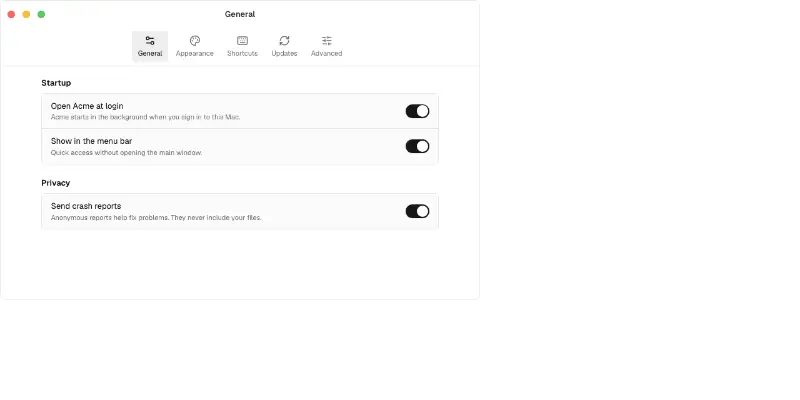
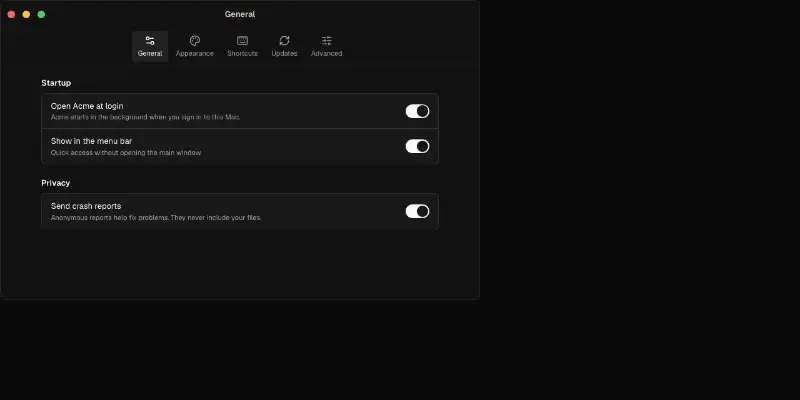
The Settings window of a Tauri or Electron app: toolbar tabs on macOS, a side nav with setting cards on Windows. Launch at login, menu bar, appearance, a global shortcut recorder and update settings that apply as they change.
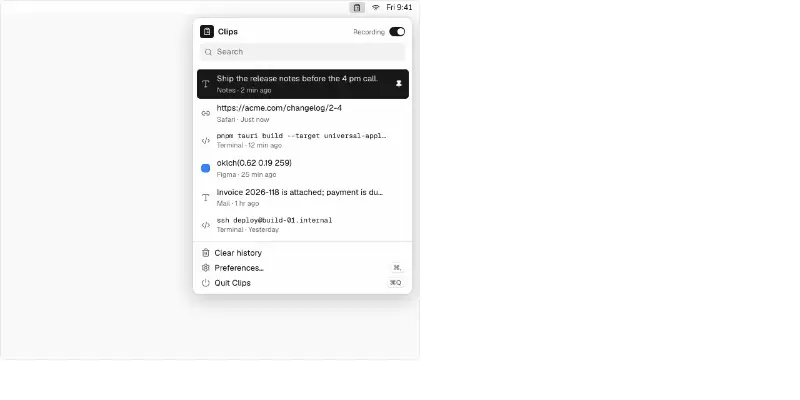
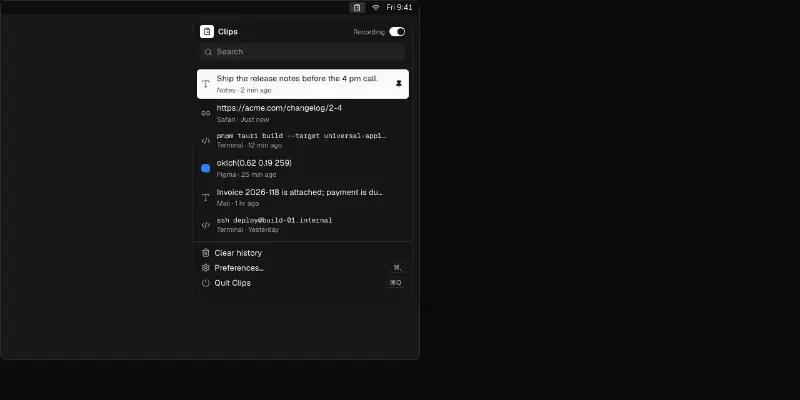
The panel of a menu bar app on macOS or a tray flyout on Windows: a clipboard history with search, pins, a pause switch, keyboard selection and Preferences and Quit, with loading, empty and error states.
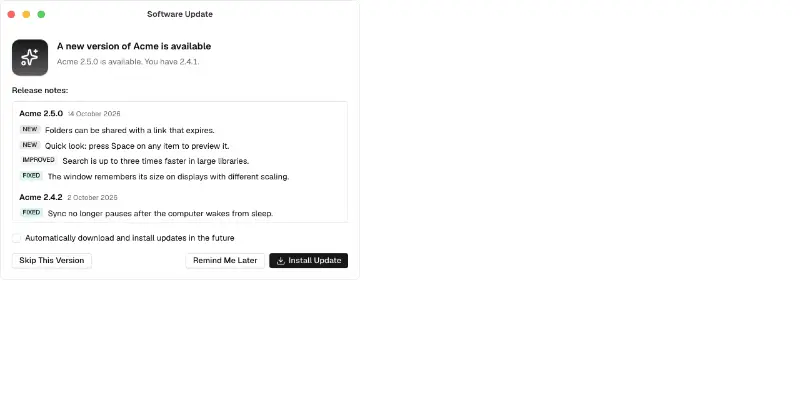
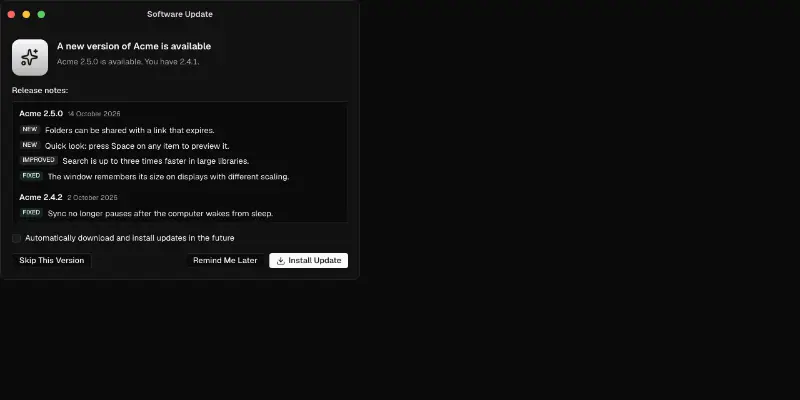
The update window of a desktop app, the whole cycle: checking, a new version with release notes, downloading with progress, ready to relaunch, up to date and failed. Buttons follow each platform's order and wording.
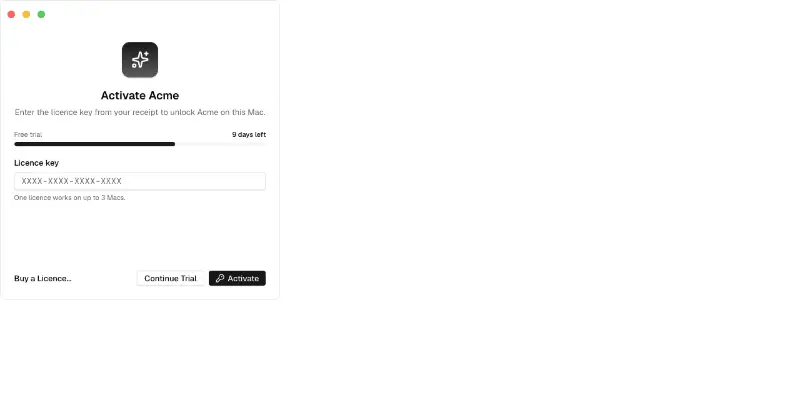
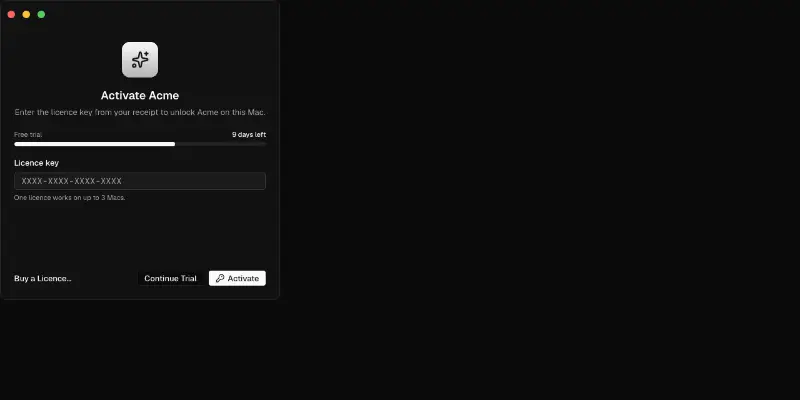
Licence activation for a paid desktop app: a trial meter, a key field that cleans up pasted keys, activation that shows why a key failed, the licensed view with deactivate, and a trial-ended mode.
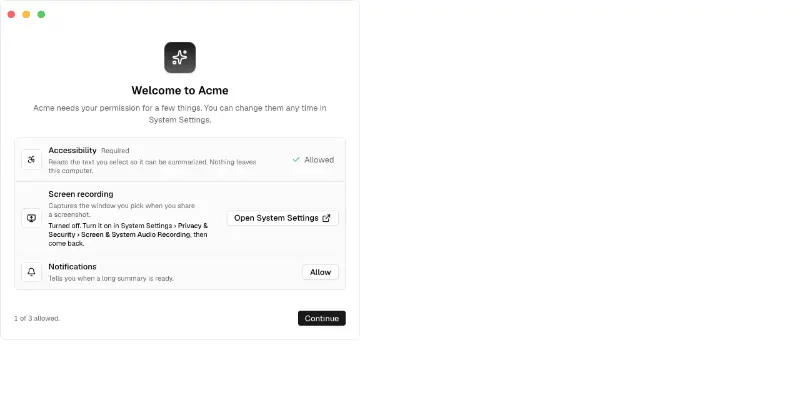
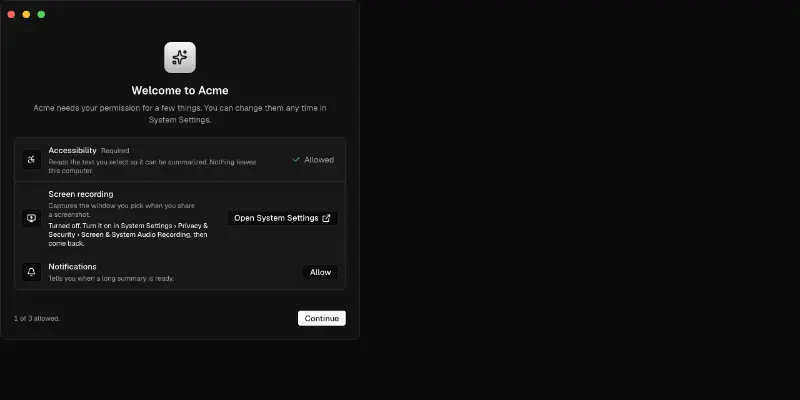
The first-run permissions window: why each one is needed, Allow for ones not asked yet, the exact System Settings path for ones turned off, a re-check on return, and Continue once required ones are on.
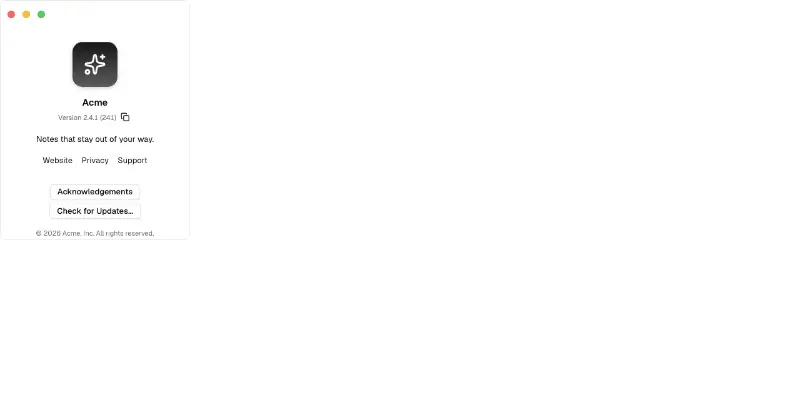
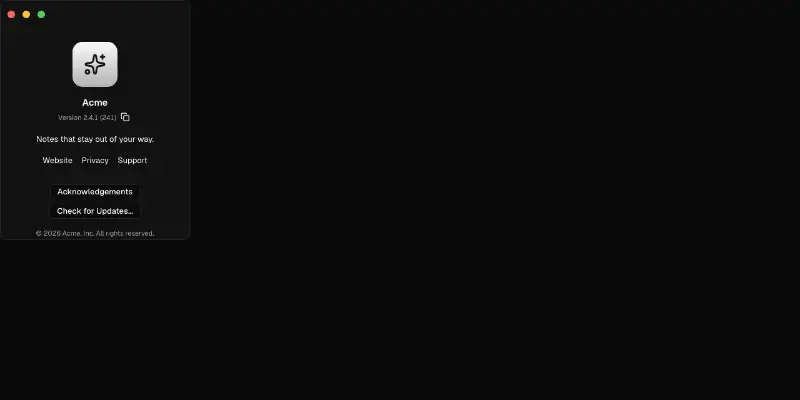
The About window of a desktop app: icon, name, version and build with a copy button, links, open-source acknowledgements and Check for updates. Small and centered on macOS, a dialog with OK on Windows.
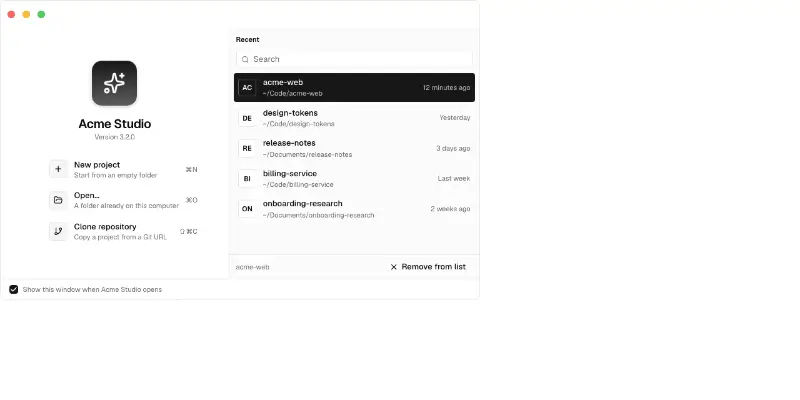
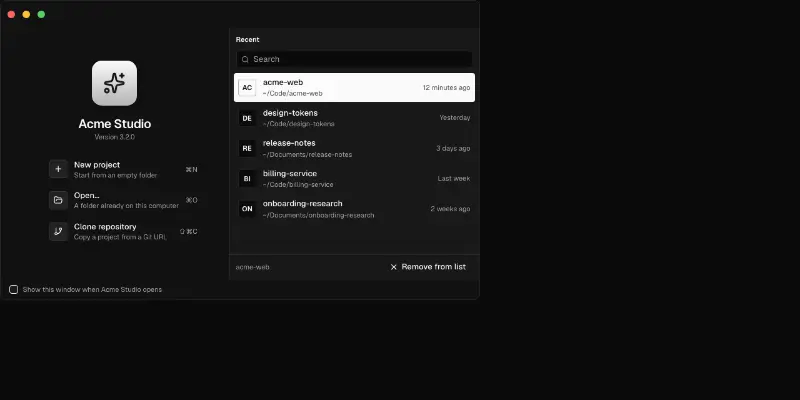
The window a desktop app opens with when nothing is open: name and version, ways to start (new, open, clone) with shortcuts, and recent projects to search, open with Enter and remove from the list.
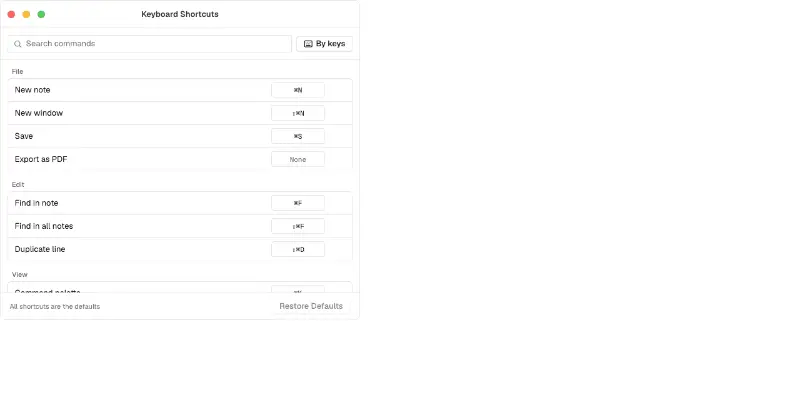
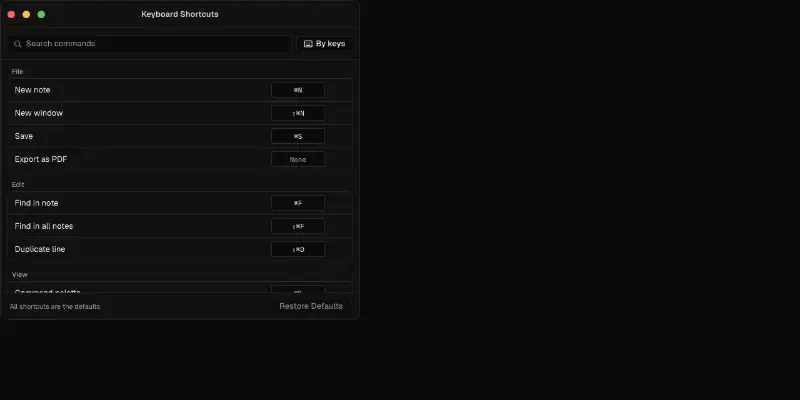
A shortcuts editor: commands grouped and searchable by name or by pressing the keys, a recorder on each row, a warning with Replace when keys are taken, reset per command, Restore defaults, and each platform's notation.
These blocks are in Ballmac UI Pro.
$49 oncefor all 311 Pro blocks and every Pro template. Tax included.Works as described or your money back