Limited-time offer: Ballmac UI Pro is $49, regular price $99. One payment, yours to keep.
Pricing
The screens your app needs, finished. Pay once.
The core library is free for any project. Pro adds 311 finished screens, a private registry and Figma tokens, so you spend the week on your product.
Free
$0
Free forever.
- Every free component, block and template
- shadcn CLI and MCP installs
- Commercial use, no attribution in your UI
- Source you own and can change
- Premium blocks
- SaaS starter apps
Pro
$49Regular price $99
One licence for one person.
- Everything in Free
- 311 premium blocks: heroes, features, pricing, dashboards, app screens, ecommerce, content and more
- Private registry for the shadcn CLI and MCP
- Loading, empty and error states built into blocks that show data
- Light, dark and RTL support on every block
- Figma design tokens for every theme
- Three starter apps: Beacon (SaaS with teams, Stripe billing and a dashboard), Quire (an AI assistant that cites its sources) and Cove (a desktop notes app)
- More starter apps (planned)
- Figma component library (planned)
$9/ monthMonthly
Prefer to pay monthly? Full Pro access while you subscribe. Cancel anytime.
Subscribe for $9/monthTax is included. Your invoice is sent for you.
Works as described, or your money back: if a Pro item does not do what its page says and we cannot fix it within 14 days of your request, you get a full refund. Refund policy. By buying you agree to the Pro licence.
Team
$179
One licence for one organisation and up to 10 people: $17.90 a person.
- Everything in Pro
- Up to 10 named people at one organisation on one licence
- One licence key for the whole team and your CI
- Your company name and tax ID on the invoice
- Every future update included
- More than 10 people: write to us
Already have a licence? Log in to your Pro library
What would it cost to build these yourself?
Polished states, dark mode, keyboard support and motion take time. Put in your own numbers.
Our estimate for one screen with loading, empty and error states, dark mode, keyboard support and motion is about six hours. Change it to match yours.
- Building it yourself
- $4,500
- 60 hours, about 7.5 working days
- Ballmac UI Pro
- $49 once
- You keep
- $4,451
Which one is for what
Free covers components, marketing pages and a starter set of app screens. Pro goes much deeper in every area, and adds whole apps to start from.
| What you get | Free | Pro |
|---|---|---|
| Components, with live previews and keyboard support | ||
| Marketing blocks | 16 | 130 |
| Content and company blocks | 7 | 28 |
| Account blocks | 3 | 16 |
| Application blocks | 13 | 82 |
| Operations blocks | 5 | 10 |
| Industry apps blocks | 1 | 14 |
| Ecommerce blocks | 20 | |
| Mac and devices blocks | 1 | 3 |
| Desktop apps blocks | 8 | |
| Complete starter apps (SaaS, AI assistant, desktop) | 3 | |
| Loading, empty and error states in blocks that show data | ||
| Install with the shadcn CLI and the MCP server | ||
| Updates that merge into your edited files (ballmac update) | ||
| Quality scorecards, and ballmac check for your own app | ||
| Private registry with your licence key | ||
| Figma design tokens for every theme | ||
| Updates | Free stays free | Every future Pro update |
See what is inside before you decide
Six of the 311 Pro blocks. Each opens as a full page you can look around.
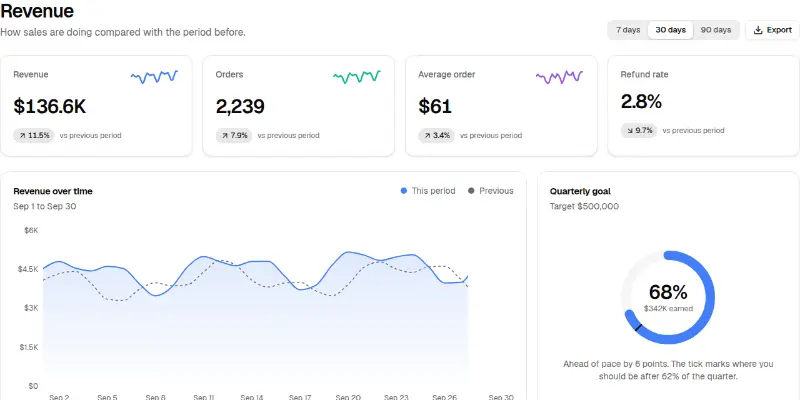
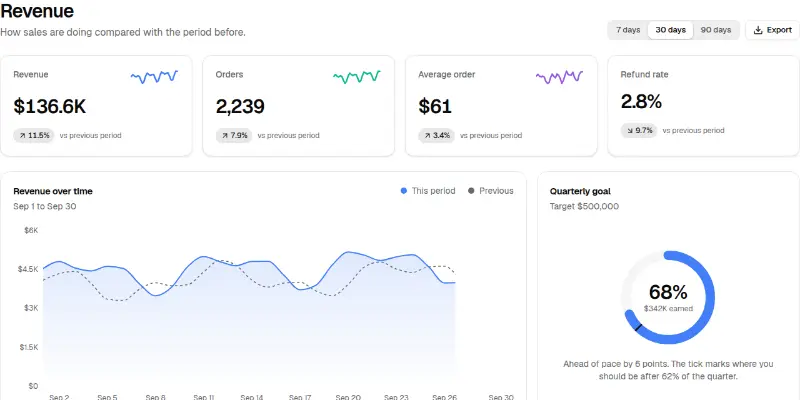
KPI tiles with trend lines, a revenue chart against the previous period, a quarterly goal ring that shows whether you are ahead of pace, best sellers and channel shares.
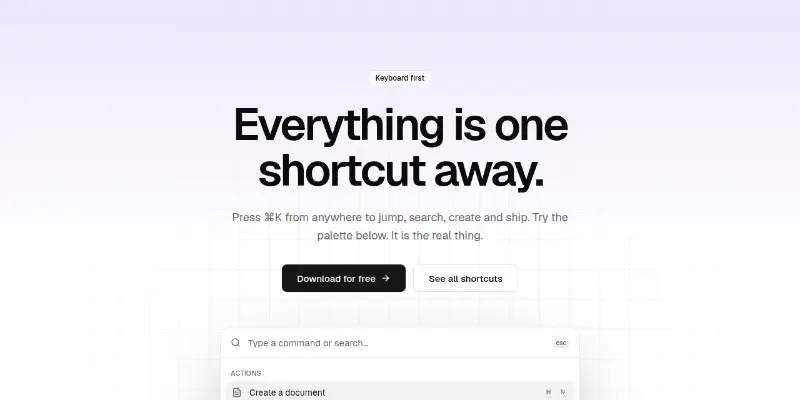
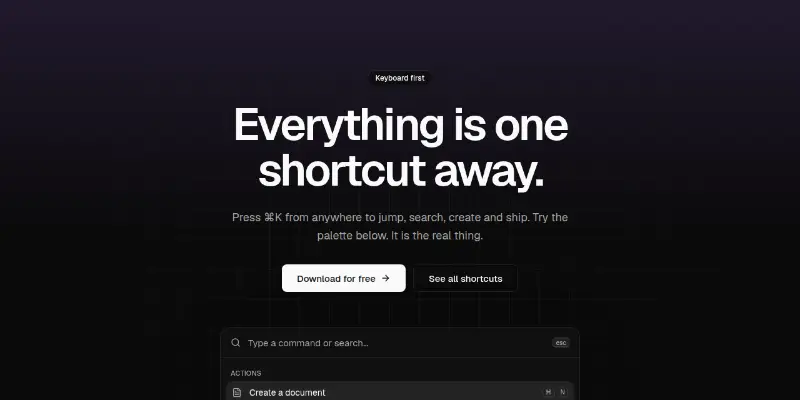
Dark-grid hero with a working command palette: type to filter, arrow keys to move, Enter to choose. Shows keyboard-first products at their best.
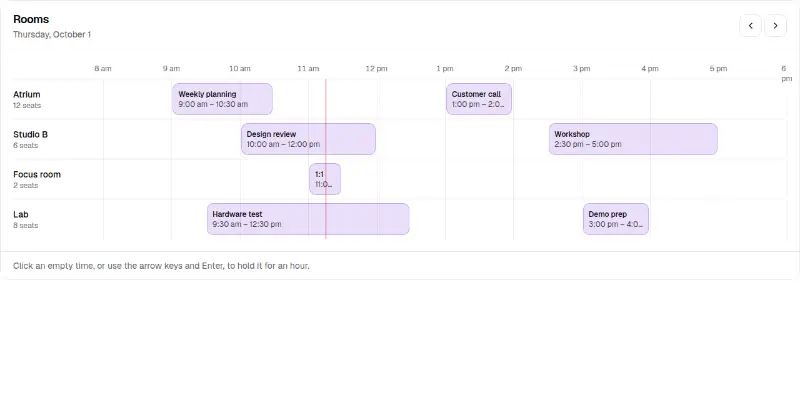
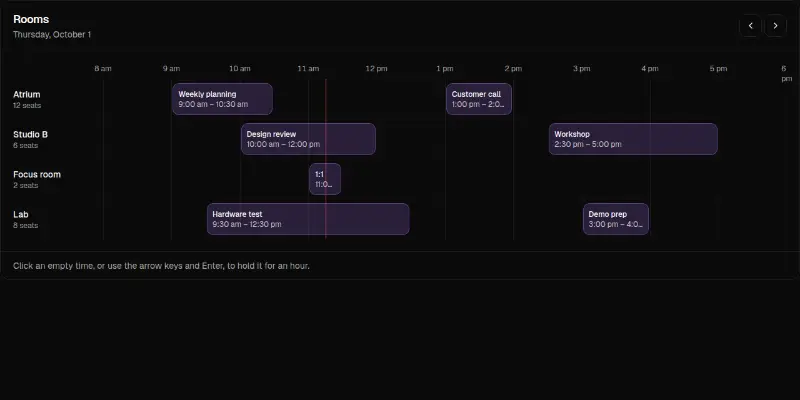
Rooms or people as rows, hours as columns, bookings as blocks and a line for now. Click or use the arrow keys on an empty time to hold an hour; release it again.
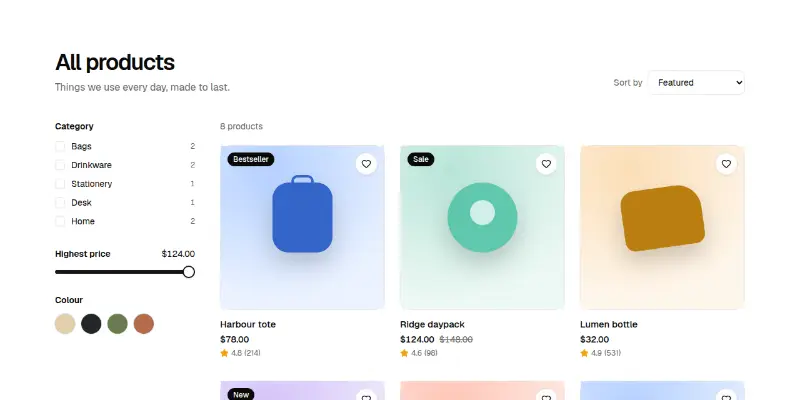
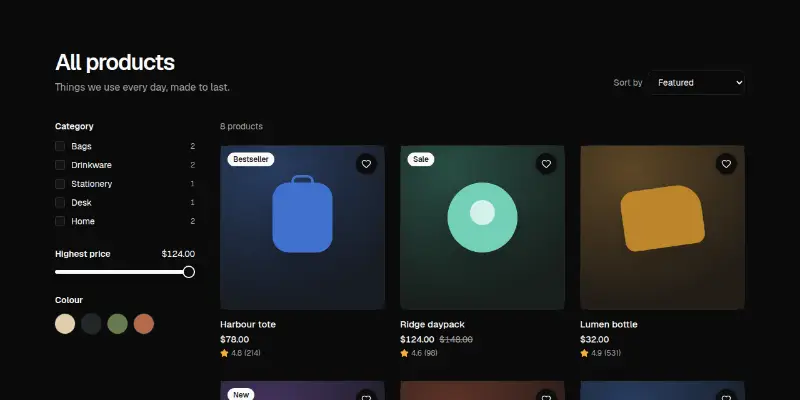
A product grid with category, price and colour filters, sorting, a wishlist heart and a quick add button. A live count says how many products match.
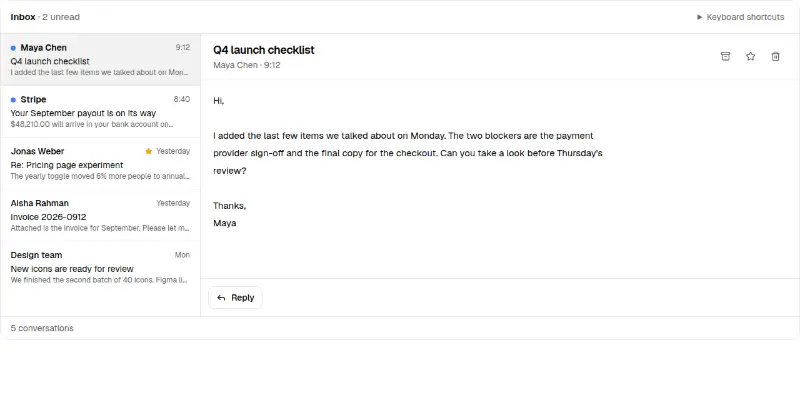
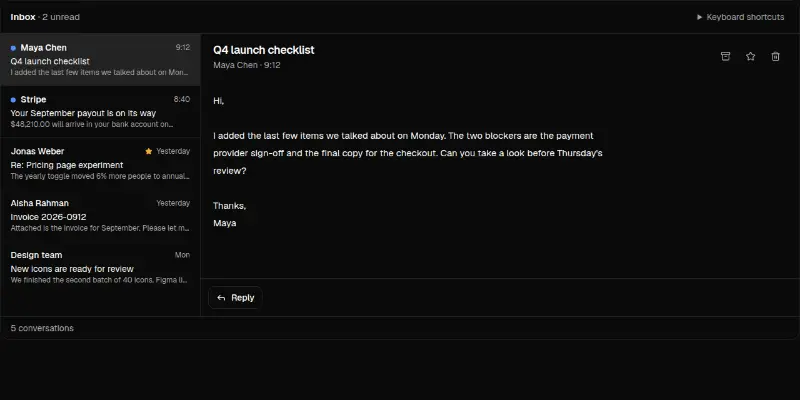
A fast inbox: J and K move, E archives, S stars, # deletes, U marks unread and Z undoes. A status line announces every action and offers Undo.
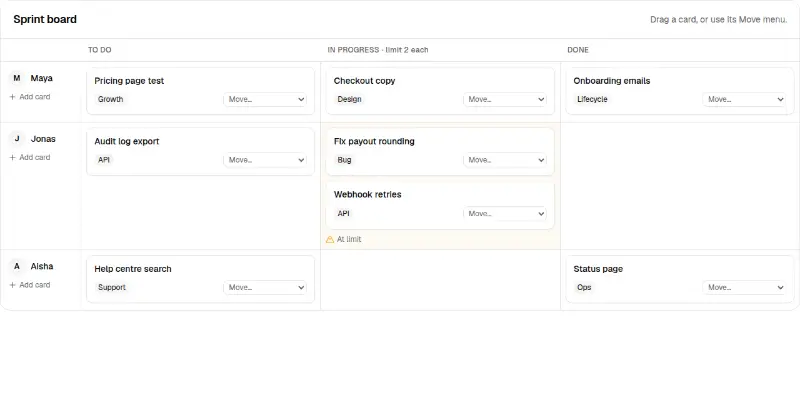
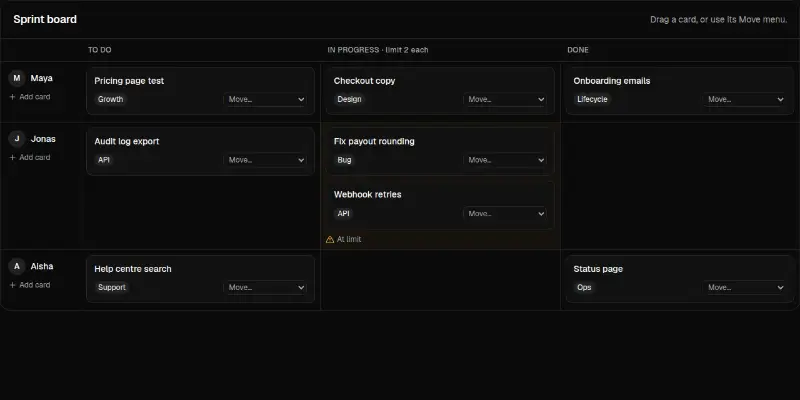
A board with lanes per person, work-in-progress limits per column, drag and drop and a Move menu on every card so it works without a mouse.
Try three Pro blocks free
Real Pro blocks, yours to use in any project. Leave your email and they appear right here, ready to copy.
- Pricing Pro 3 · usage estimator
- Settings Pro 1 · notification preferences matrix
- Onboarding Pro 3 · guided product tour
Rather have it built for you?
The studio behind Ballmac UI takes on a few client projects at a time: a product UI built on these components, or a private registry with an MCP server for your own team. Fixed price in writing, and you own the code.
Questions
- Is the free tier really free for commercial work?
- Yes. Use free items in personal, client and commercial projects, and change them however you like. The license notice stays in the source files.
- Will free components become paid?
- Whatever you have installed is yours under the MIT licence, whatever we do later. In October 2026 we moved most of the library into Pro to fund it; the free tier keeps the everyday components, 46 complete screens, 3 templates and every theme, and we do not plan to shrink it again.
- I bought Pro. How do I get my code?
- Open the Pro log in page and paste the licence key from your purchase email. There is no account to create: the key is the login. You can then read and copy any Pro block, download the starter apps, and get install commands with your key filled in. The shadcn CLI and the MCP server work with the same key.
- How does Pro work with the CLI?
- Add your licence key once as an environment variable and the @ballmac-pro registry to components.json. The shadcn CLI and the MCP server then install Pro items the same way as free ones. The Pro guide walks through it.
- What can I do with a Pro licence?
- Build any number of apps and sites with it, for yourself or your clients, and change the code. You cannot resell, share or publish the Pro source, share your key, build a competing library or starter from it, or use it to train AI models. One Pro licence is one person; a Team licence covers up to 10 people at one organisation. Read the full Pro licence agreement before you buy.
- Who handles tax and invoices?
- The price already includes tax. Our payment provider acts as the merchant of record: it handles the sales tax or VAT and sends you an invoice. Add a business name or tax ID at checkout if you need one on it.
- What if it does not work, or I am charged wrongly?
- Works as described, or your money back: if a Pro item does not do what its page says and we cannot fix it within 14 days of your request, you get a full refund. Mistakes on our side, such as a double charge, are always refunded. Write to hello@ballmac.com and see the full Refund Policy.
- Can I pay monthly instead?
- Yes, when the monthly plan is on sale: $9 a month, cancel anytime. It gives the same Pro library for as long as the subscription is active; if it ends, your key stops unlocking new downloads. The one-time licence has no end date.
- How does the Team plan work?
- One Team licence is for one organisation and up to 10 named people, for $179 once ($17.90 each). Everyone uses the same licence key and private registry, and the invoice can carry your company name and tax ID. Need more than 10? Email hello@ballmac.com.