














Ballmac UI home

Blocks for real pages

213 responsive sections and screens built from Ballmac components. Preview them at any width, then install one into components/ballmac/blocks.

Marketing

Sections for landing pages: heroes, features, pricing, proof and calls to action.

Hero27

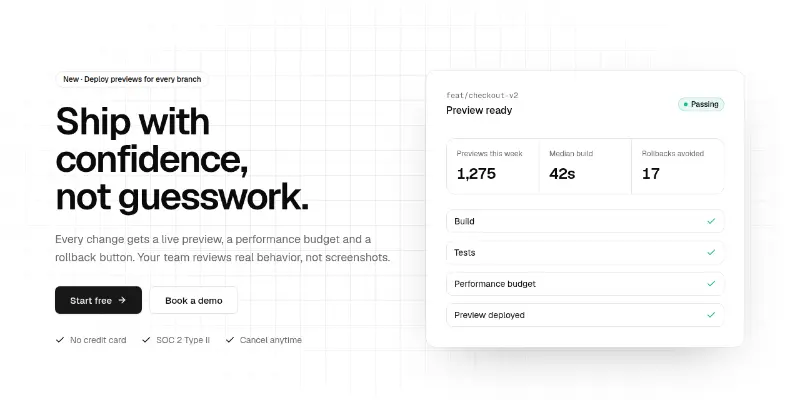
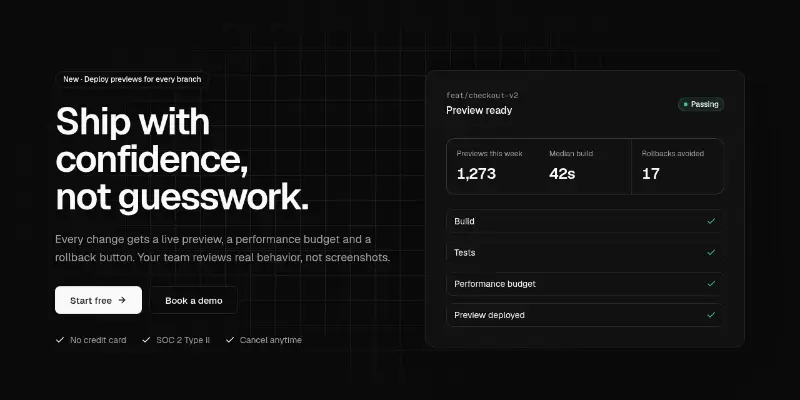
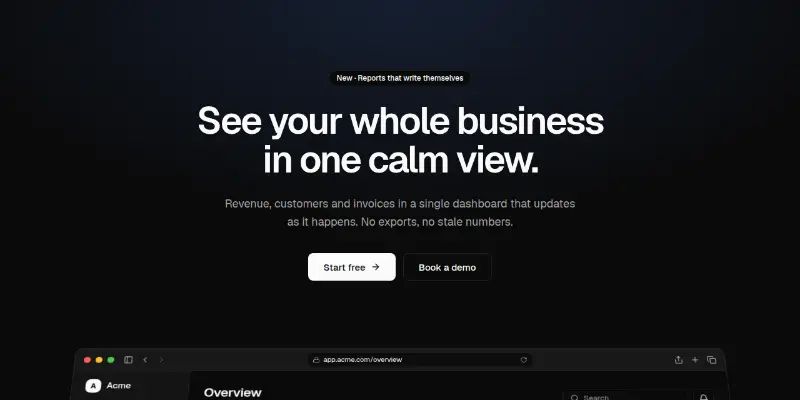
Hero 1: split with product visual preview

Split hero: badge, word-by-word headline, two calls to action and proof points on the left, a live product summary card on the right, over an animated grid.

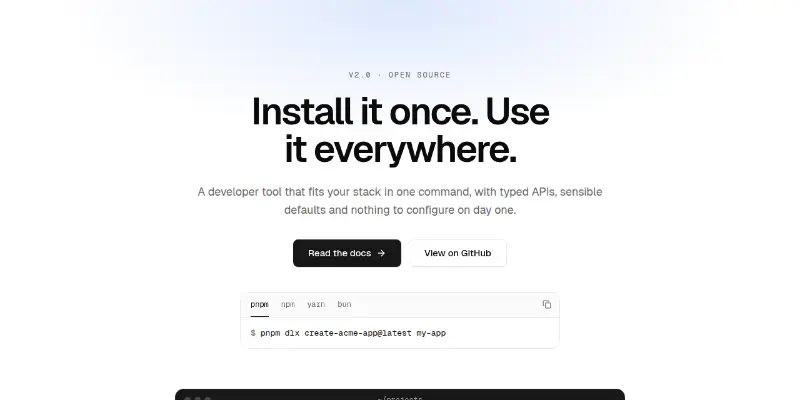
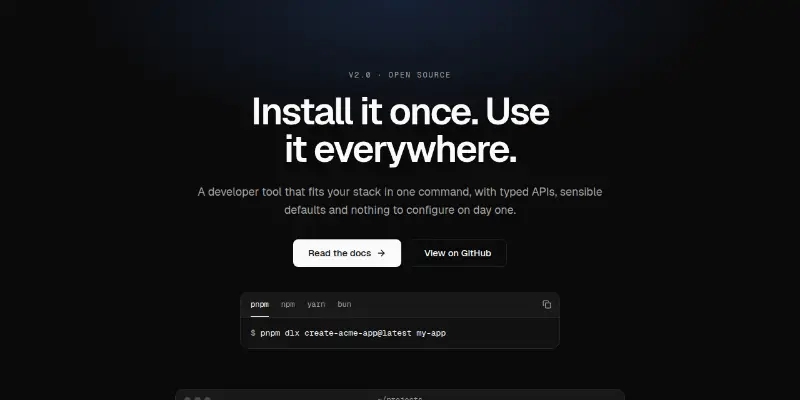
Hero 2: developer tool with install command preview

Centered hero for developer tools: headline, two actions, package-manager install tabs and a terminal window with a light beam tracing its border.

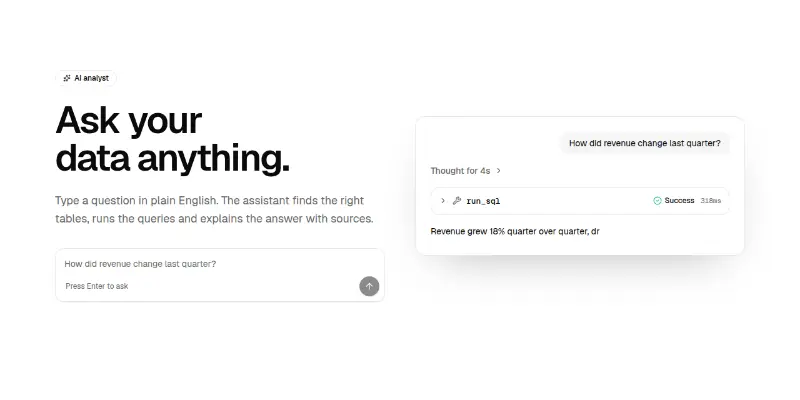
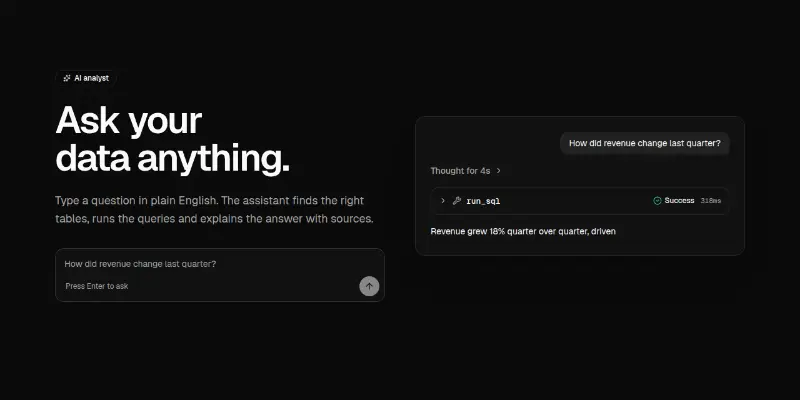
Hero 3: AI product with live prompt preview

Hero for AI products: a real prompt input on the left, and on the right a mock answer with a reasoning panel, a tool call and a streaming reply.

Hero 4: split with interactive globe preview

Split hero with a live pill, headline, two actions and headline stats beside a large draggable WebGL globe marking your regions.

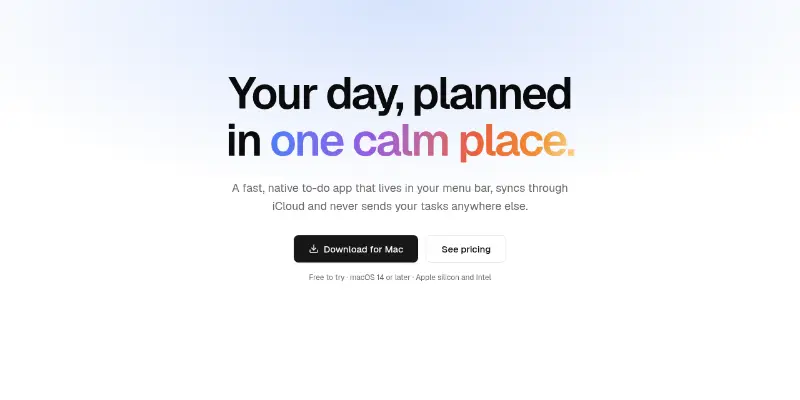
Hero 5: Mac app with opening laptop preview

Centered hero for a Mac app: shiny highlighted headline, download button and requirements, over a laptop whose lid opens into view on a live app window.

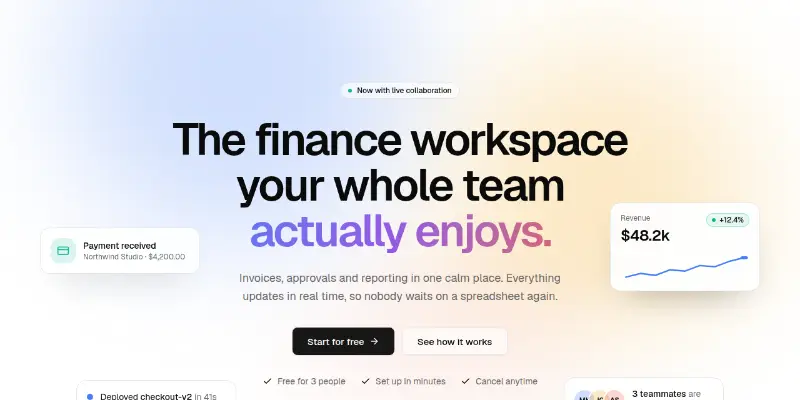
Hero 6: gradient mesh with floating cards preview

Centered hero over a slowly drifting colour mesh, with gradient headline words and product cards that bob and follow the pointer. Cards stack below the buttons on phones.

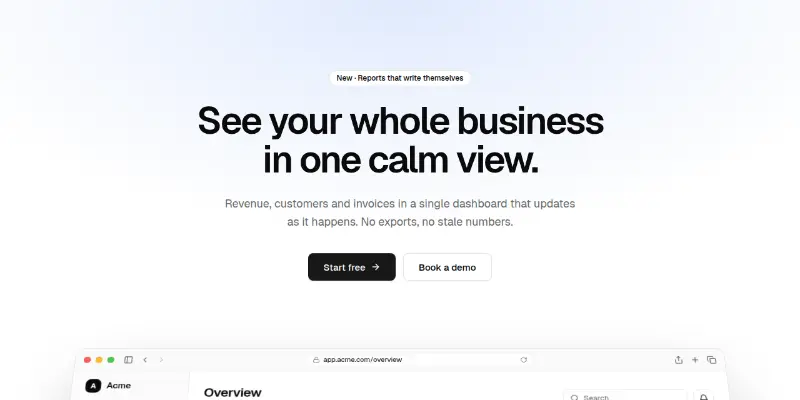
Hero 7: product screen that tilts into view preview

Centered hero with a browser frame that leans back and settles flat as you scroll. Ships a sample dashboard drawn with theme tokens; swap in a screenshot or your own UI.

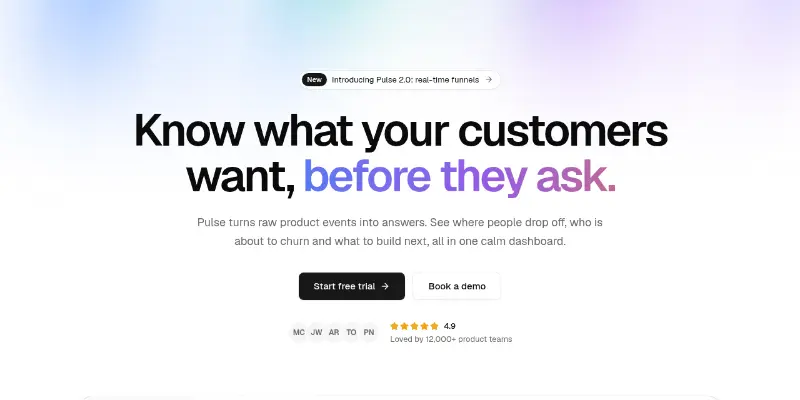
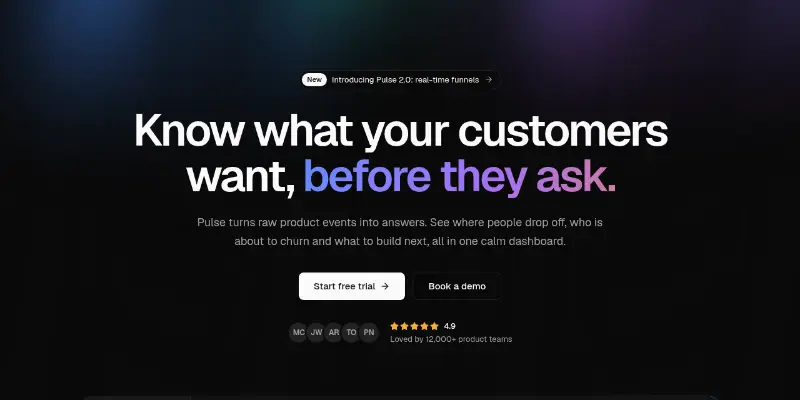
Hero Pro 1: aurora with product shot preview

Centered hero with an announcement pill, gradient headline, social proof and a product screenshot in a glowing frame under a slow aurora.

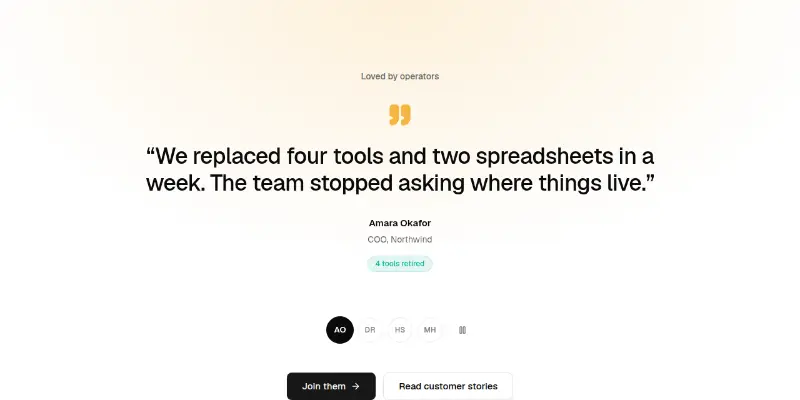
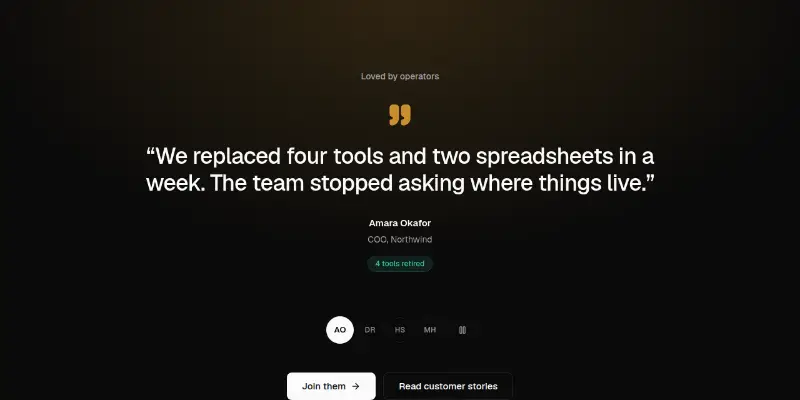
Hero Pro 10: rotating customer quotes preview

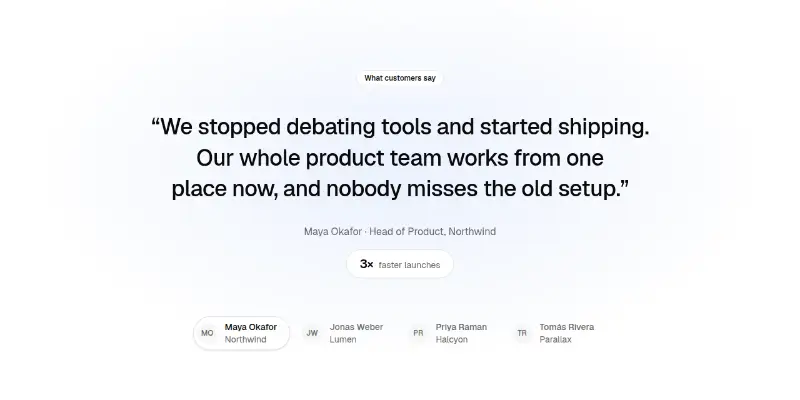
Quote-led hero: one big customer quote at a time with a measurable result, avatar tabs, arrow-key navigation and a pause button for automatic rotation.

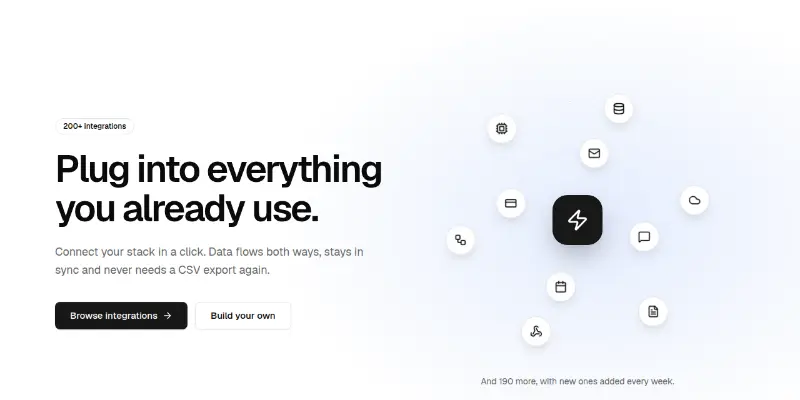
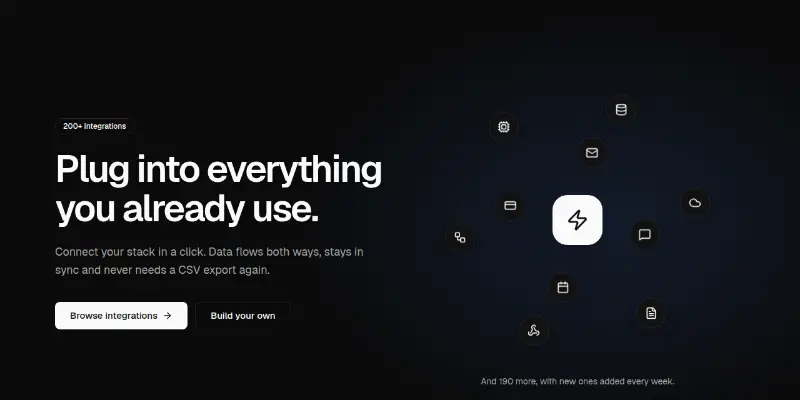
Hero Pro 11: orbiting integrations preview
Hero Pro 11: orbiting integrationsPRO

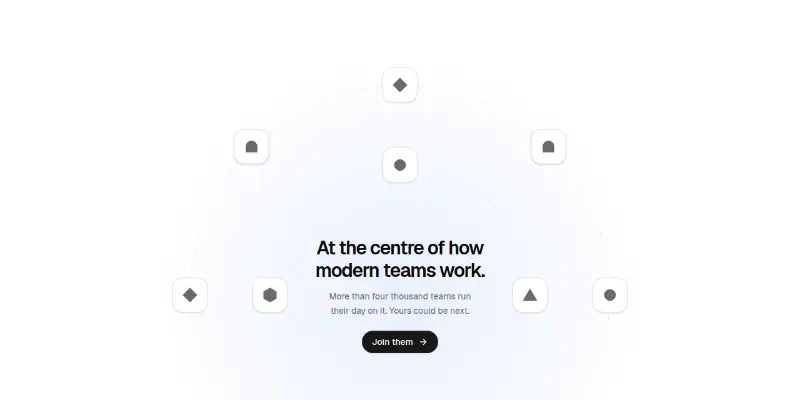
Headline beside two rings of integration icons orbiting your logo, one ring turning each way. Static under reduced motion, with a hidden list of tool names for screen readers.

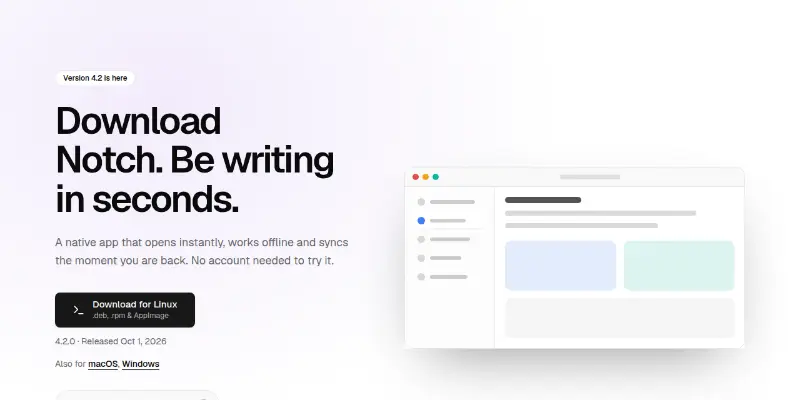
Hero Pro 12: download with platform detection preview

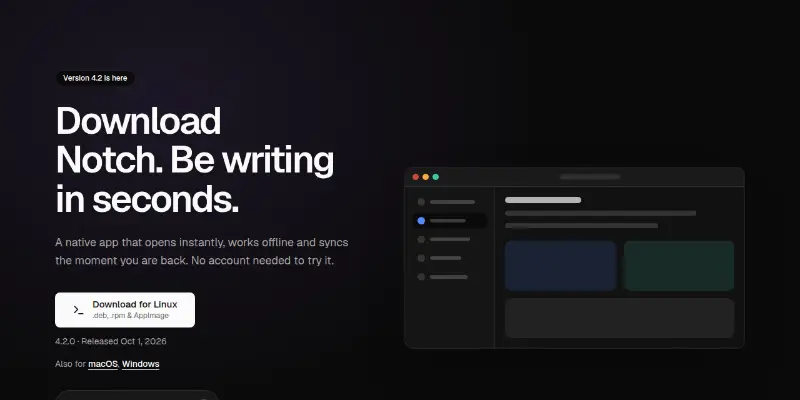
Download hero that picks the visitor's operating system after load, makes that build the big button, lists the other platforms, offers a copyable package-manager command and shows your app window.

Hero Pro 13: API with runnable code preview

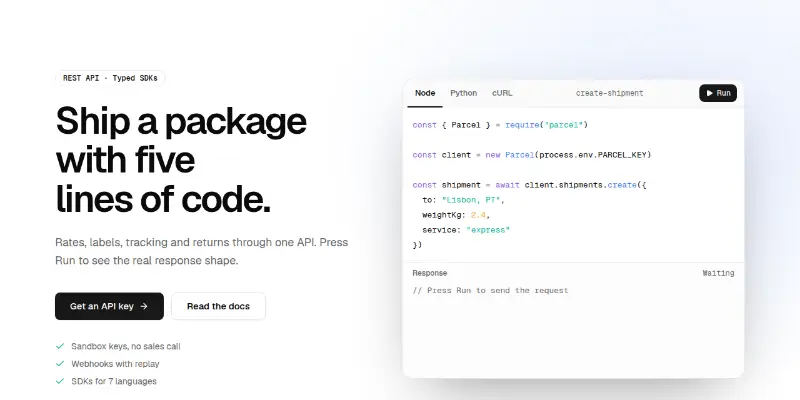
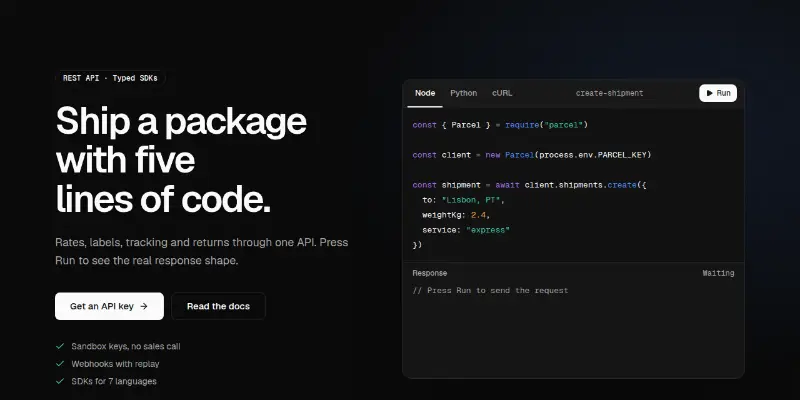
Tabbed code editor (Node, Python, cURL) with token colours from your chart tokens and a Run button that streams the response. Keyboard-navigable tabs, left-to-right code in right-to-left pages.

Hero Pro 14: conference with countdown preview

Always-dark event hero: giant event name, date and place, a live countdown, ticket progress, speaker avatars and two actions over a slow gradient field.

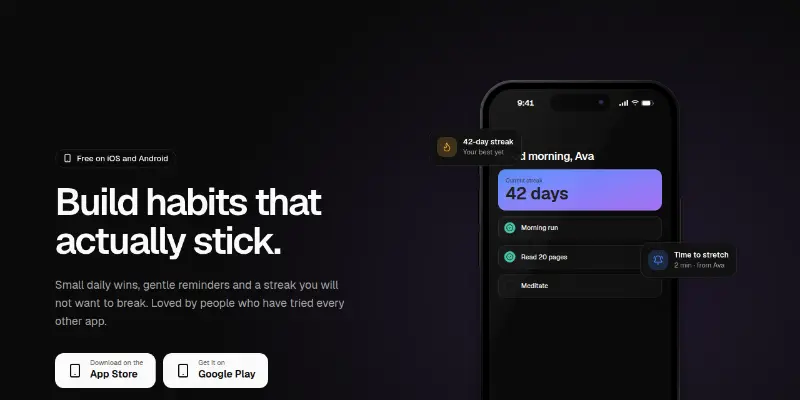
Hero Pro 15: mobile app with floating notifications preview

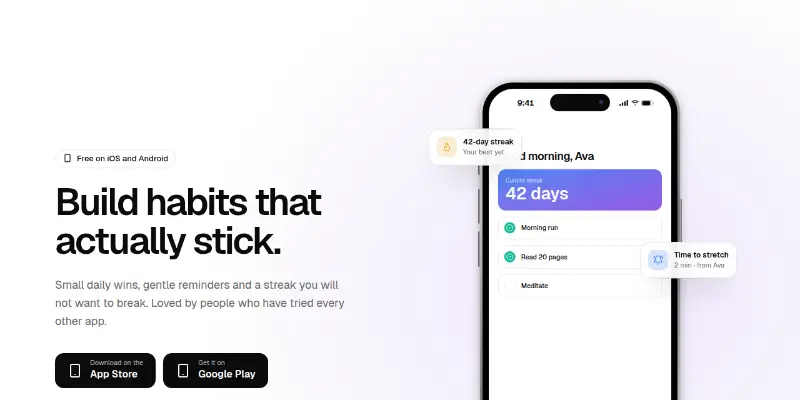
Phone frame with an app screen, three floating notification cards that bob gently, store buttons and a star rating. Pass a screenshot or your own element for the screen.

Hero Pro 16: waitlist with position and referral preview

Waitlist hero with a validated email form, a live count of people waiting and, after joining, the visitor's place in line with a copyable invite link to move up.

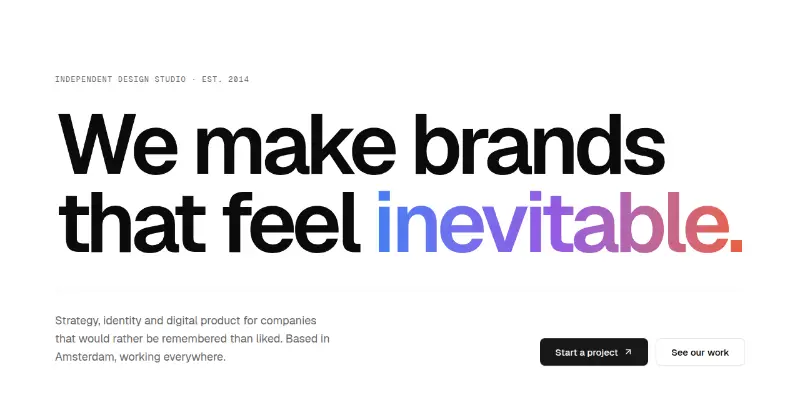
Hero Pro 17: rotating word and ticker preview

Typographic studio hero: enormous headline with a rotating gradient word, a clean intro row and a high-contrast ticker strip of services across the bottom.

Hero Pro 18: laptop and phone together preview

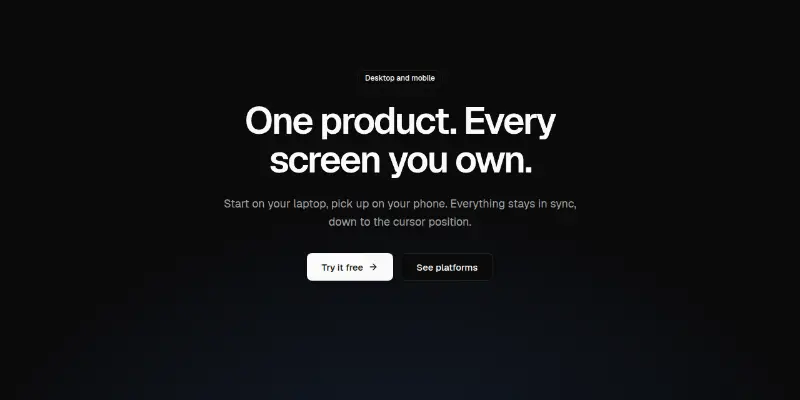
Centered headline above an opening laptop with a phone overlapping its corner. Pass desktop and mobile screenshots or your own elements.

Hero Pro 19: ROI calculator preview
Hero Pro 19: ROI calculatorPRO

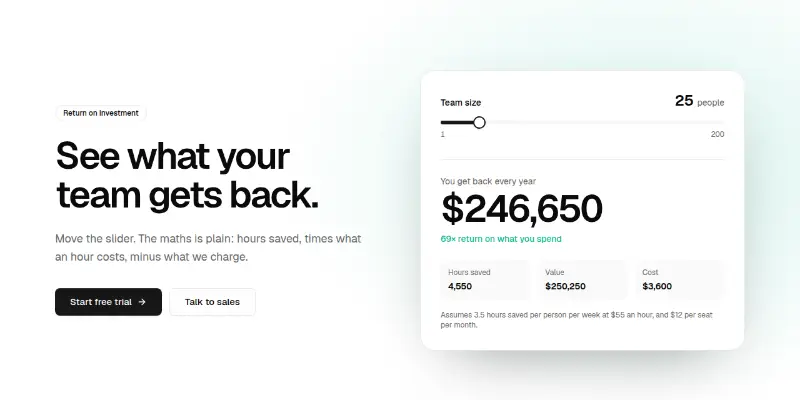
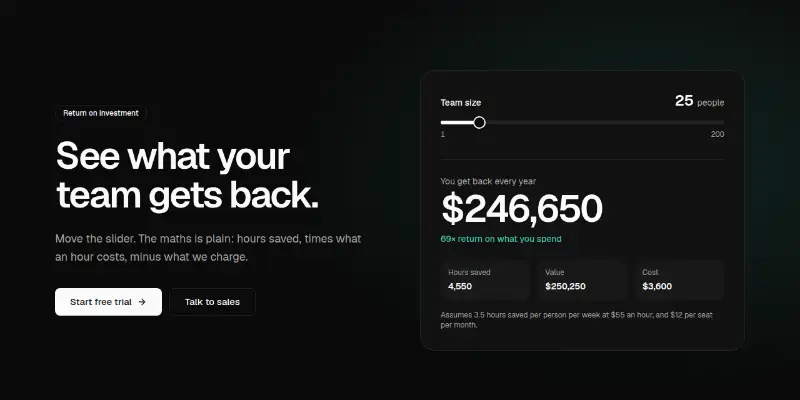
A slider-driven return-on-investment card beside the pitch: choose team size and see yearly savings, hours, value, cost and return multiple, formatted with a fixed locale.

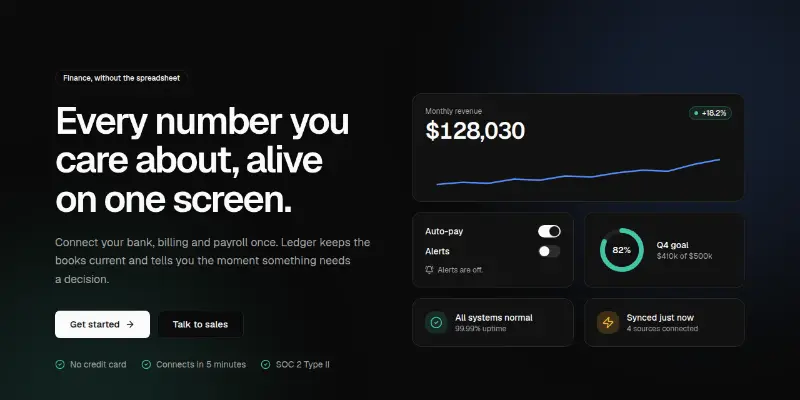
Hero Pro 2: bento of live widgets preview
Hero Pro 2: bento of live widgetsPRO

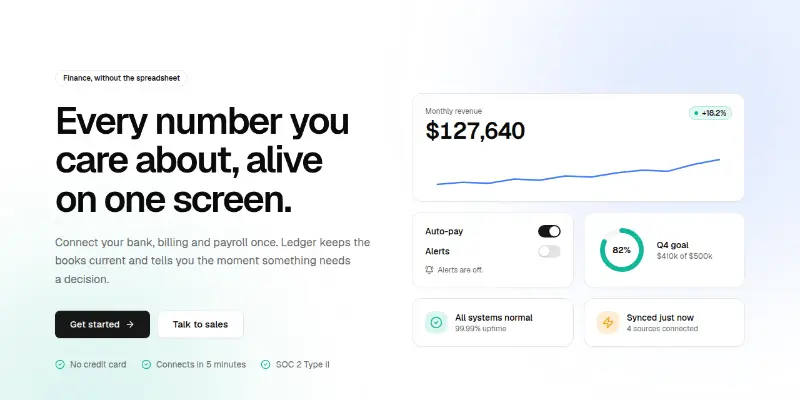
Split hero with a bento grid of working widgets: a ticking revenue figure, toggles, a goal ring and status tiles that sell the product before the visitor scrolls.

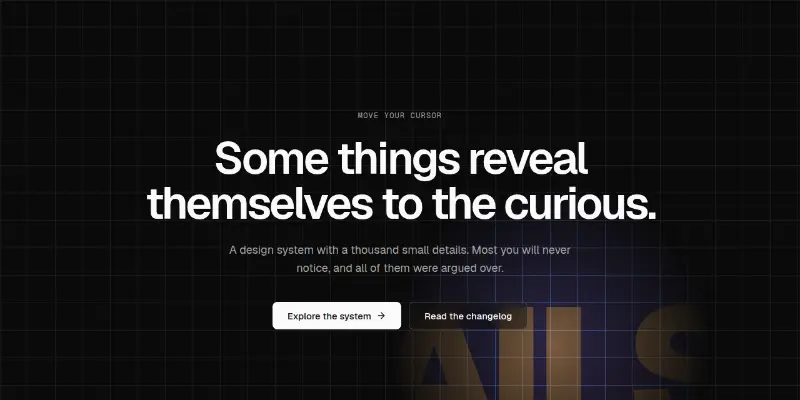
Hero Pro 20: flashlight reveal preview
Hero Pro 20: flashlight revealPRO

Dark hero where the pointer is a flashlight: a coloured grid and a hidden giant word appear only inside the light. Touch devices get a slowly drifting light; reduced motion rests it in the centre.

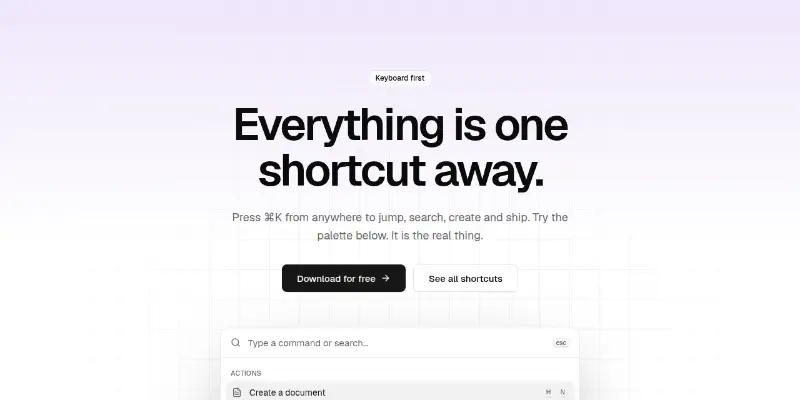
Hero Pro 3: command palette you can use preview

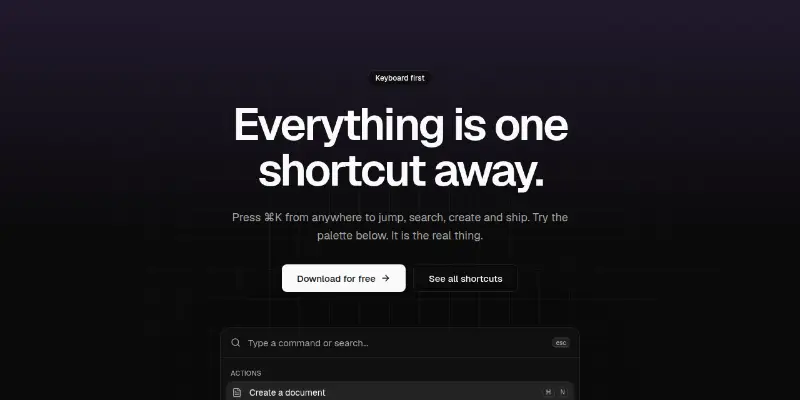
Dark-grid hero with a working command palette: type to filter, arrow keys to move, Enter to choose. Shows keyboard-first products at their best.

Hero Pro 4: email capture with logo marquee preview

Centered newsletter or waitlist hero: a pill email form with validation, loading, error and success states, and an infinite customer logo marquee below.

Hero Pro 5: cinematic video backdrop preview

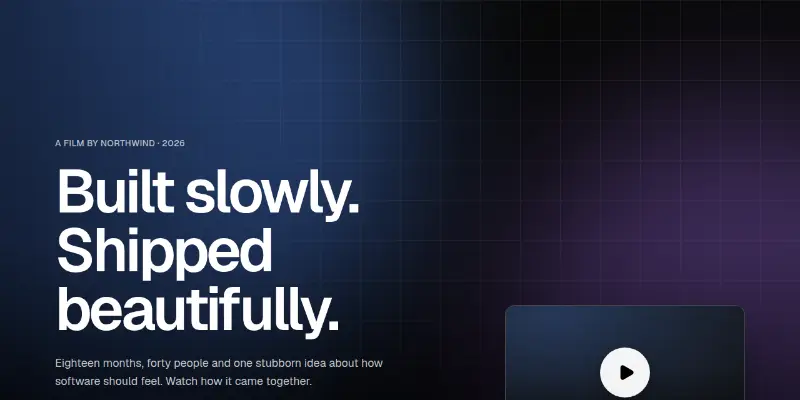
Full-bleed dark hero with a large headline in the lower left and a film card that opens the video in a dialog. A slow gradient shows when you have no backdrop picture.

Hero Pro 6: retro horizon at sunset preview

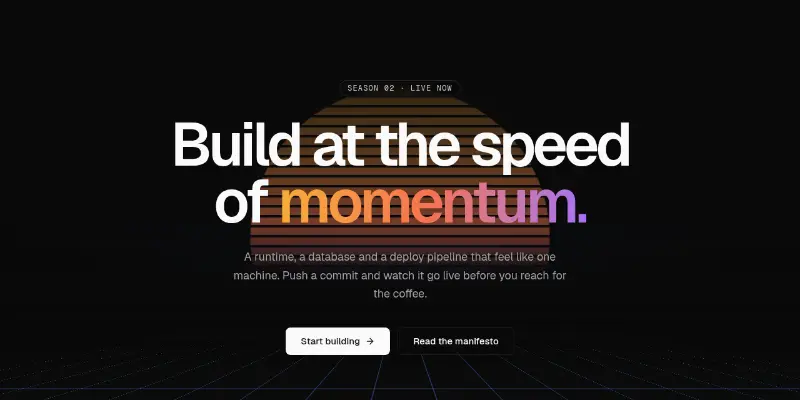
Dark cinematic hero: a perspective grid floor sliding toward a striped sunset, oversized type with a sunset gradient and a row of hard numbers.

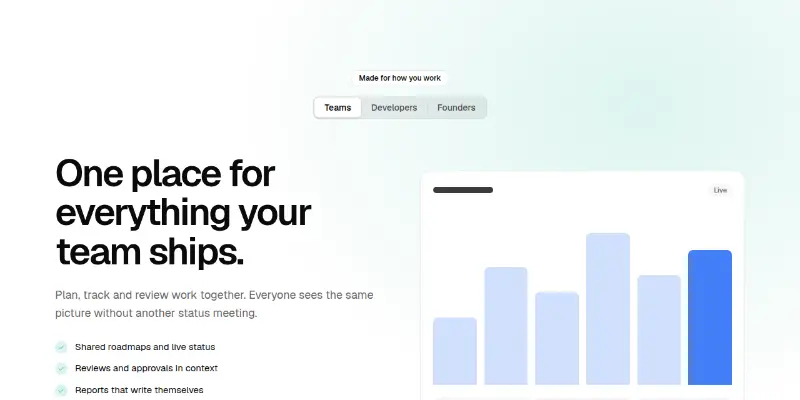
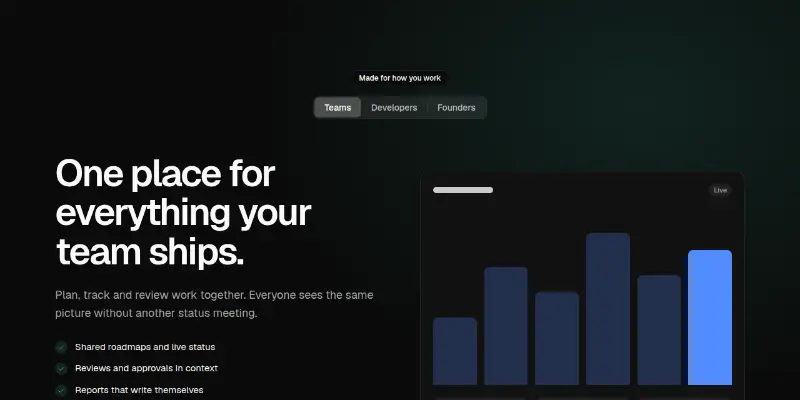
Hero Pro 7: audience switcher preview
Hero Pro 7: audience switcherPRO

A segmented switch changes the headline, bullet points, call to action and picture for each audience, so one page speaks to teams, developers and founders.

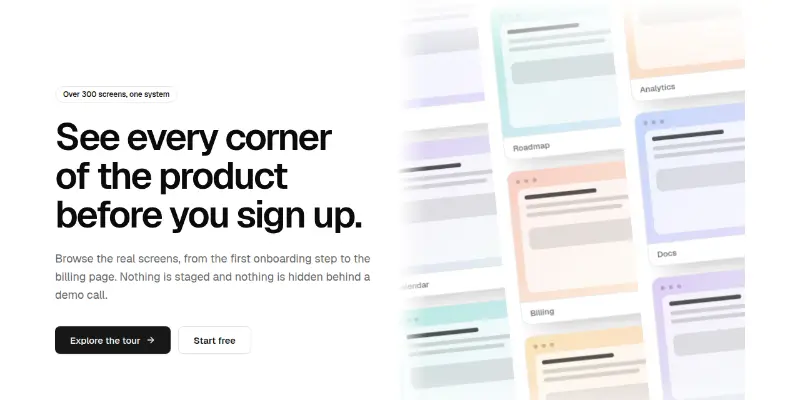
Hero Pro 8: tilted wall of screenshots preview

Headline beside a tilted wall of screenshots drifting in three columns, two up and one down. Pauses on hover and focus, stills under reduced motion.

Hero Pro 9: giant counter with proof column preview

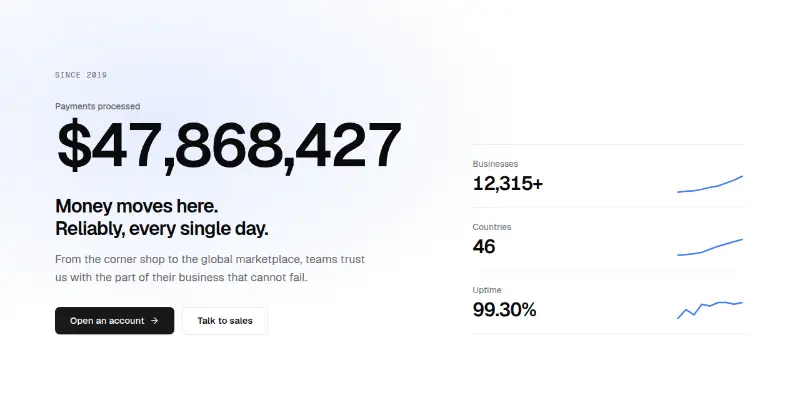
A huge counting number as the headline, supporting stats with trend lines beside it. Numbers are formatted with a fixed locale so server and browser agree.

Features27

Features 1: bento grid preview
Features 1: bento grid

Bento feature grid of spotlight cards in two sizes, with an animated stat and keyboard-shortcut hints mixed in for texture.

Features 2: numbered icon grid preview

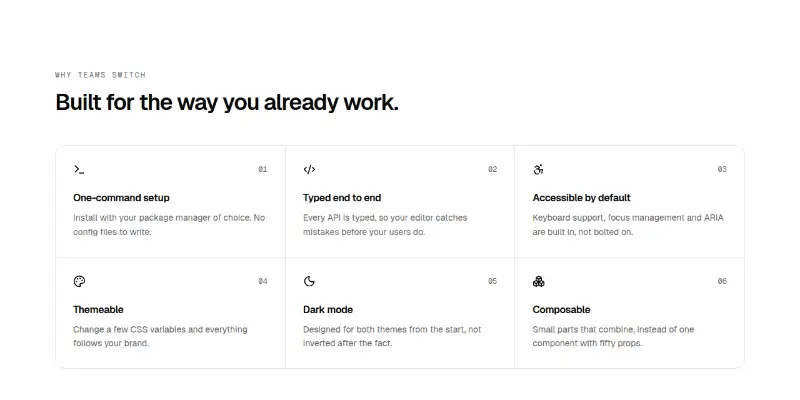
Six features in a hairline grid of numbered cells with an icon, title and one sentence each. Pass your own features array.

Features 3: integrations hub with beams preview

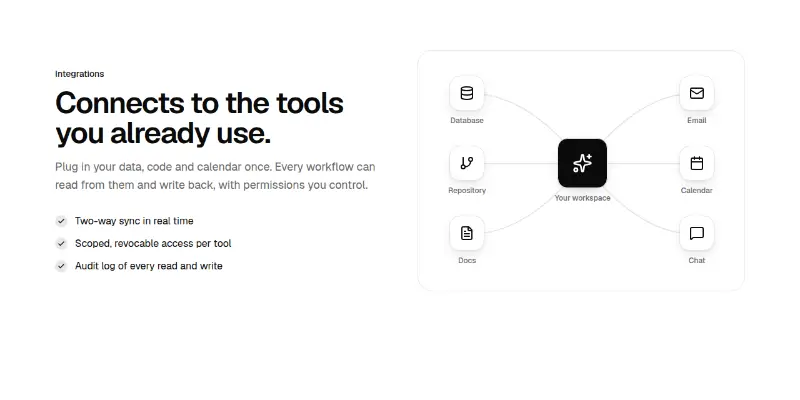
Integrations section: heading, description and checked benefits beside a hub diagram where animated beams flow between your product and six tools.

Features 4: Mac app bento preview
Features 4: Mac app bento

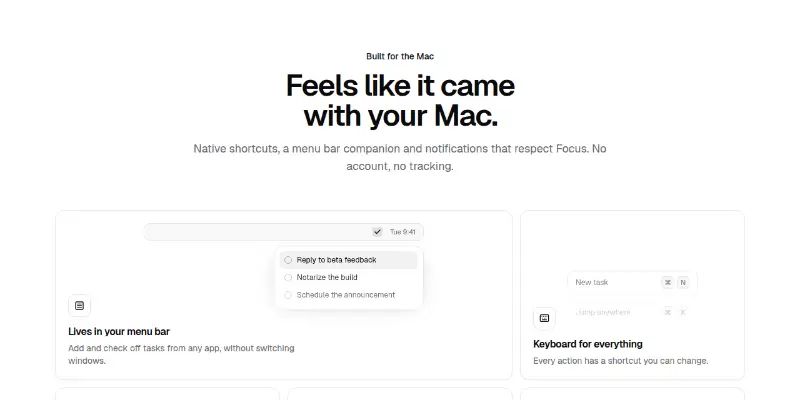
Bento feature grid for a desktop app: menu bar companion, keyboard shortcuts, privacy, iCloud sync and notifications, each with a small live visual.

Features 5: scrolling product tour preview

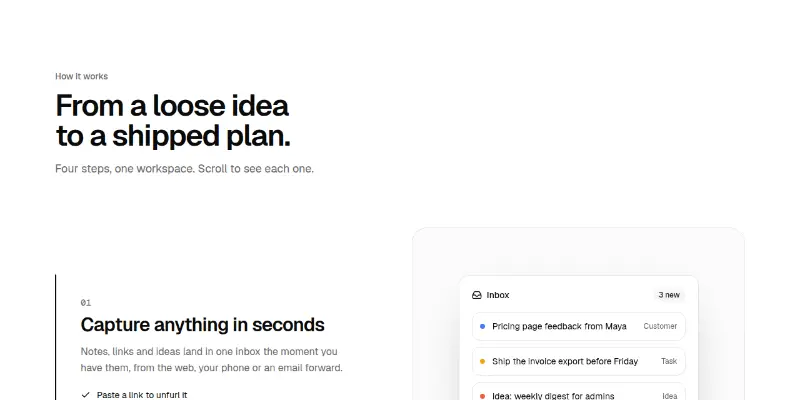
Numbered steps on the left; as each scrolls into view, a sticky panel on the right crossfades to its picture. On phones every step carries its own picture.

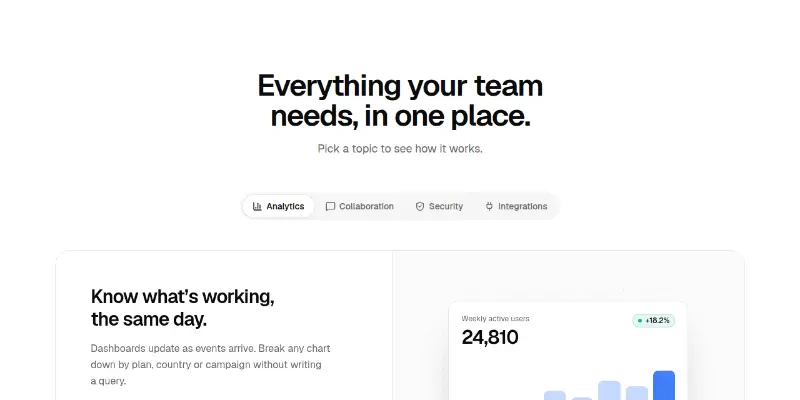
Features 6: tabbed showcase preview
Features 6: tabbed showcase

Pill tabs with a sliding indicator switch between feature panels: heading, checked points and link beside a product picture. Tabs scroll sideways on phones.

Features 7: menu bar app tour preview

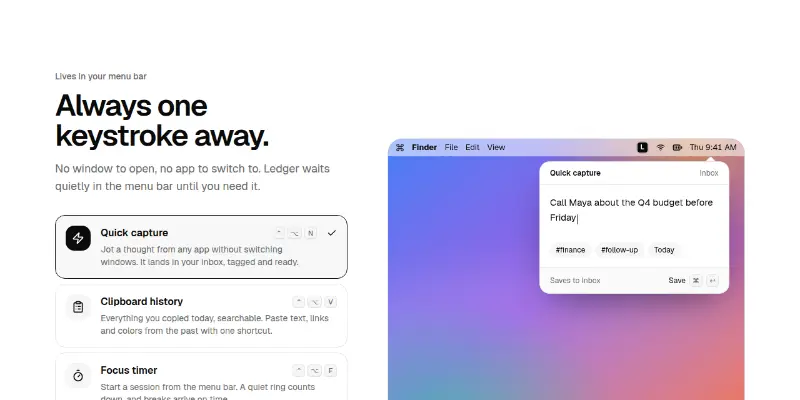
A feature picker for menu bar apps: choose a feature and a miniature desktop shows the app's panel hanging from its menu bar icon, with quick capture, clipboard history, a focus timer and shortcuts drawn from tokens.

Features Pro 1: before and after slider preview
Features Pro 1: before and after sliderPRO

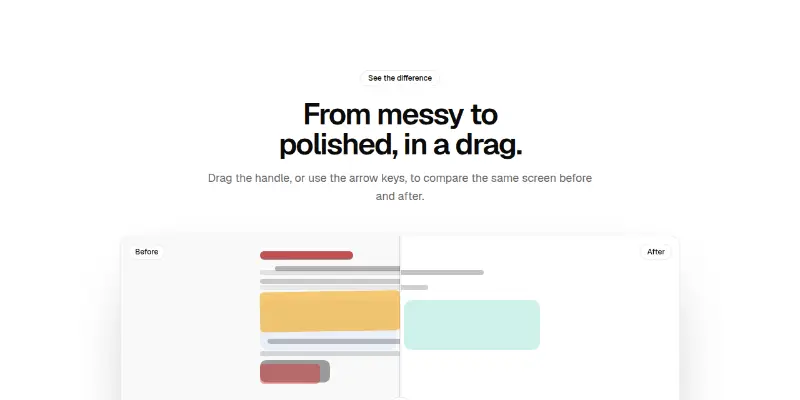
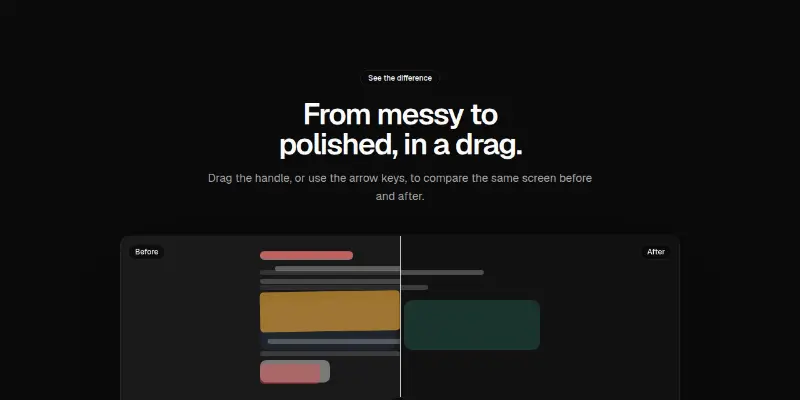
Drag or arrow-key a divider across two pictures to show a transformation. Built-in art shows without images; pass your own before and after.

Features Pro 10: press-the-keys playground preview

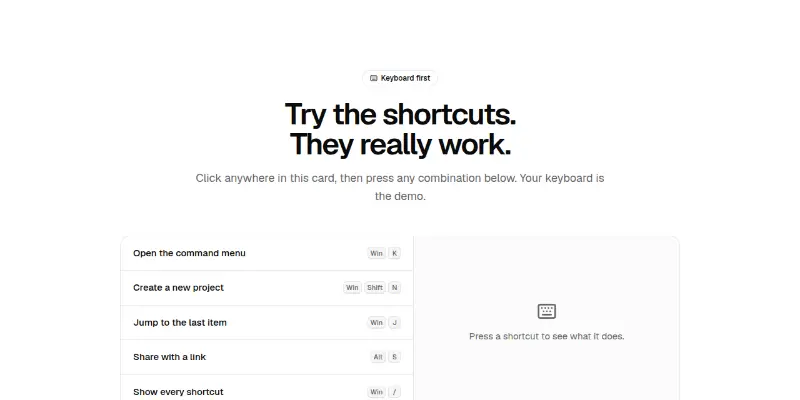
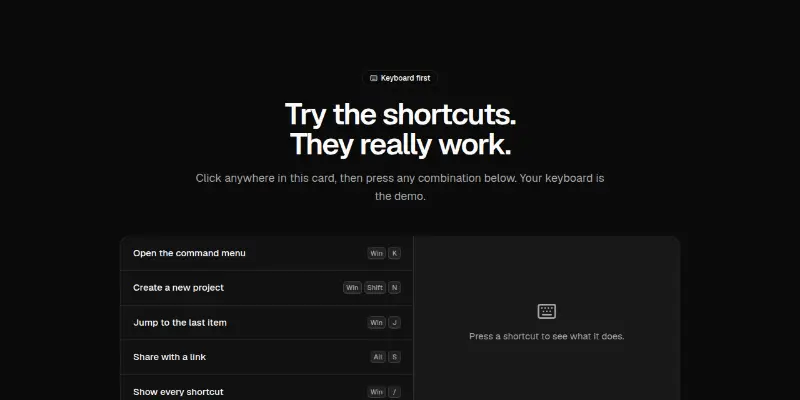
A shortcut list that listens to the real keyboard: press the combination and the keys light up and the result appears. Adapts symbols to Mac or Windows.

Features Pro 11: terminal-driven features preview

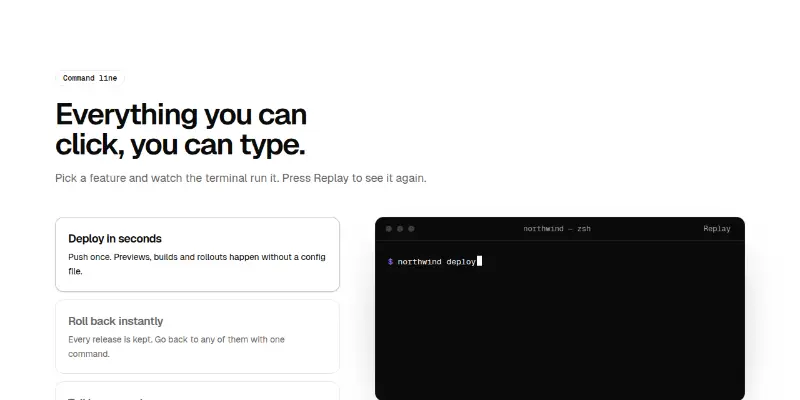
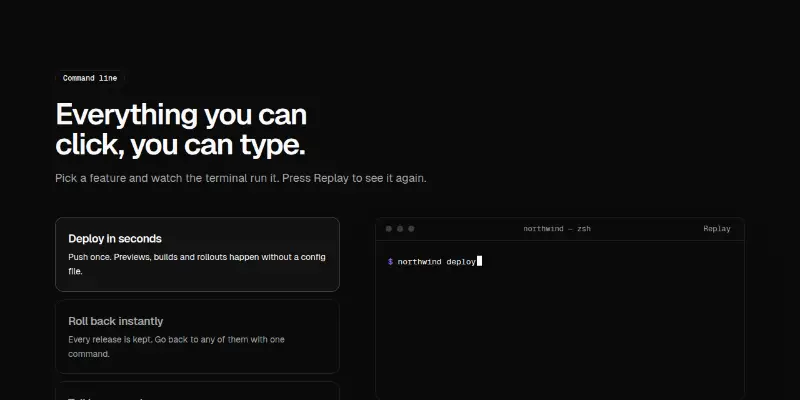
Pick a feature on the left and a dark terminal types the matching commands on the right. Replay on demand; prints everything at once under reduced motion.

Features Pro 12: release timeline preview
Features Pro 12: release timelinePRO

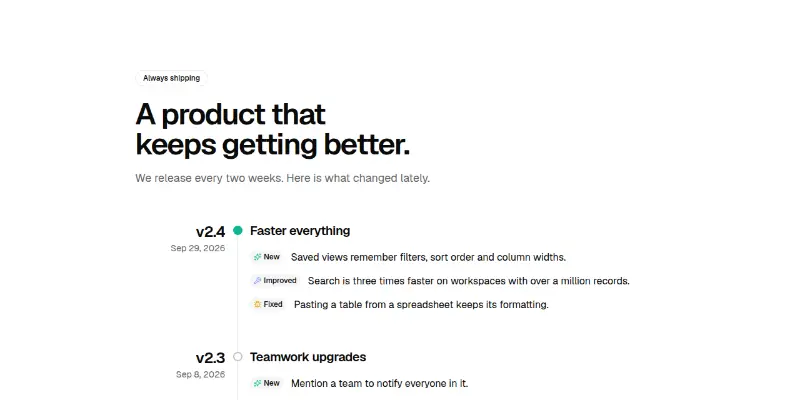
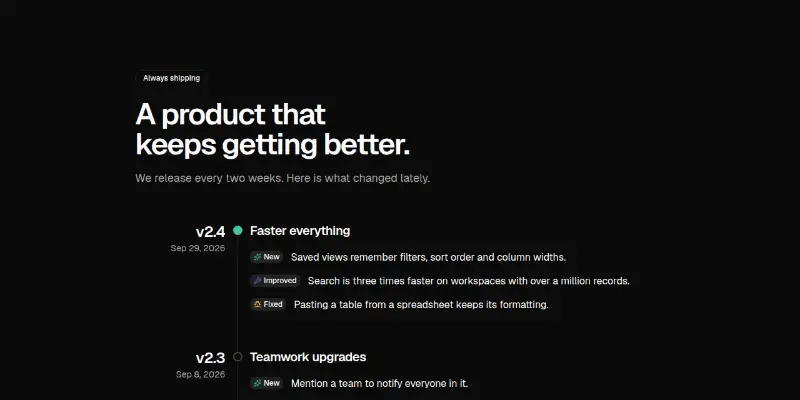
A vertical timeline of releases with version, date and typed changes (new, improved, fixed). Entries ease in as you scroll.

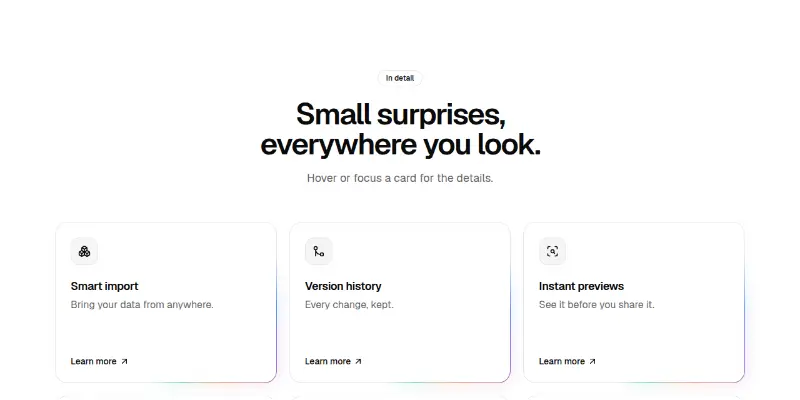
Features Pro 13: hover-reveal cards with glow edge preview

Cards with a slow travelling glow on the edge. Extra detail opens on hover or keyboard focus without moving the layout; always open under reduced motion.

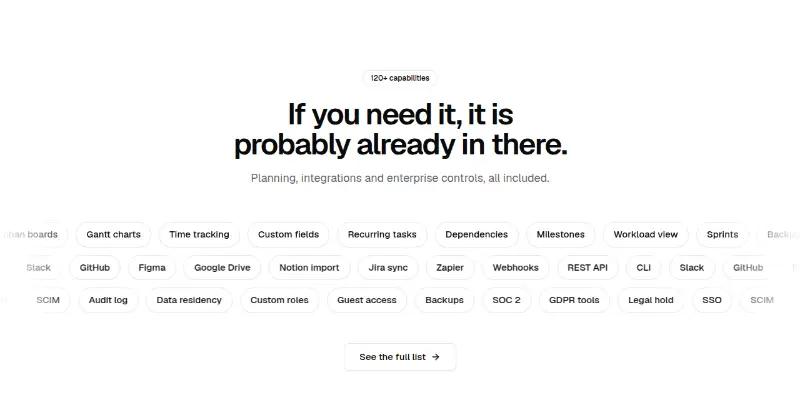
Features Pro 14: feature chips in motion preview
Features Pro 14: feature chips in motionPRO

Three rows of capability chips drifting in opposite directions (planning, integrations, enterprise). Pauses on hover and focus; still under reduced motion.

Features Pro 15: platform tabs preview
Features Pro 15: platform tabsPRO

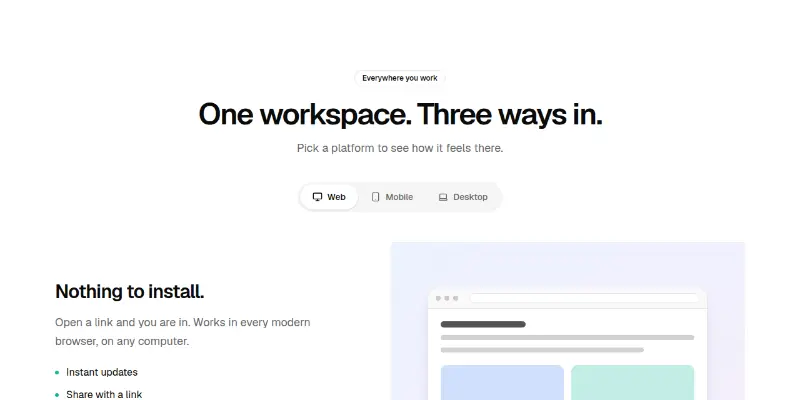
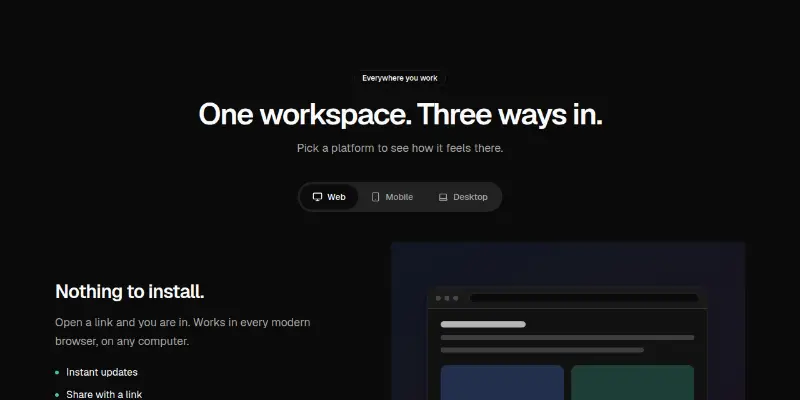
Tabs for Web, Mobile and Desktop swap the copy and screenshot. Proper tablist semantics, arrow/Home/End keys, right-to-left aware.

Features Pro 16: scroll-snap carousel preview
Features Pro 16: scroll-snap carouselPRO

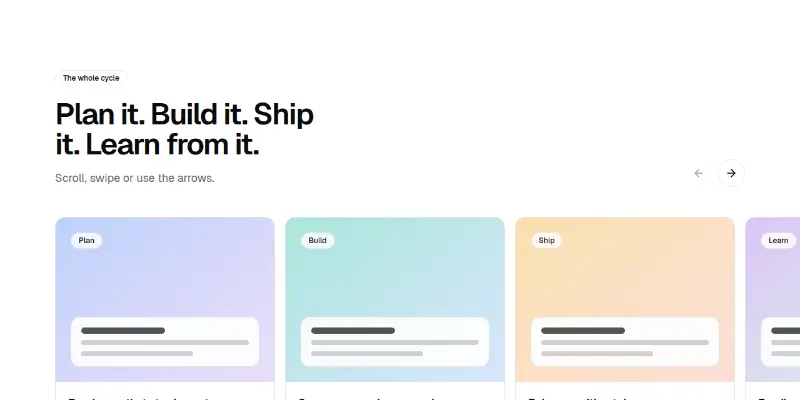
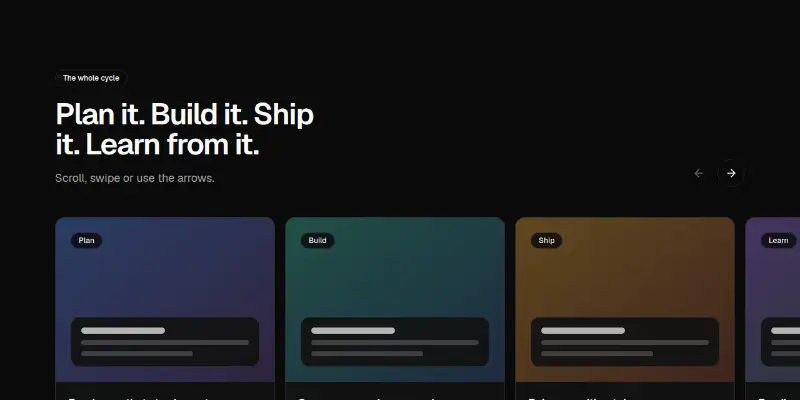
A row of feature cards that snaps as you scroll or use the arrows. The track is focusable and keyboard scrollable; arrows disable at the ends and flip in right-to-left.

Features Pro 17: sticky stacking cards preview
Features Pro 17: sticky stacking cardsPRO

The heading stays on the left while big cards slide up and stack on top of each other as you scroll. Pure CSS sticky, no scroll listeners.

Features Pro 18: picture mosaic preview
Features Pro 18: picture mosaicPRO

A mosaic of picture tiles with titles over a gradient, some spanning two columns. Tiles can link; the whole tile is the hit target.

Features Pro 19: included in every plan preview
Features Pro 19: included in every planPRO

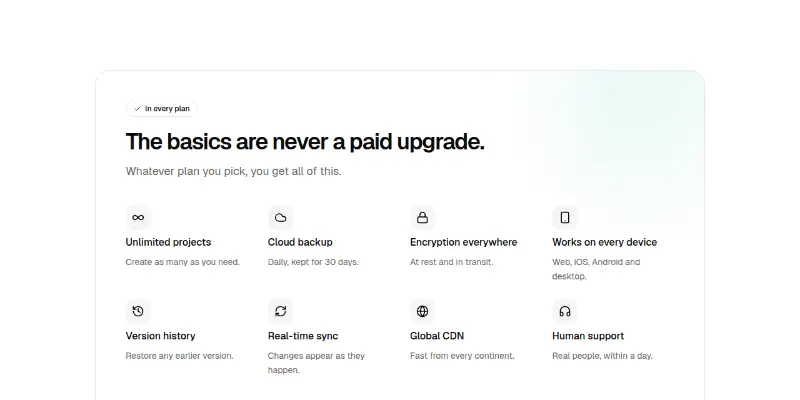
A calm panel of eight things every plan includes, with icons and a footnote that points to higher plans. Reduces pricing anxiety.

Features Pro 2: pointer-lit card grid preview
Features Pro 2: pointer-lit card gridPRO

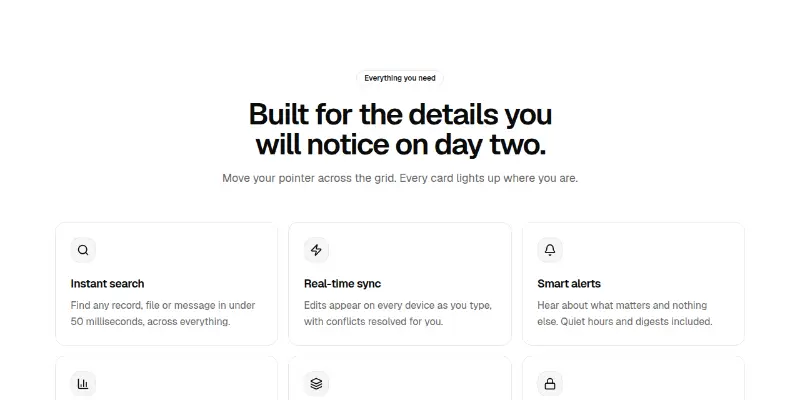
Six feature cards share one glow that follows the pointer across the whole grid, lighting borders and backgrounds where it passes. Switched off on touch.

Features Pro 20: assistant skills with streaming replies preview

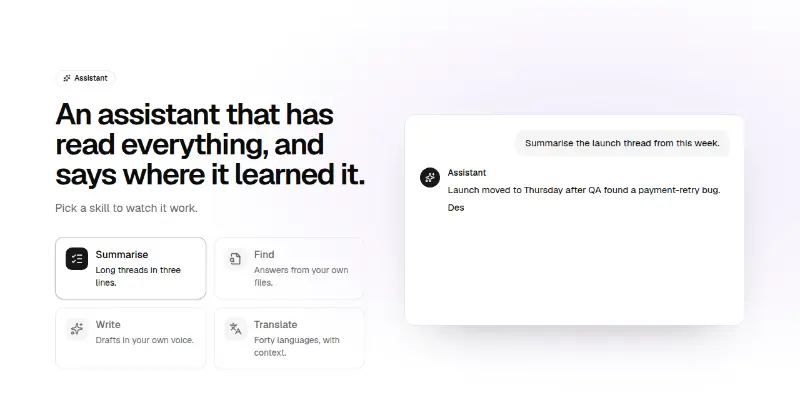
Pick a skill (summarise, find, write, translate) and watch a sample question and a streaming answer. Honest about what the assistant can do.

Features Pro 3: auto-advancing accordion preview

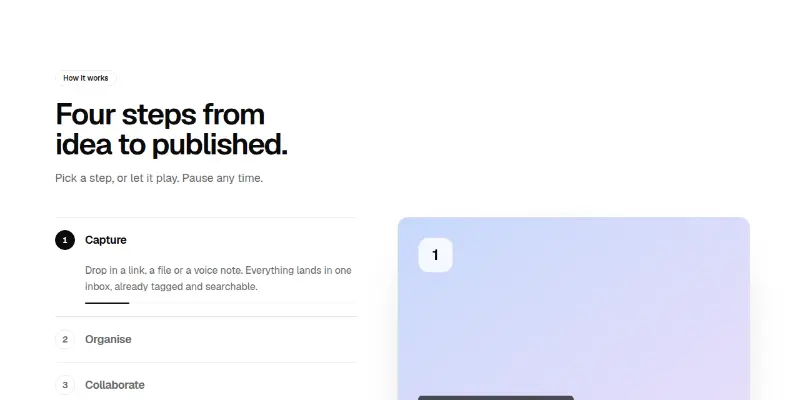
A vertical list of steps, one open at a time, with a progress line that fills and moves to the next step. The picture crossfades. Pauses on hover and focus; has a pause control.

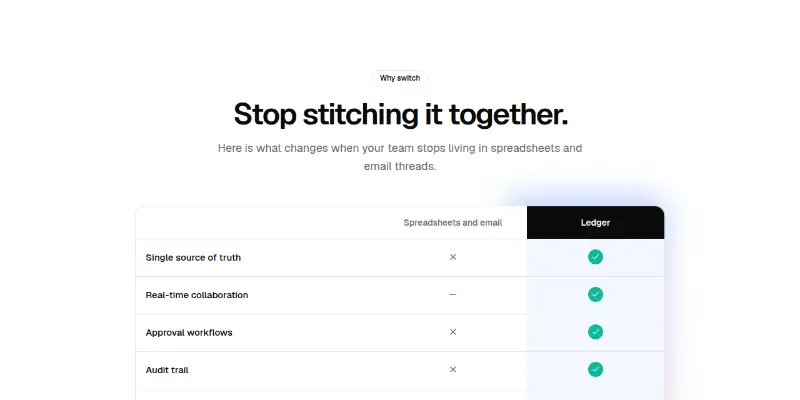
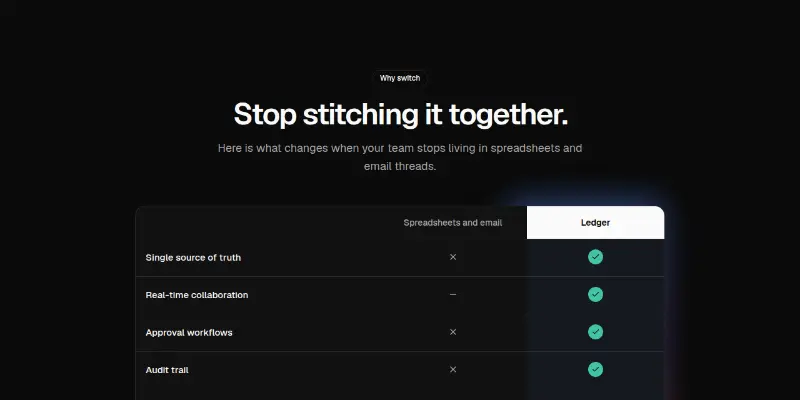
Features Pro 4: us versus them table preview
Features Pro 4: us versus them tablePRO

A real comparison table with a glowing column for your product. Ticks, crosses and partials carry hidden text; text cells work too. Rows highlight on hover.

Features Pro 5: measured results preview
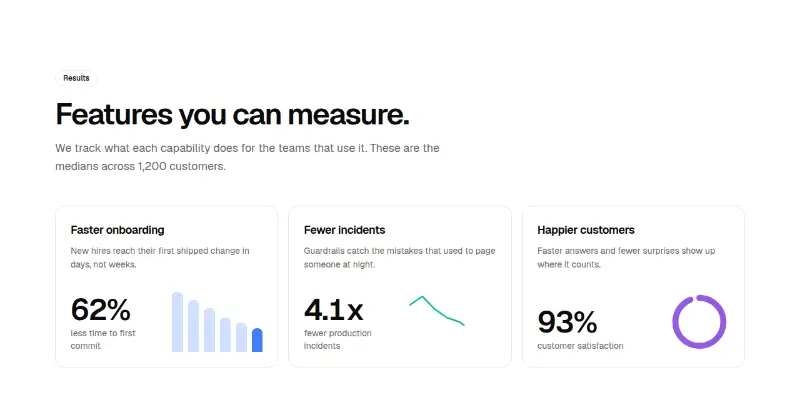
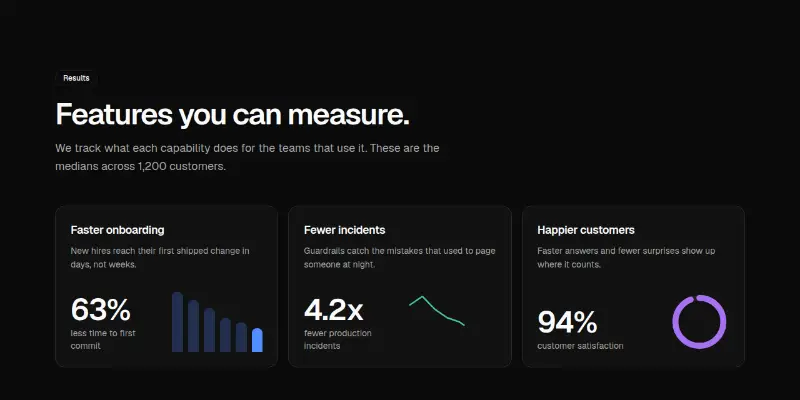
Features Pro 5: measured resultsPRO

Three cards with a counting headline number and a small animated chart each: bars, a drawing line or a progress ring. Charts draw once when scrolled into view.

Features Pro 6: filterable feature list preview
Features Pro 6: filterable feature listPRO

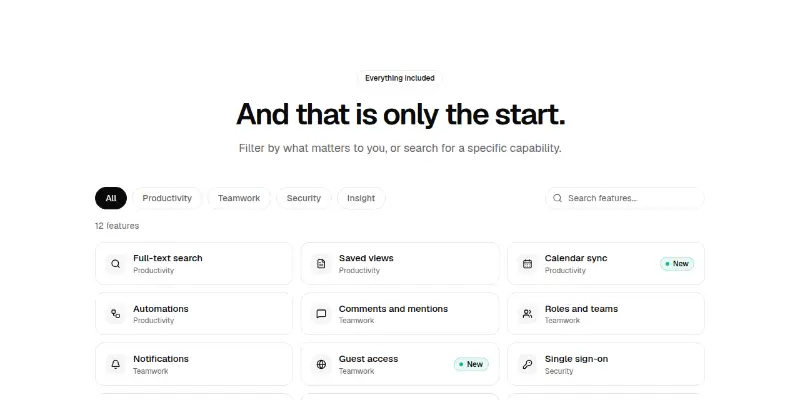
Category chips and a search box filter a grid of capabilities with an animated layout and a live count. Shows breadth without a wall of text.

Features Pro 7: live security controls preview
Features Pro 7: live security controlsPRO

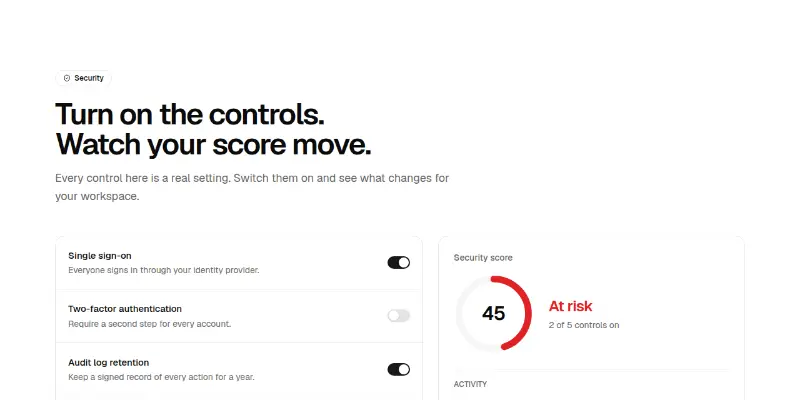
Real switches change a security score ring and add lines to an activity log. Teaches by letting the visitor try the controls.

Features Pro 8: workflow with drawing connector preview

Steps along a line that draws itself as the section scrolls into view; horizontal on wide screens and vertical on narrow ones.

Features Pro 9: alternating rows with quotes preview

Large alternating rows, each with a tag, headline, points, a customer quote and a picture slot. The classic long feature page, done carefully.

Stats6

Stats 1: headline metrics with trends preview

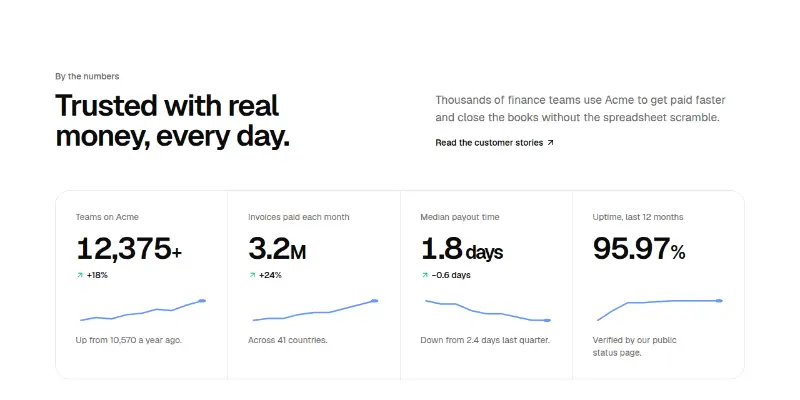
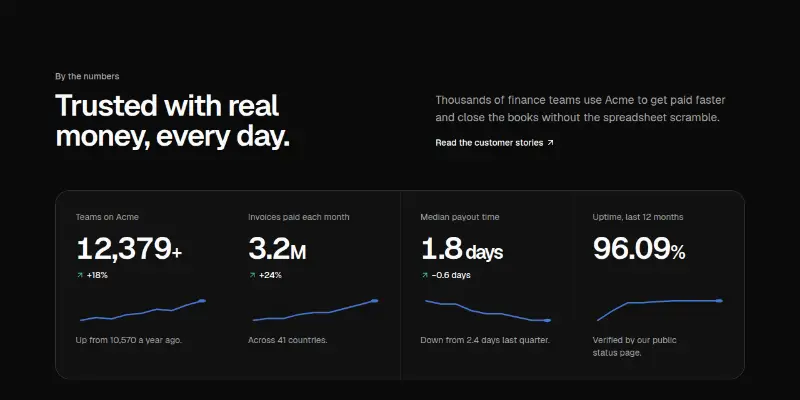
Four large numbers in a hairline grid that count up on scroll, each with a change badge, a small trend line and one line of context. Heading and copy sit above.

Stats Pro 1: big numbers with trend lines preview

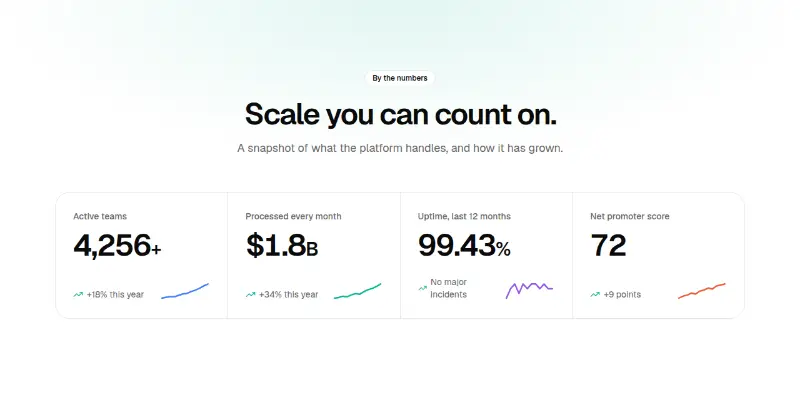
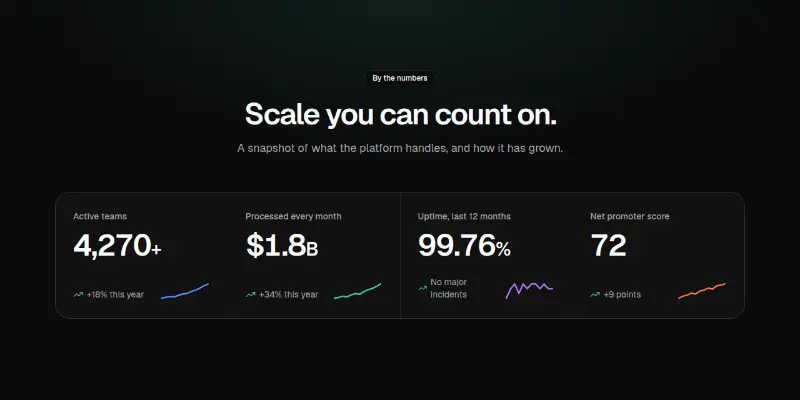
Four counting numbers with a change note and a sparkline each, set in a single bordered grid.

Stats Pro 2: ninety-day uptime strip preview

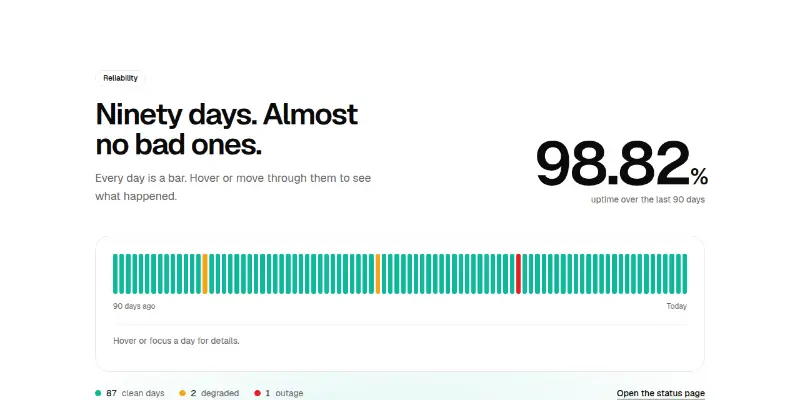
A large uptime figure computed from ninety daily bars. Move through the days with arrow keys to read what happened on each.

Stats Pro 3: return-on-investment slider preview

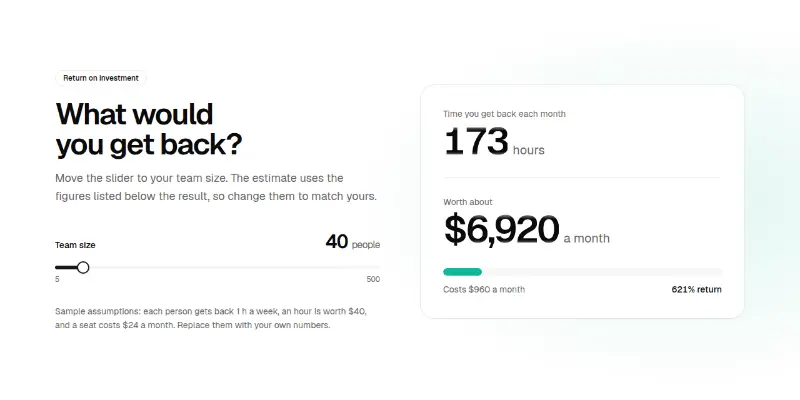
Slide a team size and watch hours saved, money saved and return update. Assumptions are editable props and printed under the result.

Stats Pro 4: customers around the world preview

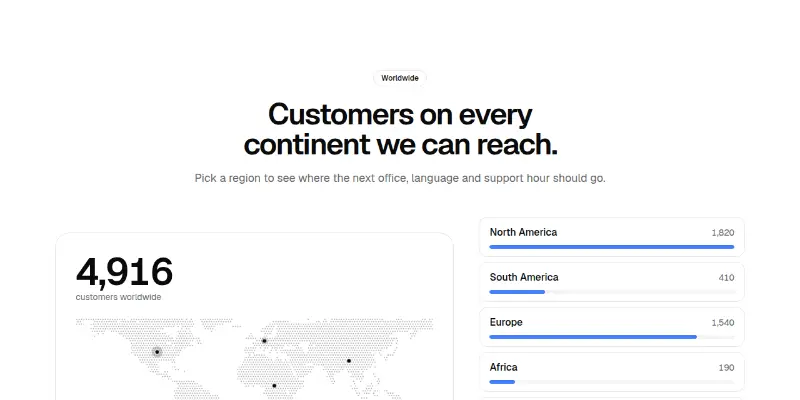
A dotted world map beside regions with bars. Choose a region to highlight it and swap the big number.

Stats Pro 5: us against the average preview

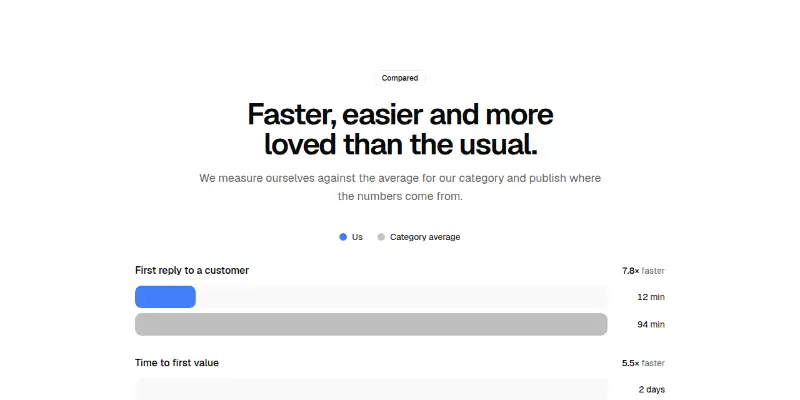
Paired bars for each metric that grow when scrolled into view, with a how-many-times badge and a visible source line.

Logo cloud5

Logo Cloud 1: marquee or grid preview
Logo Cloud 1: marquee or grid

Customer logos as an endlessly scrolling row with faded edges, or a static grid with hairline dividers. Wordmarks brighten on hover.

Logo-cloud Pro 1: counted and moving logo rows preview

A count of customers that ticks up, over two rows of logos moving in opposite directions with soft edges.

Logo-cloud Pro 2: grid with a note on hover preview

Eight logos in a bordered grid beside the heading. Hover or focus a logo to lift it and see what that customer achieved.

Logo-cloud Pro 3: logos filtered by industry preview

Industry tabs filter a grid of logos with animated layout changes, arrow-key tabs and a polite count.

Logo-cloud Pro 4: logos in orbit preview
Logo-cloud Pro 4: logos in orbitPRO

Two rings of logos slowly circling a central statement and button. Logos stay upright and everything is still under reduced motion.

Testimonials9

Testimonials 1: scrolling wall of quotes preview

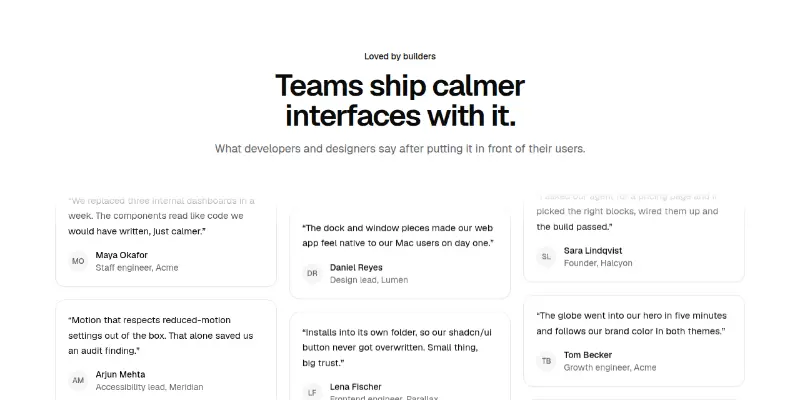
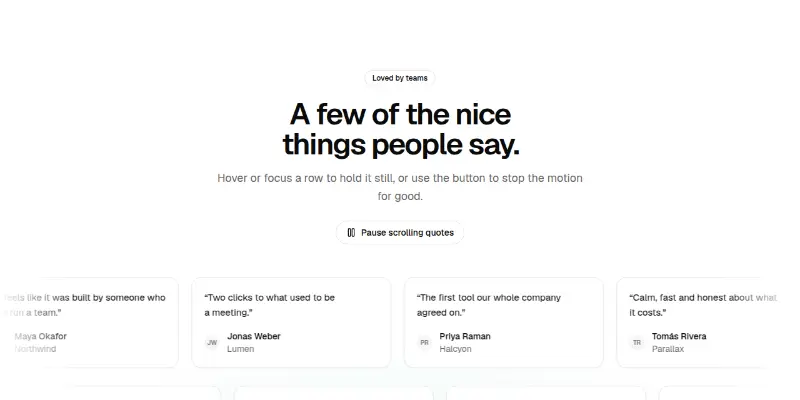
A wall of testimonial cards in three columns that scroll at different speeds in opposite directions, pausing on hover, with a plain list on phones.

Testimonials 2: featured quote with avatar picker preview

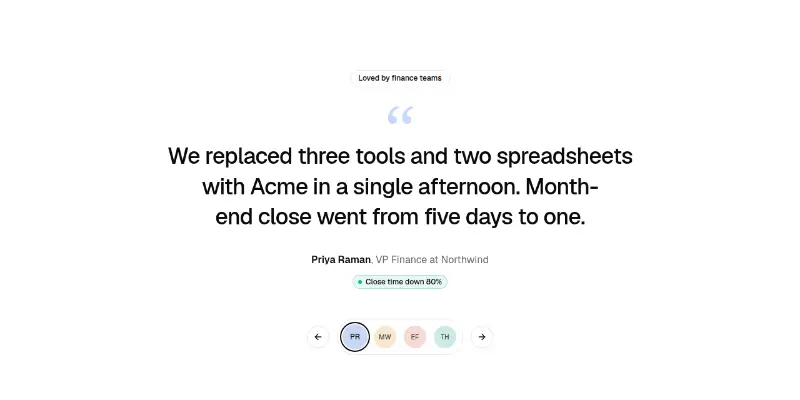
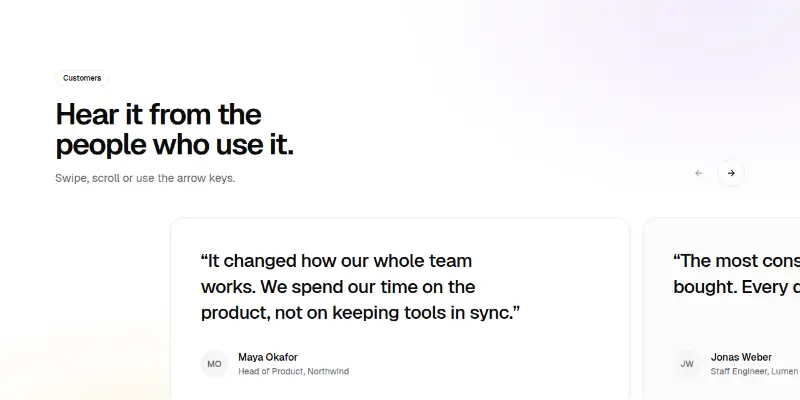
One large quote at a time with the person, role and a highlighted result. A row of avatars switches quotes with arrow keys; optional gentle autoplay that pauses on hover and focus.

Testimonials Pro 1: filterable wall of love preview
Testimonials Pro 1: filterable wall of lovePRO

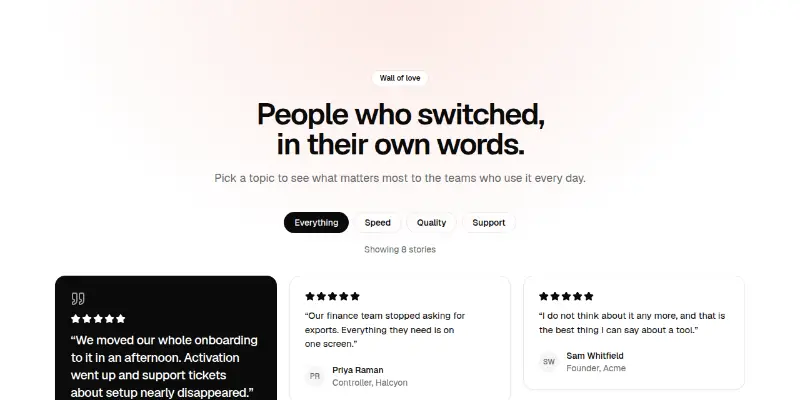
A masonry wall of quotes with topic chips, star ratings, one highlighted quote and a polite live count of what is shown.

Testimonials Pro 2: two rows of moving quotes preview
Testimonials Pro 2: two rows of moving quotesPRO

Two rows of quote cards that scroll in opposite directions, with a visible pause button, pause on hover and focus, and a static scrollable row under reduced motion.

Testimonials Pro 3: one big quote with a person picker preview

A single large quote with a result chip, switched by avatar tabs that follow the tabs pattern with arrow keys, Home and End.

Testimonials Pro 4: result cards with big numbers preview

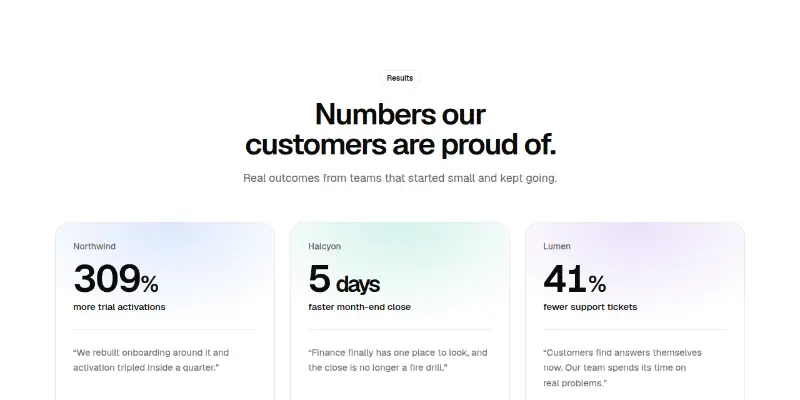
Three customer cards led by a counting number, with the quote underneath and a link to the full story.

Testimonials Pro 5: swipeable quote carousel preview
Testimonials Pro 5: swipeable quote carouselPRO

Large quotes in a scroll-snap row with previous and next buttons, a progress indicator, keyboard keys and a polite position announcement.

Testimonials Pro 6: rating summary with reviews preview

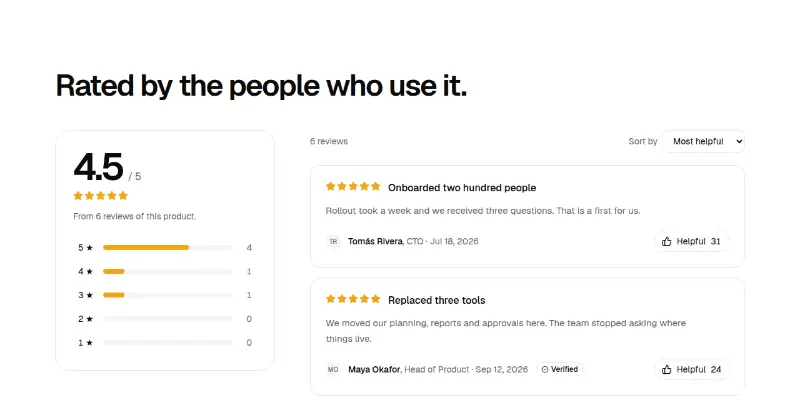
An average and rating bars you can click to filter, a sort menu and review cards with verified badges and a Helpful toggle.

Testimonials Pro 7: expanding customer stories preview

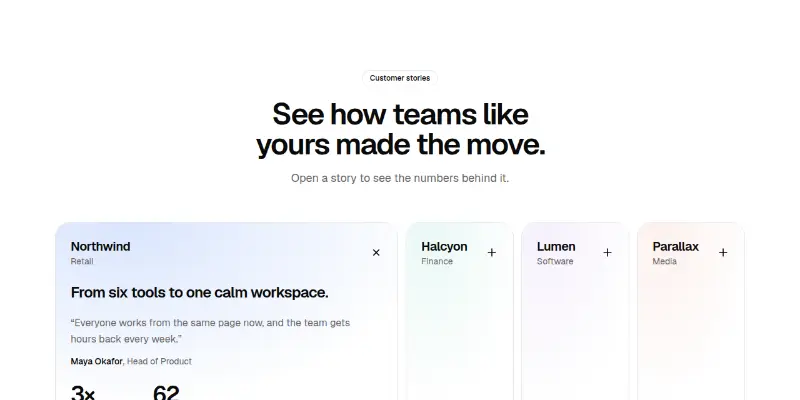
Customer panels that open like an accordion on phones and widen side by side on desktop, each with a headline, quote and two numbers.

Team2

Team 1: portrait grid with hover bios preview

A grid of team portraits with name, role, location and links. On hover or keyboard focus a bio slides up over the photo; phones show it inline. Initial tiles when there is no photo.

Team Pro 1: team grid with filters and bios preview

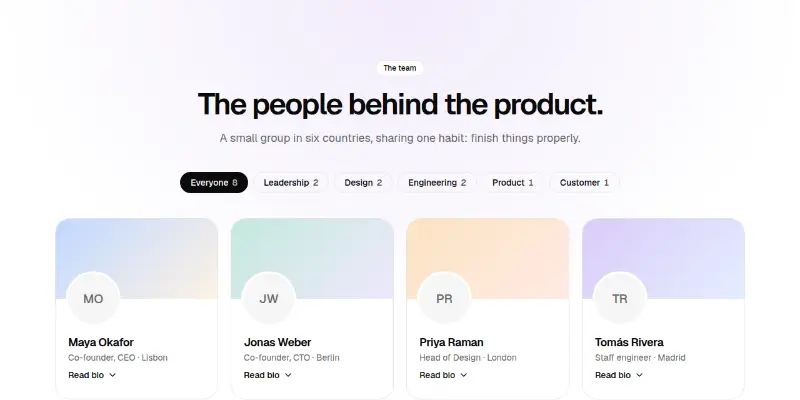
People cards with generated cover colours and avatars, team filters with counts, expandable bios with links and a hiring card.

Comparison2

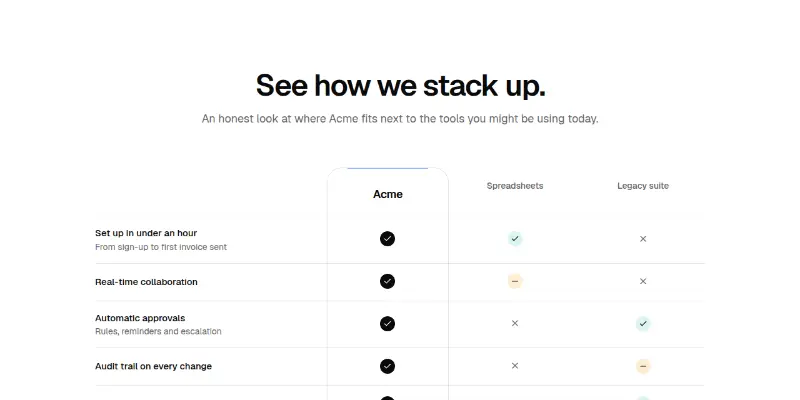
Comparison 1: us versus the alternatives preview

A product-versus-alternatives table where your column is lifted into its own card, with yes, partly, no and text values and a row of headline results. Phones switch between alternatives.

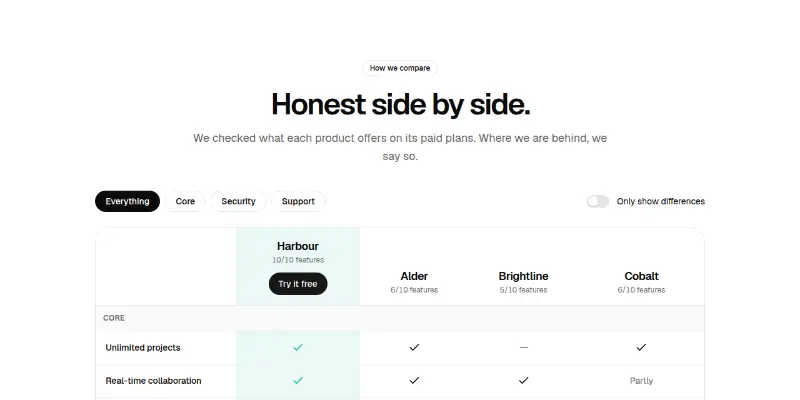
Comparison Pro 1: side-by-side with differences preview

A sticky-header comparison table with a highlighted column for you, group filters, a differences-only switch and computed feature counts.

Pricing19

Pricing 1: two tiers preview
Pricing 1: two tiers

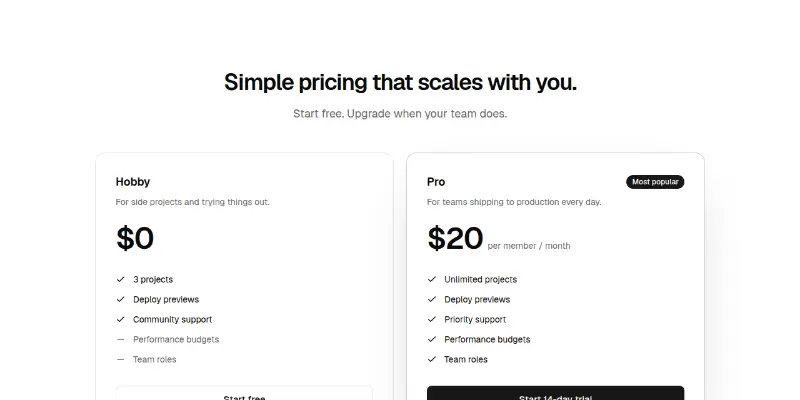
Two pricing cards side by side with included and excluded features, a highlighted plan with a border beam and badge, and small print.

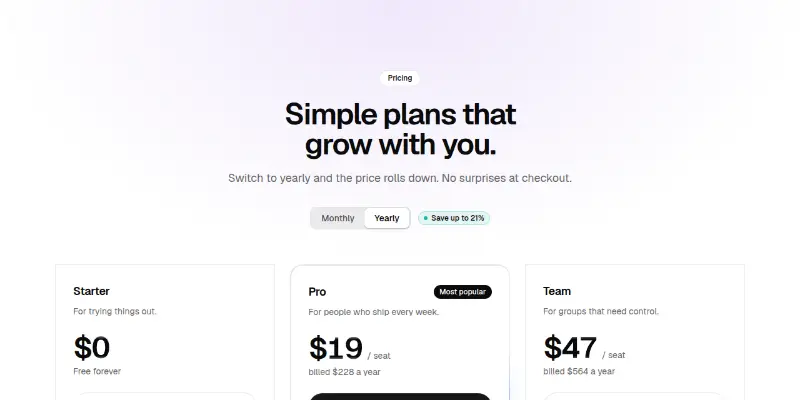
Pricing 2: three tiers with billing toggle preview

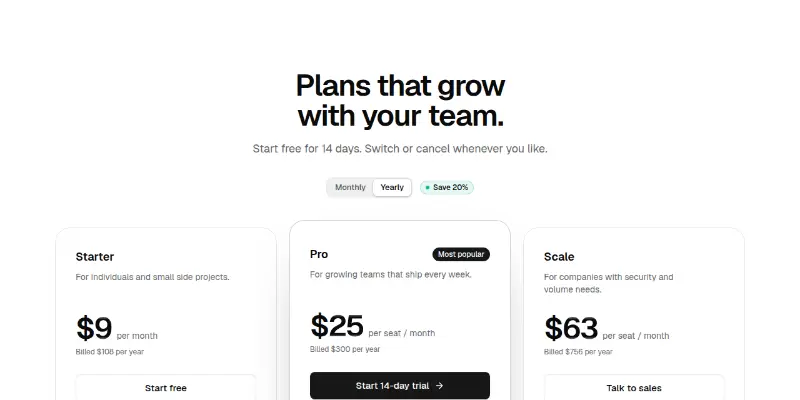
Three plan cards with a monthly/yearly switch. Prices roll to the new value, a savings badge and billed-total line update, and the middle plan is lifted with a border beam.

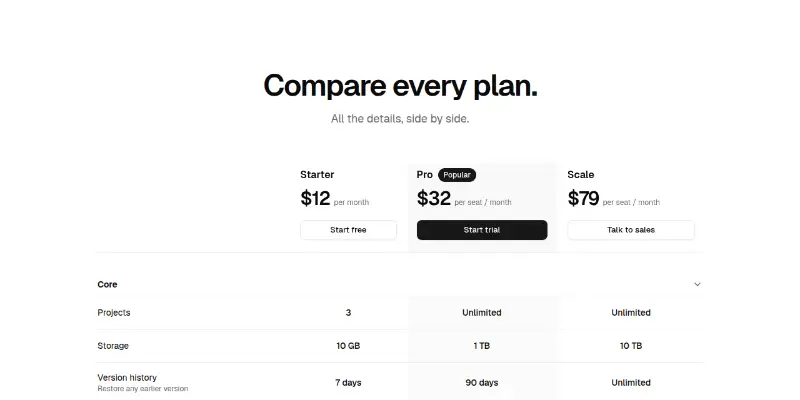
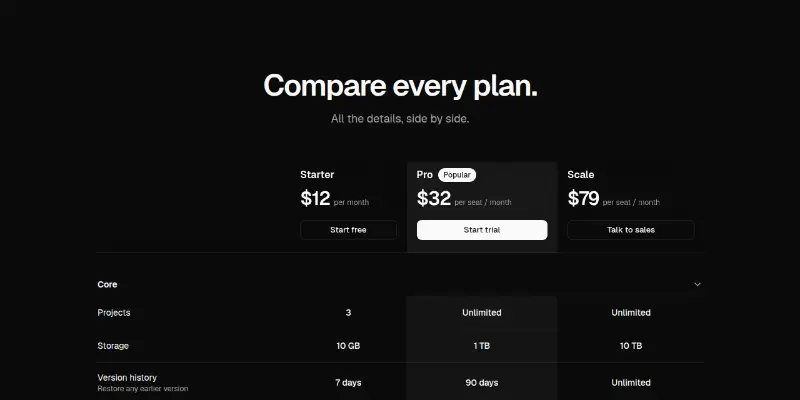
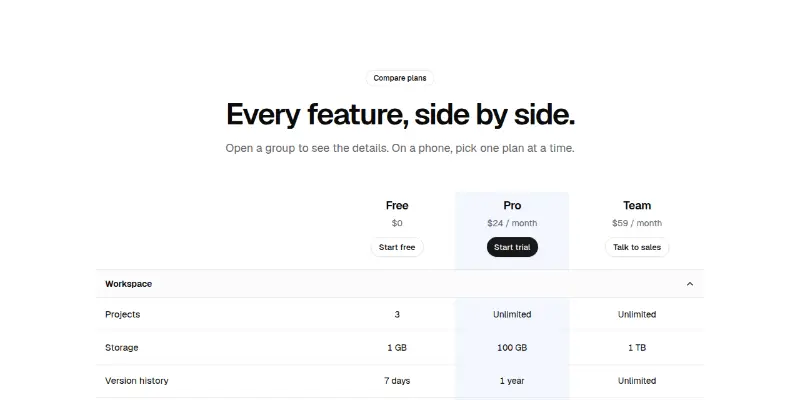
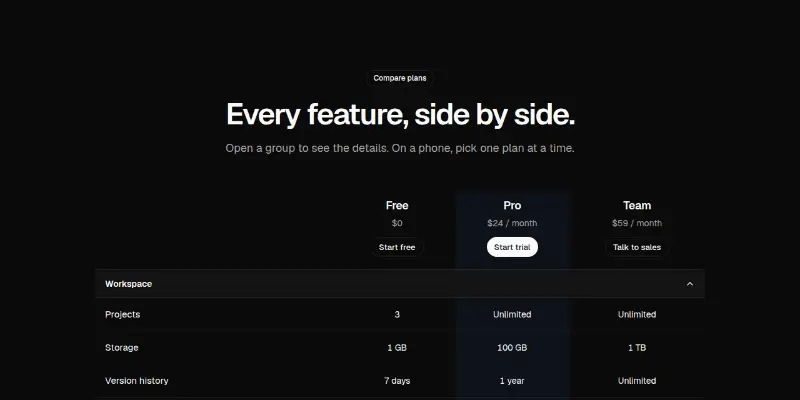
Pricing 3: full plan comparison preview

A feature-by-feature comparison table with a sticky plan header, collapsible groups and a highlighted column. On phones it becomes a plan switcher with one clean list.

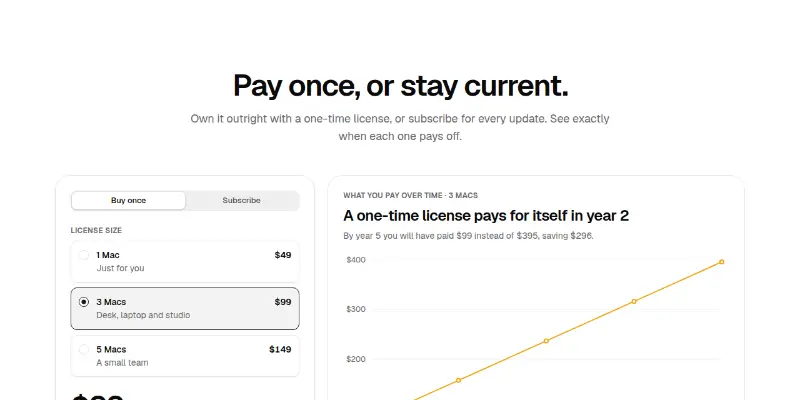
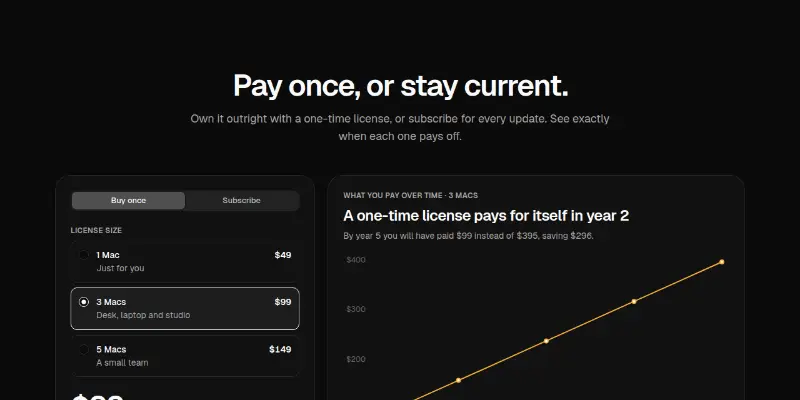
Pricing 4: one-time license vs subscription preview

A pricing section for Mac apps that sell both ways: a Buy once / Subscribe switch, license size cards and a cumulative-cost chart that computes the break-even year.

Pricing Pro 1: rolling prices with billing switch preview

Three plans with a Monthly/Yearly switch where prices roll to the new number, a computed saving badge and a glowing featured plan.

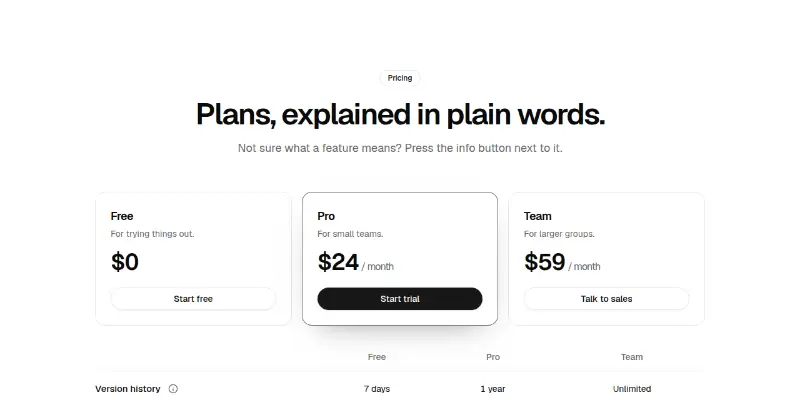
Pricing Pro 10: plans with plain-words explanations preview

Plan cards over a feature table where each row has an info button that opens a plain-language explanation. Pricing that teaches.

Pricing Pro 11: raised middle plan preview
Pricing Pro 11: raised middle planPRO

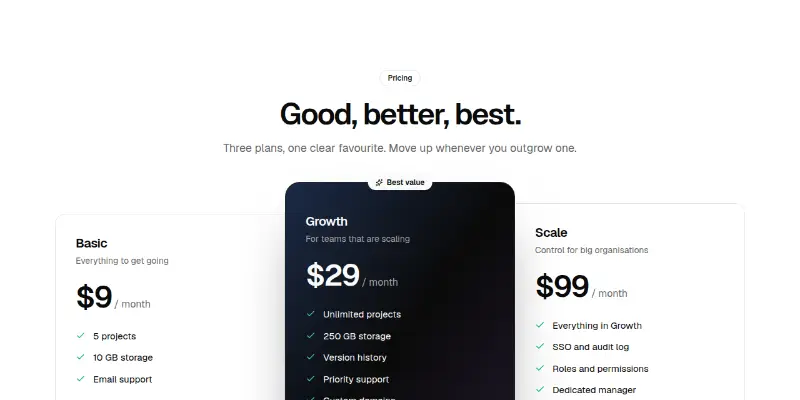
Good, better, best: the middle plan is drawn dark and raised above its neighbours with a badge, so the choice is obvious without shouting.

Pricing Pro 12: build your plan with extras preview

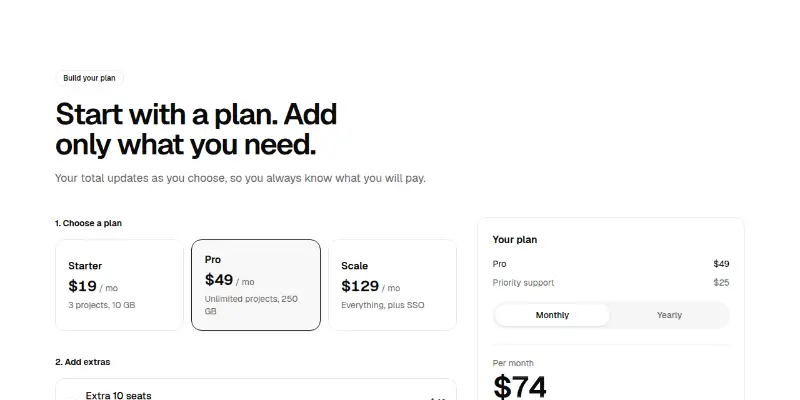
Choose a base plan, tick optional extras and watch an order summary and total update, with a yearly discount switch. A real quote builder.

Pricing Pro 13: credit packs preview
Pricing Pro 13: credit packsPRO

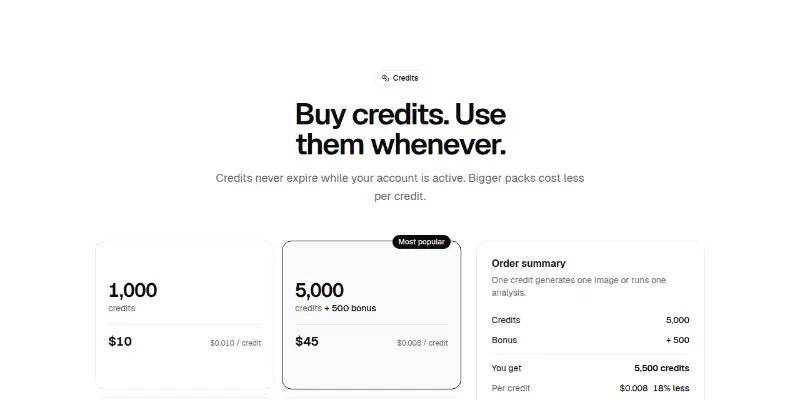
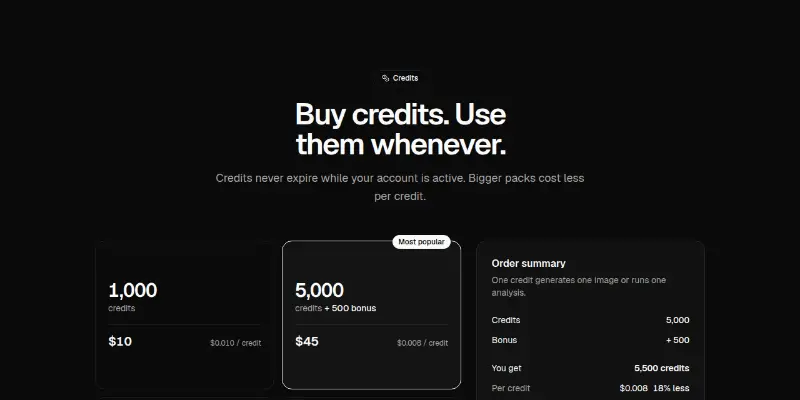
Radio cards for credit packs with bonus credits and the real price per credit, an order summary, an auto top-up switch and a savings figure computed against the smallest pack.

Pricing Pro 14: audience tabs preview
Pricing Pro 14: audience tabsPRO

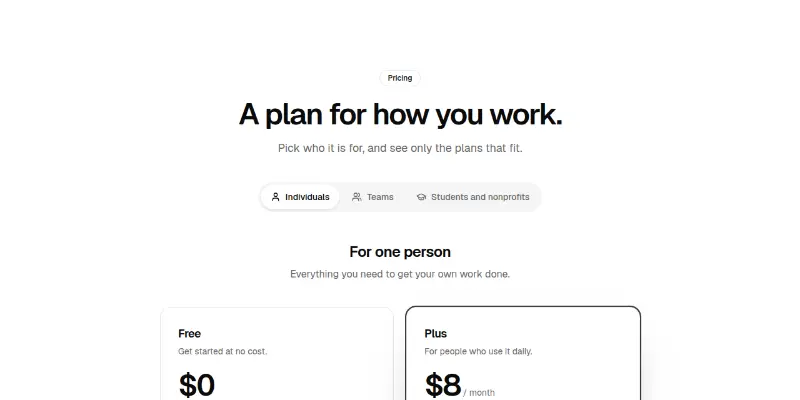
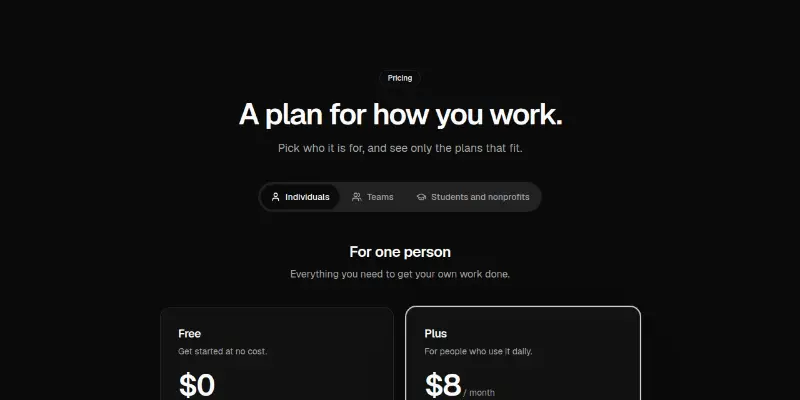
Tabs for Individuals, Teams and Students and nonprofits swap in the plans that fit each, with arrow-key tabs and an eligibility note.

Pricing Pro 15: free trial timeline preview
Pricing Pro 15: free trial timelinePRO

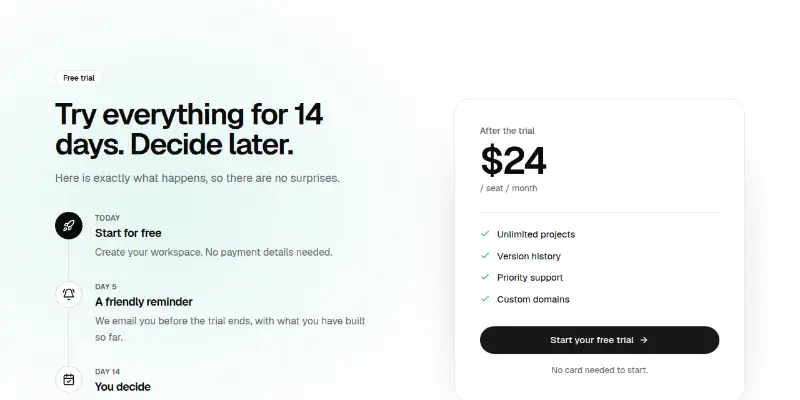
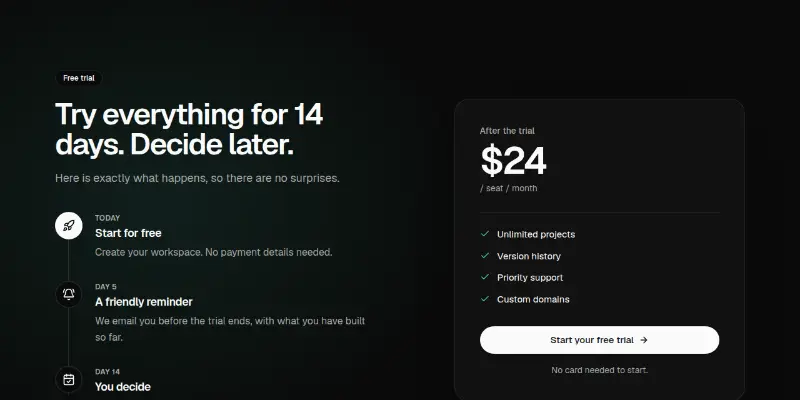
A timeline of what happens during the trial (today, a reminder, decision day) beside the price you pay afterwards. Removes fear of the unknown.

Pricing Pro 2: seat slider with volume tiers preview

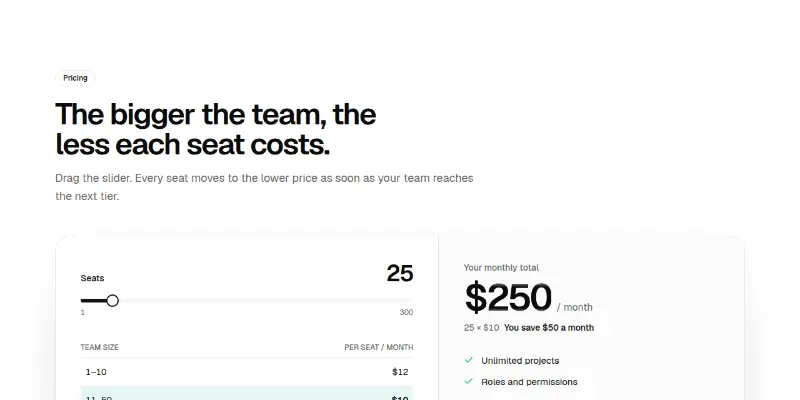
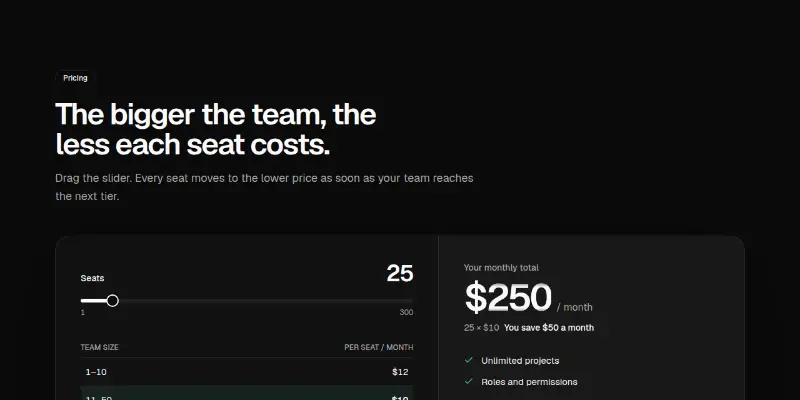
A slider chooses the number of seats; every seat moves to the tier price for that team size. Shows the tier table with your tier highlighted, the total and the saving.

Pricing Pro 3: usage estimator preview
Pricing Pro 3: usage estimatorPRO

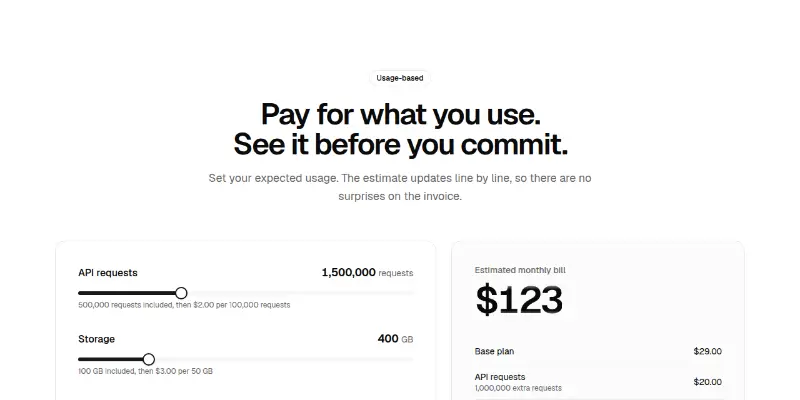
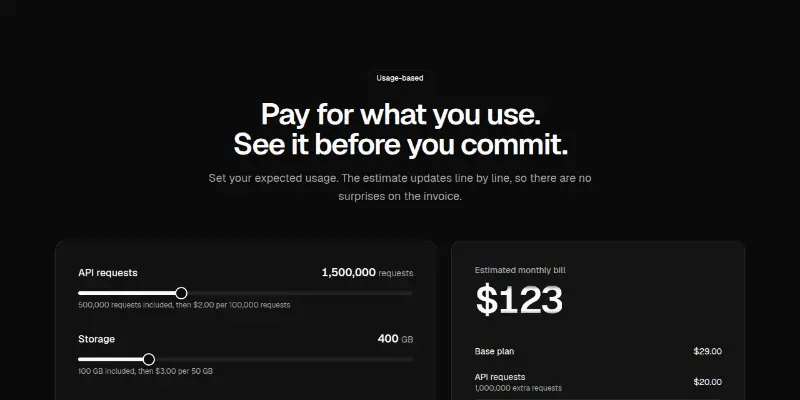
Sliders for requests, storage and people produce a line-by-line bill estimate: base plan plus what you use beyond the included amounts.

Pricing Pro 4: collapsible comparison matrix preview

A real comparison table with a sticky header, collapsible feature groups and, on small screens, a switch that shows one plan at a time.

Pricing Pro 5: one plan, pick a term preview
Pricing Pro 5: one plan, pick a termPRO

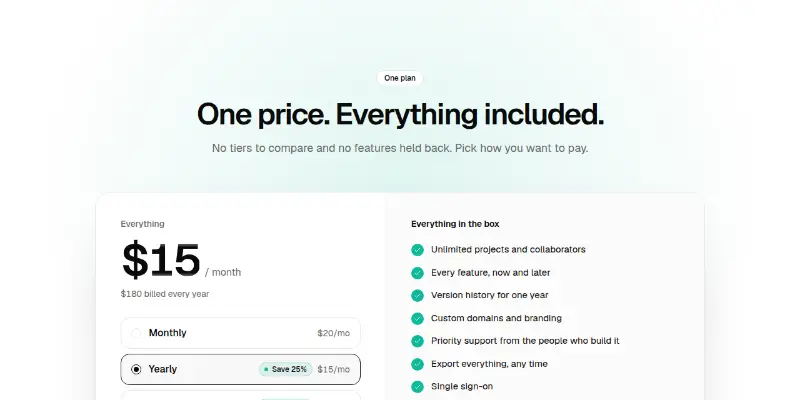
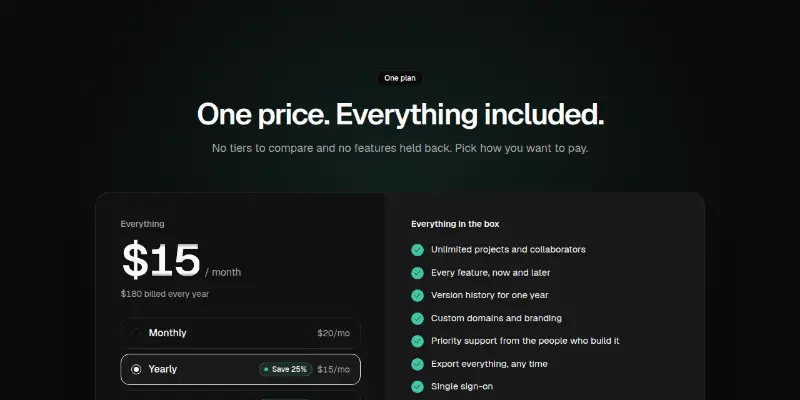
A single plan with every feature included. The visitor picks monthly, yearly or longer terms and the price rolls; the full inclusion list sits beside it.

Pricing Pro 6: name your price preview
Pricing Pro 6: name your pricePRO

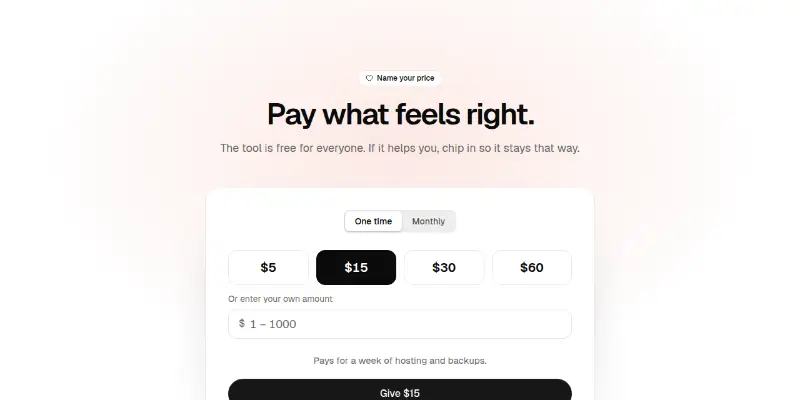
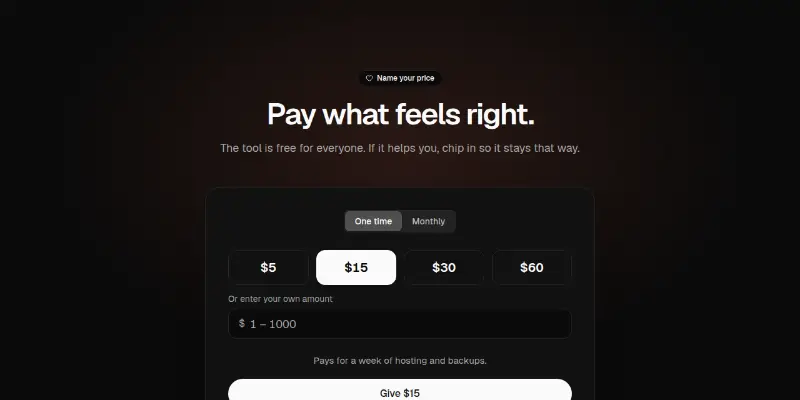
Preset amounts plus a custom field with validation, one-time or monthly, and a line that says what the chosen amount makes possible.

Pricing Pro 7: plan finder quiz preview
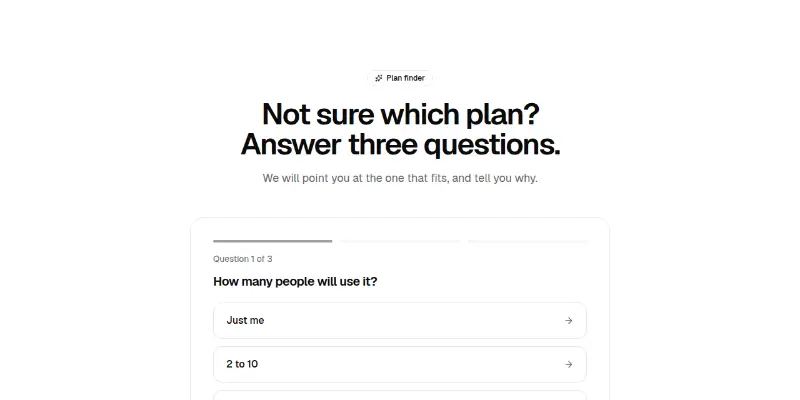
Pricing Pro 7: plan finder quizPRO

Three questions, one at a time, then a recommended plan with reasons while the matching plan card lights up. Fully replaceable scoring.

Pricing Pro 8: currency switch preview
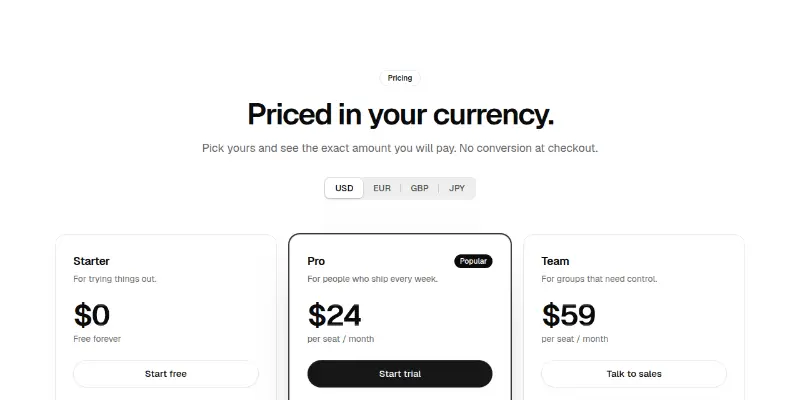
Pricing Pro 8: currency switchPRO

A currency switch shows each plan's real price in that currency, formatted for its locale. You enter every price yourself; nothing is converted on the fly.

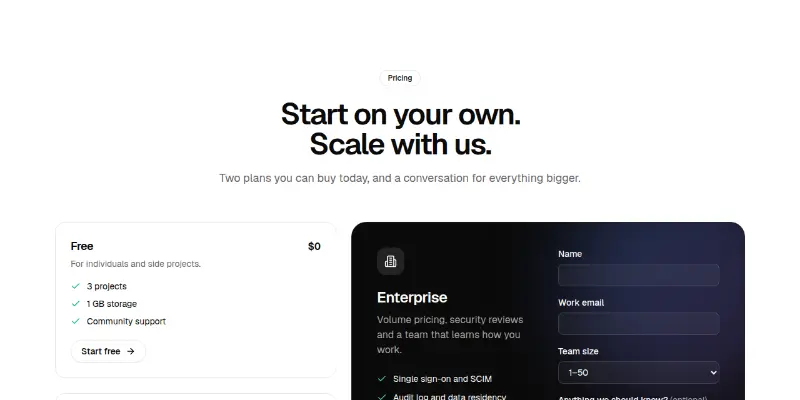
Pricing Pro 9: plans plus an enterprise form preview

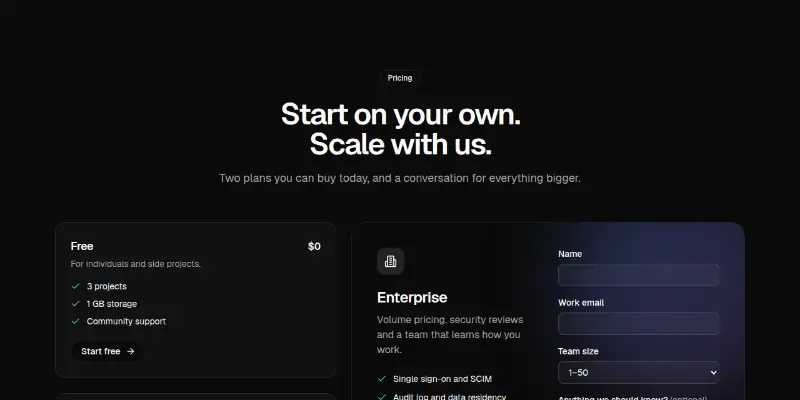
Two self-serve plans beside a dark enterprise panel with a contact form: validation, loading, error and success states, all accessible.

FAQ4

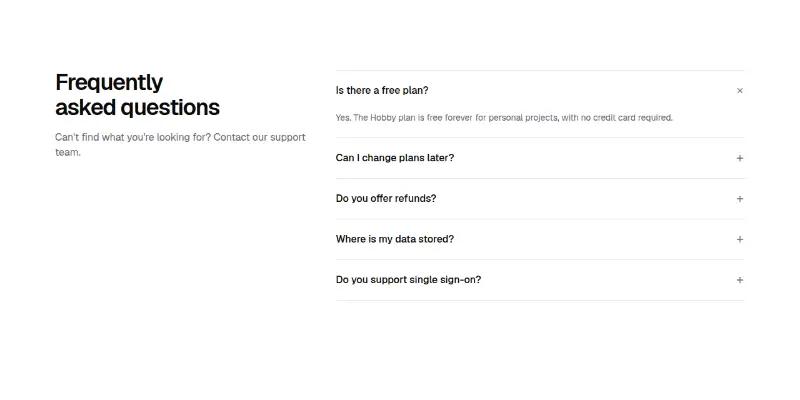
FAQ 1: accordion with heading preview

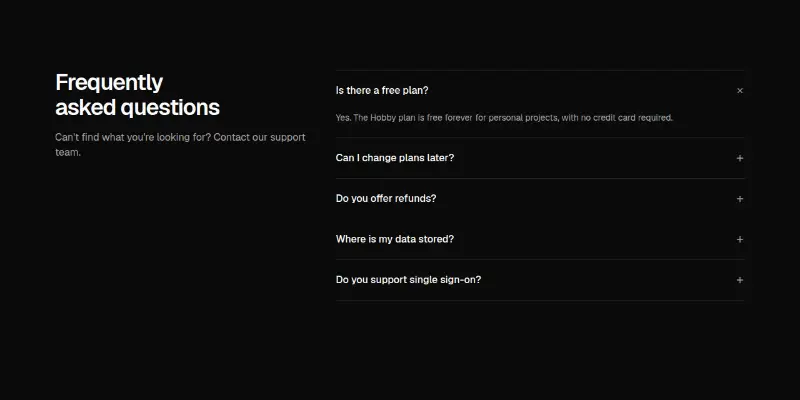
Frequently asked questions in an accessible accordion, with the heading and a help line in a side column on desktop.

FAQ 2: searchable with topic filters preview

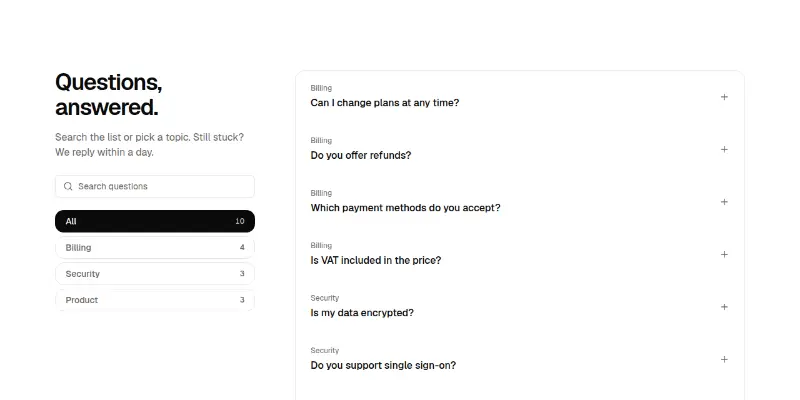
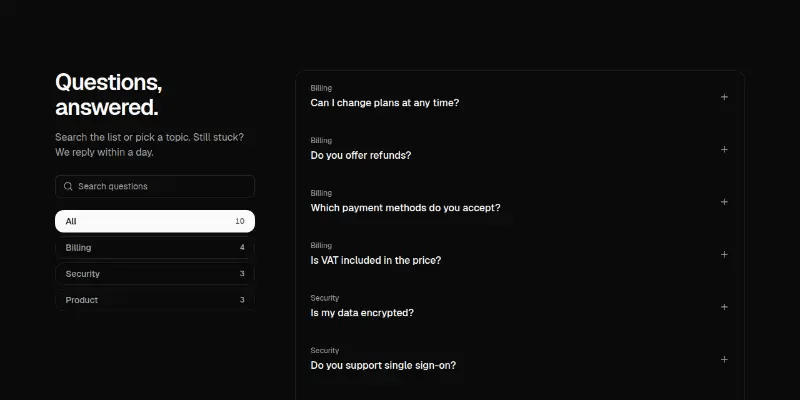
Frequently asked questions with live search that highlights matches, topic filters with counts, a friendly empty state and a support prompt. Topics scroll sideways on phones.

Faq Pro 1: searchable FAQ with highlights preview

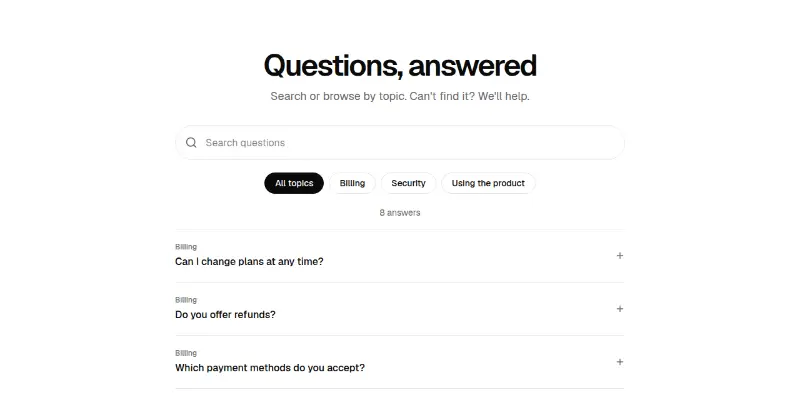
A search box that filters questions and highlights the match, topic chips and an accordion. A friendly empty state links to support.

Faq Pro 2: helpful votes and support card preview

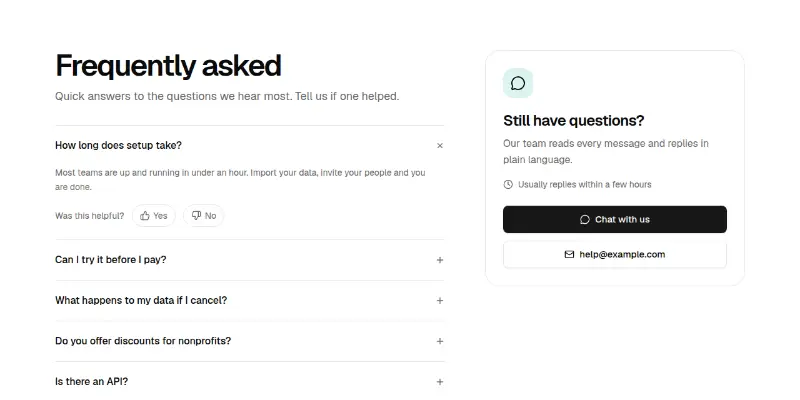
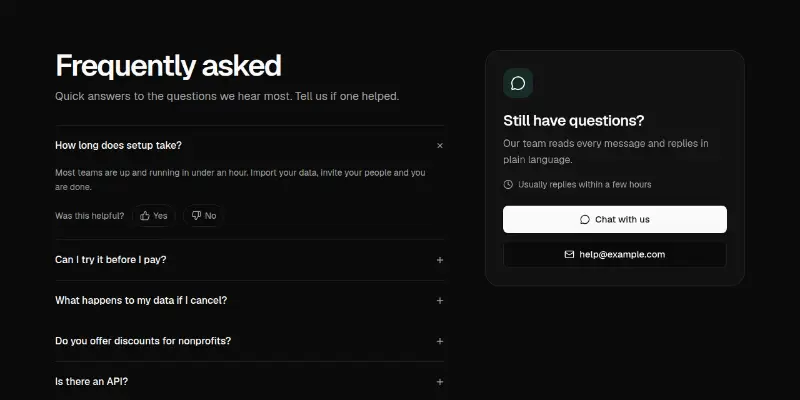
An accordion where each answer asks Was this helpful, next to a sticky support card with chat and email.

Call to action7

CTA 1: framed call to action preview

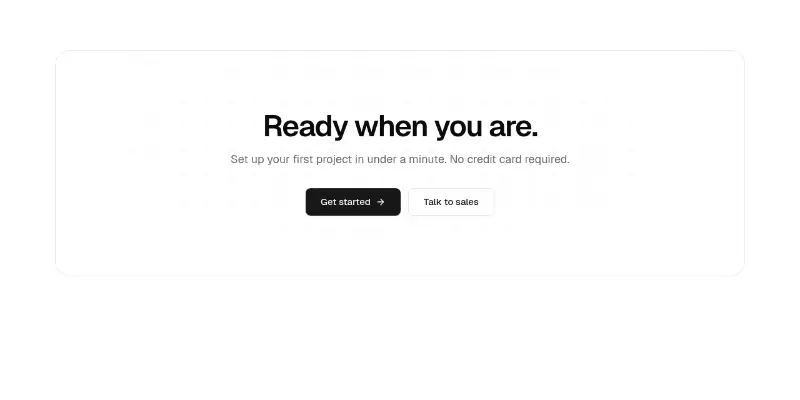
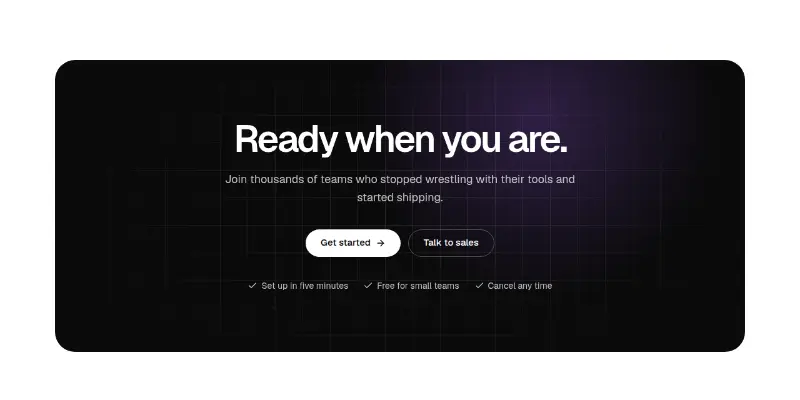
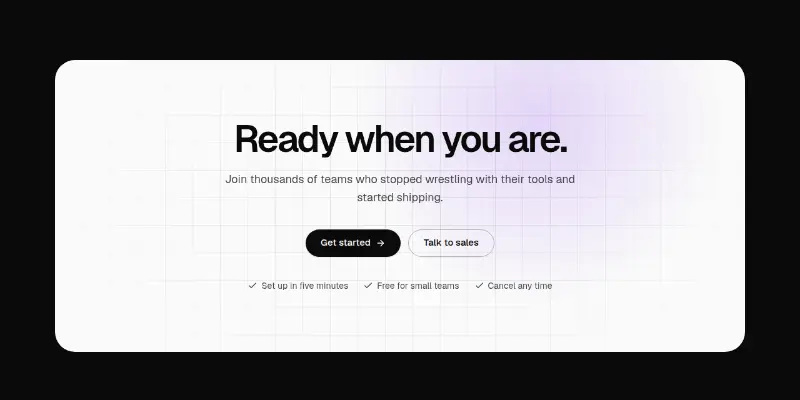
A closing call-to-action panel: large heading, one line of reassurance and two buttons, over a softly lit animated grid.

CTA 2: waitlist over light beams preview

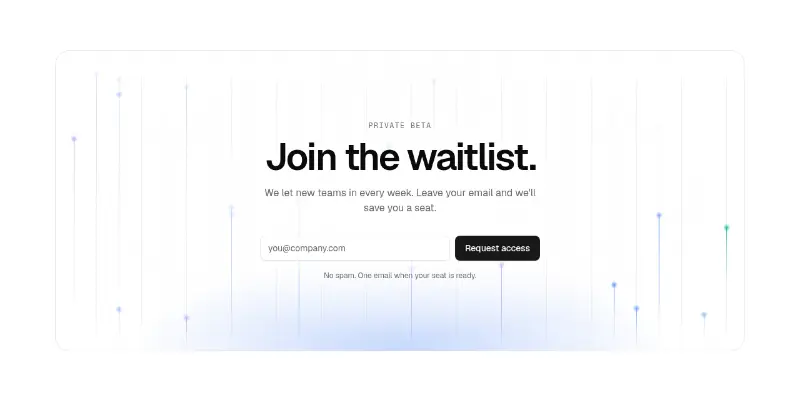
A waitlist or newsletter signup over rising light beams: heading, email field with validation, loading, success and error states.

CTA 3: install command preview

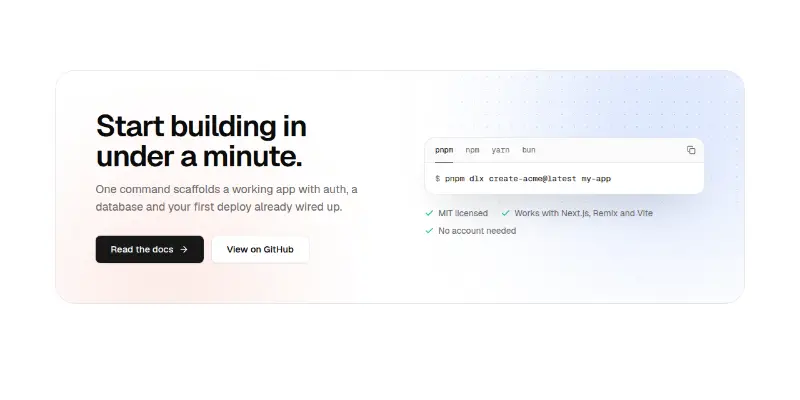
A closing call-to-action for developer products: heading, two buttons and a copyable install command with package-manager tabs, over a soft dotted glow.

Cta Pro 1: newsletter sign-up preview
Cta Pro 1: newsletter sign-upPRO

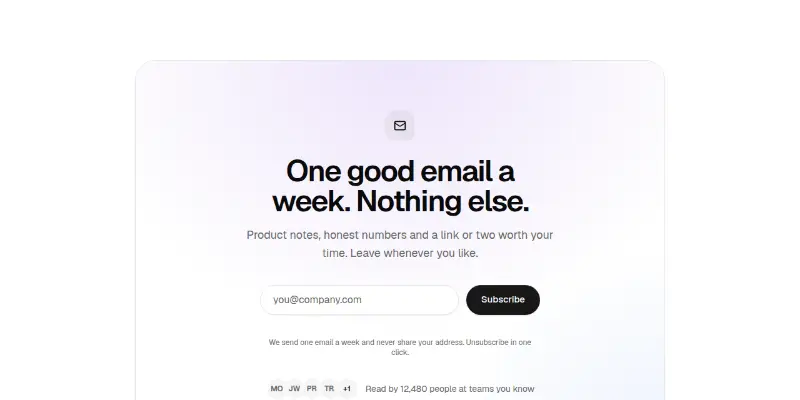
A calm card with a validated email form, busy and error states, a success message that takes focus and a row of avatars with a reader count.

Cta Pro 2: split card with picture preview

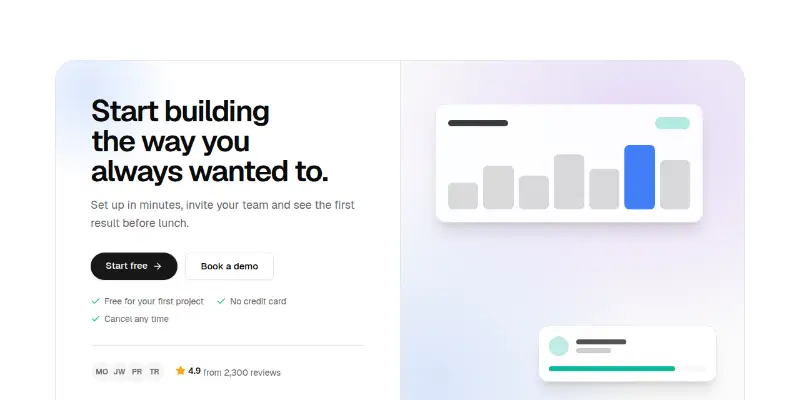
Heading, two buttons, reassurances and a rating beside a picture slot (generated art by default).

Cta Pro 3: spotlight panel preview
Cta Pro 3: spotlight panelPRO

A dark panel with a light that follows the pointer, a faint grid, two buttons and reassurances. Touch and keyboard users get a steady glow.

Cta Pro 4: launch countdown and waiting list preview

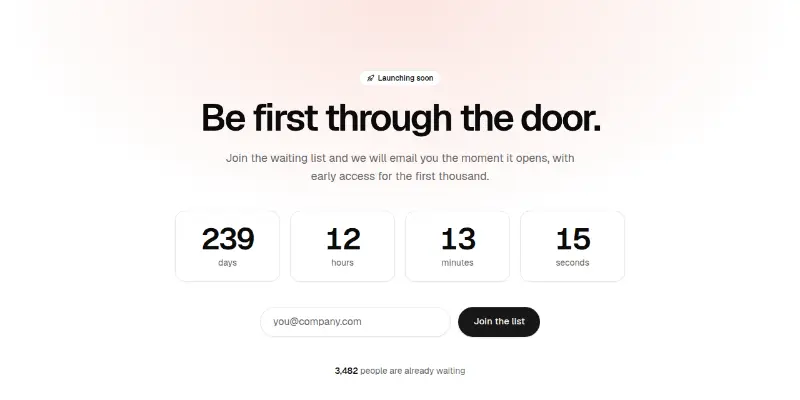
A live countdown to a launch date, a validated waiting-list form and a count of people already waiting. Shows a launched message afterwards.

Newsletter2

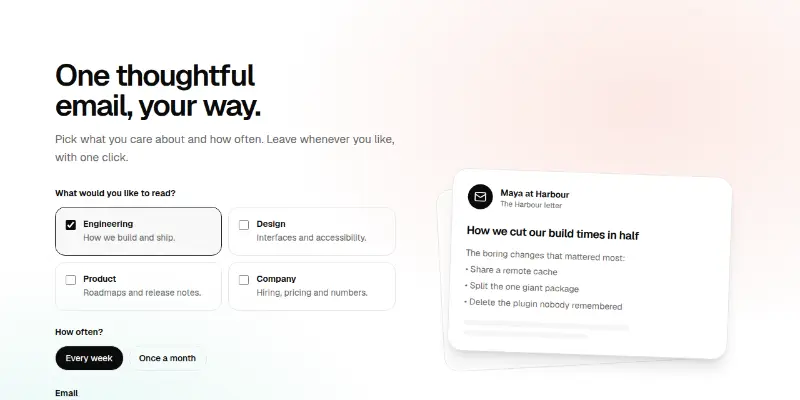
Newsletter 1: signup with topics and sample issue preview

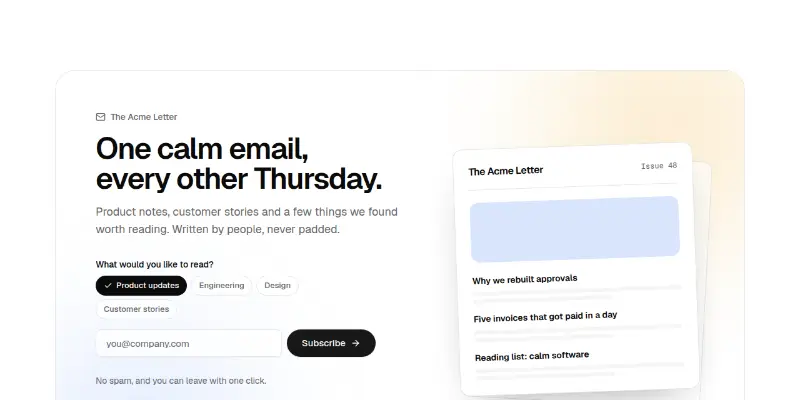
An editorial newsletter signup: topic chips, an email field with validation, loading, error and success states, avatar social proof, and a tilted sample issue card beside it.

Newsletter Pro 1: topics and frequency signup preview

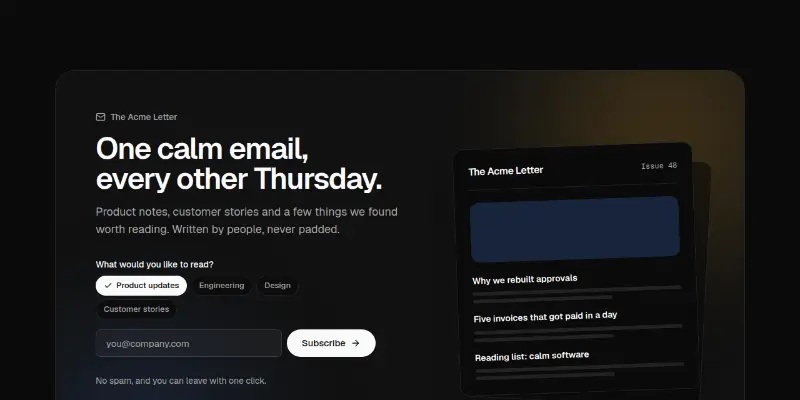
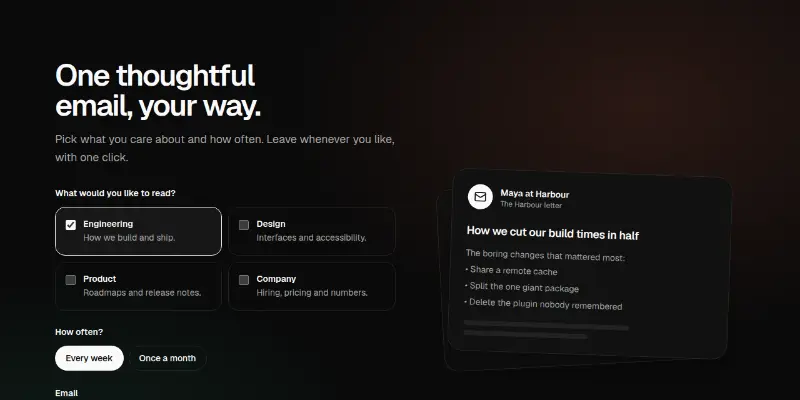
Choose topics and how often, add an email, subscribe. A tilted sample issue sits beside the form, and a confirmation repeats the choices.

Content and company

Blog, changelog, careers, contact and error pages.

Blog11
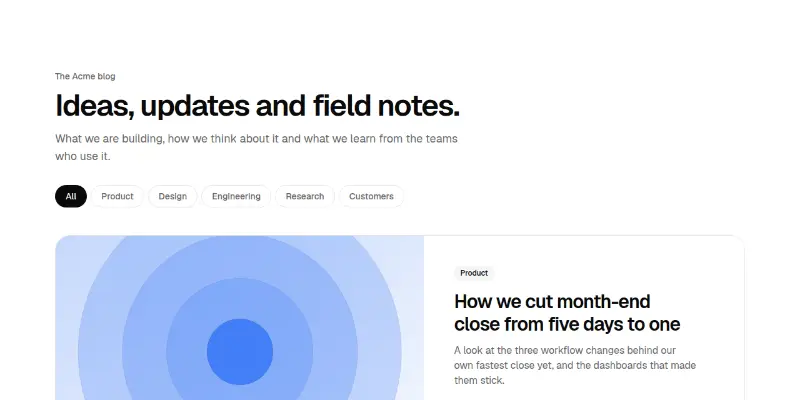
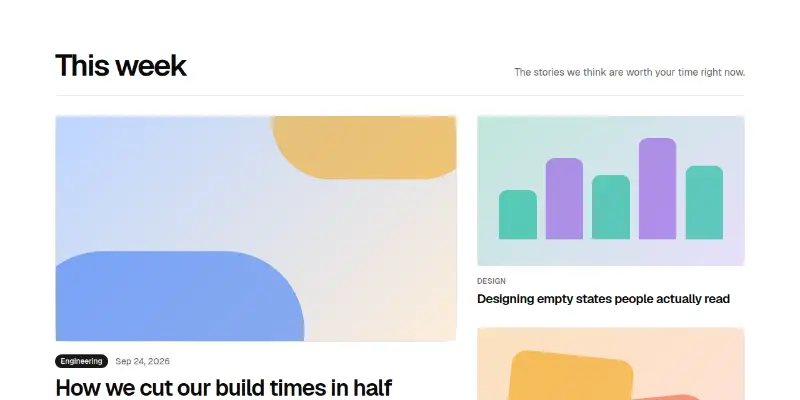
Blog 1: featured post with filterable grid preview

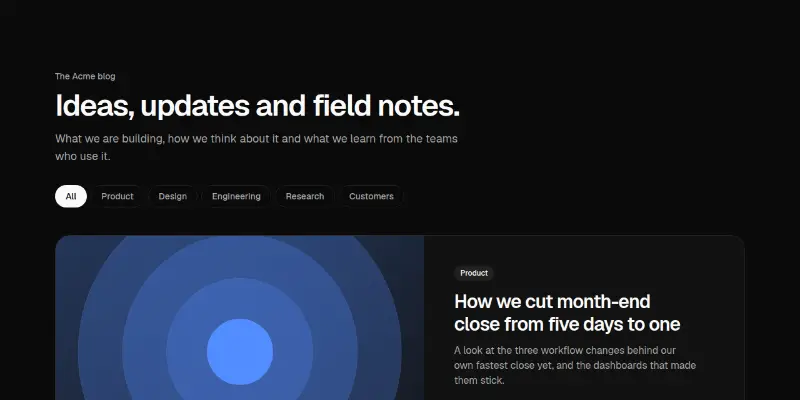
A blog index with a large featured post, topic filter chips and a three-column grid. Posts without a photo get a generated cover drawn from theme tokens, in five compositions.
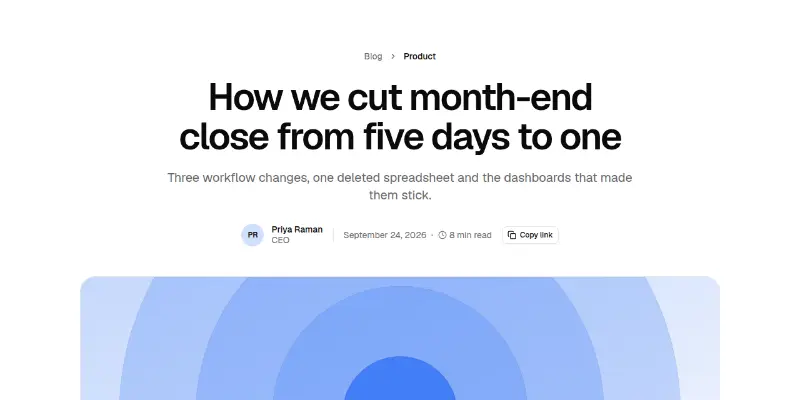
Blog Post 1: article with contents and progress preview

A long-form article page: centered title and author row, cover, comfortable prose with pull quote and code, sticky table of contents with scroll spy, reading progress bar, author card and related posts.


Blog Pro 1: journal home with filters preview

A featured post, category chips, search and a grid of posts with a Load more button. A polite count says how many posts match.
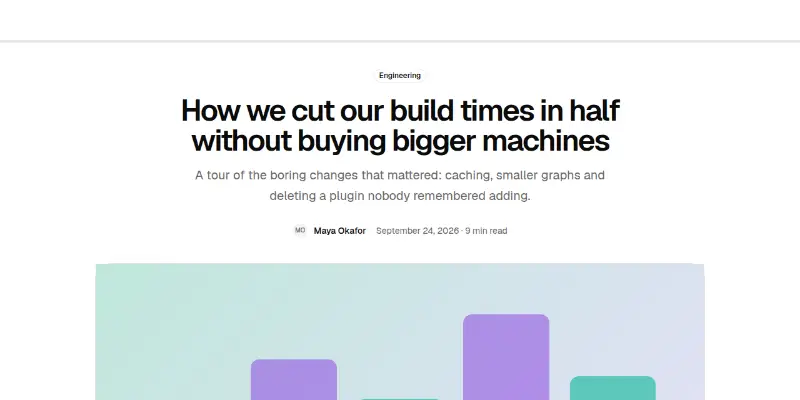
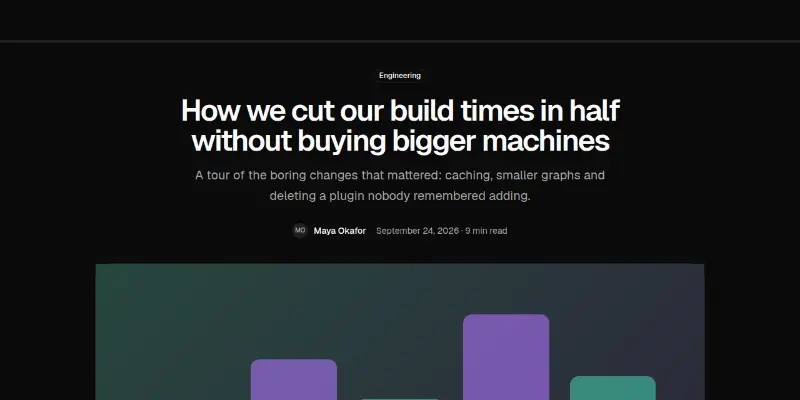
Blog Pro 2: article page with contents preview

A long-form article with a reading progress bar, a sticky contents list that follows your place, copy and share buttons, pull quotes and an author box.
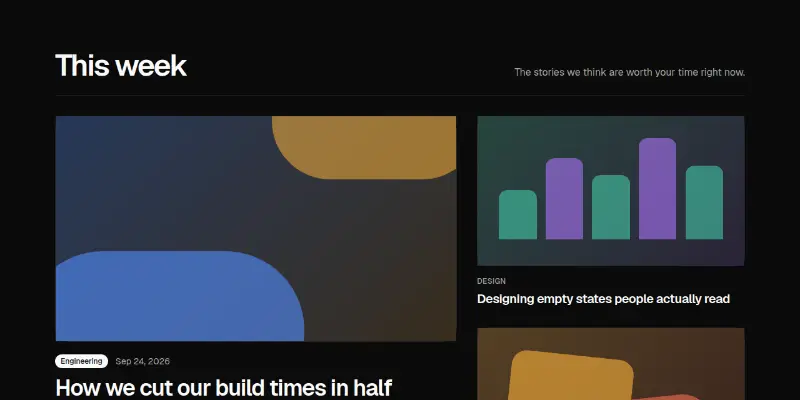
Blog Pro 3: magazine front page preview
Blog Pro 3: magazine front pagePRO

A large lead story, two medium stories and four numbered headlines in a bordered strip.
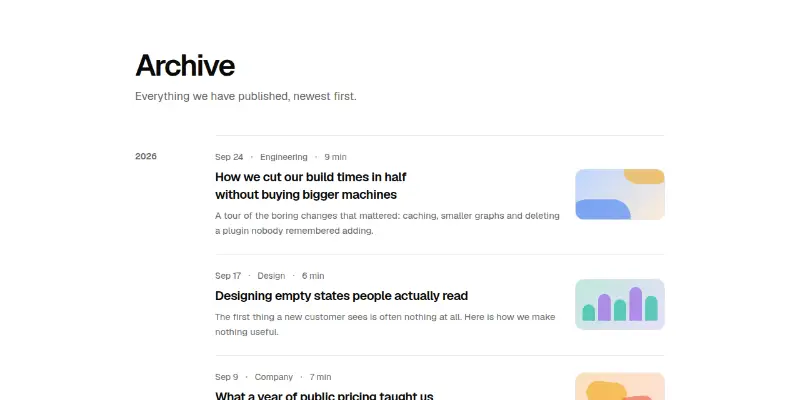
Blog Pro 4: archive grouped by year preview

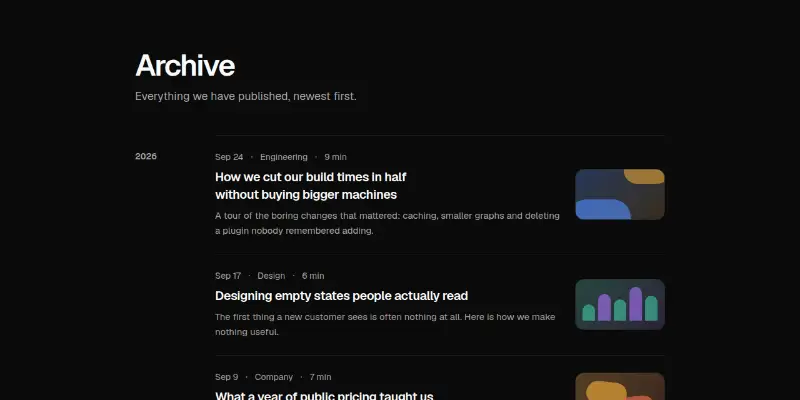
A calm list of posts grouped by year with date, category, reading time, a small cover and numbered pagination that moves focus to the heading.
Blog Pro 5: author profile preview
Blog Pro 5: author profilePRO

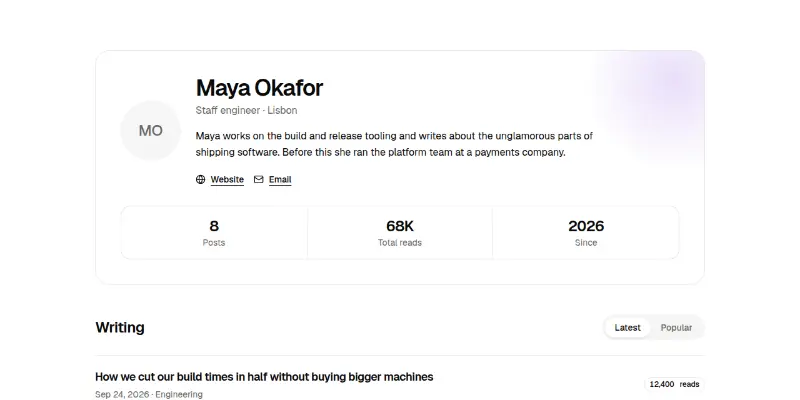
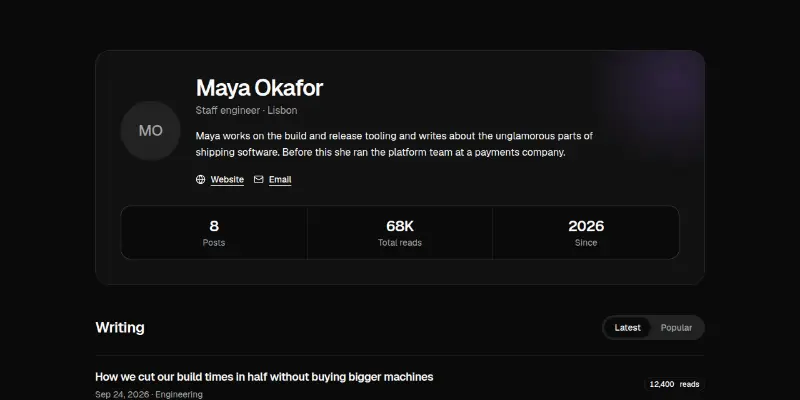
A writer's header with avatar, bio, links and three numbers, followed by their posts in Latest and Popular order.
Blog Pro 6: browse by topic preview
Blog Pro 6: browse by topicPRO

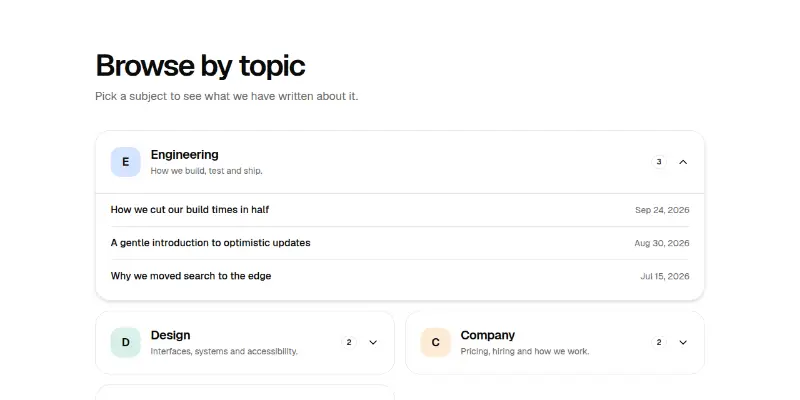
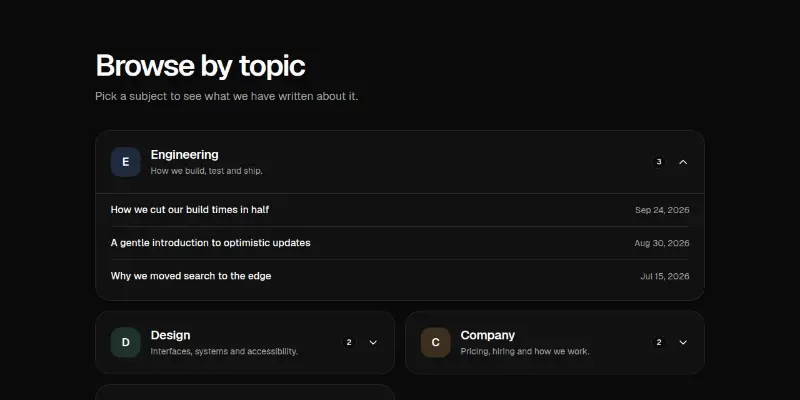
Topic cards that open to list their posts, plus a tag cloud whose size follows how often each tag is used.
Blog Pro 7: technical article parts preview

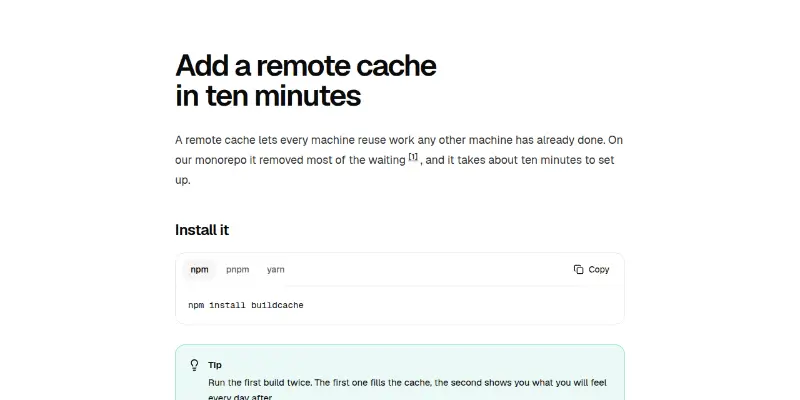
Building blocks for developer writing: an install command with package manager tabs, a copyable code block with line numbers, three kinds of callout and footnotes that link both ways.
Blog Pro 8: comments thread preview
Blog Pro 8: comments threadPRO

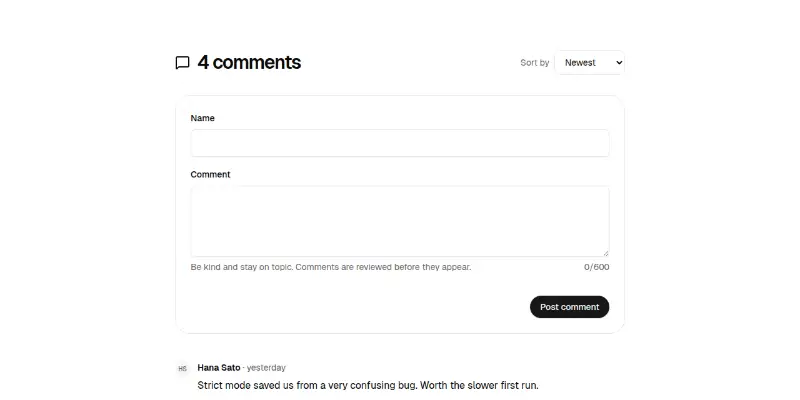
A comment form with validation and a character count, replies one level deep, like buttons and sorting by newest, oldest or most liked.
Blog Pro 9: series progress and next up preview

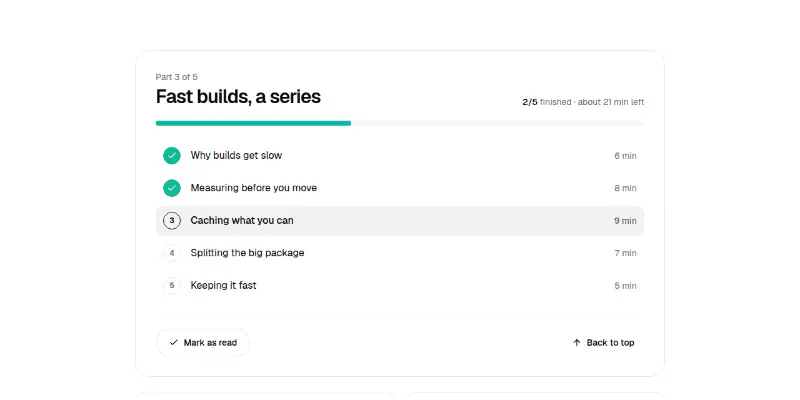
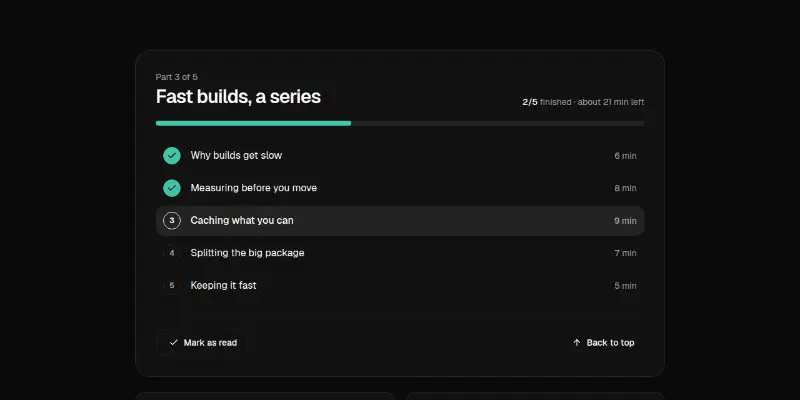
A series panel with a progress bar, a list of parts, a Mark as read toggle and previous and next cards.

Changelog4
Changelog 1: release notes timeline preview

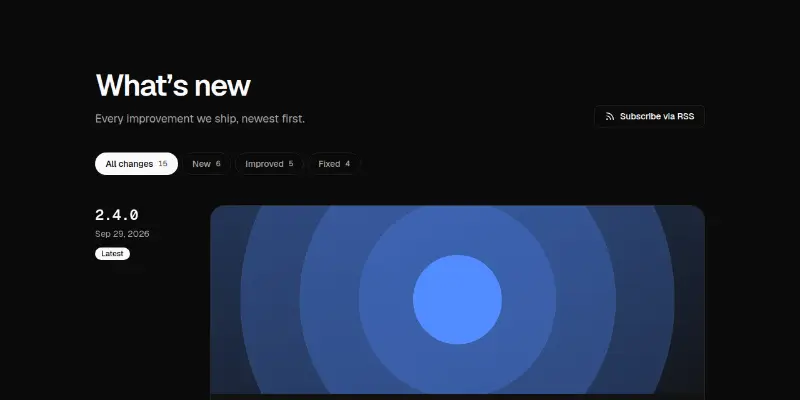
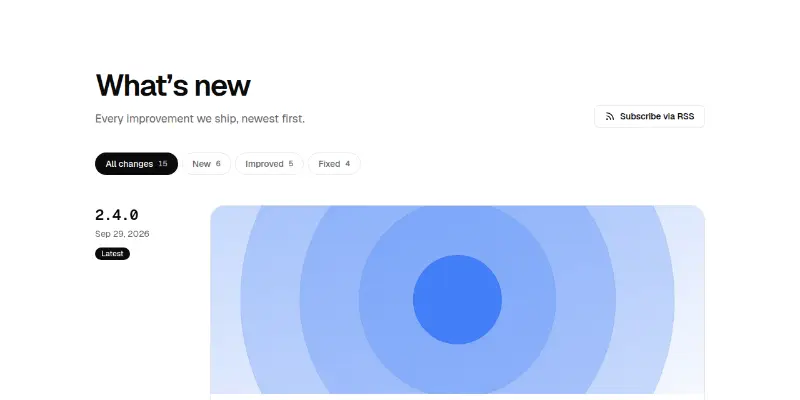
A release-notes page: a sticky version and date beside each release card, optional banner art for headline releases, typed changes with filters and counts, and a show-older button.
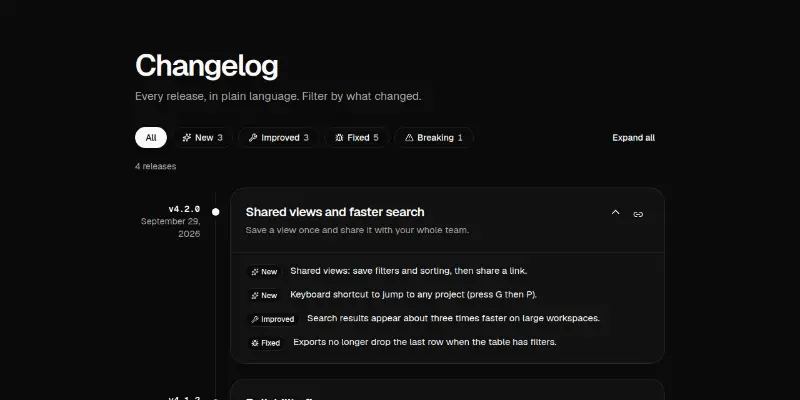
Changelog Pro 1: release timeline with filters preview

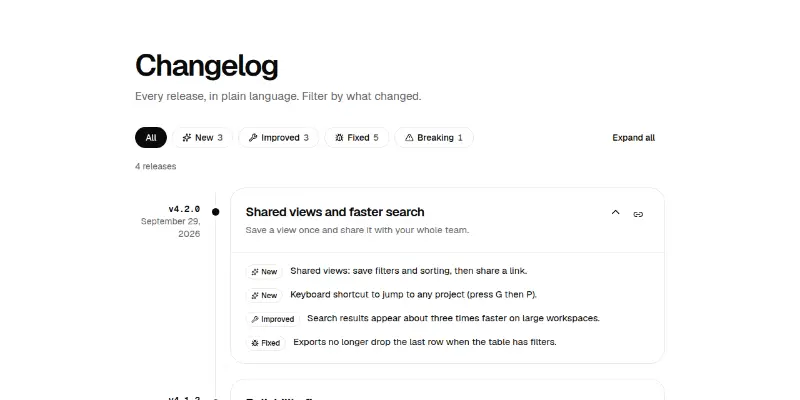
Releases on a timeline with filters for New, Improved, Fixed and Breaking changes, expand and collapse, and a copyable link to each release.
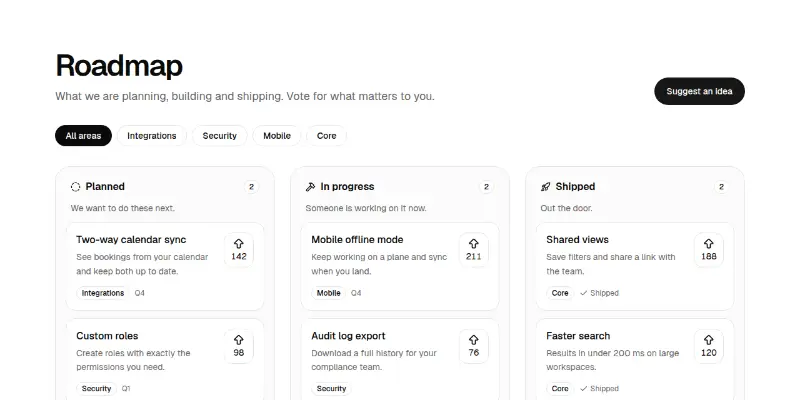
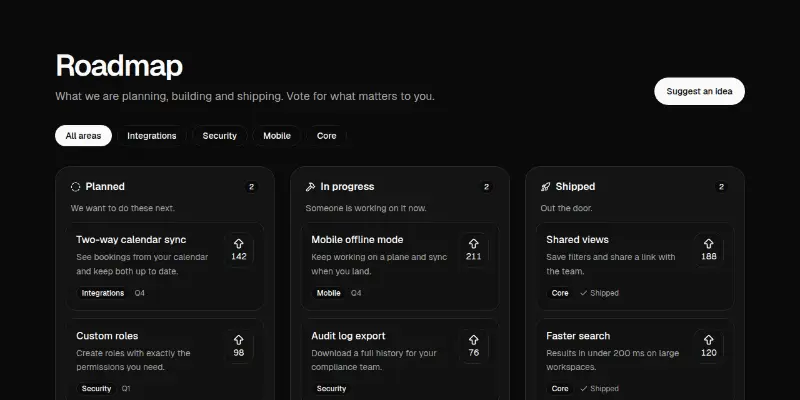
Changelog Pro 2: roadmap board with votes preview

Planned, In progress and Shipped columns with area filters and vote buttons that re-rank cards.
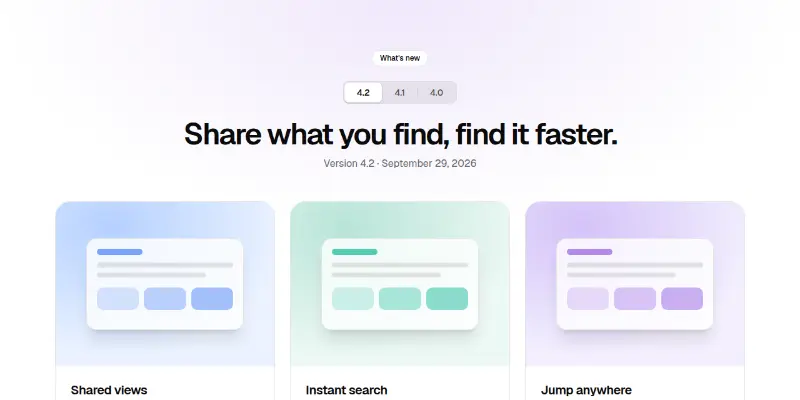
Changelog Pro 3: release highlights by version preview

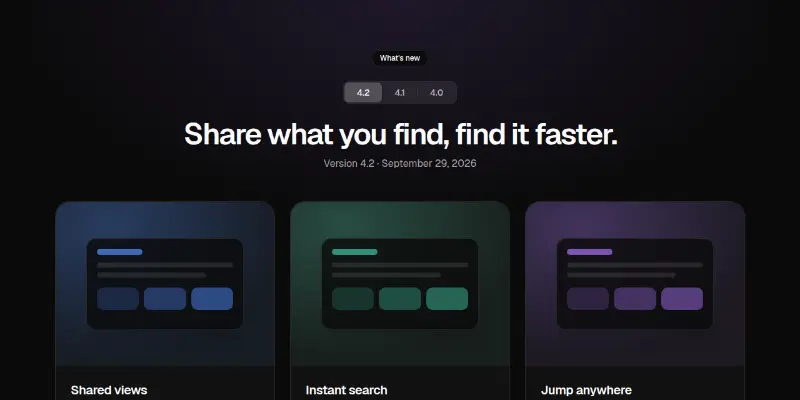
A version picker that swaps a headline and three highlight cards with pictures and learn-more links.

Careers2
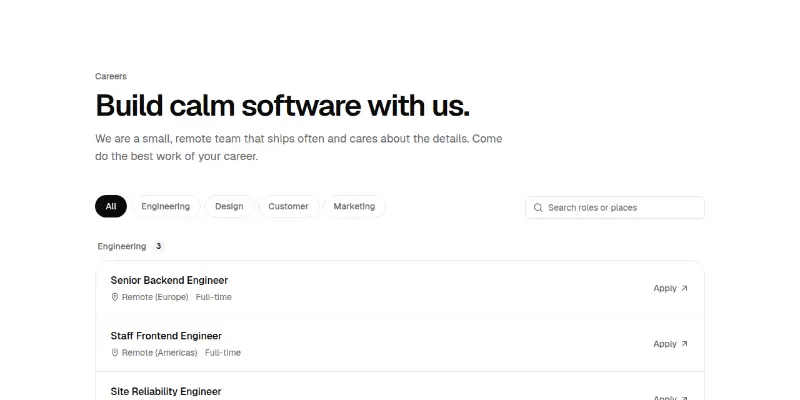
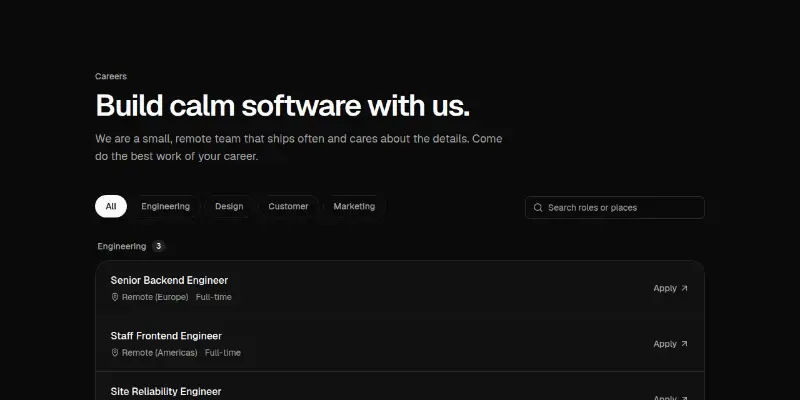
Careers 1: open roles with filters and perks preview

Open roles grouped by team with team filter chips, live search and an empty state, then a hairline grid of perks. Every role row is one large link with location and type.
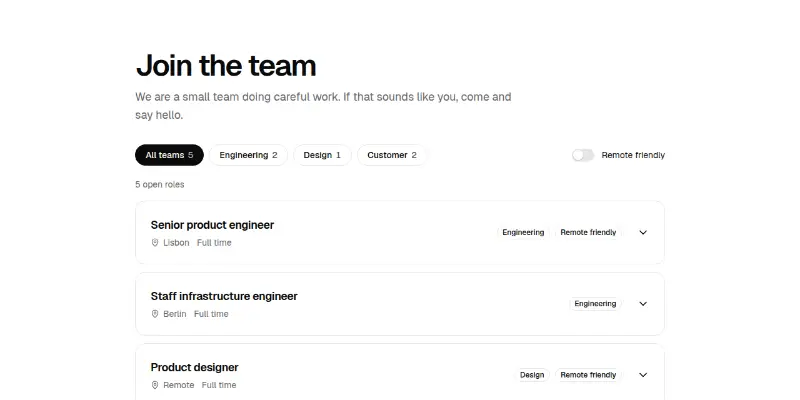

Careers Pro 1: open roles with filters preview

Open roles with team filters and counts, a remote switch and rows that open to show the summary, requirements and an Apply link.

Contact3
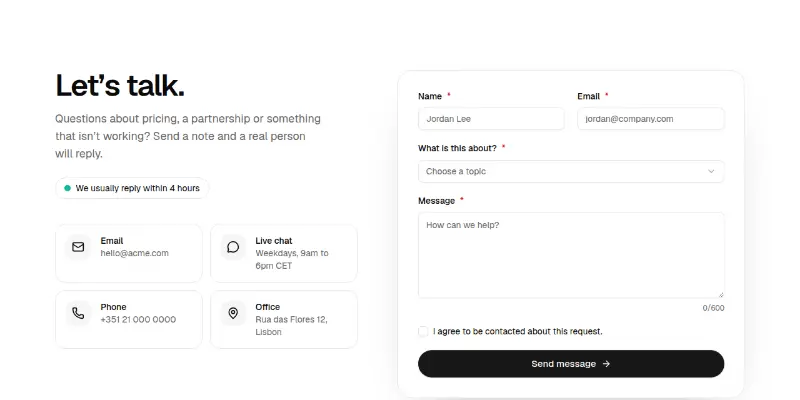
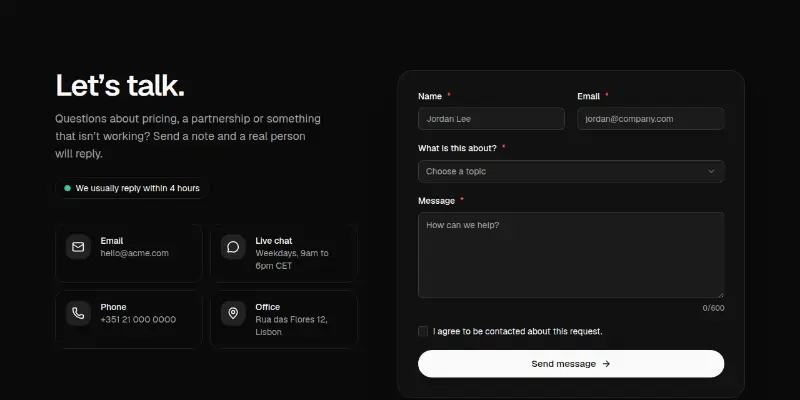
Contact 1: form with contact methods preview

A contact section with a validated form (name, email, topic, message with counter, consent), loading, error and thank-you states, beside tiles for email, chat, phone and office with a response-time pill.
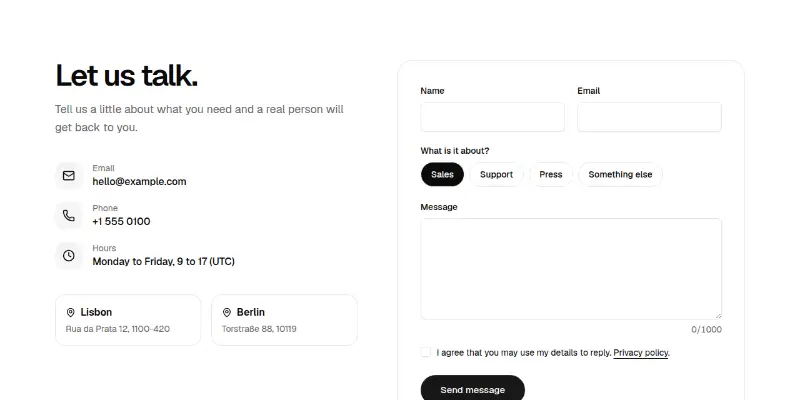
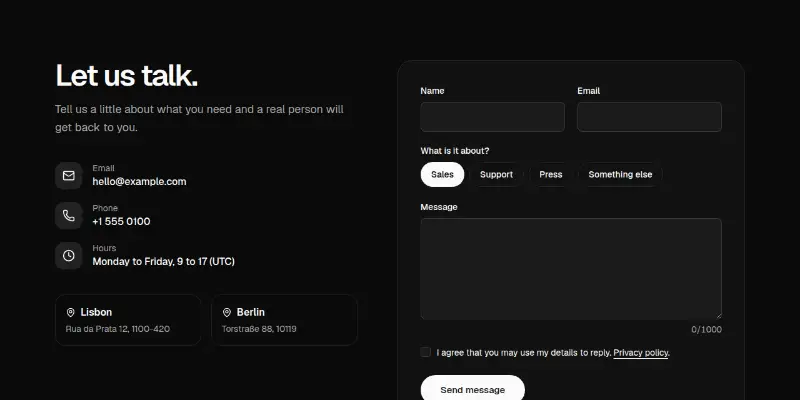
Contact Pro 1: contact form with details preview

A message form with topic chips, validation and a character count beside email, phone, hours and offices, with a clear success state.
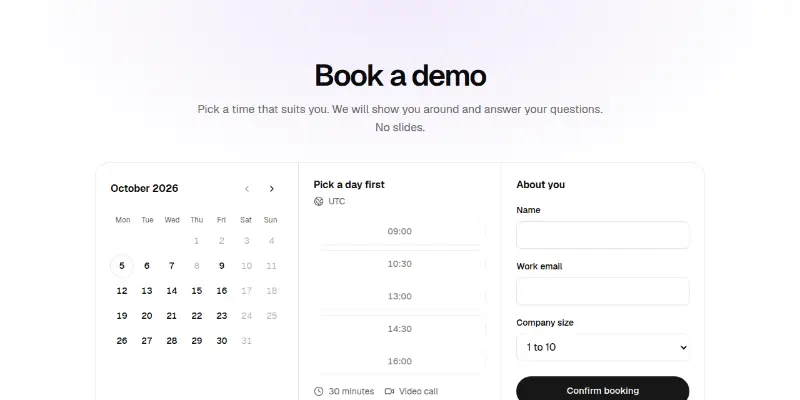
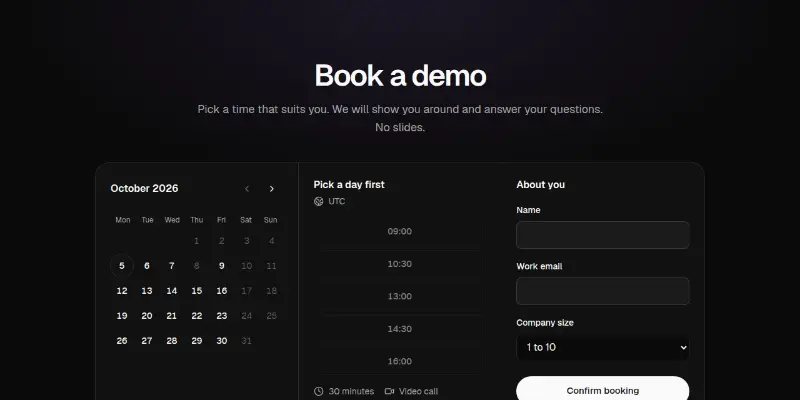
Contact Pro 2: book a demo with a calendar preview

A month grid with arrow-key navigation, available times, and a short form, ending in a clear confirmation. Dates come from a today prop.

Error pages2
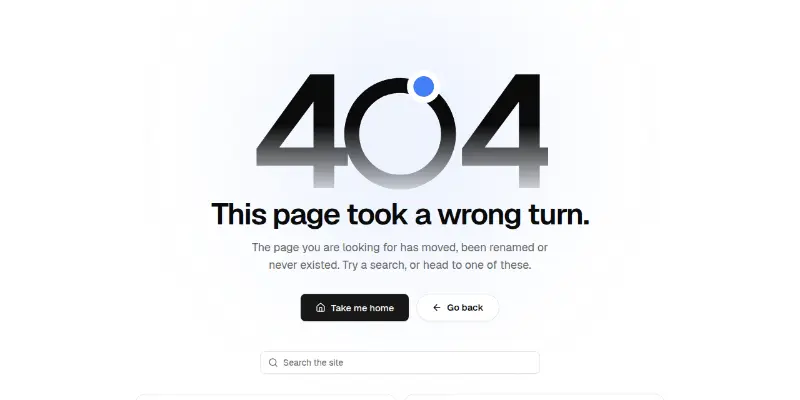
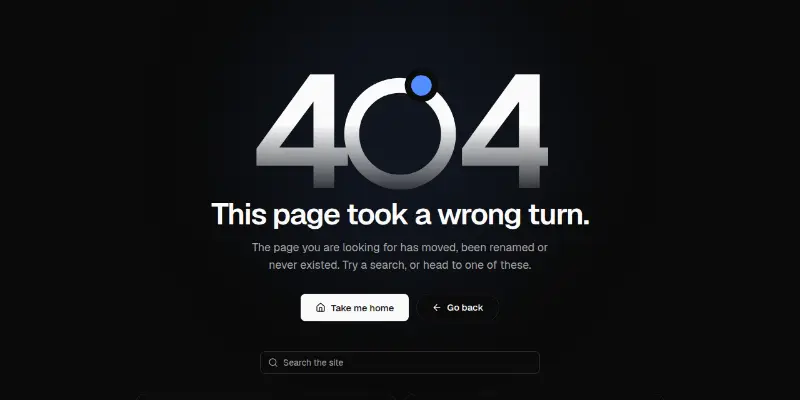
Error 1: friendly 404, 403 and 500 page preview

An error page with giant fading numerals whose zero is a ring with an orbiting moon, plain-language copy per status, home and back buttons, site search and helpful links.
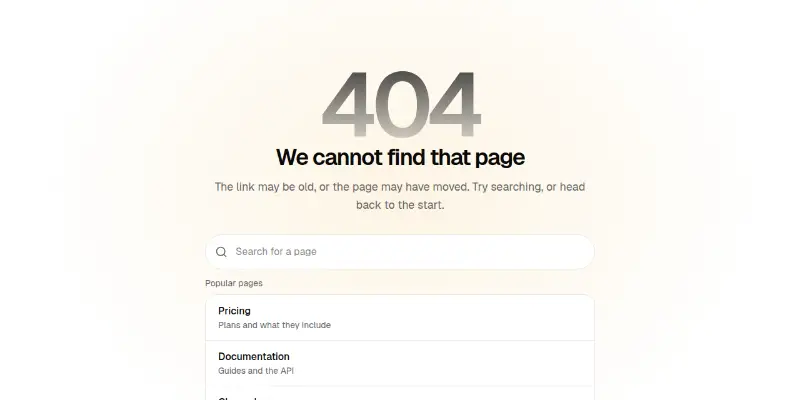

Error Pro 1: error pages with search preview

One block for 404, 500, 403 and offline: a big code, a plain explanation, page search for 404, a copyable reference for 500, and sensible buttons.
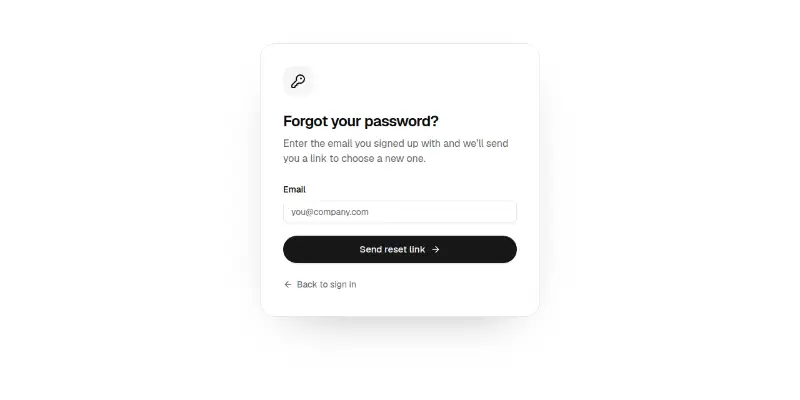
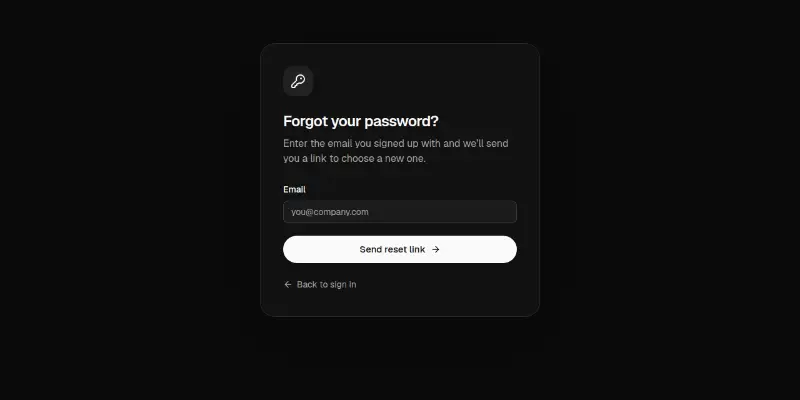
Account

Sign in, sign up, verification and onboarding.

Authentication11

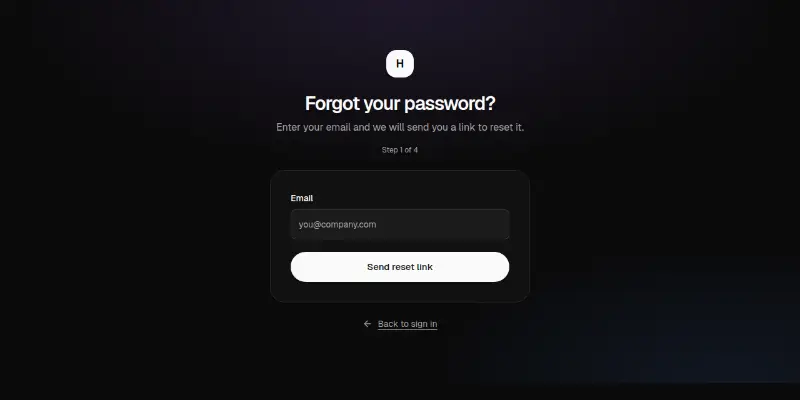
Forgot Password 1: request, resend and reset preview

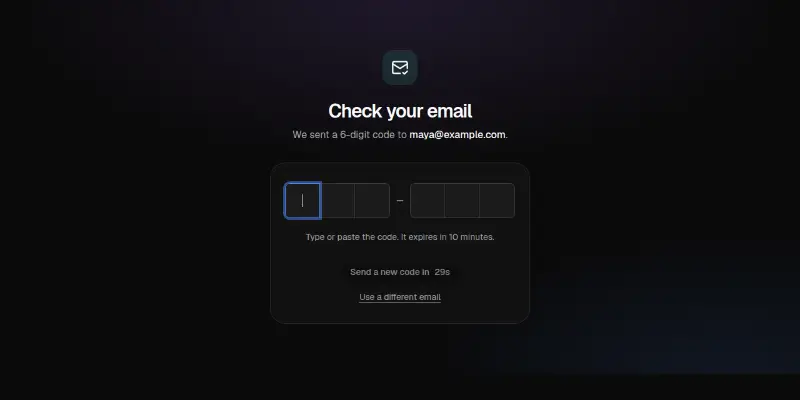
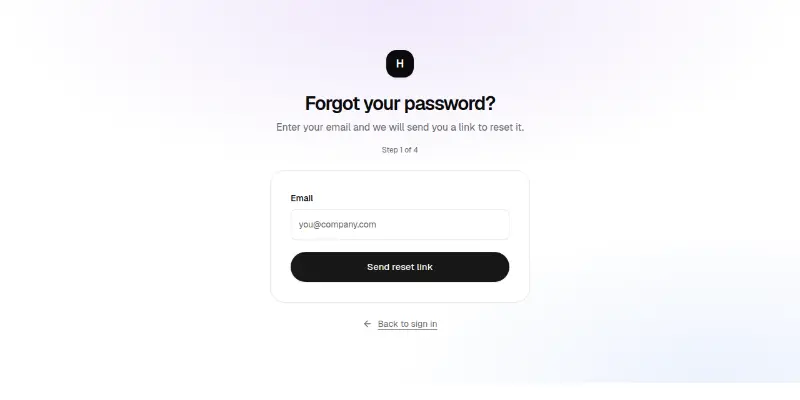
The whole password-recovery flow in one card: request a link, check-your-email with a resend countdown, choose a new password with confirmation and strength, and a success screen. Focus moves to each new heading.

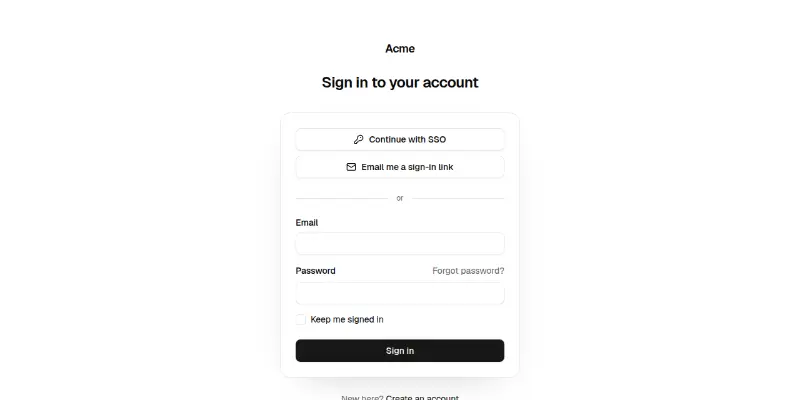
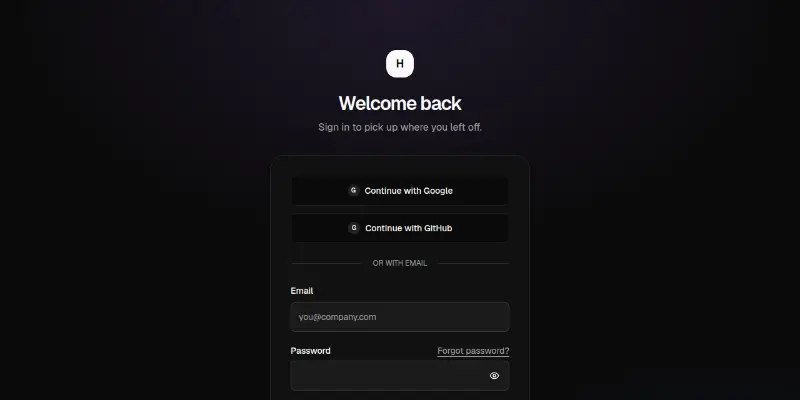
Login 1: card with SSO and magic link preview

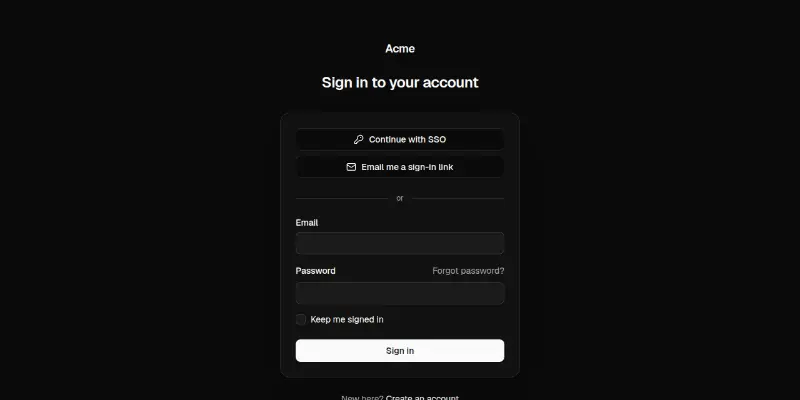
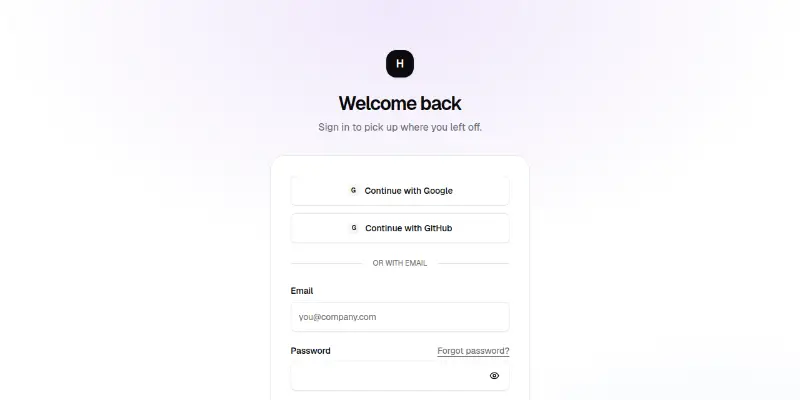
Centered sign-in card: SSO and email-link buttons, an email and password form with remember me, a loading submit and an inline error.

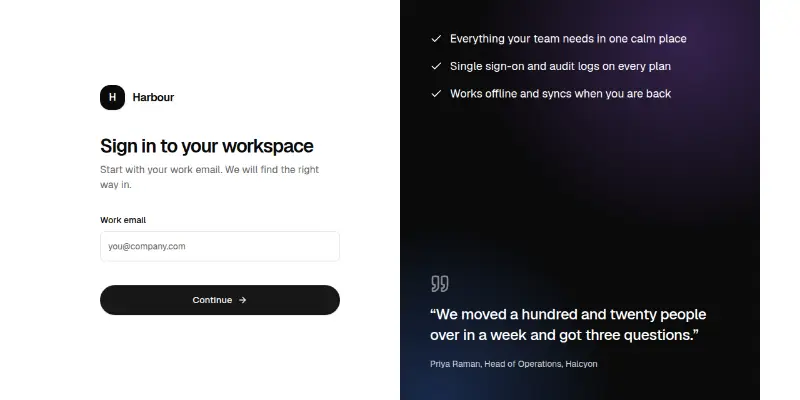
Login 2: split screen with testimonial preview

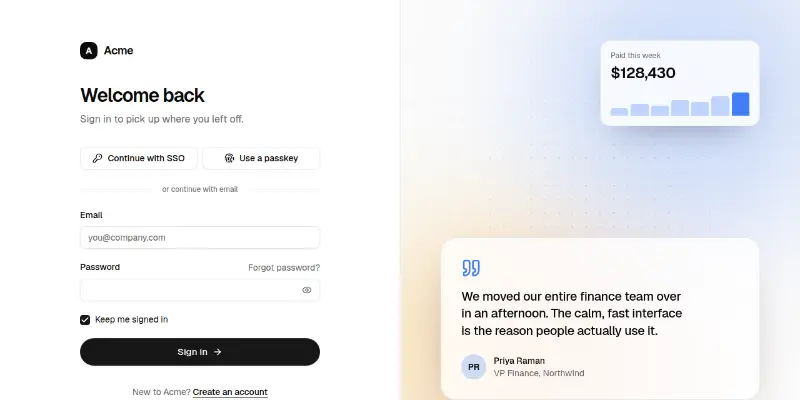
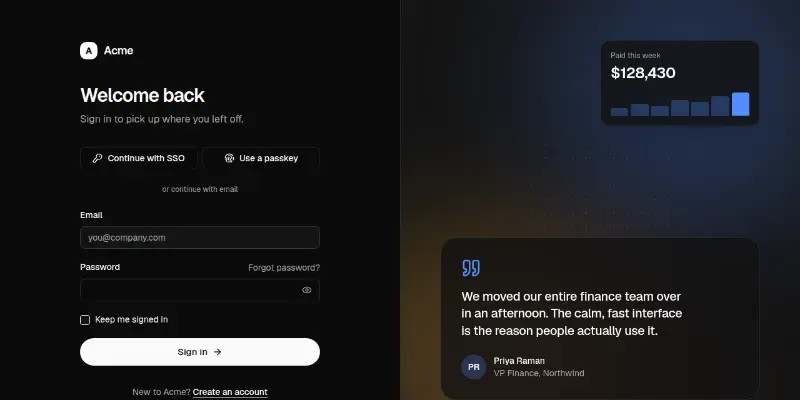
A split-screen sign-in: SSO and passkey buttons, validated email and password with show/hide, remember me and error state on one side, a soft colour mesh with a customer quote on the other.

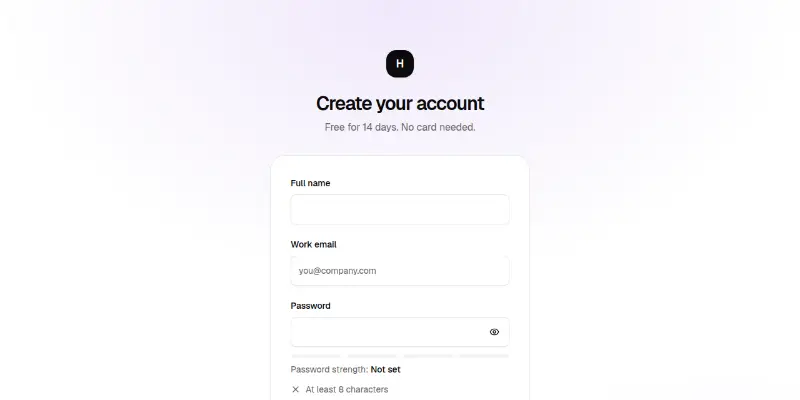
Signup 1: form with benefits column preview

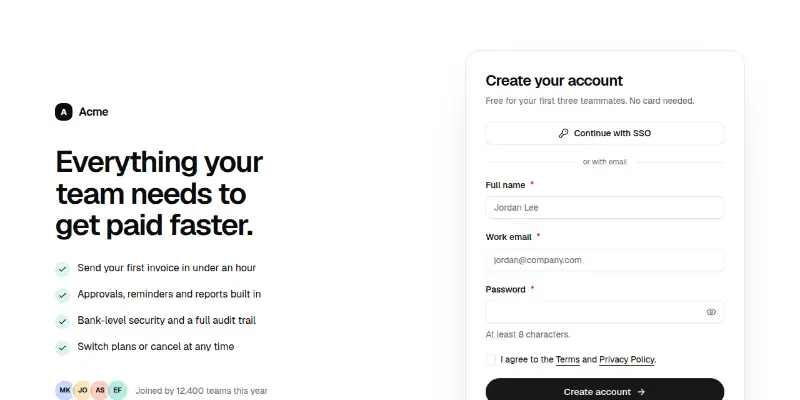
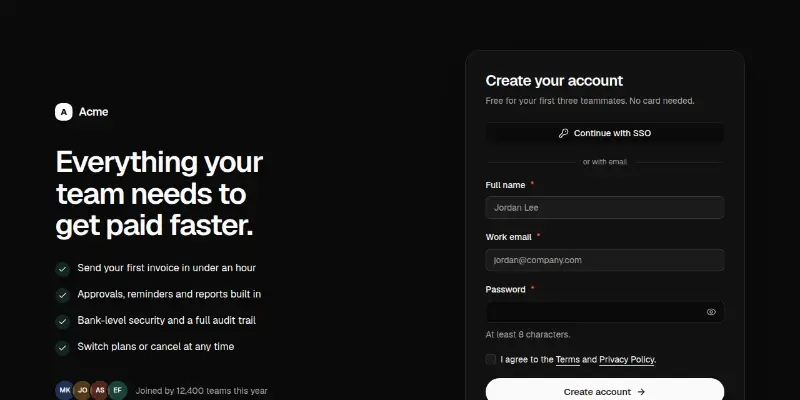
A signup page: validated name, work email and password with a live strength guide, terms checkbox, SSO option and a check-your-inbox confirmation, beside a benefits list with social proof.

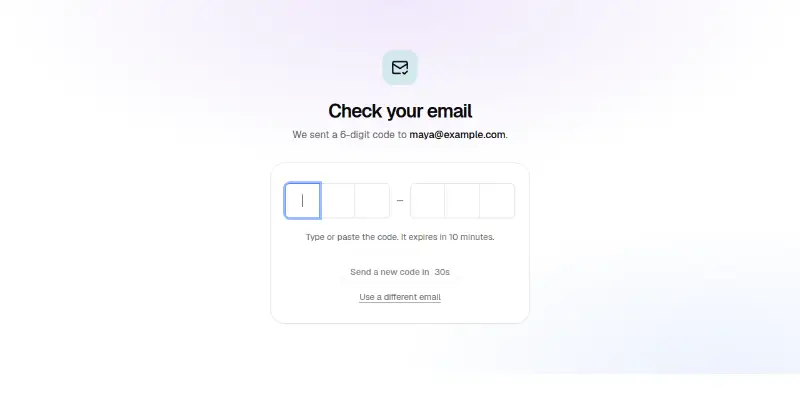
Verify 1: one-time code with resend preview

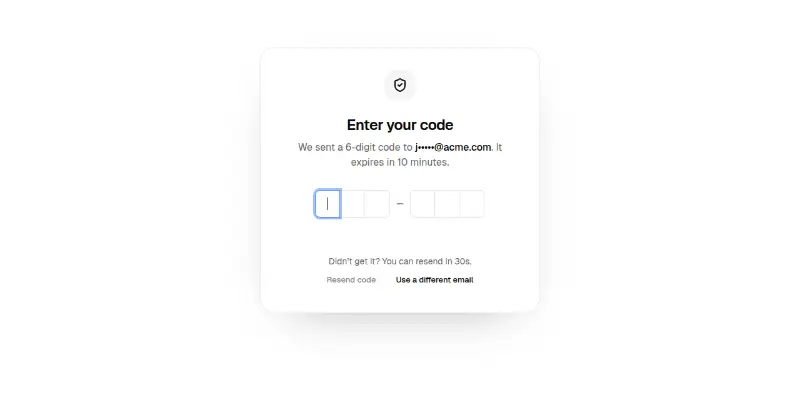
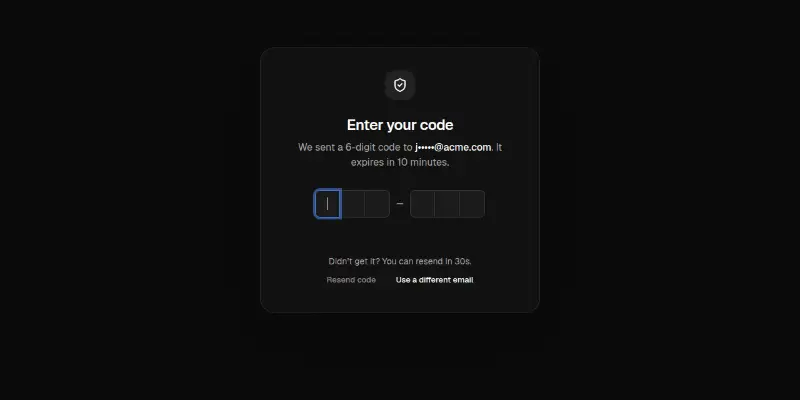
A code-entry screen: masked email, six slots that accept typing and pasting, automatic submit on the last digit, shake and alert on a wrong code, a resend countdown and an animated success state.

Auth Pro 1: sign in with email and providers preview

A calm sign-in card with provider buttons, email and password with a show button, remember me, field errors that take focus and a server error banner.

Auth Pro 2: sign up with password strength preview

Name, email and a password with a four-step strength meter and a live checklist, plus a required terms checkbox and clear errors.

Auth Pro 3: one-time code verification preview

Six digit boxes backed by one real input, so paste and autofill work. Checks on the last digit, shows a wrong-code state and offers a resend with a countdown.

Auth Pro 4: magic link and passkey preview

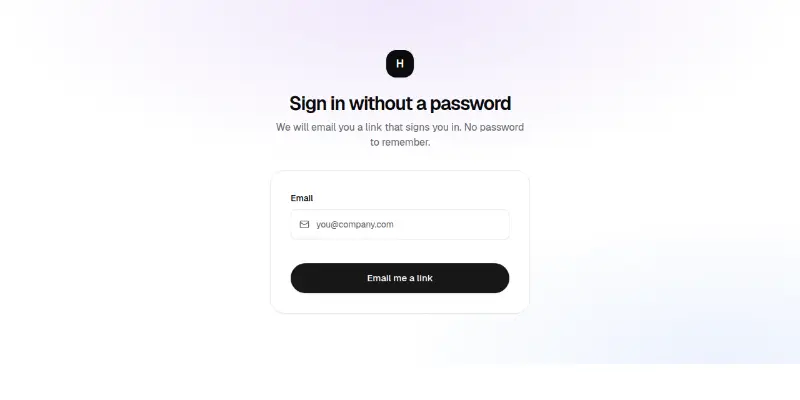
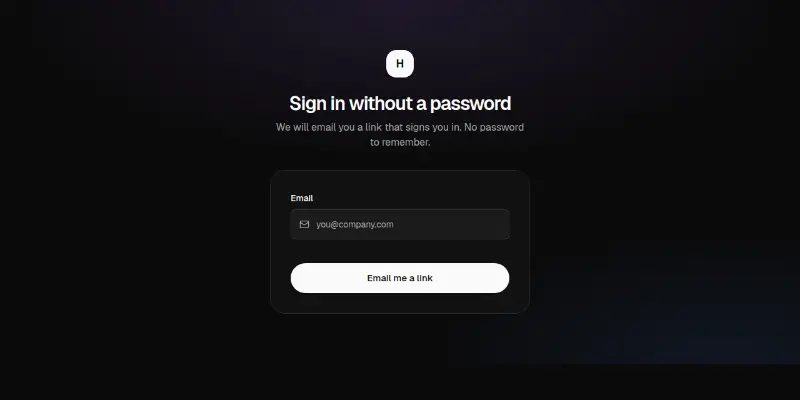
Ask for an email and send a sign-in link, then a check-your-inbox step with resend and a way back. An optional passkey button is disabled where the browser cannot use it.

Auth Pro 5: forgot and reset password preview

Four steps in one block: ask for an email, a check-your-email confirmation that does not reveal whether an account exists, a new password with strength and confirmation, and a done state.

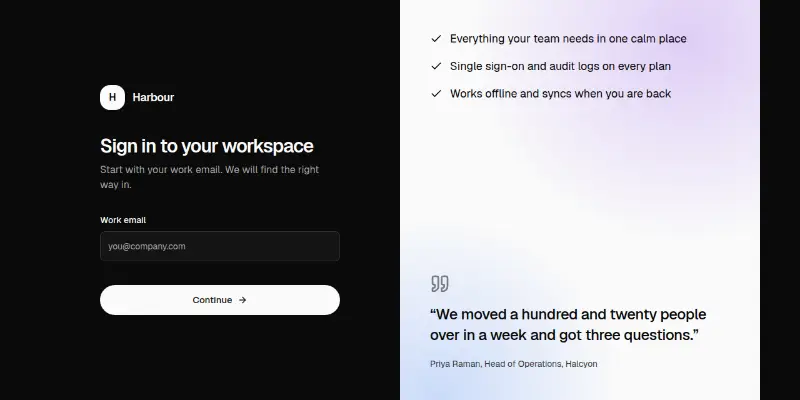
Auth Pro 6: split screen with single sign-on preview

Work email first. If the domain uses single sign-on, offer that; otherwise ask for a password. A dark side panel carries reasons and a quote.

Onboarding6

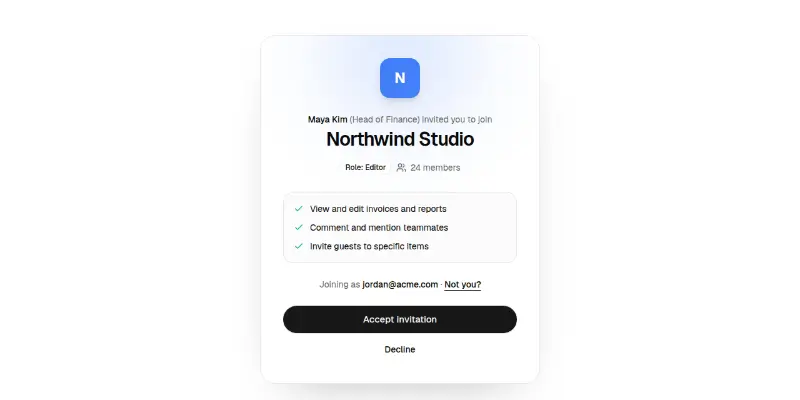
Invite 1: accept a team invitation preview

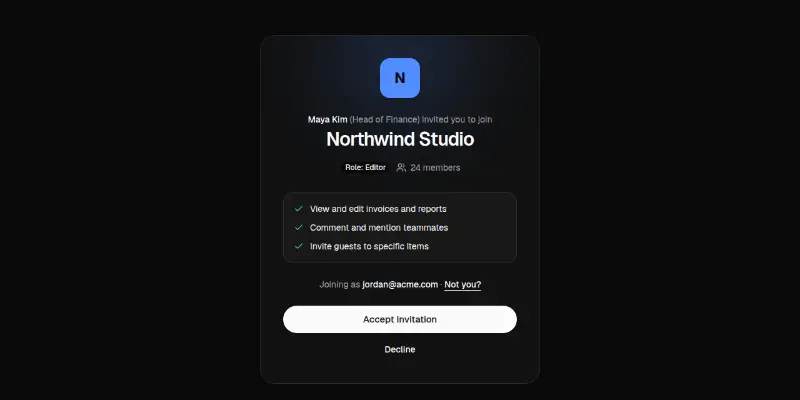
The page an invitation email opens: workspace tile, who invited you, your role and what it allows, the account being used, accept and decline, with welcome, declined and expired states.

Onboarding 1: workspace setup wizard preview

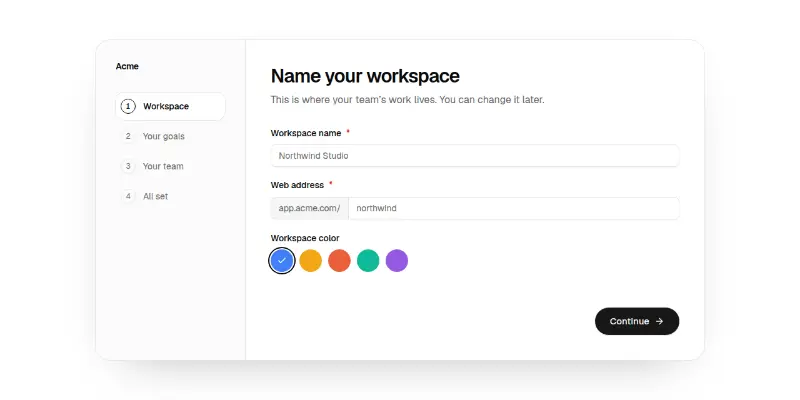
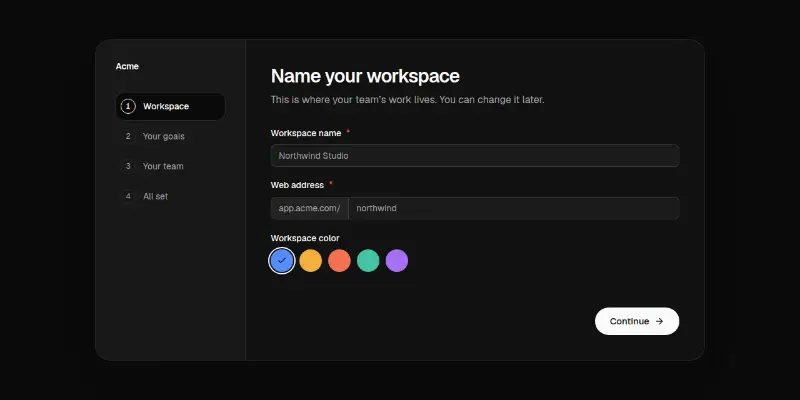
A four-step setup wizard with a progress rail: name and address a workspace (auto-filled), pick goals as cards, invite teammates as removable chips, review, then a finish screen. Slides between steps.

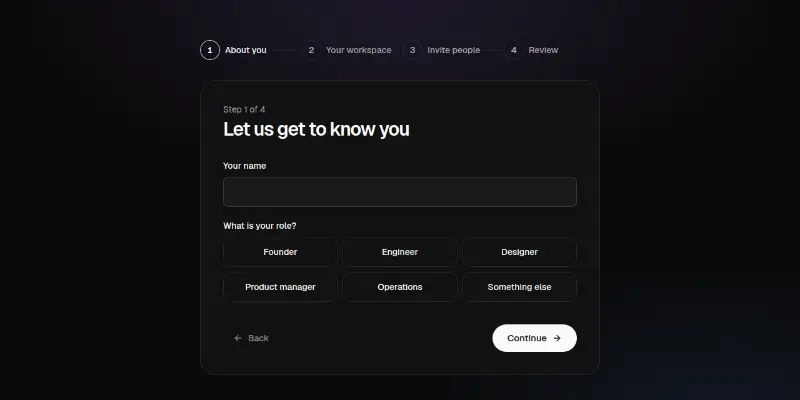
Onboarding Pro 1: four-step setup wizard preview
Onboarding Pro 1: four-step setup wizardPRO

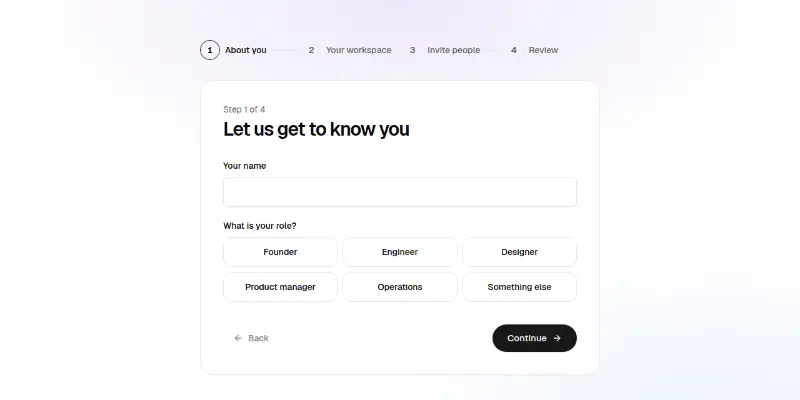
Progress across four steps: about you, workspace (with an address made from its name), invitations and a review. Each step validates and moves focus.

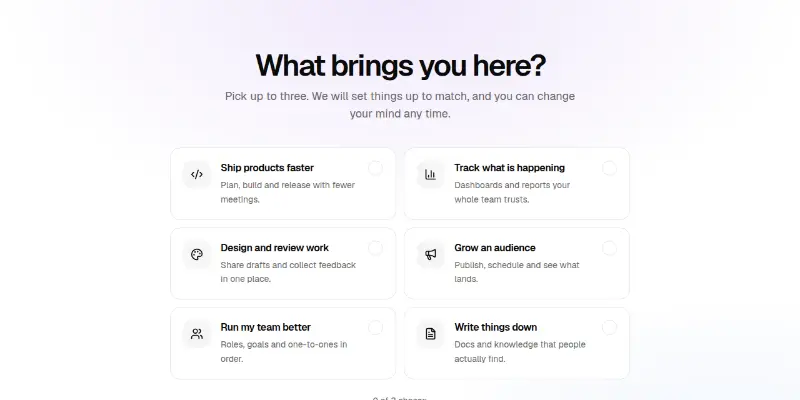
Onboarding Pro 2: pick what you want to do preview
Onboarding Pro 2: pick what you want to doPRO

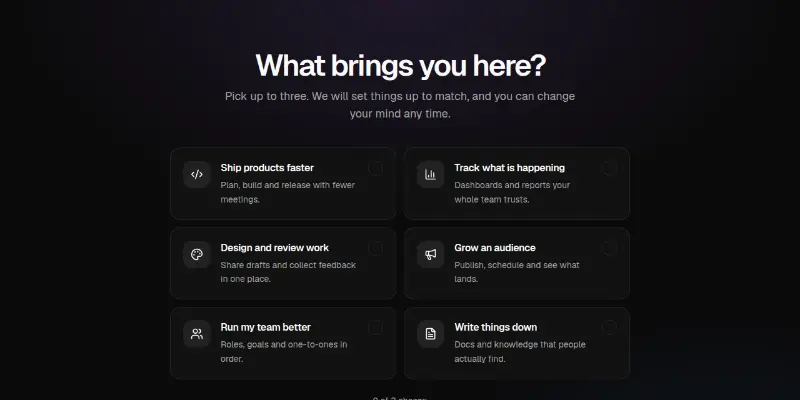
Six cards to choose up to three goals, announced as you pick, with Skip and Continue.

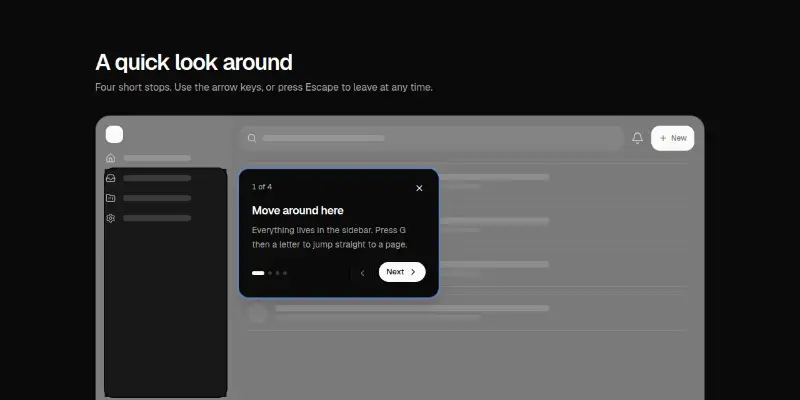
Onboarding Pro 3: guided product tour preview
Onboarding Pro 3: guided product tourPRO

A mock app with a dimmed backdrop and a moving highlight, and a tour card with Next, Back, Close, keyboard arrows and Escape. Restart when it ends.

Onboarding Pro 4: invite teammates preview
Onboarding Pro 4: invite teammatesPRO

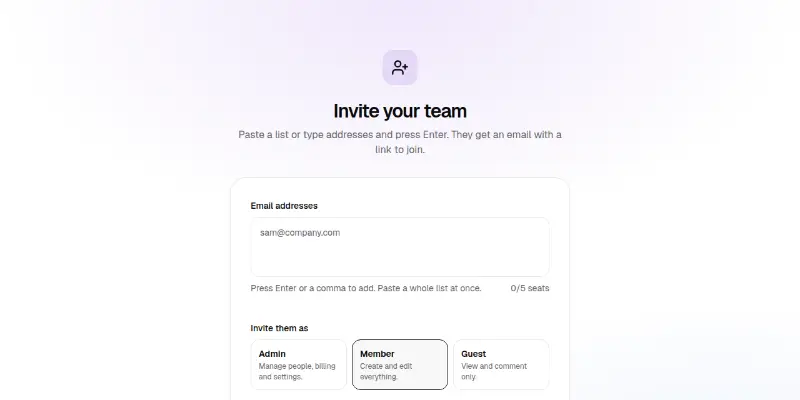
Type or paste emails into one field that turns them into removable chips, flags bad addresses in words, pick a role and send. Seats left are counted.

Application

Screens inside a product: shell, dashboards, settings, billing, inbox, boards and AI chat.

App shell3

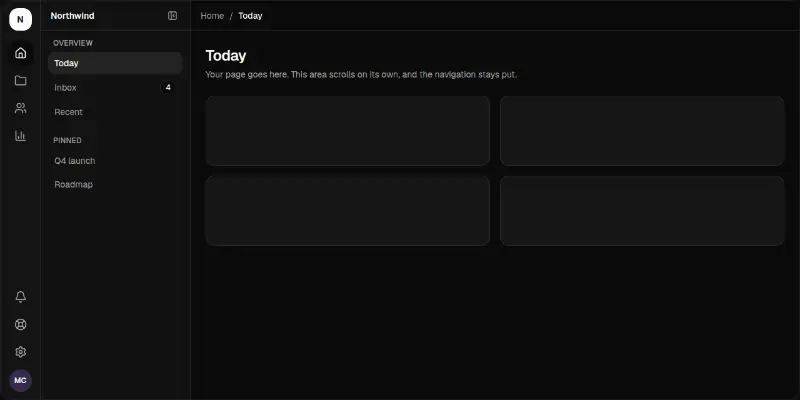
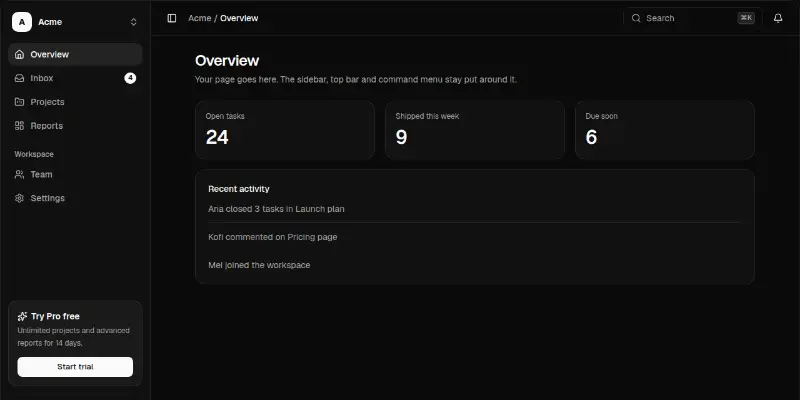
App Shell 1: collapsible sidebar with command menu preview

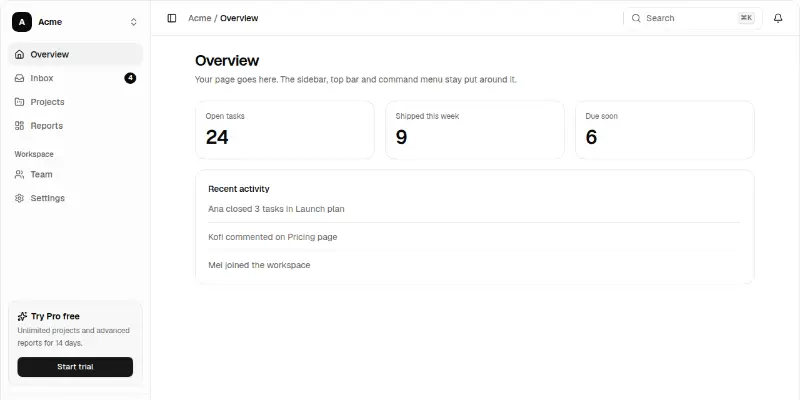
A product frame: workspace switcher, grouped navigation with badges that collapses to an icon rail, top bar with search, notifications and a ⌘K command menu, and a scrolling page slot. A drawer on phones.

App-shell Pro 1: icon rail with a second level preview

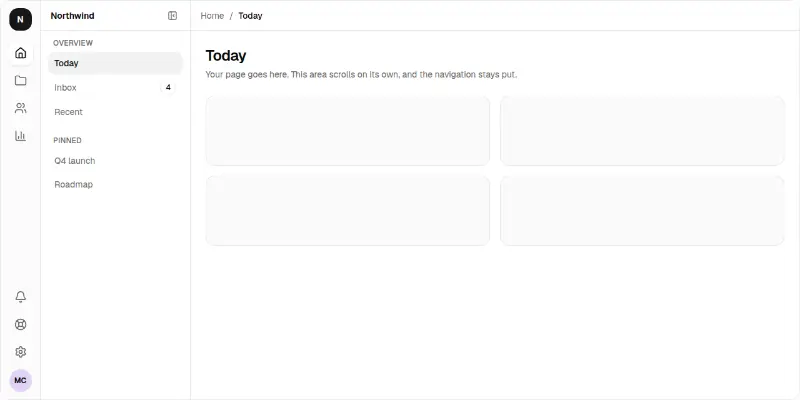
A narrow icon rail opens a second panel of pages, with a collapsible panel, breadcrumbs and a scrolling page area. Becomes a top bar on phones.

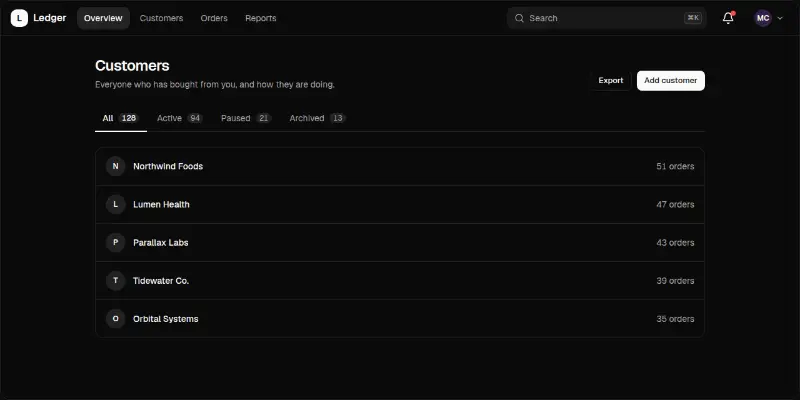
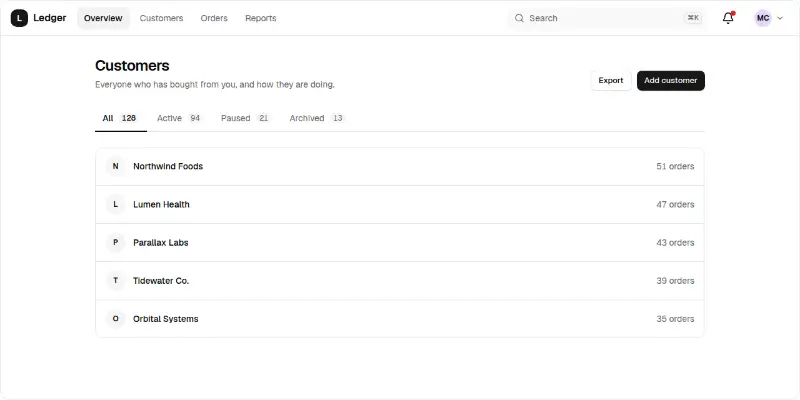
App-shell Pro 2: top bar with search and tabs preview

A product top bar with navigation, search with a shortcut hint, a notifications menu and an account menu, then a page header with arrow-key tabs.

Dashboard18

Dashboard 1: sales overview preview
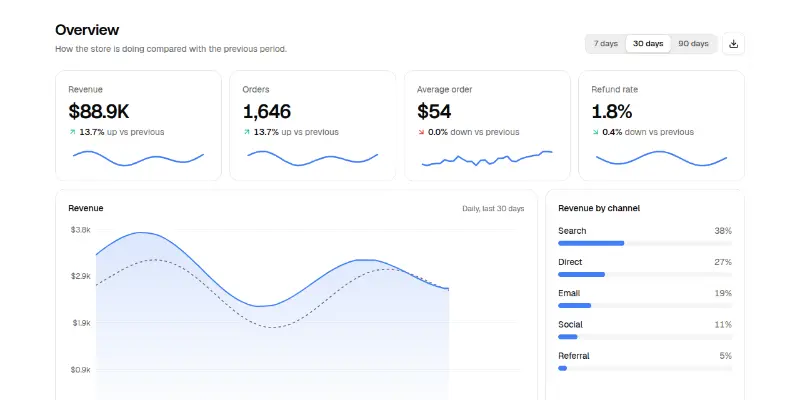
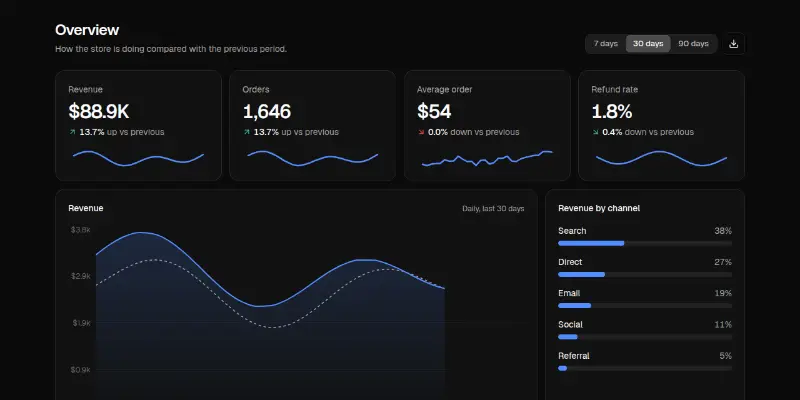
Dashboard 1: sales overview

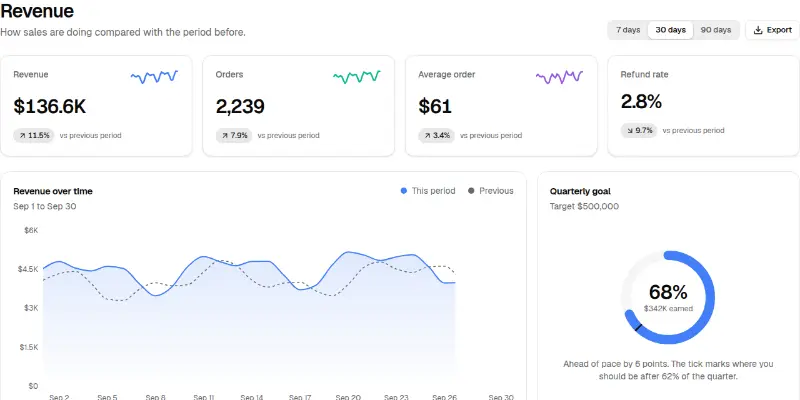
A sales dashboard page: a date-range switch that recomputes everything, four KPI cards with change and trend, a revenue area chart against the previous period, revenue by channel and a recent-orders table.

Dashboard 2: traffic analytics preview
Dashboard 2: traffic analytics

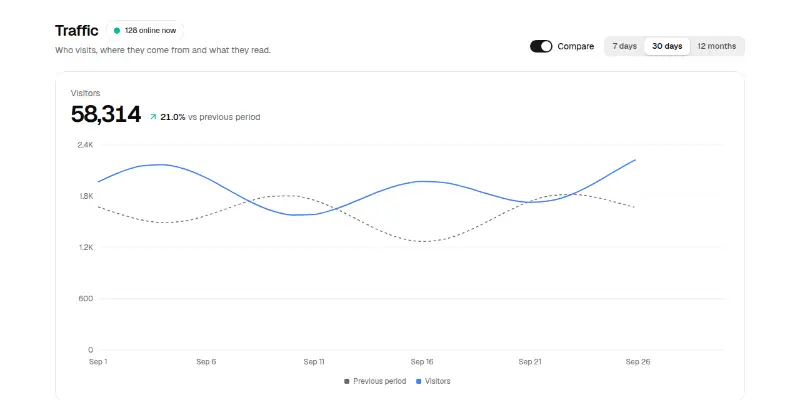
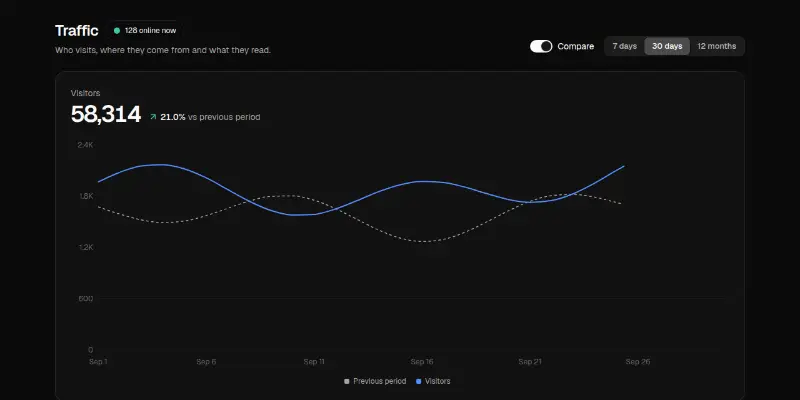
A web analytics page: a live-now pill, date range and compare switch, a visitors line chart against the previous period, traffic sources as a donut, devices, top countries and a top-pages table.

Dashboard Pro 1: revenue command centre preview
Dashboard Pro 1: revenue command centrePRO

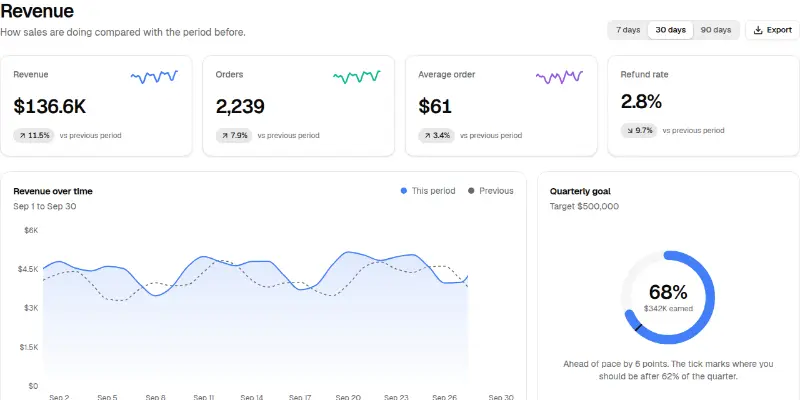
KPI tiles with trend lines, a revenue chart against the previous period, a quarterly goal ring that shows whether you are ahead of pace, best sellers and channel shares.

Dashboard Pro 10: sales pipeline and quota preview
Dashboard Pro 10: sales pipeline and quotaPRO

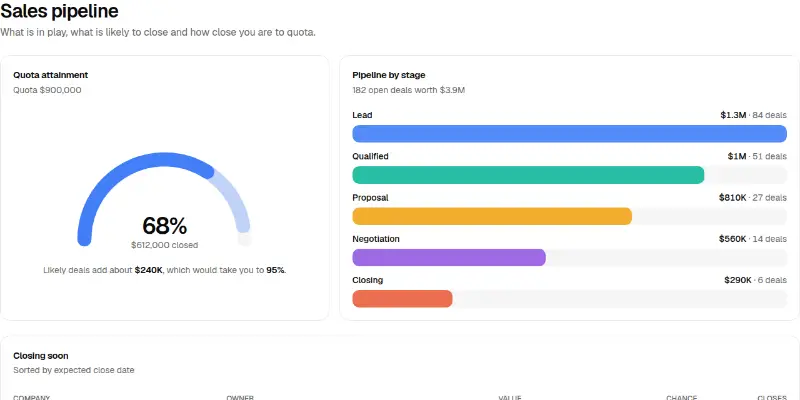
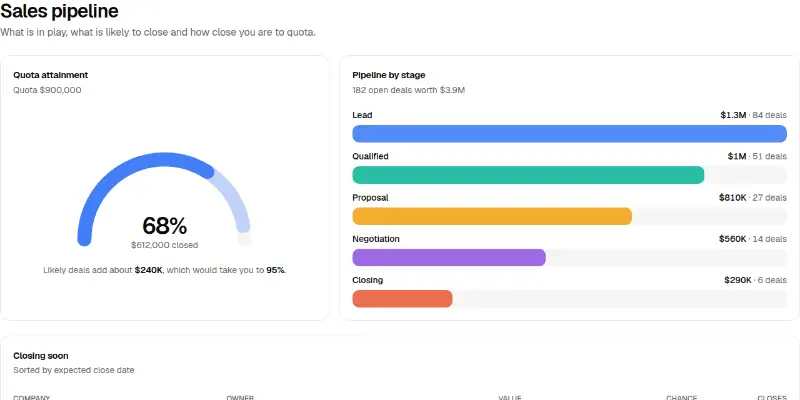
A semicircle quota gauge with a forecast arc, pipeline value by stage and the deals closing soon with their chance of closing.

Dashboard Pro 11: support performance preview
Dashboard Pro 11: support performancePRO

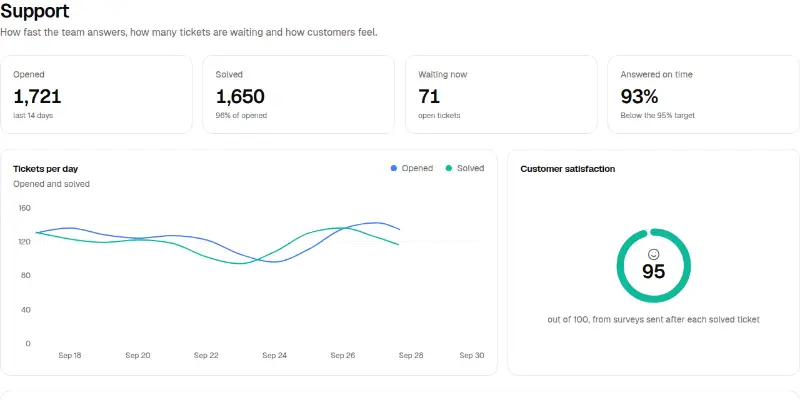
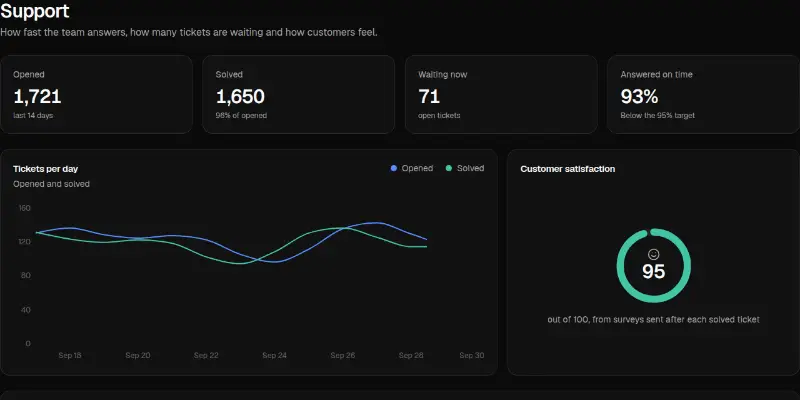
Tickets opened and solved per day, answered-on-time against the target, customer satisfaction and a ranked team table.

Dashboard Pro 12: morning brief preview
Dashboard Pro 12: morning briefPRO

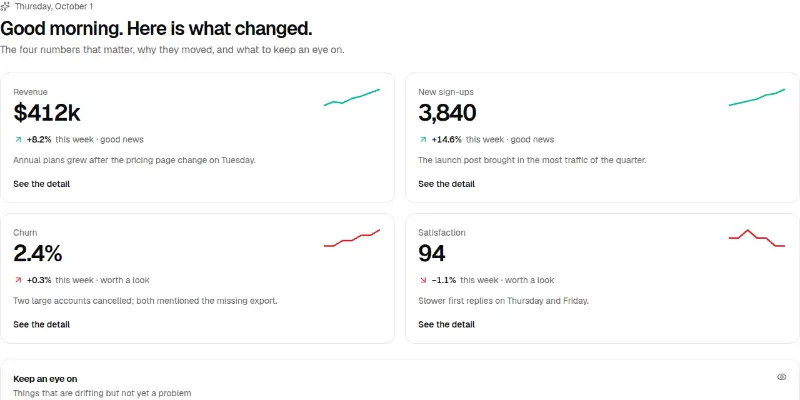
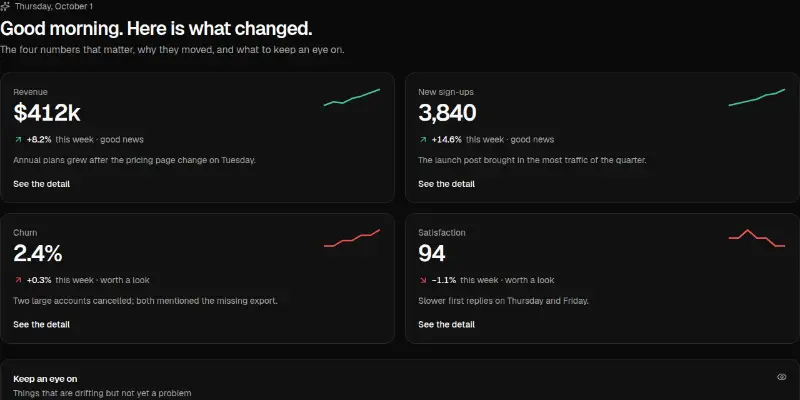
A plain-language start-of-day page: four headline numbers each with the reason it moved, a good-news or worth-a-look cue, and a watchlist of drifting metrics.

Dashboard Pro 13: customer table with bulk actions preview

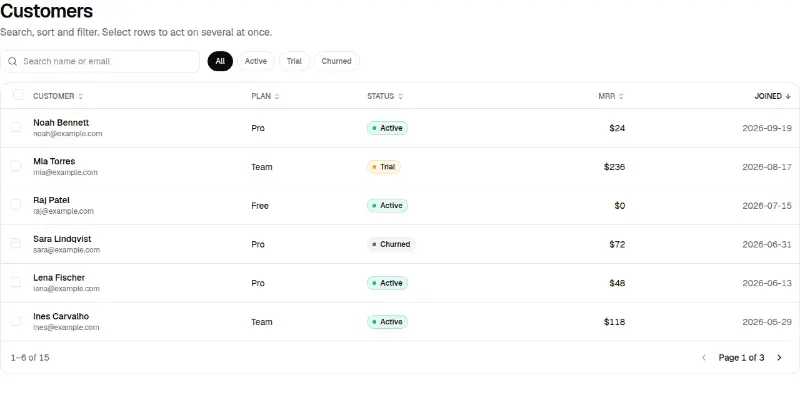
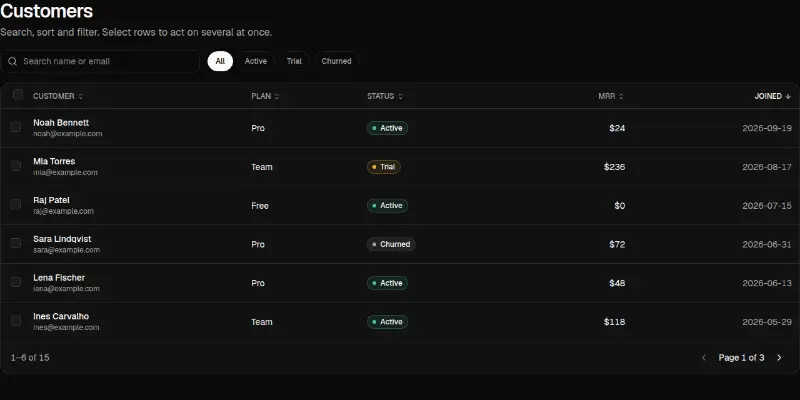
Search, status filters, sortable columns, select-all with a partial state, a bulk action bar, pagination and a details panel for the open row.

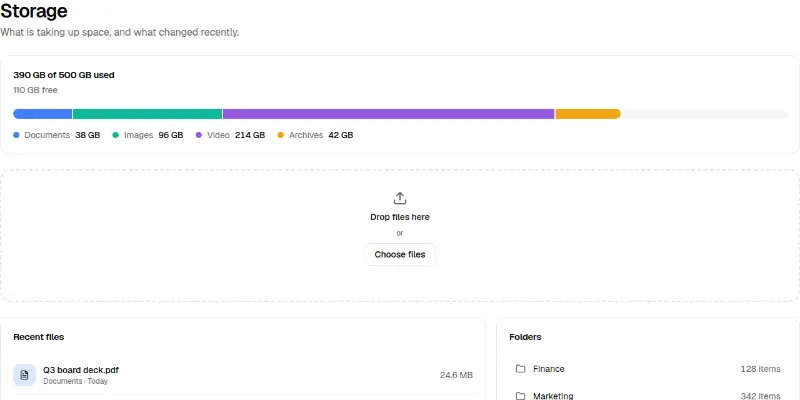
Dashboard Pro 14: storage and uploads preview
Dashboard Pro 14: storage and uploadsPRO

A segmented usage bar with a text alternative, a drop zone that adds files (drag or choose), recent files by type and folders.

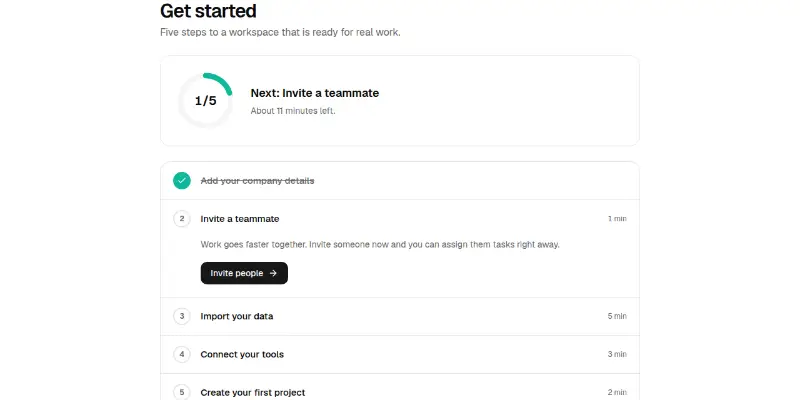
Dashboard Pro 15: activation checklist preview
Dashboard Pro 15: activation checklistPRO

A progress ring, the next best action and expandable steps that can be ticked off. Fires onComplete once when everything is done.

Dashboard Pro 16: activity feed with presence preview

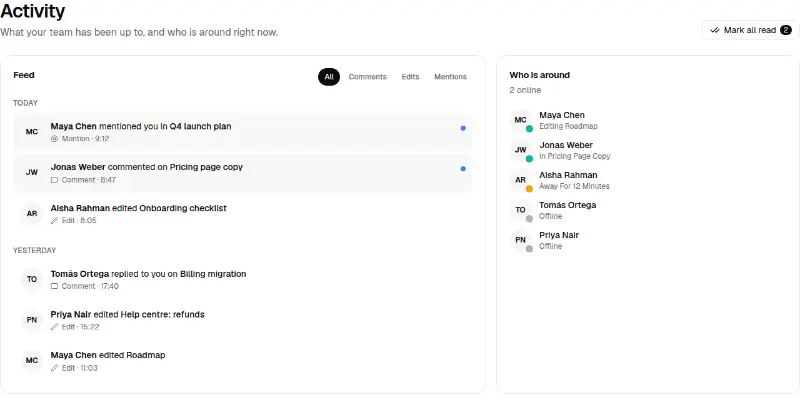
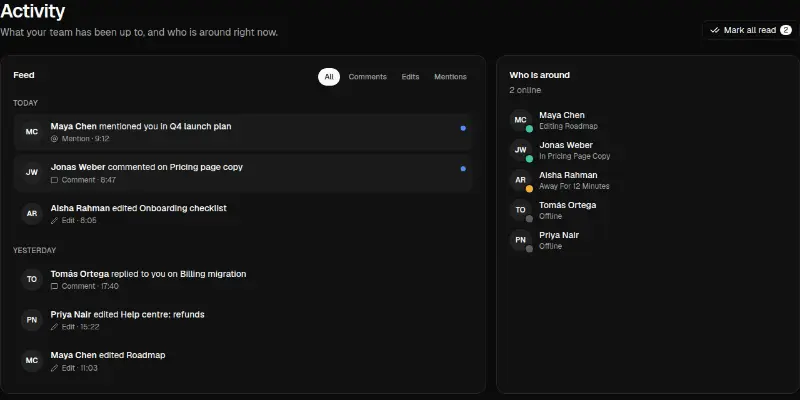
A filterable feed grouped by day with unread markers and Mark all read, beside a list of who is online and what they are doing.

Dashboard Pro 2: recurring revenue preview
Dashboard Pro 2: recurring revenuePRO

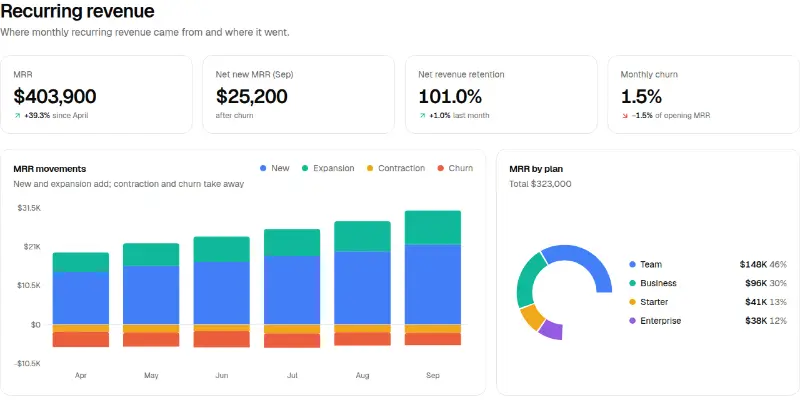
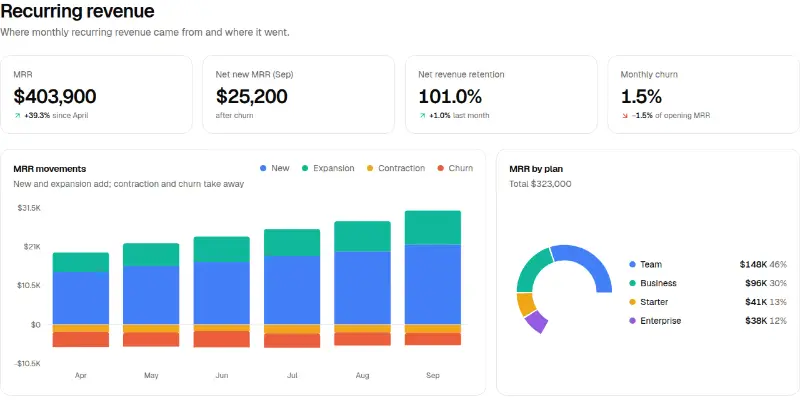
MRR movements as a stacked diverging bar (new and expansion up, contraction and churn down), retention and churn tiles, plan mix donut and a shaded cohort retention table.

Dashboard Pro 3: conversion funnel preview
Dashboard Pro 3: conversion funnelPRO

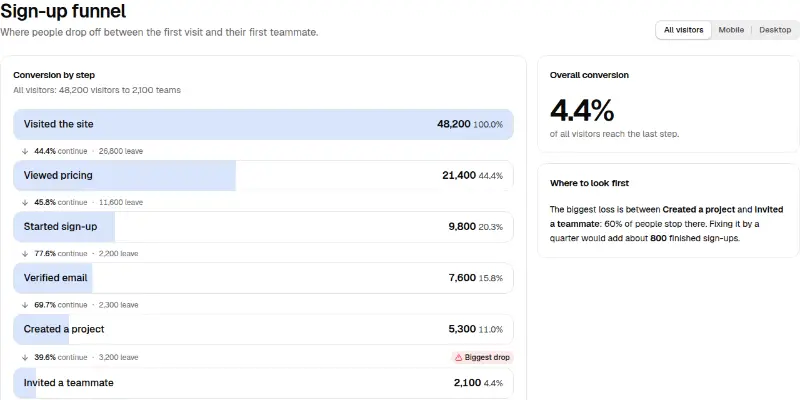
Step bars with the share that continues and how many leave, a segment switch that recomputes everything, the biggest drop flagged and a plain-language estimate of what fixing it is worth.

Dashboard Pro 4: live traffic monitor preview
Dashboard Pro 4: live traffic monitorPRO

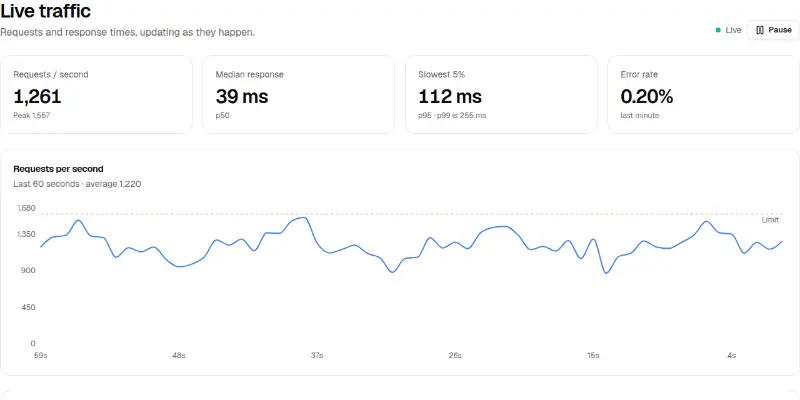
A line chart that updates every second with a limit line, latency and error tiles and a service status list. Has a pause button; starts paused when interval is 0.

Dashboard Pro 5: cash flow and runway preview
Dashboard Pro 5: cash flow and runwayPRO

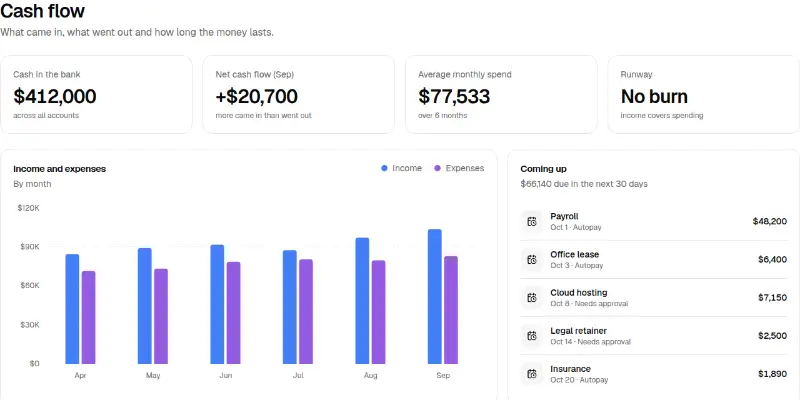
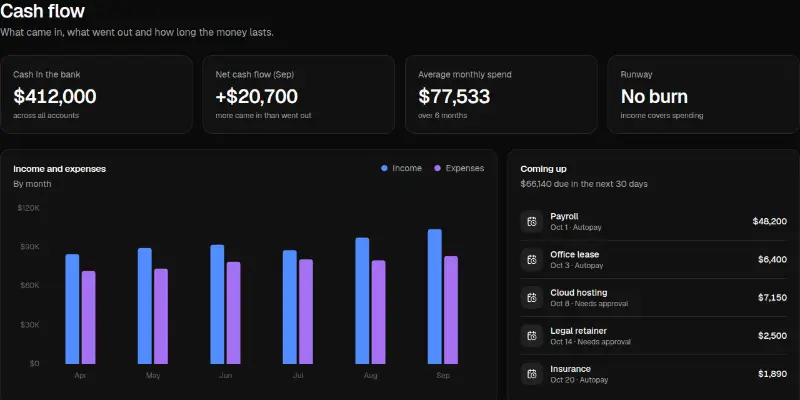
Income against expenses by month, net cash flow, runway in months from the average burn, and a list of upcoming bills with autopay status.

Dashboard Pro 6: store pulse heatmap preview
Dashboard Pro 6: store pulse heatmapPRO

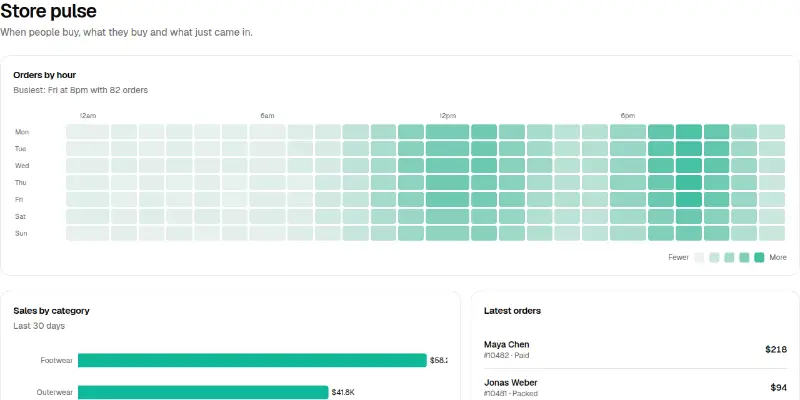
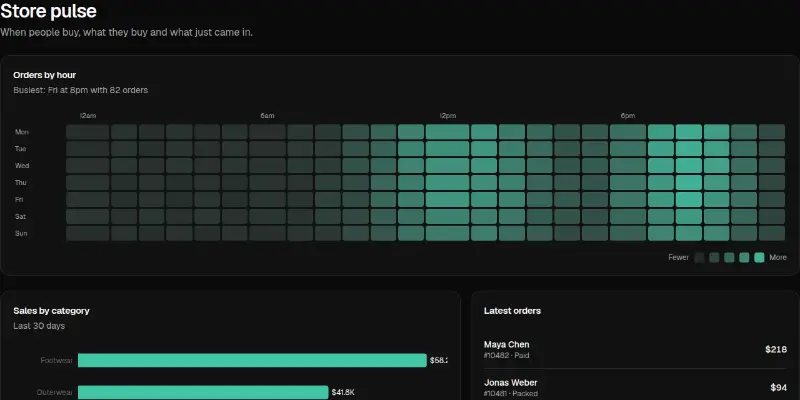
An orders-by-hour heatmap (keyboard navigable, with the busiest slot called out), sales by category with direct value labels, and the latest orders.

Dashboard Pro 7: campaign scoreboard preview
Dashboard Pro 7: campaign scoreboardPRO

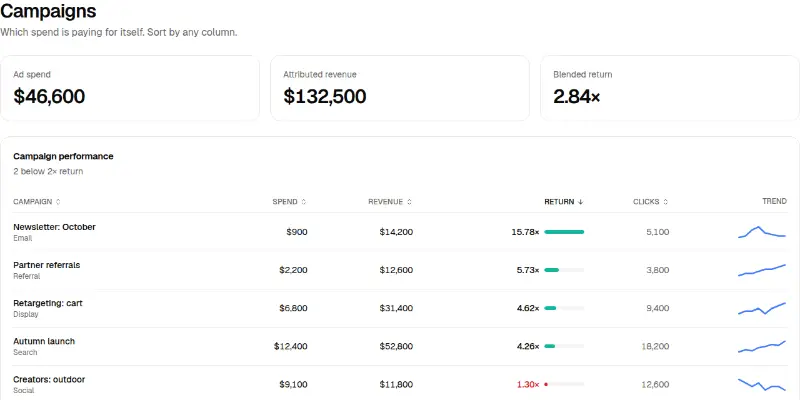
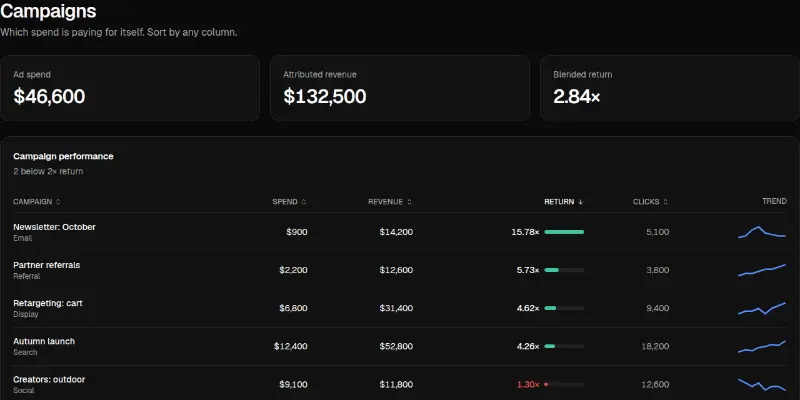
A sortable campaign table with return on spend, inline bars, trend lines and a flag for anything below your minimum return.

Dashboard Pro 8: project health and burndown preview

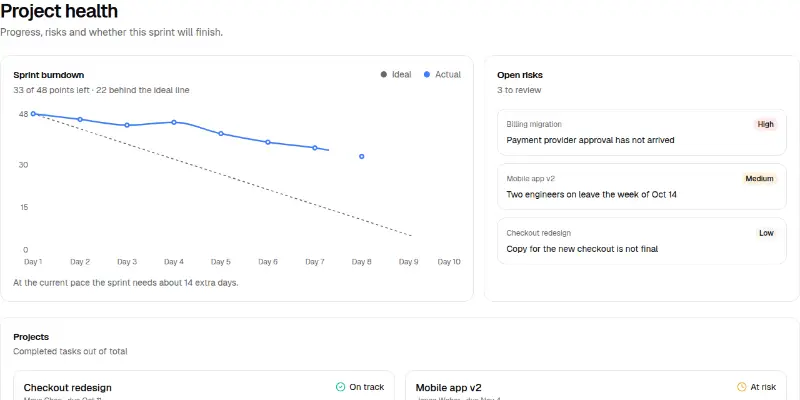
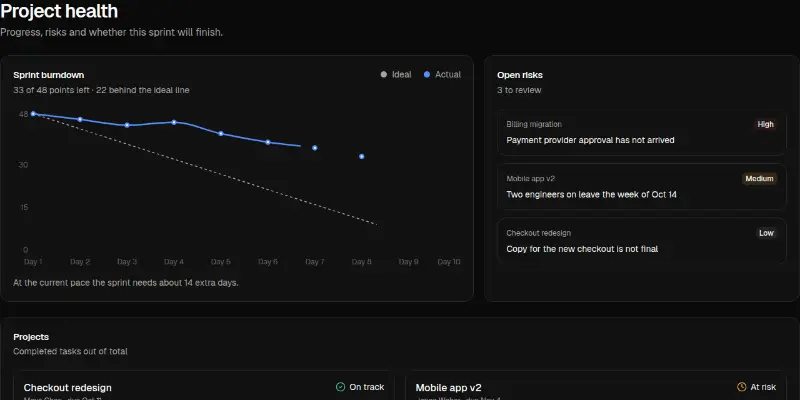
Sprint burndown against the ideal line with an honest 'will it finish' sentence, open risks by severity, and project cards with progress and health.

Dashboard Pro 9: infrastructure overview preview
Dashboard Pro 9: infrastructure overviewPRO

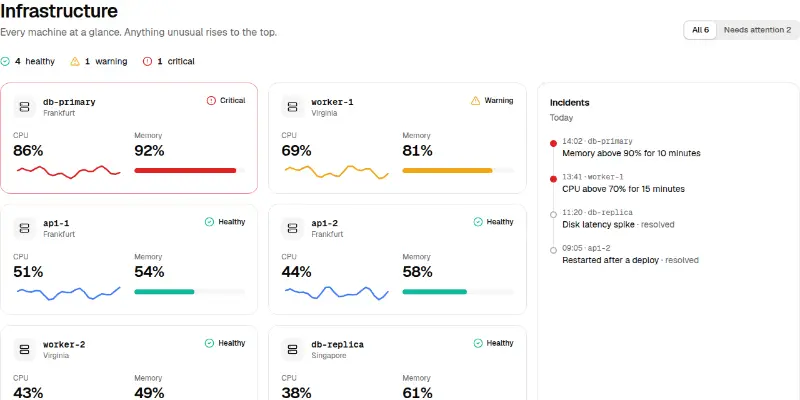
Machines sorted by severity with CPU trend and memory meters, a filter for what needs attention, and an incident timeline.

Settings5

Settings 1: profile and account preview

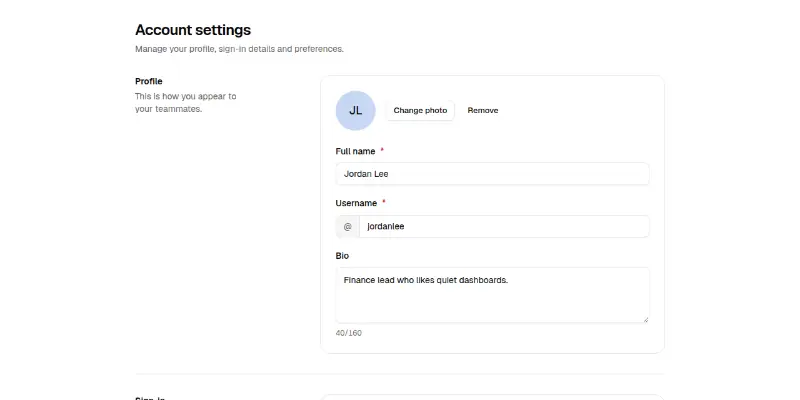
An account settings page: profile with username availability, sign-in details with a change-password dialog, language, time zone and appearance, a type-to-confirm delete, and a sticky save bar that appears only when something changed.

Settings 2: notification preferences preview

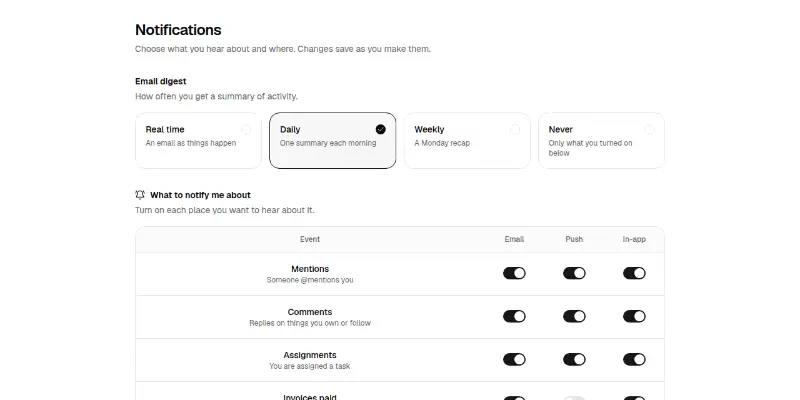
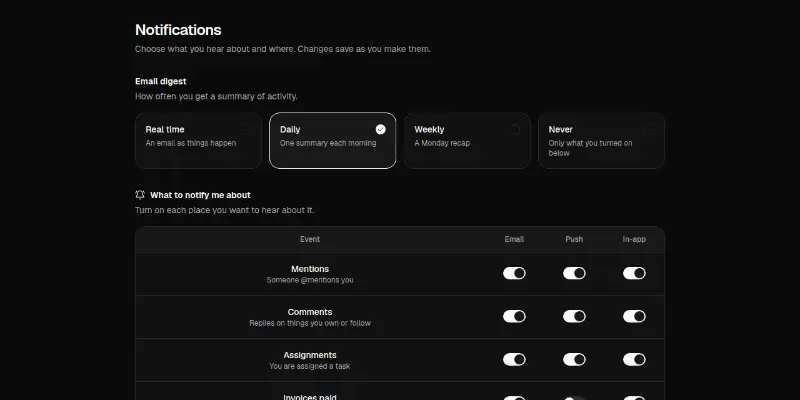
Notification settings that save as you go: digest frequency as radio cards, a grid of switches for each event and channel (cards on phones), and quiet hours with times and weekdays.

Settings 3: team members and roles preview

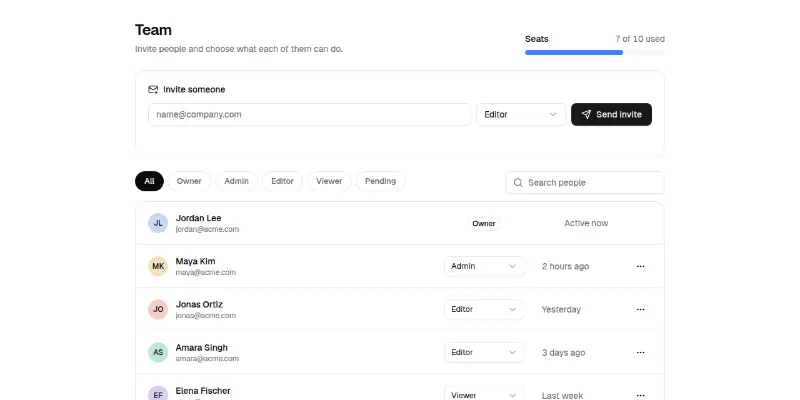
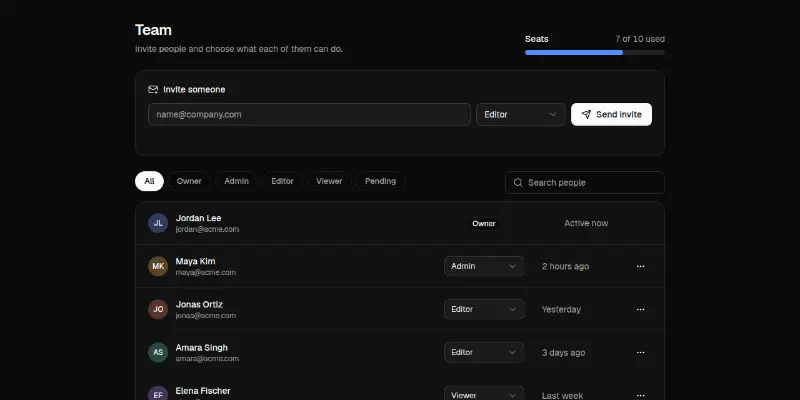
Team management: a seats meter, an invite form with role, role filters and search, a member list with role selects, pending invitations and a confirm-before-remove dialog. Stacks cleanly on phones.

Settings Pro 1: notification preferences matrix preview

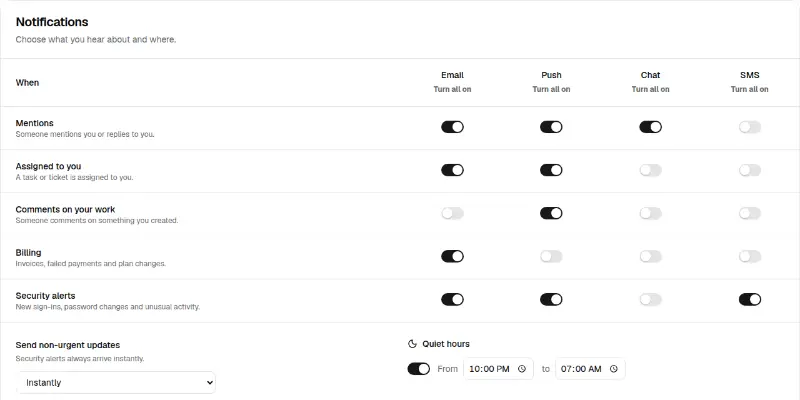
A table of events by channel with switches, turn-all-on/off per channel, a digest choice, quiet hours and a save bar that appears when something changed.

Settings Pro 2: security: two-step, sessions and tokens preview

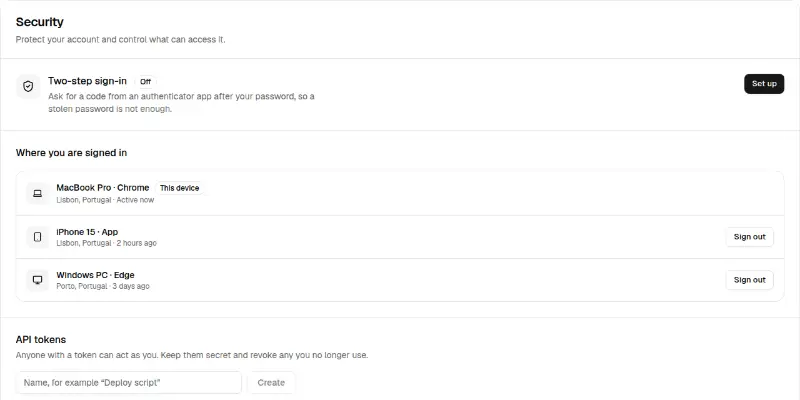
Turn on two-step sign-in with a code check, sign out other devices with a confirmation, and create, reveal, copy and revoke API tokens.

Billing3

Billing 1: plan, usage and invoices preview

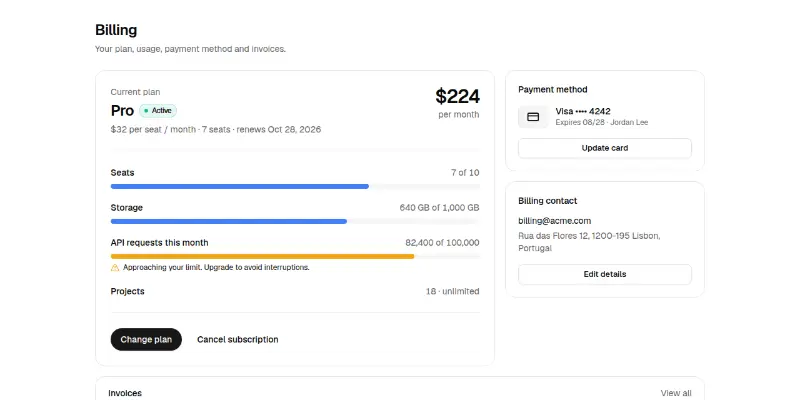
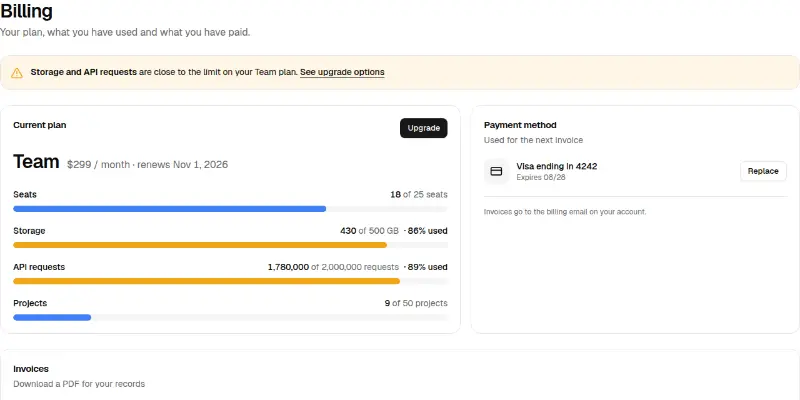
A billing page: current plan and monthly cost, usage meters that turn amber near the limit, the card on file with an update dialog (formatted, validated), the billing contact and an invoice list with status and downloads.

Billing 2: change plan with proration preview

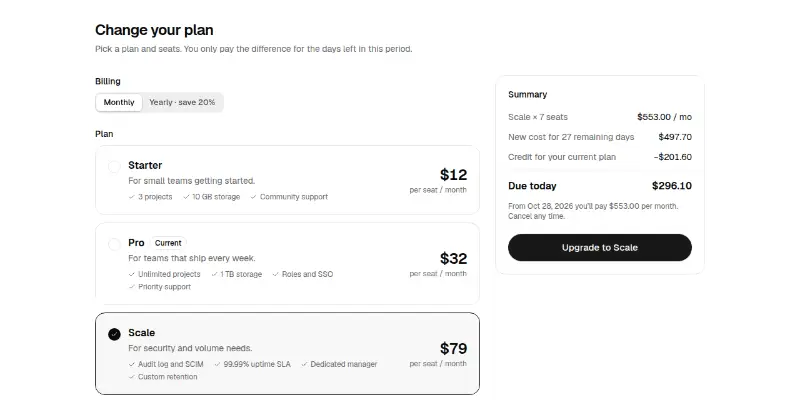
A change-plan flow: billing interval, plan cards as radios, a seat stepper that respects the current team, and a sticky summary that works out the prorated charge, the credit and what is due today.

Billing Pro 1: plan, usage meters and invoices preview

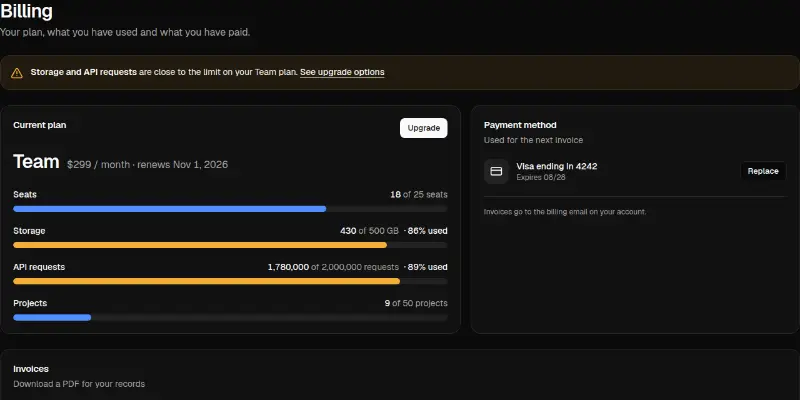
Current plan with usage meters that turn to a warning near the limit, a banner naming what is close, a replaceable card and downloadable invoices with status.

Mail2

Mail 1: three-pane inbox preview

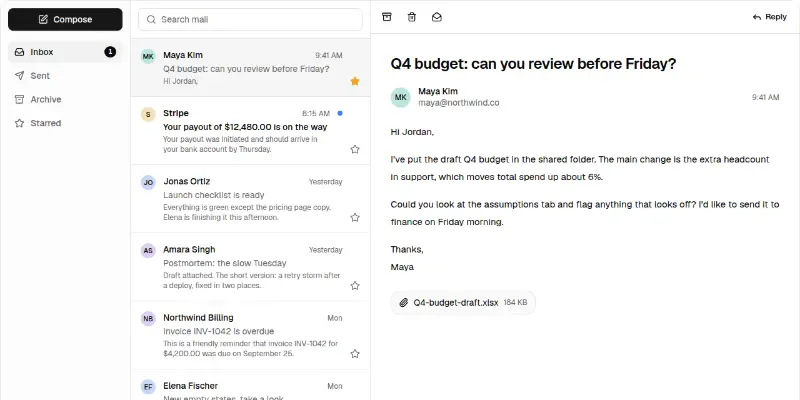
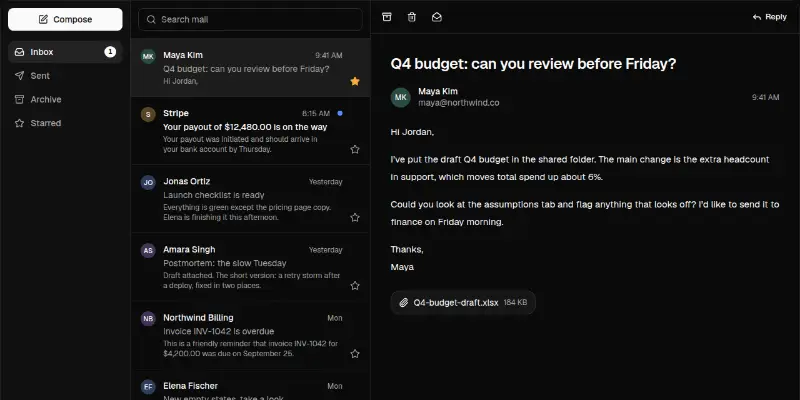
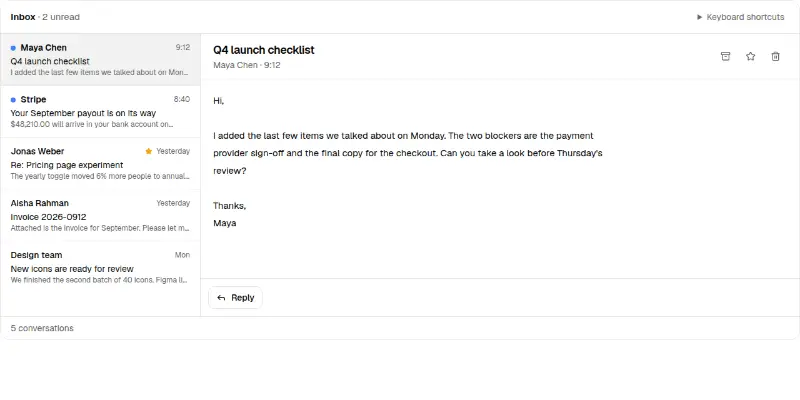
A working inbox: folders with an unread count, a searchable message list with stars and keyboard navigation, a reading pane with archive, delete, mark unread and reply, and a compose dialog. One pane at a time on phones.

Mail Pro 1: triage inbox with keyboard shortcuts preview

A fast inbox: J and K move, E archives, S stars, # deletes, U marks unread and Z undoes. A status line announces every action and offers Undo.

Kanban2

Kanban 1: project board with drag and keyboard moves preview

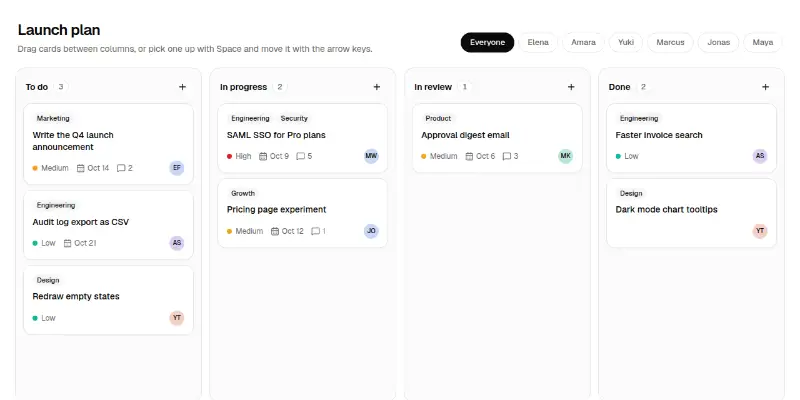
A project board: columns with counts, rich task cards (tags, priority, due date, comments, assignee), drag and drop with a drop indicator, keyboard pick-up and move with announcements, a Move-to menu, quick add and a person filter.

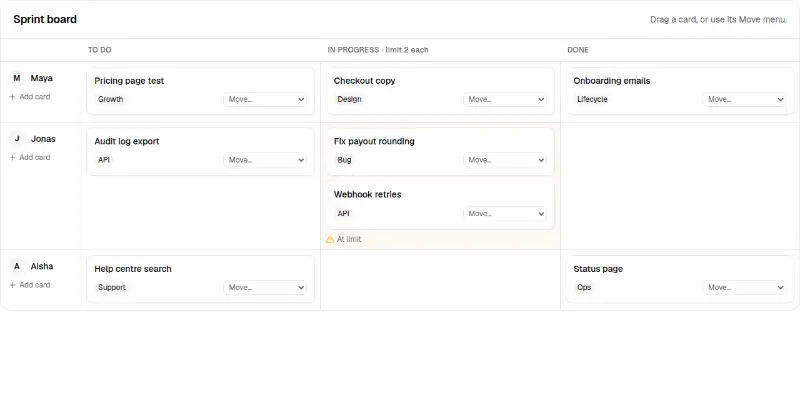
Kanban Pro 1: swimlane board with limits preview

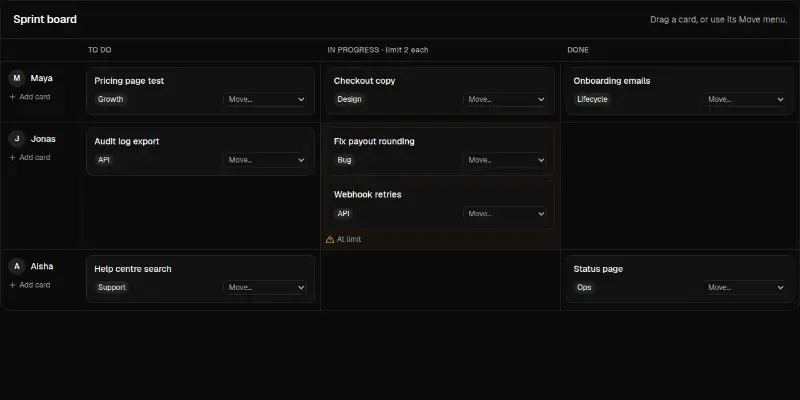
A board with lanes per person, work-in-progress limits per column, drag and drop and a Move menu on every card so it works without a mouse.

Calendar2

Calendar 1: week view with mini month preview

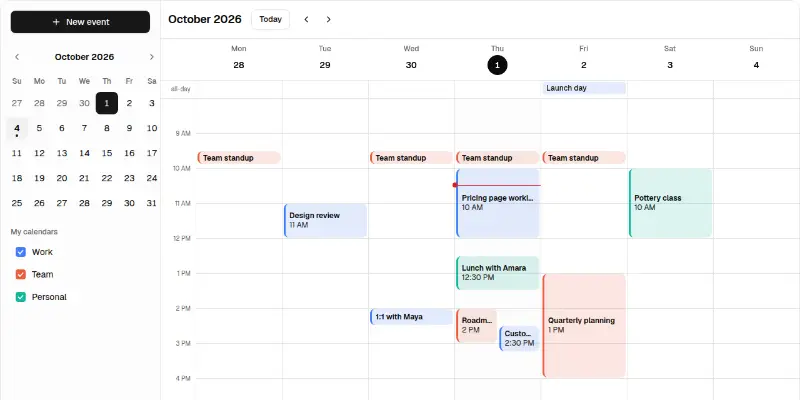
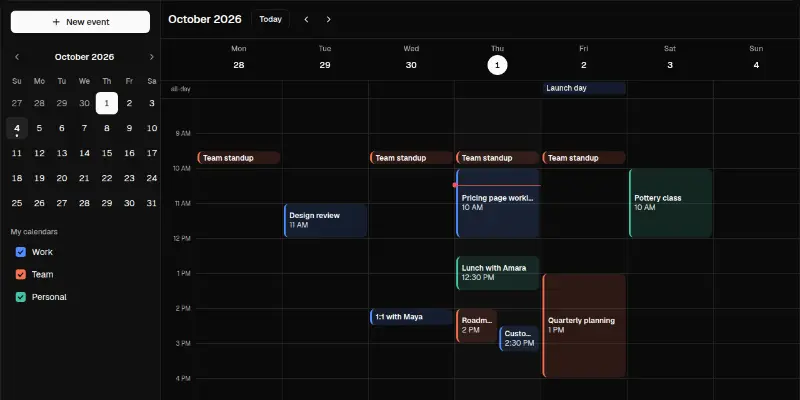
A week calendar: a time grid with overlapping events placed side by side, an all-day row, a now line, a mini month and calendar toggles, event popovers and a new-event dialog. One day at a time on phones.

Calendar Pro 1: room and resource timeline preview

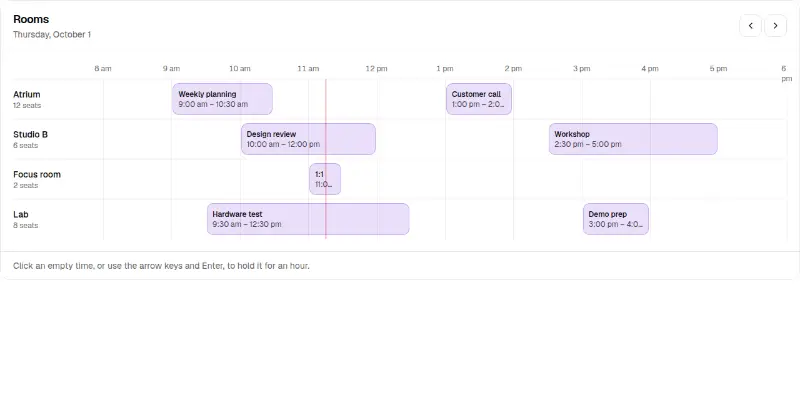
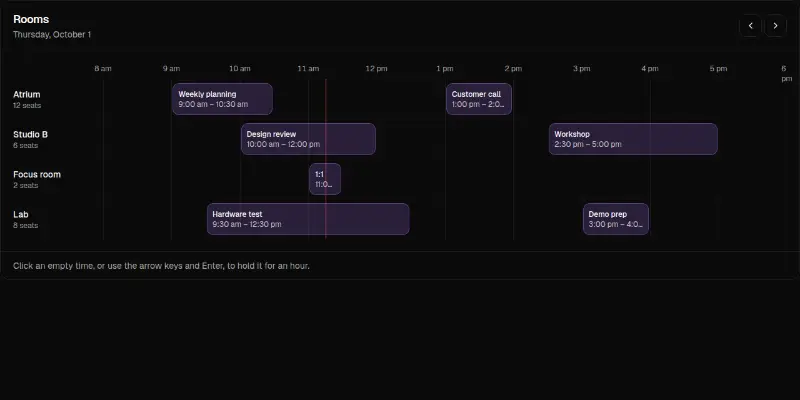
Rooms or people as rows, hours as columns, bookings as blocks and a line for now. Click or use the arrow keys on an empty time to hold an hour; release it again.

AI chat3

AI Chat 1: full chat app pane preview

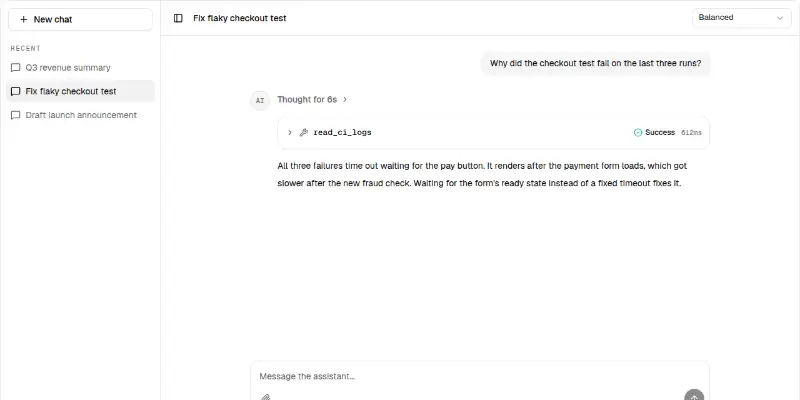
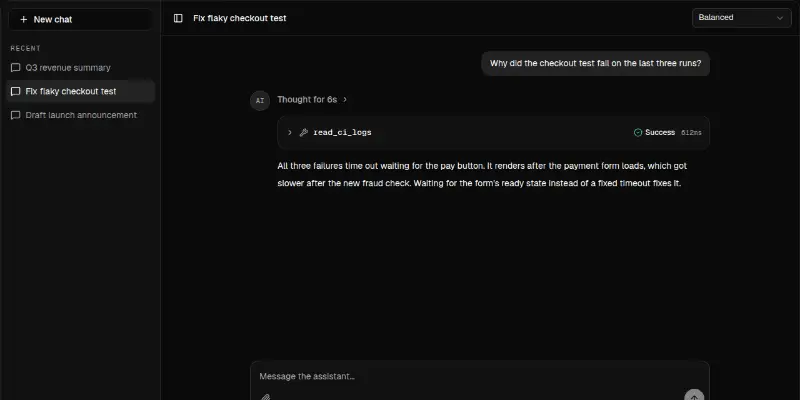
A complete assistant screen: collapsible conversation sidebar, model picker, messages with reasoning and tool calls, streaming replies, copy and regenerate, and a prompt with attachments.

AI Chat 2: conversation with artifact panel preview

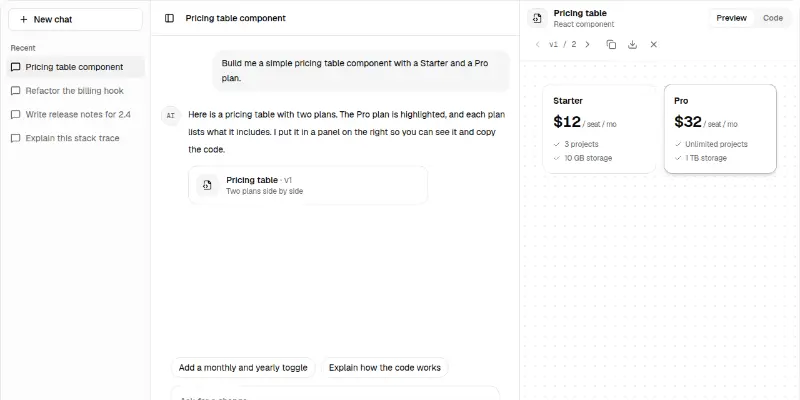
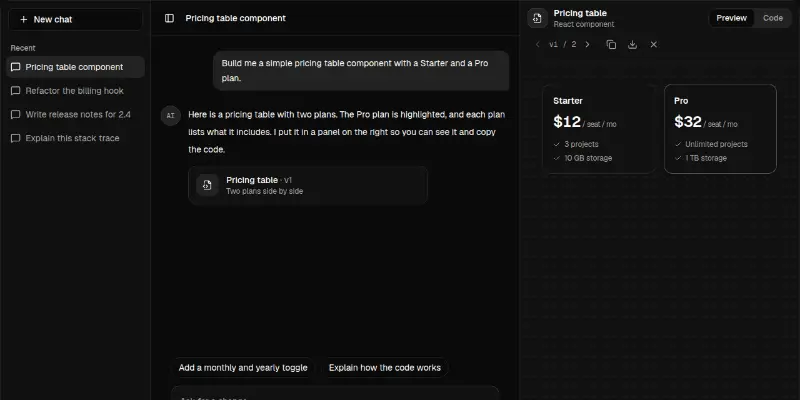
A chat that builds things: conversation list, streaming replies, suggestion chips and a side panel with Preview and Code tabs, version history, copy and download. The panel overlays the chat on narrow screens.

Ai-chat Pro 1: chat with a document panel preview

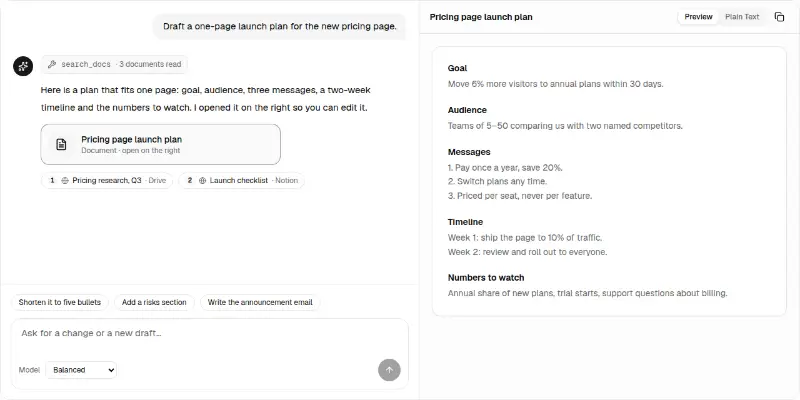
A conversation with tool-call chips, numbered sources, suggestions and a model picker. Documents the assistant writes open in a side panel with a plain-text view and copy.

Ecommerce

Shop screens: catalogue, product page, cart, checkout, orders and delivery.

Ecommerce15

Ecommerce Pro 1: catalogue with filters preview
Ecommerce Pro 1: catalogue with filtersPRO

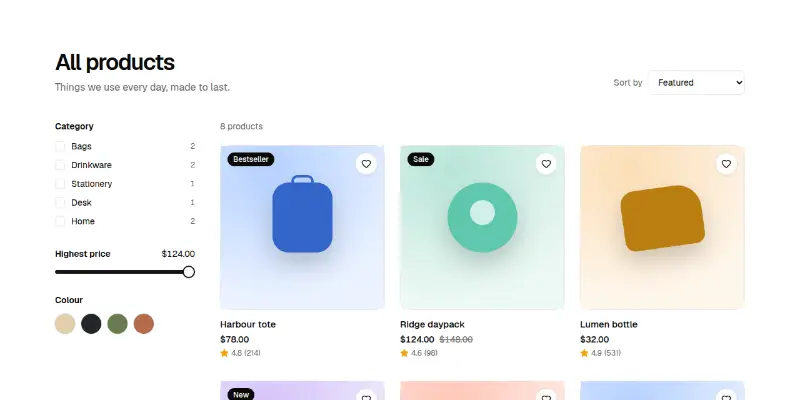
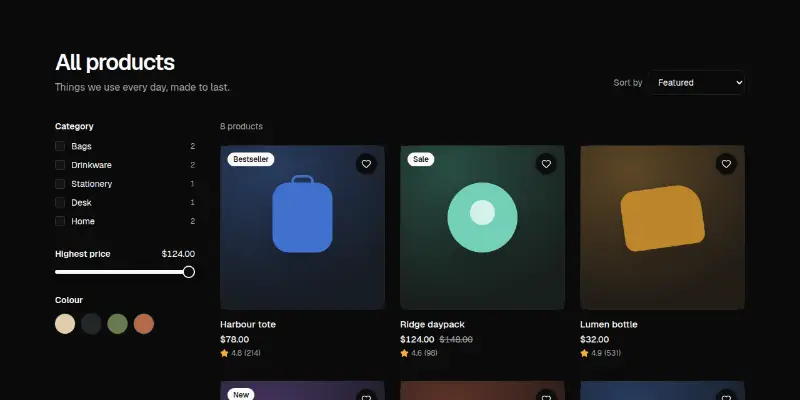
A product grid with category, price and colour filters, sorting, a wishlist heart and a quick add button. A live count says how many products match.

Ecommerce Pro 10: order confirmation with tracking preview

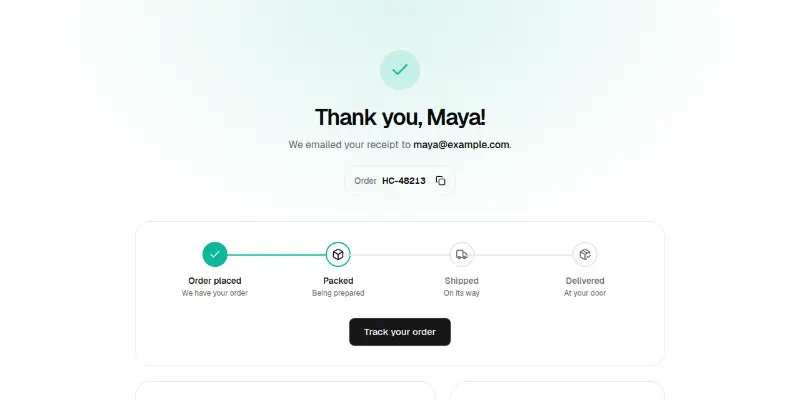
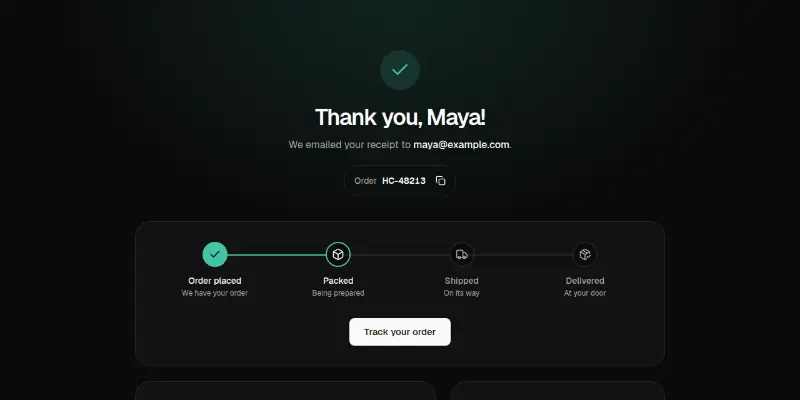
A thank-you page with a copyable order number, a four-stage tracker, items, totals, address and payment summary.

Ecommerce Pro 11: order history preview
Ecommerce Pro 11: order historyPRO

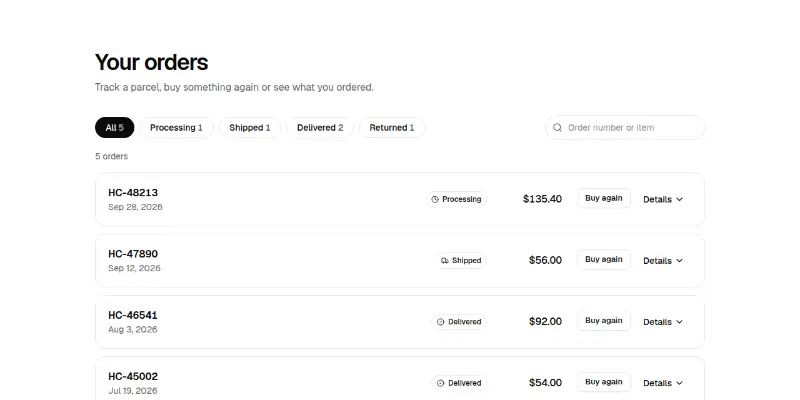
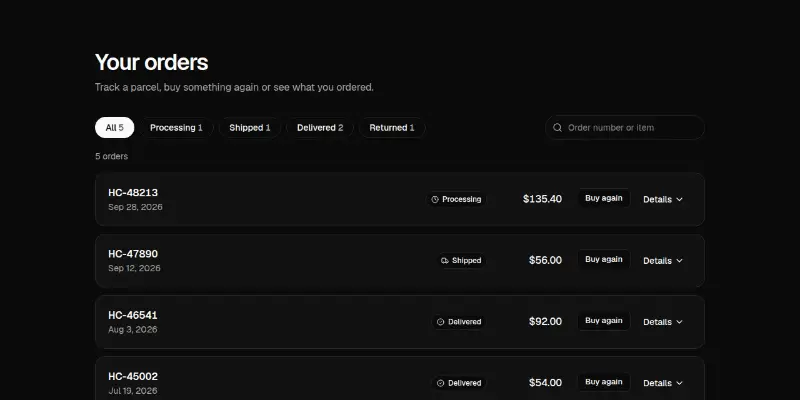
Past orders with status filters and counts, search, expandable details, a track link and Buy again.

Ecommerce Pro 12: compare products preview
Ecommerce Pro 12: compare productsPRO

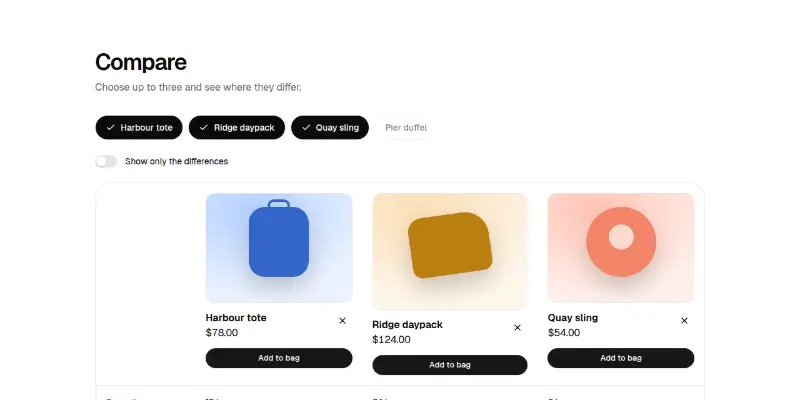
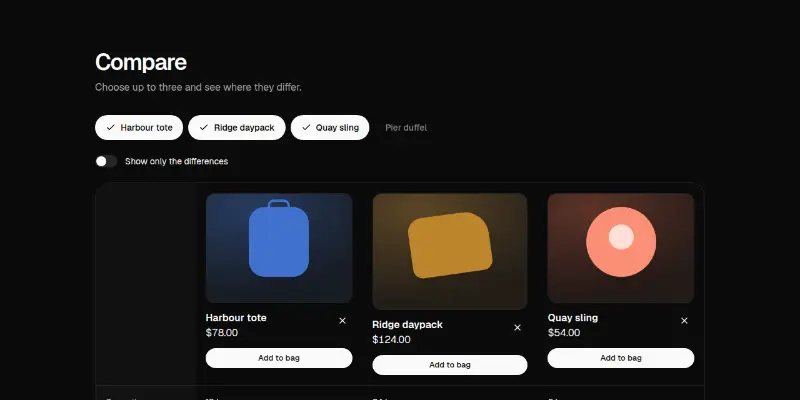
Choose up to three products and compare them in a table with a sticky first column, a differences-only switch and add buttons.
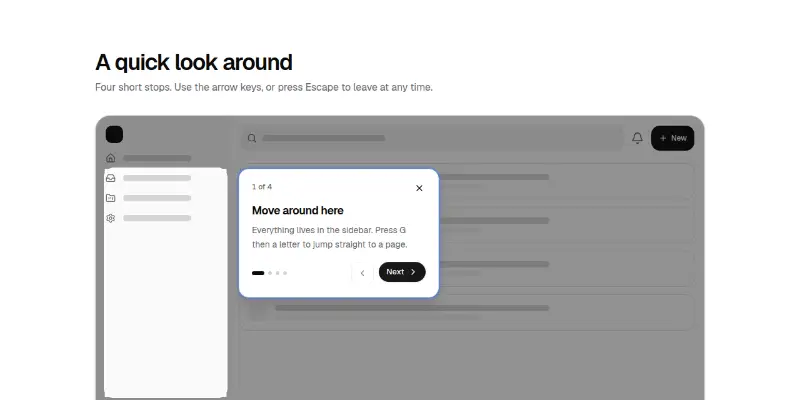
Ecommerce Pro 13: size finder preview
Ecommerce Pro 13: size finderPRO

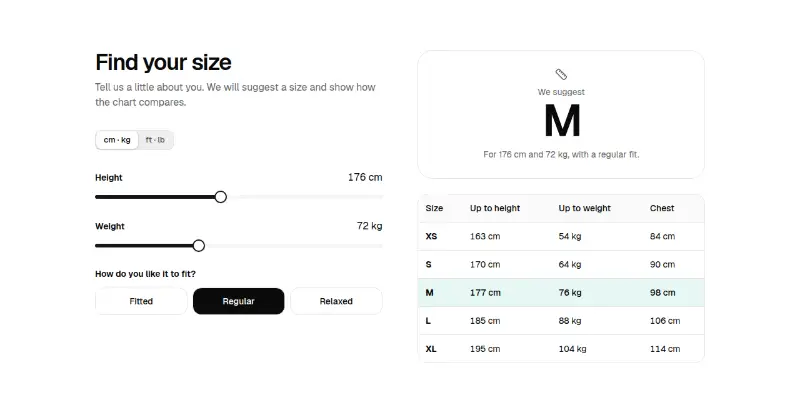
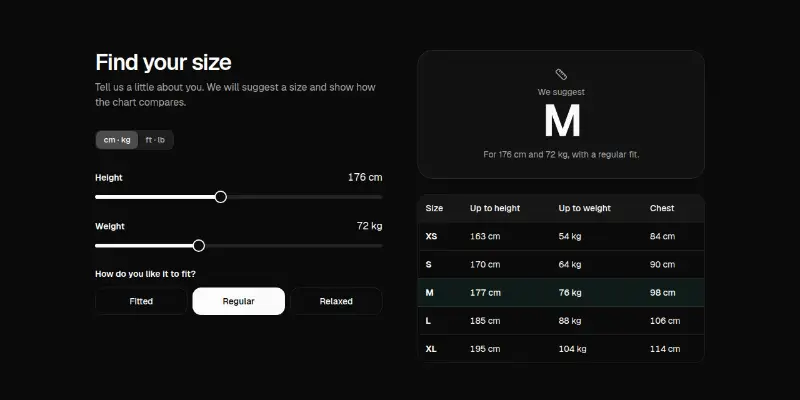
Height and weight sliders and a fit preference give a suggested size and highlight its row in a size chart. Your chart is a prop.

Ecommerce Pro 14: flash sale preview
Ecommerce Pro 14: flash salePRO

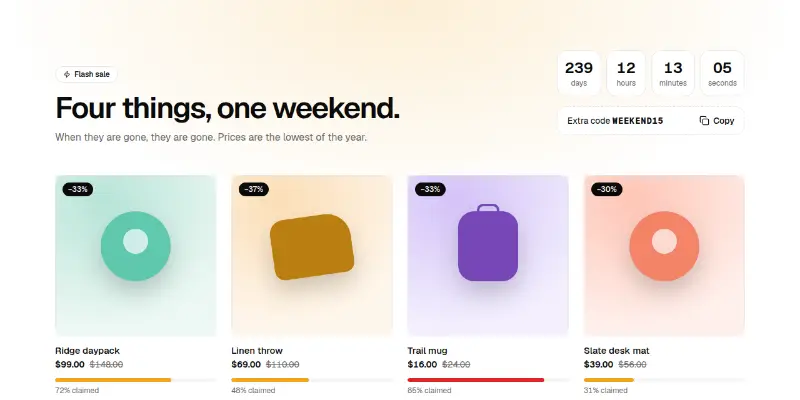
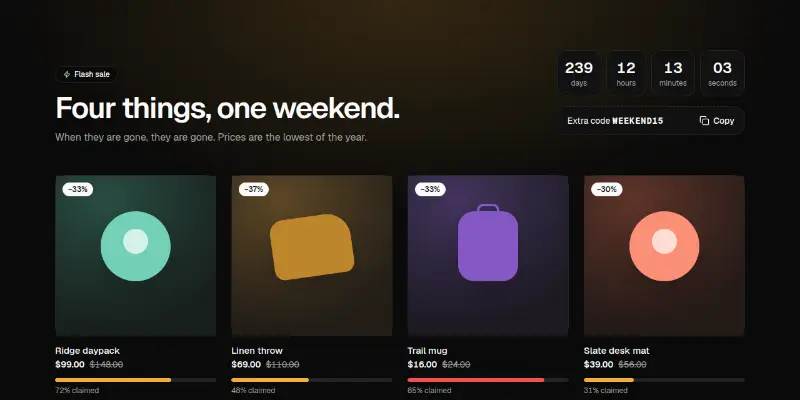
A countdown to the end of the sale, a copyable code, and deals with the percent off and a bar showing how much stock is claimed.

Ecommerce Pro 15: related products carousel preview

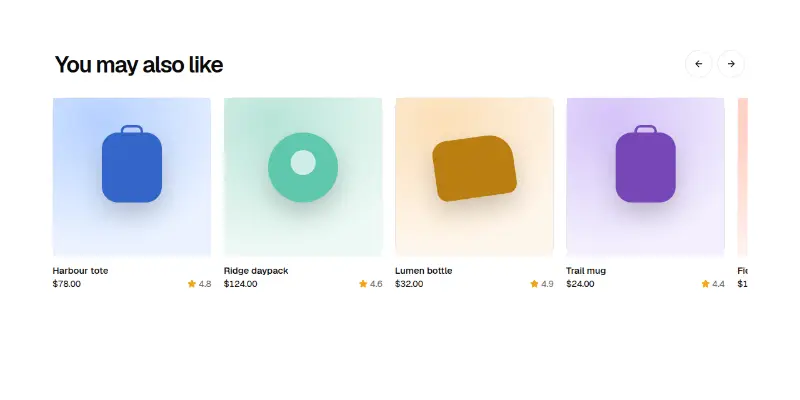
A scroll-snap row of products with previous and next buttons that disable at the edges, arrow-key paging and a quick add on each card.

Ecommerce Pro 2: product page with variants preview

A product page with a photo gallery, colour and size pickers built on real radio buttons, a quantity stepper, an add to bag button with success and error states, and collapsible details.

Ecommerce Pro 3: quick view dialog preview
Ecommerce Pro 3: quick view dialogPRO

A grid of products where each opens a dialog with a larger picture, a size choice and an add button, without leaving the page.

Ecommerce Pro 4: cart drawer preview
Ecommerce Pro 4: cart drawerPRO

A store bar with a bag button that opens a side drawer: quantities, remove with undo, a free-delivery progress bar, subtotal and checkout.

Ecommerce Pro 5: cart page with promo code preview

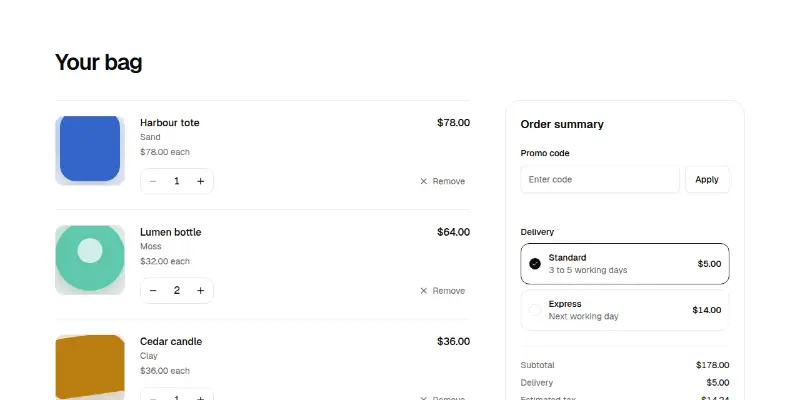
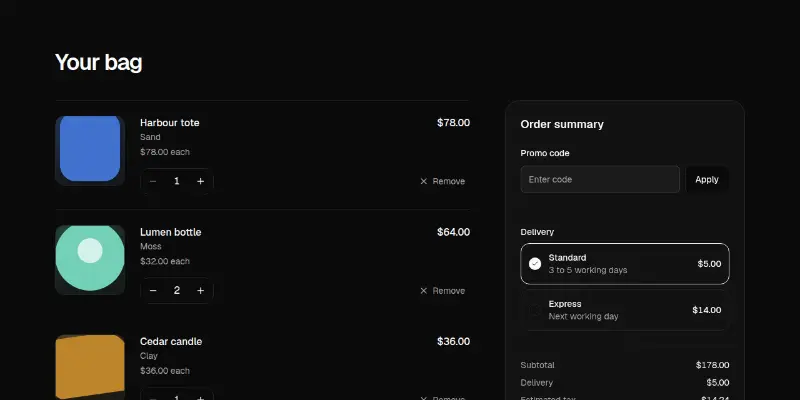
A full cart with steppers, a promo code field that validates, delivery choices and a live summary of subtotal, discount, delivery, tax and total.

Ecommerce Pro 6: collection tiles preview
Ecommerce Pro 6: collection tilesPRO

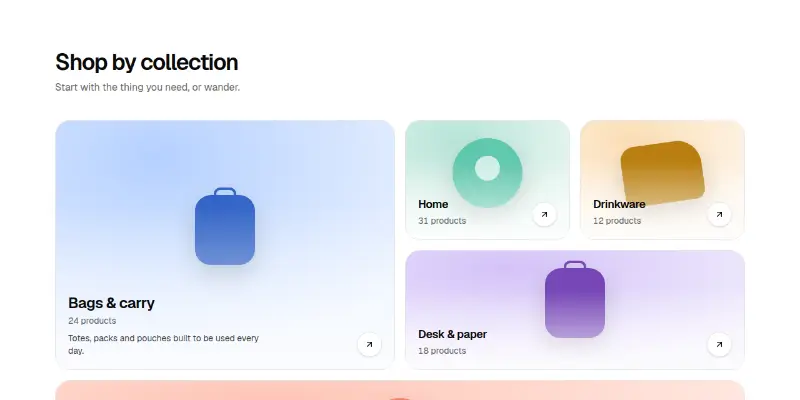
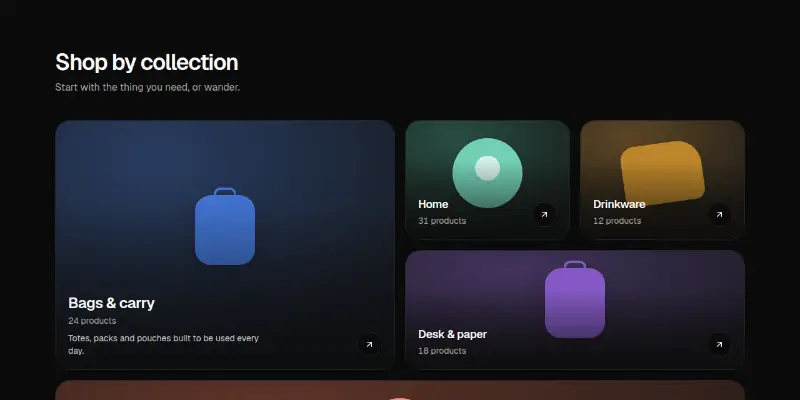
A bento of collection tiles with pictures, counts and arrows. The whole tile is one link.

Ecommerce Pro 7: bundle builder preview
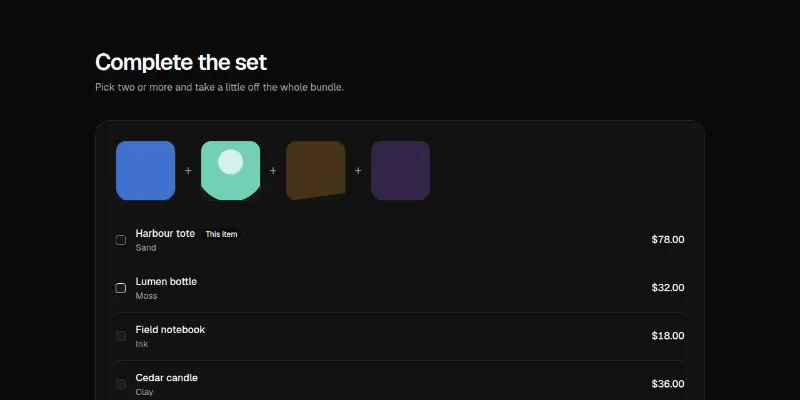
Ecommerce Pro 7: bundle builderPRO

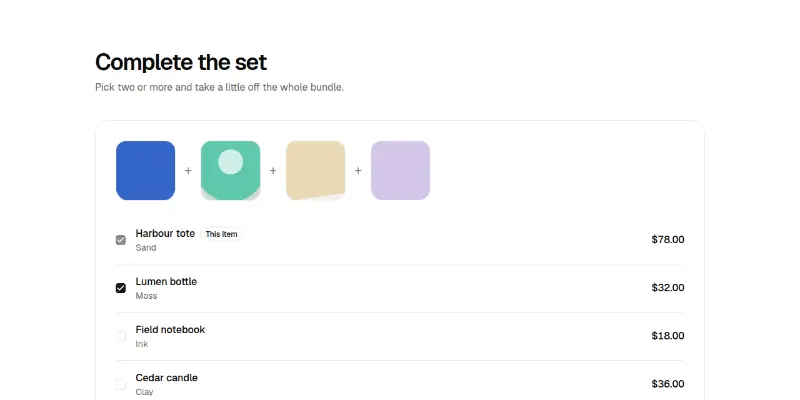
Pick pieces to complete a set. The price updates, a saving appears once enough are chosen, and one button adds the bundle.

Ecommerce Pro 8: delivery estimator preview
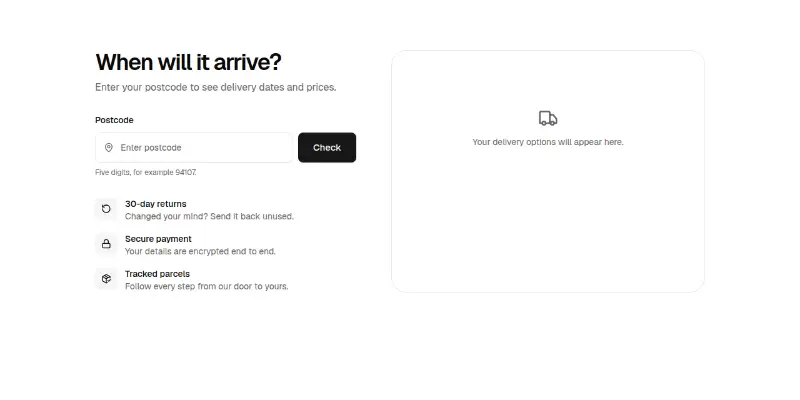
Ecommerce Pro 8: delivery estimatorPRO

Enter a postcode to see delivery methods with real dates counted in working days, plus returns and payment reassurances.

Ecommerce Pro 9: single-page checkout preview
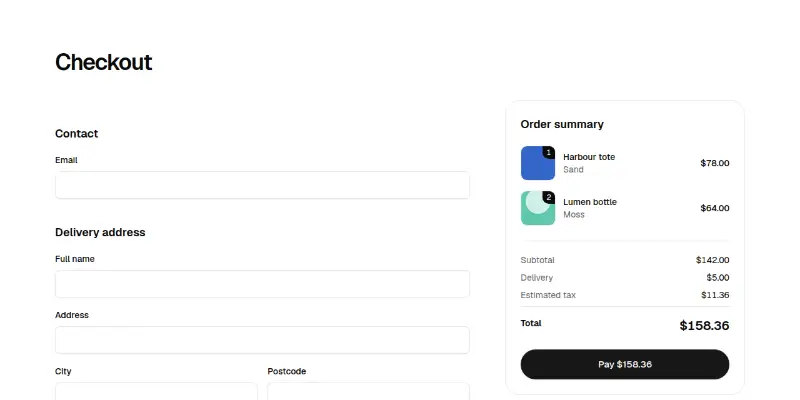
Ecommerce Pro 9: single-page checkoutPRO

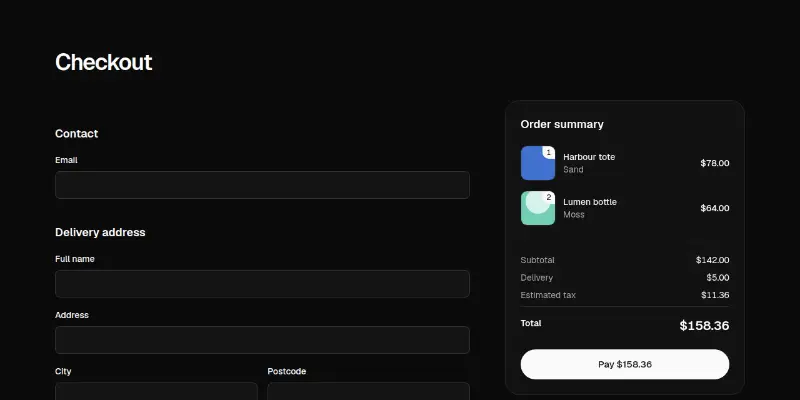
Contact, address, delivery and payment on one page with an error summary that takes focus, field errors and a sticky order summary. Card fields come from your provider through a slot.

Mac and devices

Showcase a desktop or mobile app with live device scenes and download sections.
Desktop showcase1

Showcase 1: interactive Mac desktop preview

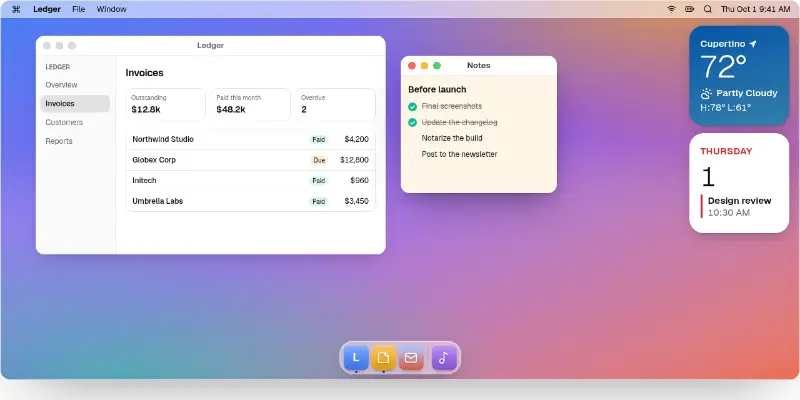
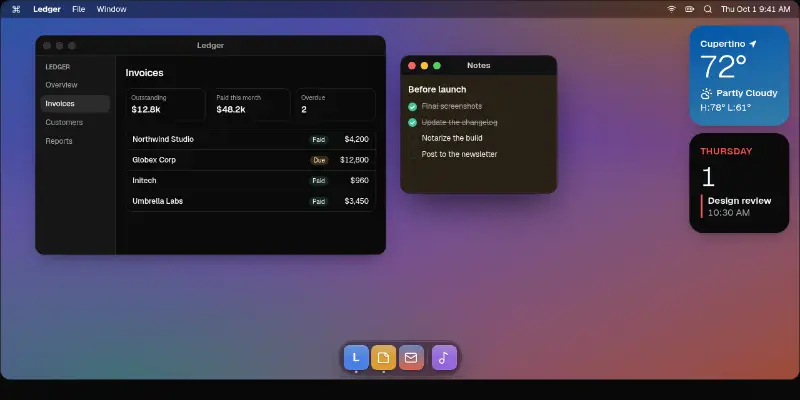
A working Mac desktop for your landing page: wallpaper, a menu bar with menus and a clock, draggable and resizable windows, desktop widgets and a magnifying dock that launches and relaunches them.
Download2

Download 1: Mac app download with release notes preview

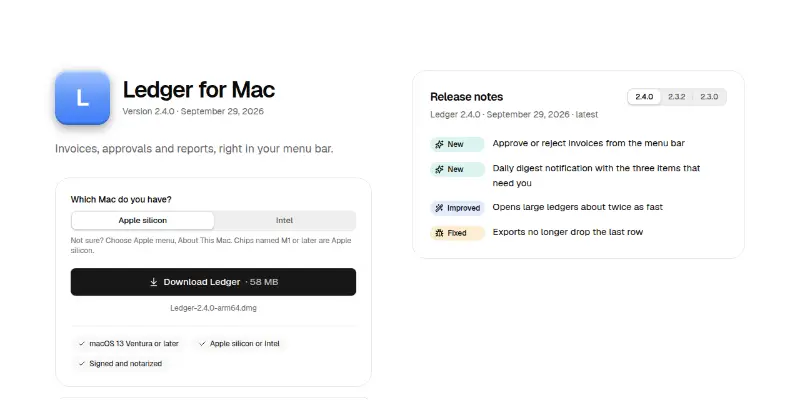
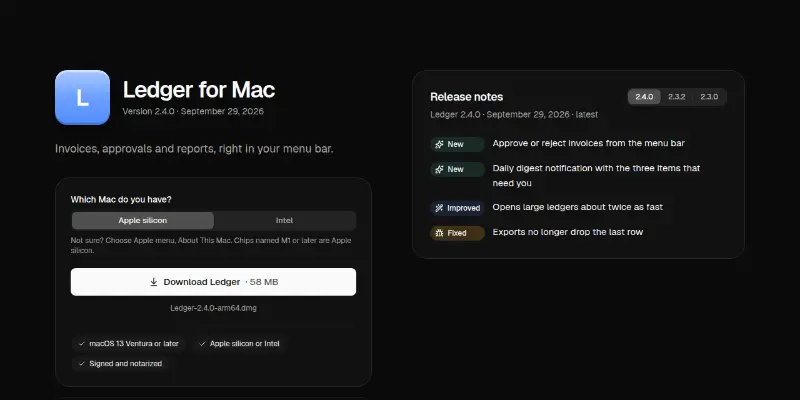
A Mac app download section: app icon and version, an Apple silicon or Intel choice that swaps the file, copyable checksum and Homebrew command, install steps and release notes you can flip between.
Download Pro 1: download with device detection preview

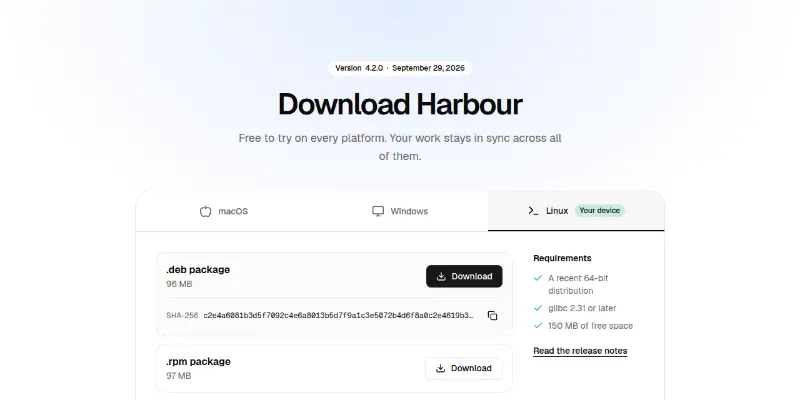
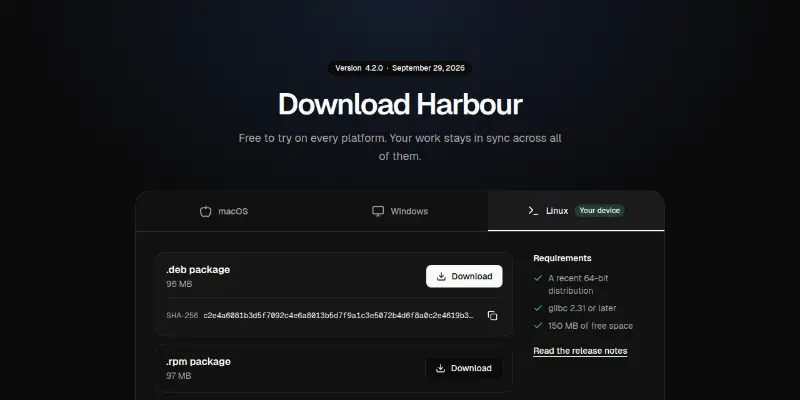
Platform tabs that pick your device, builds with sizes and copyable checksums, requirements and an earlier versions table.

Devices1

Devices 1: Mac, iPad, iPhone and Watch lineup preview

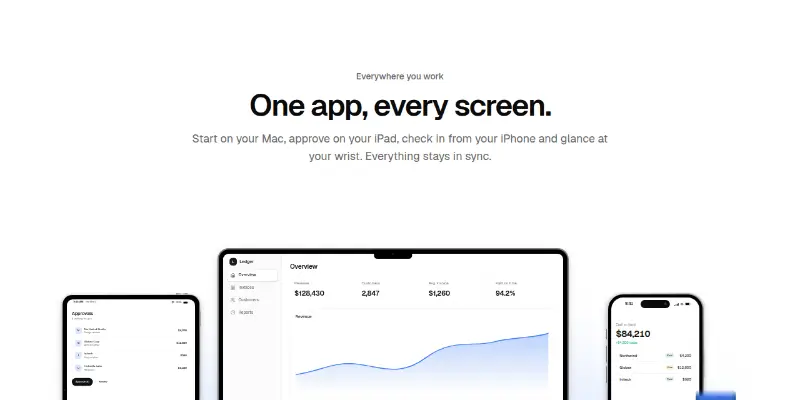
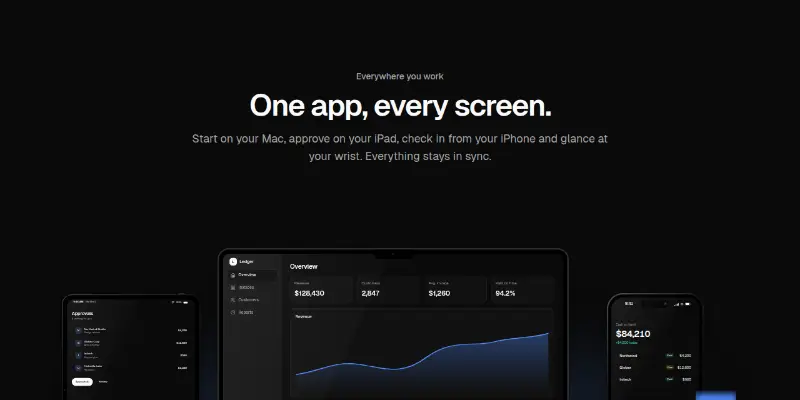
A lineup of laptop, tablet, phone and watch frames with their own token-drawn screens, scaled as one picture. Buttons underneath bring a device forward and dim the rest.

Want the whole page? Start from a template.