React login, sign-up and password reset pages for shadcn
Every screen between a visitor and their account: sign in, sign up, verify a code, reset a password. Each shows a loading submit and clear errors, codes accept paste and autofill, and you wire them to whichever auth provider you use.
$ pnpm dlx shadcn@latest add @ballmac/login-1Blocks
More blocks like these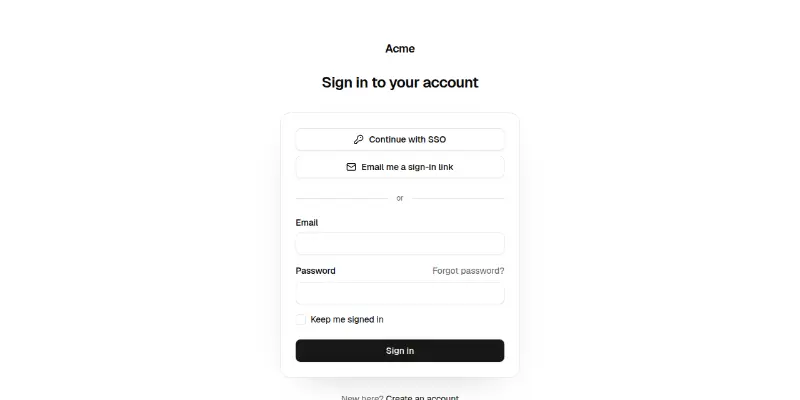
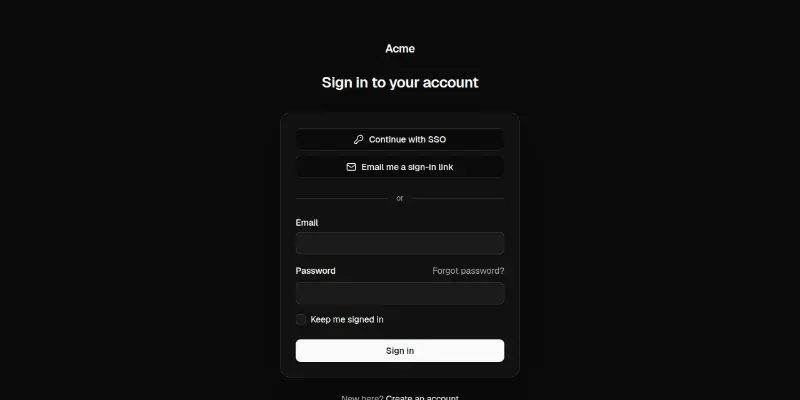
Centered sign-in card: SSO and email-link buttons, an email and password form with remember me, a loading submit and an inline error.
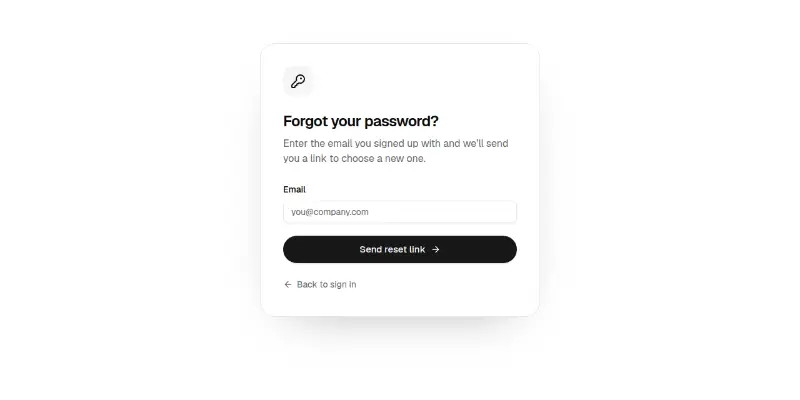
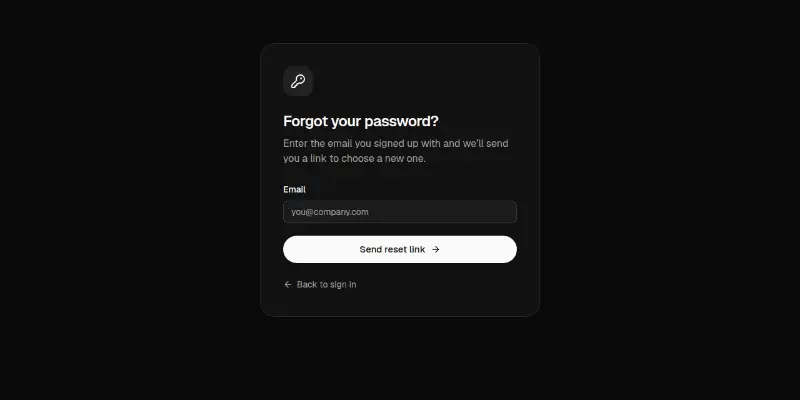
The whole password-recovery flow in one card: request a link, check-your-email with a resend countdown, choose a new password with confirmation and strength, and a success screen. Focus moves to each new heading.
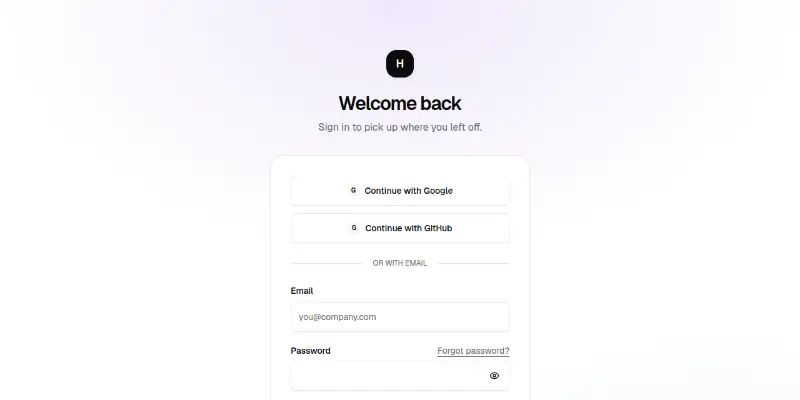
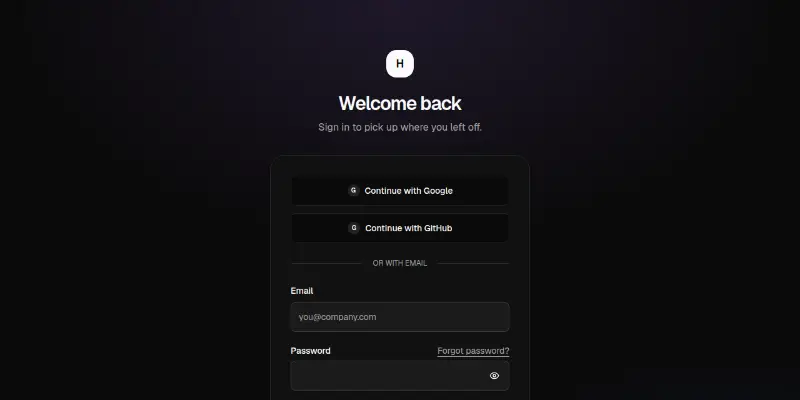
A calm sign-in card with provider buttons, email and password with a show button, remember me, field errors that take focus and a server error banner.
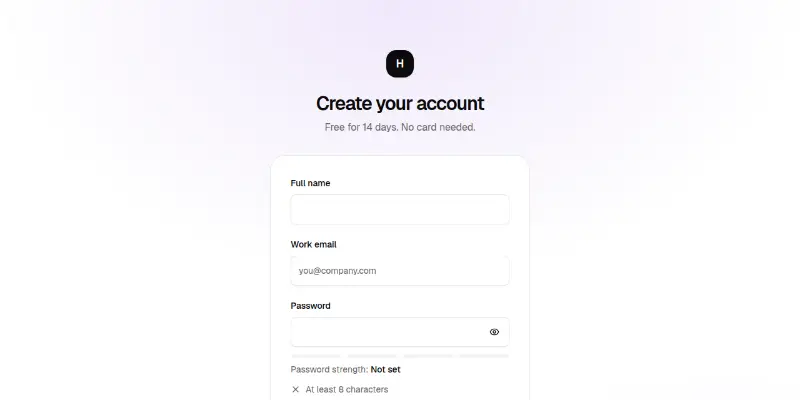
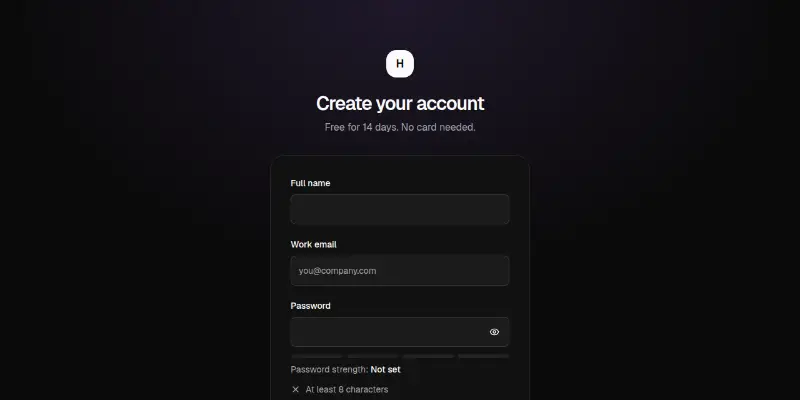
Name, email and a password with a four-step strength meter and a live checklist, plus a required terms checkbox and clear errors.
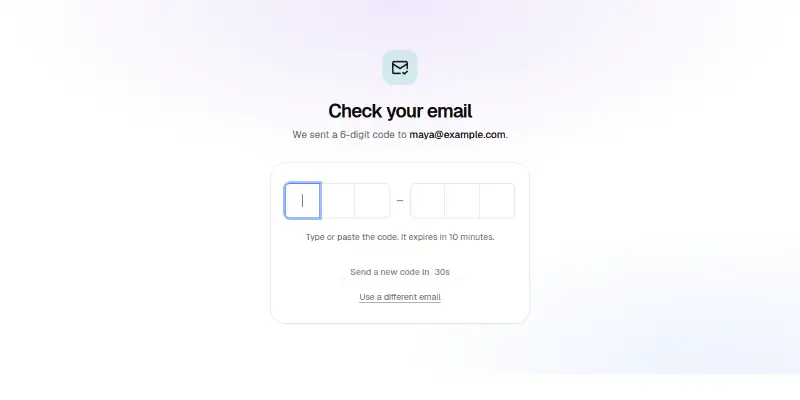
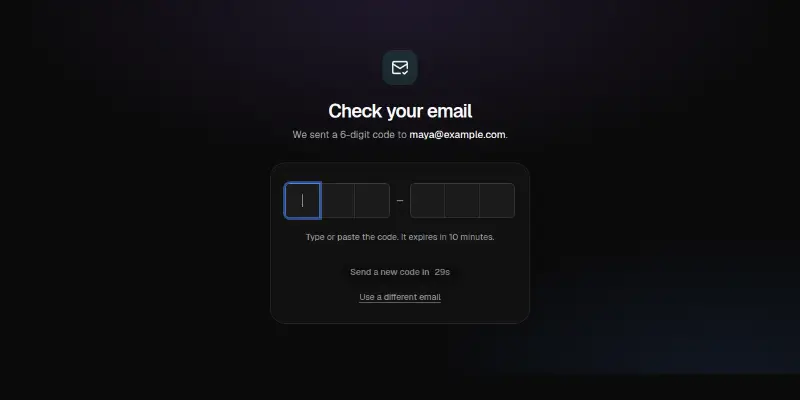
Six digit boxes backed by one real input, so paste and autofill work. Checks on the last digit, shows a wrong-code state and offers a resend with a countdown.
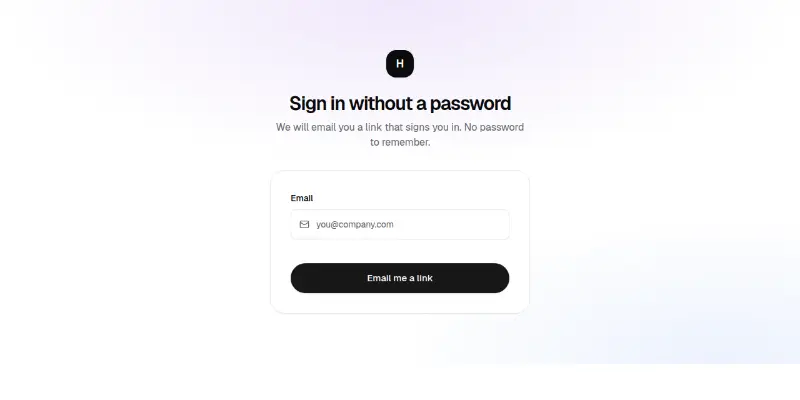
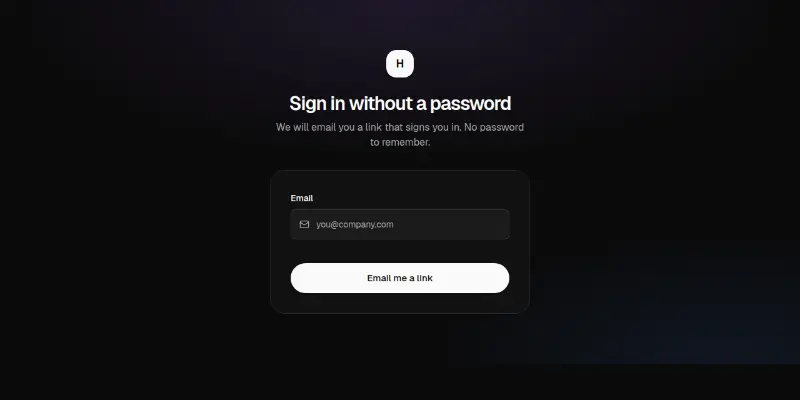
Ask for an email and send a sign-in link, then a check-your-inbox step with resend and a way back. An optional passkey button is disabled where the browser cannot use it.
4 of these blocks are in Ballmac UI Pro.
$49 oncefor all 311 Pro blocks and every Pro template. Tax included.Works as described or your money back
Whole sites and apps
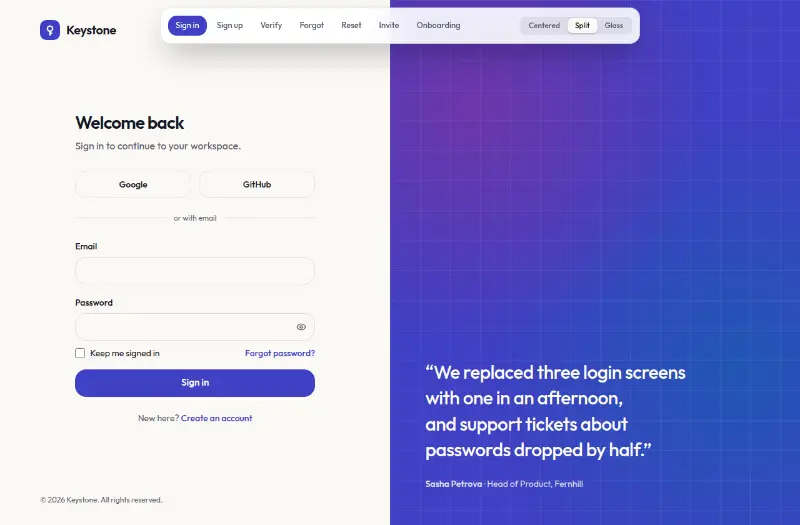
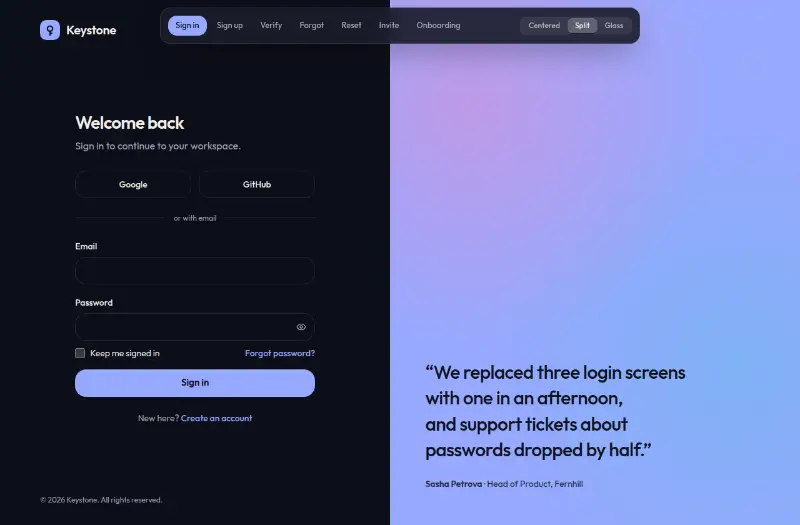
Seven auth pages in three switchable layouts (centered, split with art, frosted glass): sign in, sign up with a live password checklist, six-digit verification, forgot and reset password, team invite and a three-step onboarding.