React calendar, booking and event schedule components
Scheduling screens for products that book time: a week view, a class timetable, a room and resource timeline and an agenda of what is on.
$ pnpm dlx shadcn@latest add @ballmac/calendar-1Blocks
More blocks like these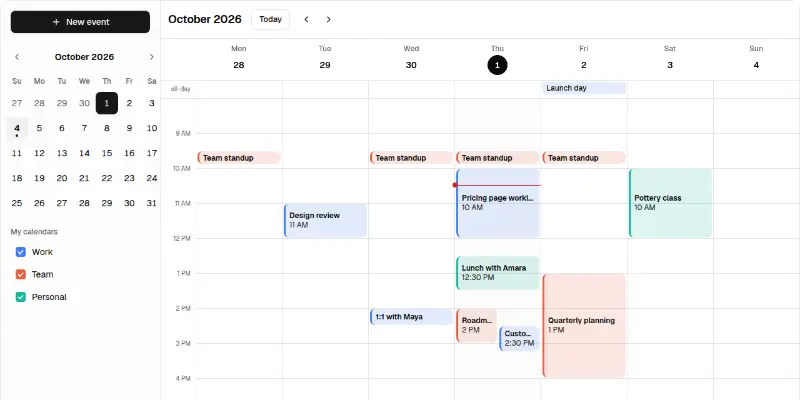
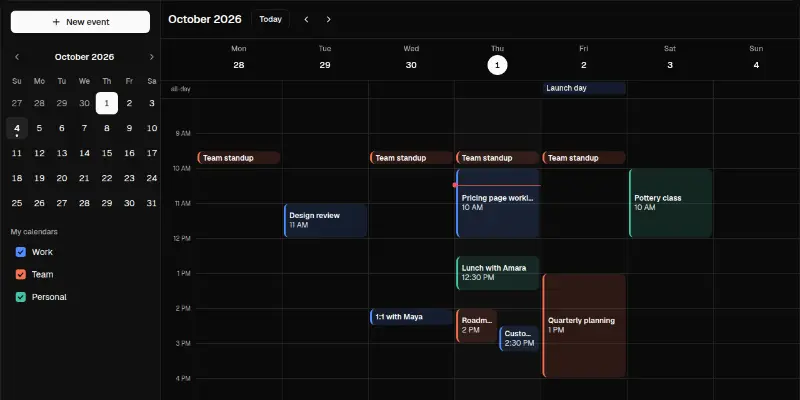
A week calendar: a time grid with overlapping events placed side by side, an all-day row, a now line, a mini month and calendar toggles, event popovers and a new-event dialog. One day at a time on phones.
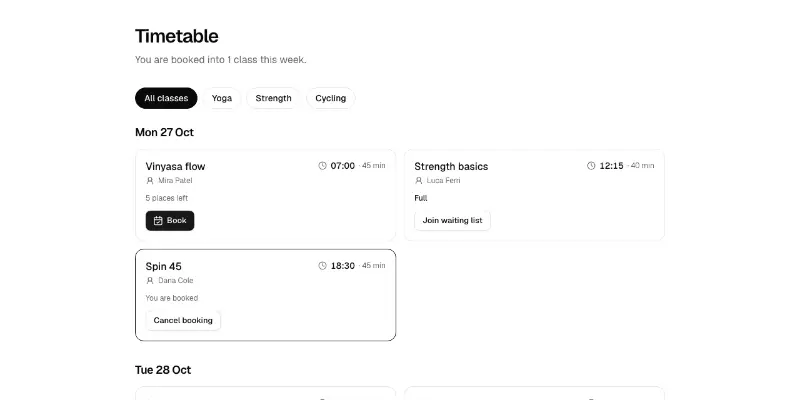
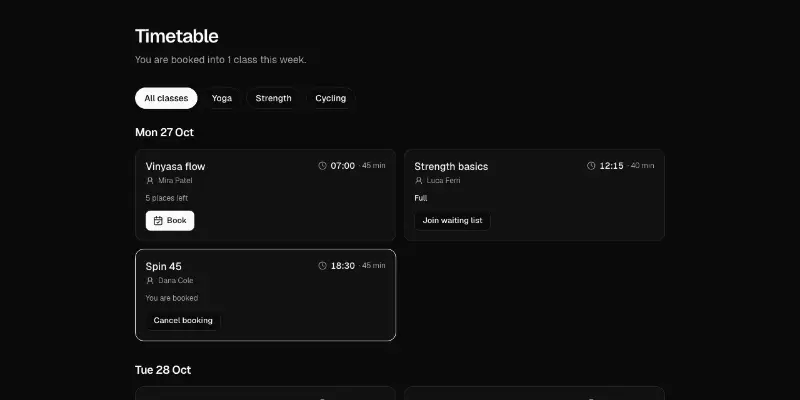
A weekly class timetable people book from: classes grouped by day, places left written out, one button that does the right thing (book, join the waiting list, cancel, leave), a kind filter, and changes undone with the reason if they fail.
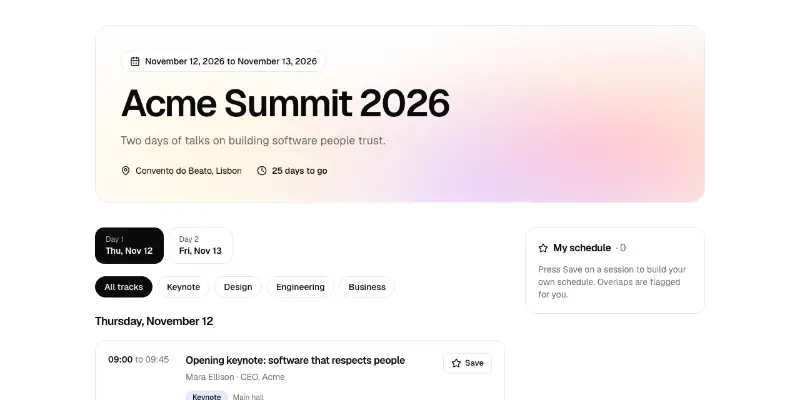
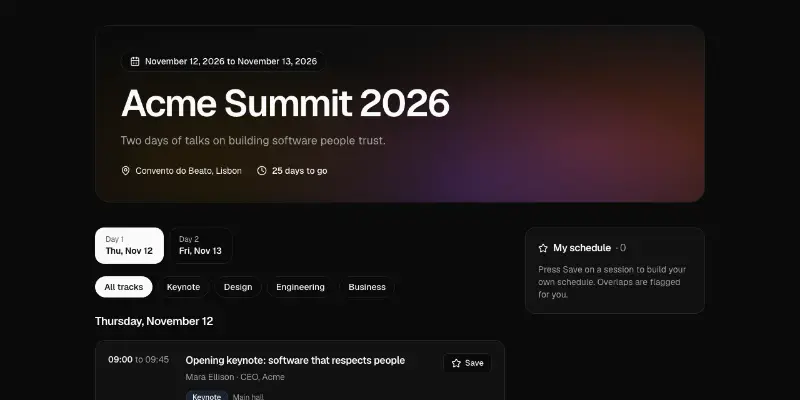
An event page with its agenda: dates, venue and a countdown, the schedule by day with a filter per track, a star on each session to build your own schedule, a warning for overlaps, and a calendar file download.
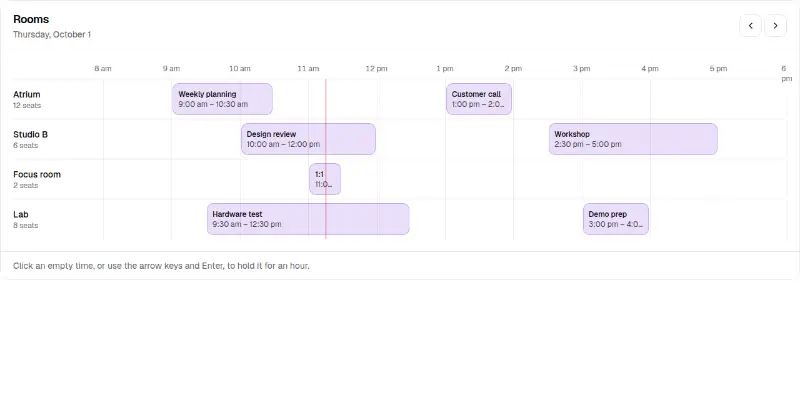
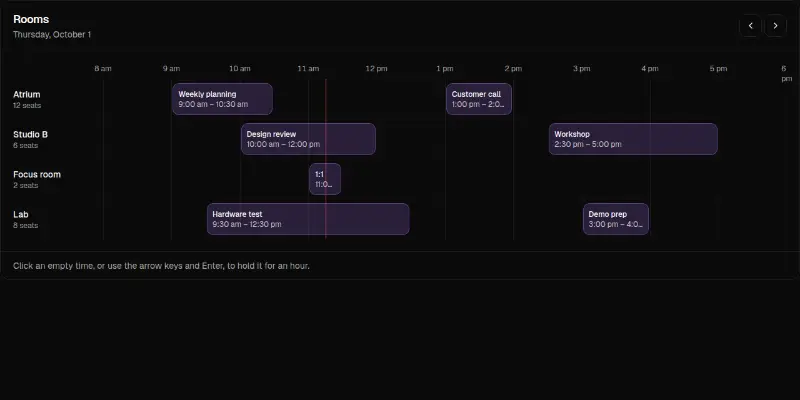
Rooms or people as rows, hours as columns, bookings as blocks and a line for now. Click or use the arrow keys on an empty time to hold an hour; release it again.
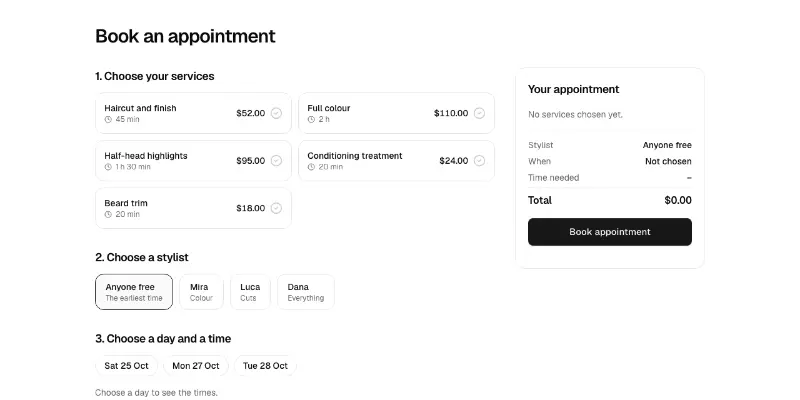
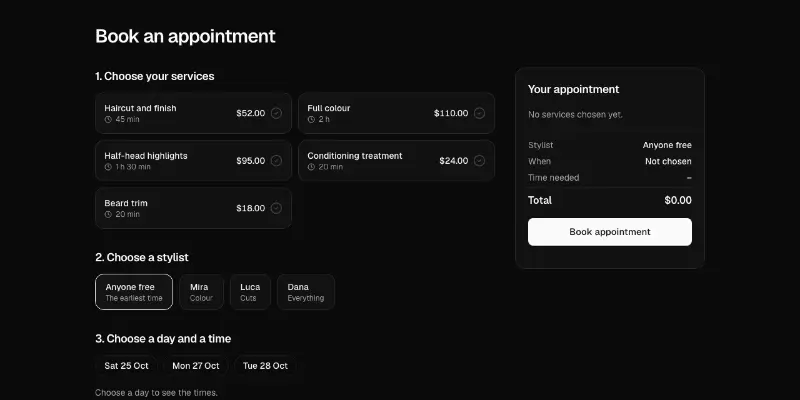
A booking page for a salon or clinic: choose services (time and price add up), a stylist or anyone, then a day and a time that stylist is free, a live summary, and a confirmation that says exactly what was booked.
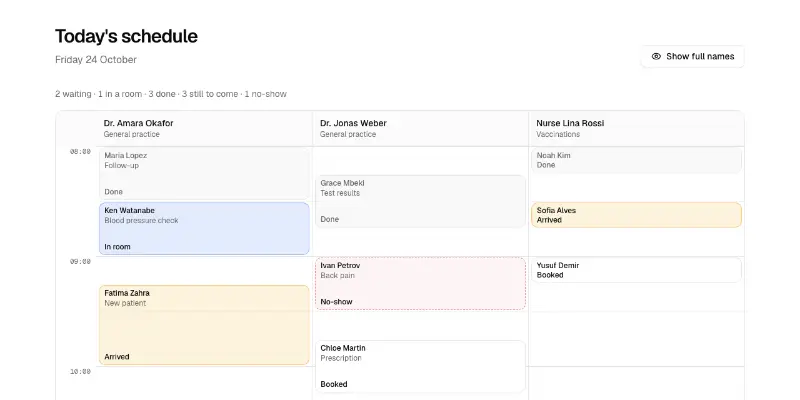
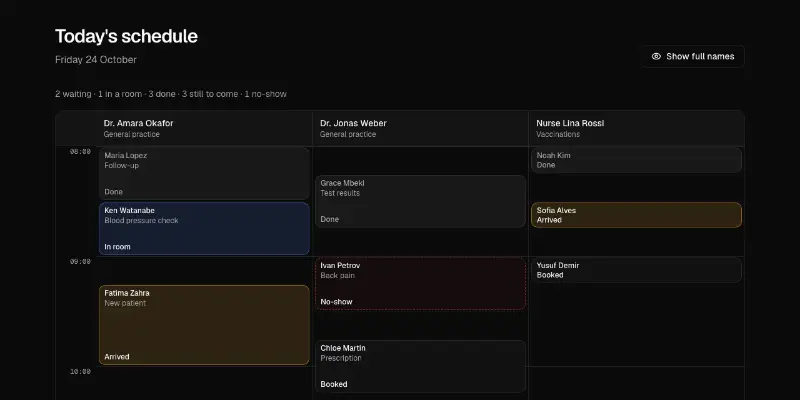
A clinic's day: a column per provider, a row per quarter hour, appointments at their real time and length with status written out, one button to move a patient on, and a privacy switch that shows initials only.
3 of these blocks are in Ballmac UI Pro.
$49 oncefor all 311 Pro blocks and every Pro template. Tax included.Works as described or your money back