React inbox, mail client and team chat UI components
The reading and replying screens inside a product: a three-pane inbox, a notifications page, threaded chat and threaded comments.
$ pnpm dlx shadcn@latest add @ballmac/mail-1Blocks
More blocks like these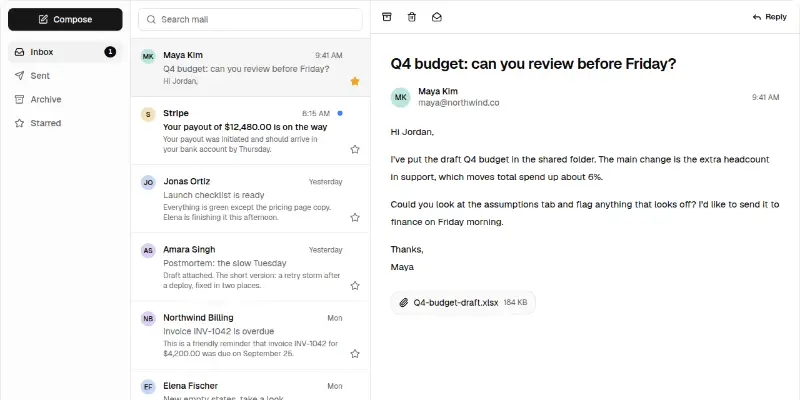
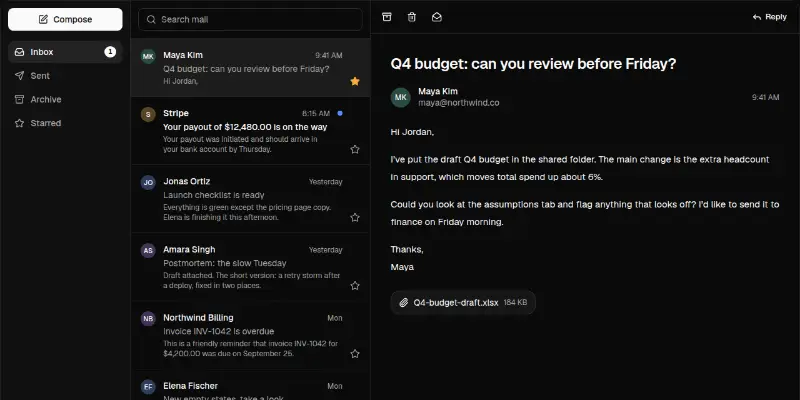
A working inbox: folders with an unread count, a searchable message list with stars and keyboard navigation, a reading pane with archive, delete, mark unread and reply, and a compose dialog. One pane at a time on phones.
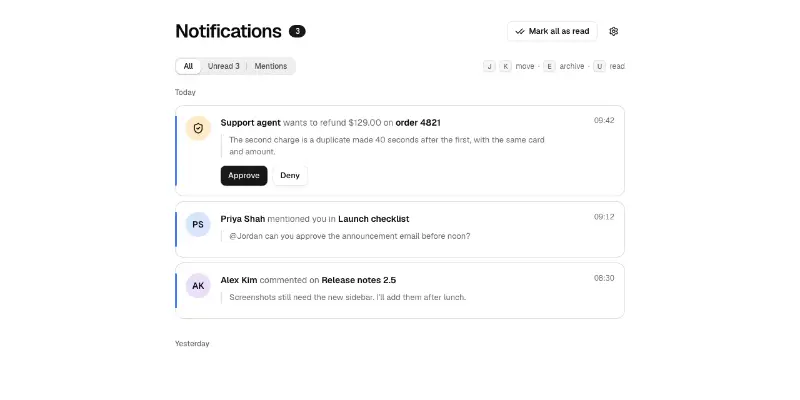
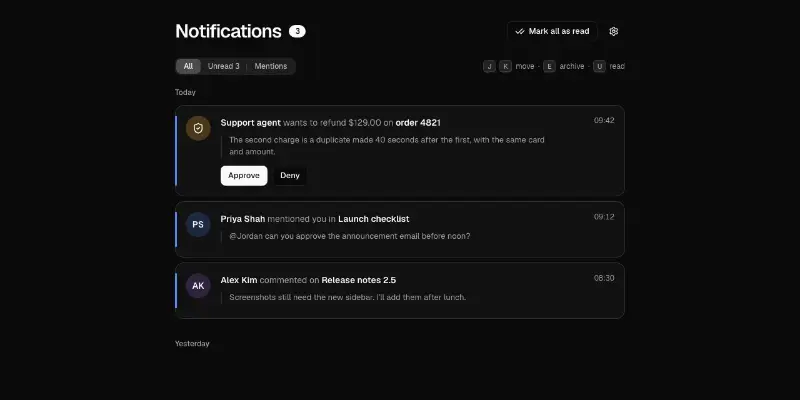
A notifications page grouped by day: unread marked by an accent, mentions and comments with excerpts, requests answered inline (Approve, Deny, Accept, Decline), keyboard triage and an Undo bar after archiving.
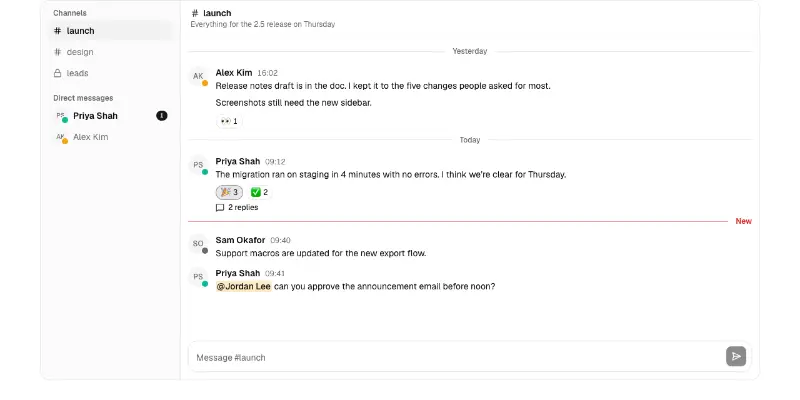
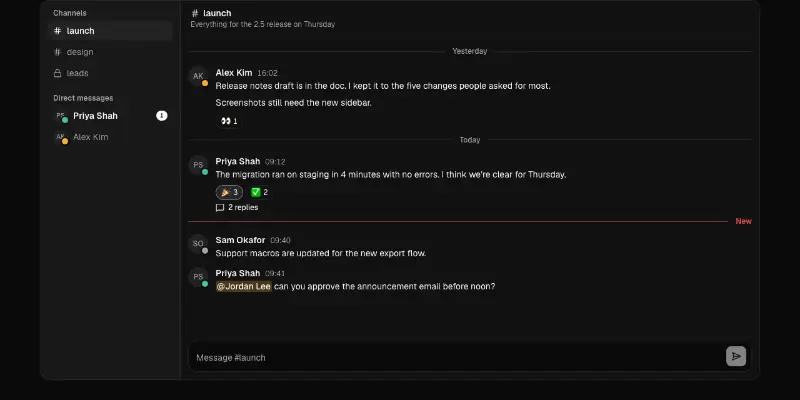
A team chat: channels and direct messages with unread counts and presence, messages grouped by person and day with a New divider, reactions, threads, @mentions that suggest people, and Retry when a message fails to send.
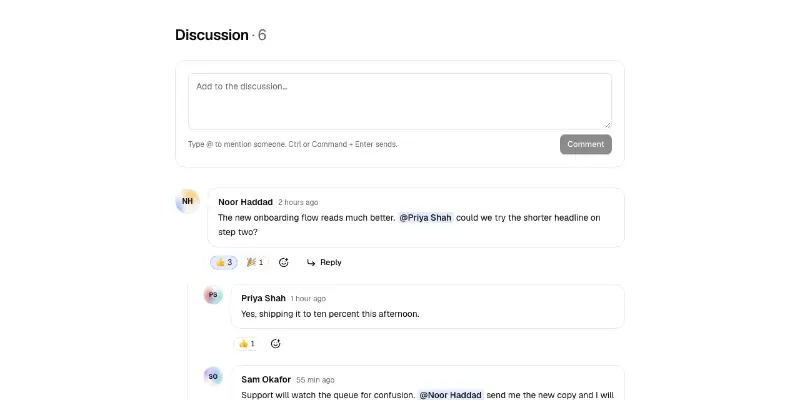
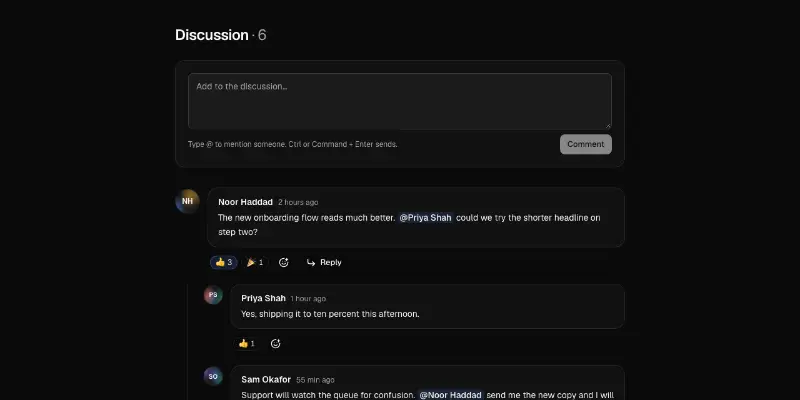
A threaded discussion: a composer where @ offers people, replies, emoji reactions that count and toggle, editing and deleting your own, resolving a thread, and a comment that appears at once and stays with Retry if it cannot be saved.
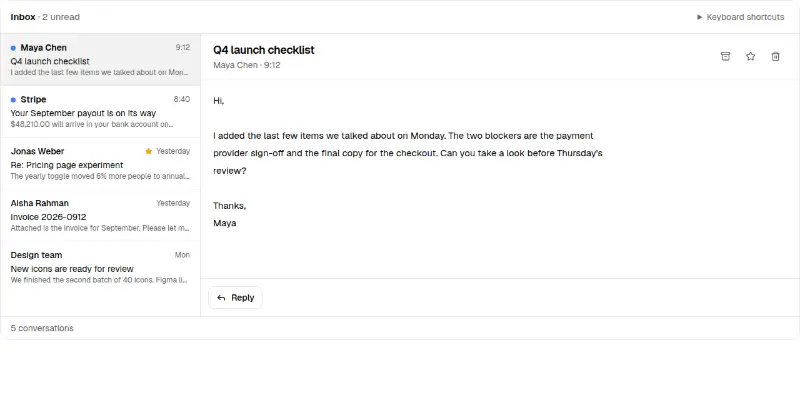
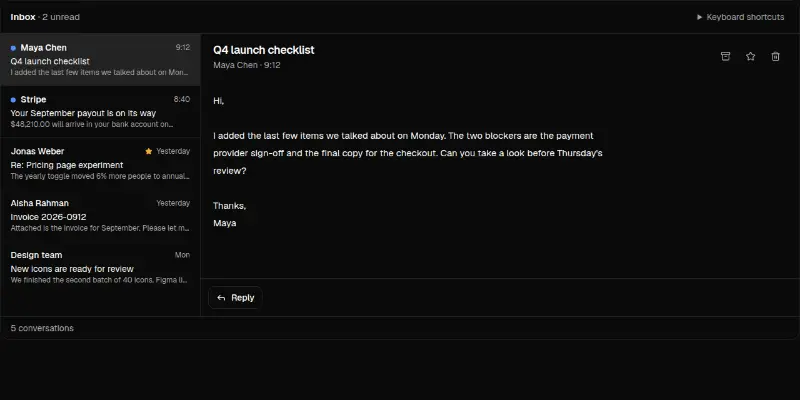
A fast inbox: J and K move, E archives, S stars, # deletes, U marks unread and Z undoes. A status line announces every action and offers Undo.
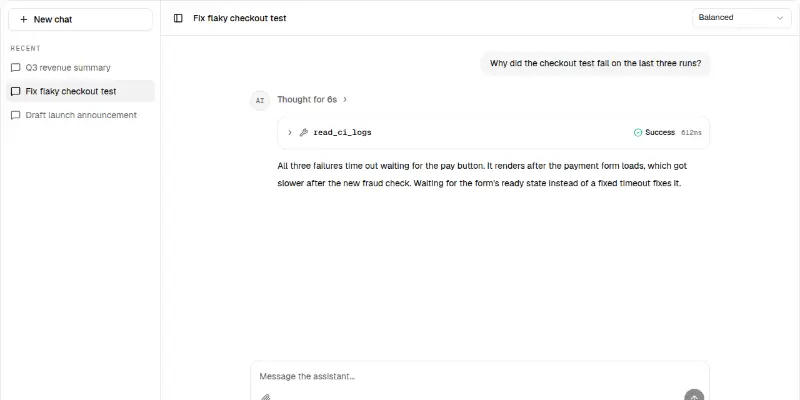
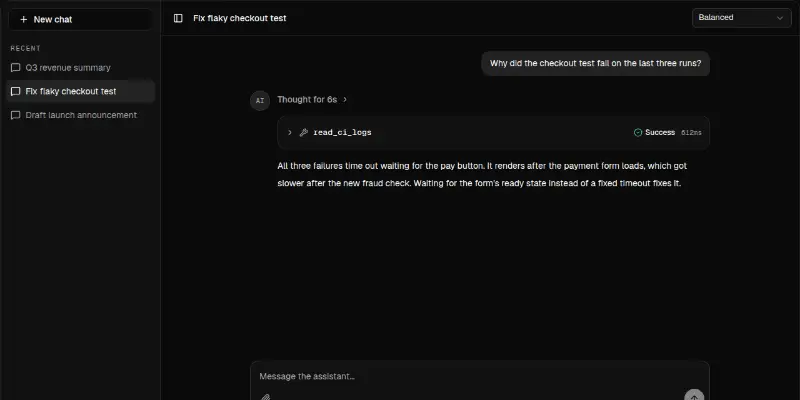
A complete assistant screen: collapsible conversation sidebar, model picker, messages with reasoning and tool calls, streaming replies, copy and regenerate, and a prompt with attachments.
3 of these blocks are in Ballmac UI Pro.
$49 oncefor all 311 Pro blocks and every Pro template. Tax included.Works as described or your money back