React onboarding wizard and product tour components
Get a new customer to their first useful moment: a setup wizard, a guided tour and the screen where someone accepts a team invitation.
$ pnpm dlx shadcn@latest add @ballmac/onboarding-1Blocks
More blocks like these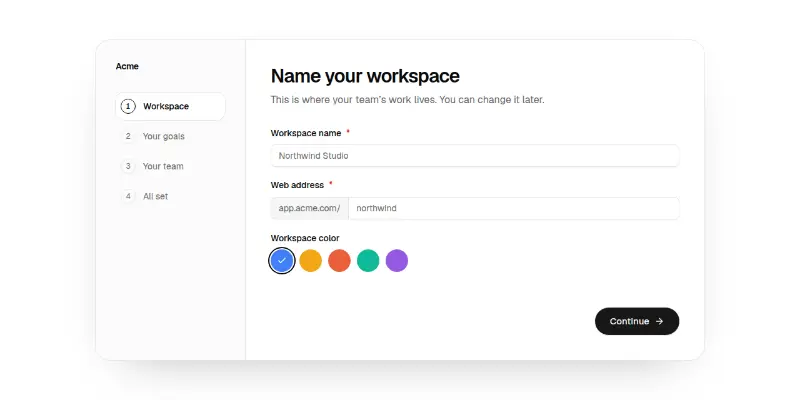
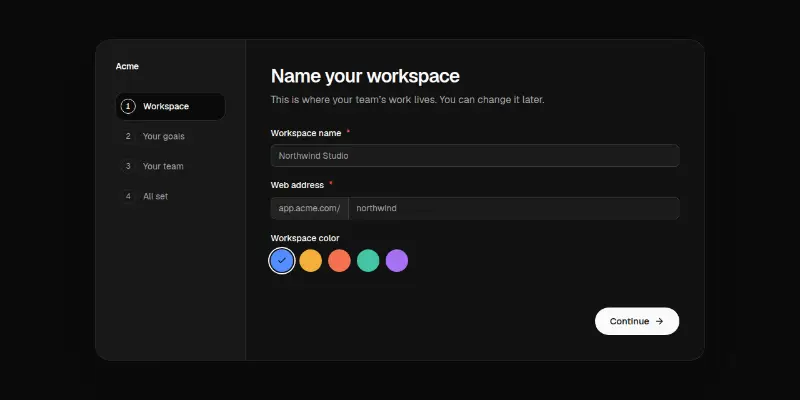
A four-step setup wizard with a progress rail: name and address a workspace (auto-filled), pick goals as cards, invite teammates as removable chips, review, then a finish screen. Slides between steps.
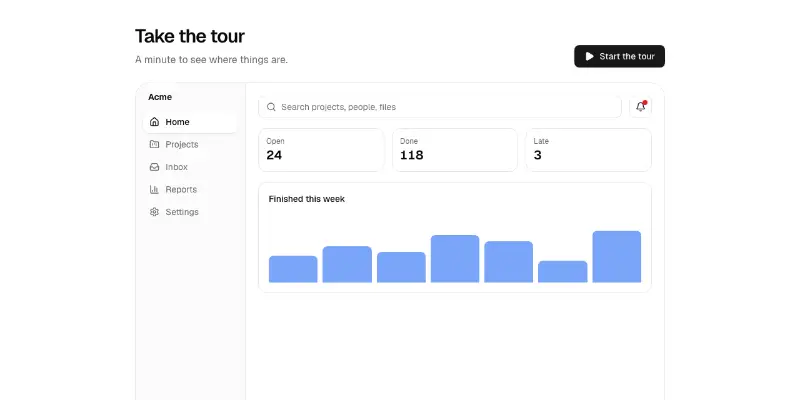
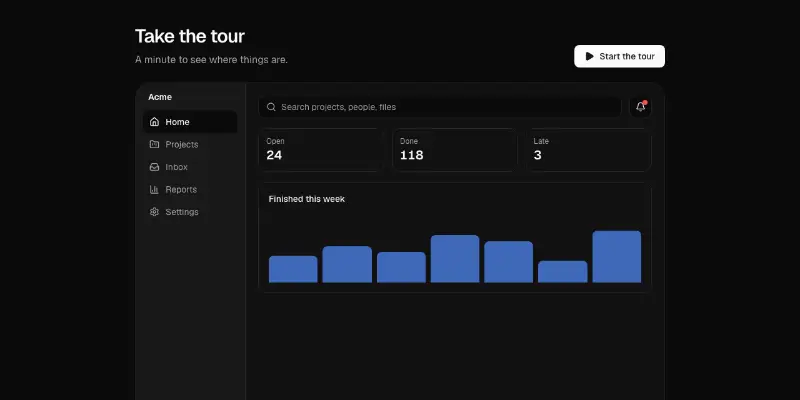
A guided product tour: a spotlight lifts one part of your interface out of a dimmed page while a card says what it is for, with Next, Back, arrow keys, Escape, a progress bar, focus that follows the step, and a restart.
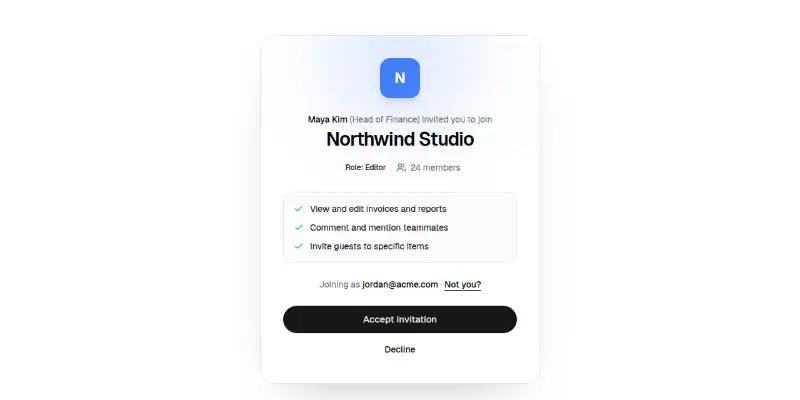
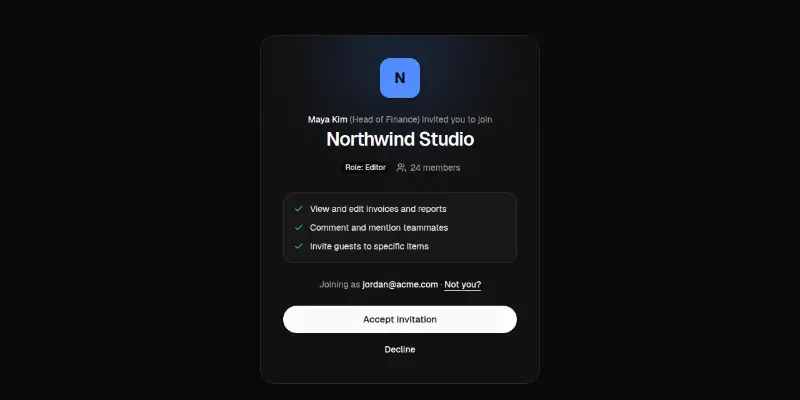
The page an invitation email opens: workspace tile, who invited you, your role and what it allows, the account being used, accept and decline, with welcome, declined and expired states.
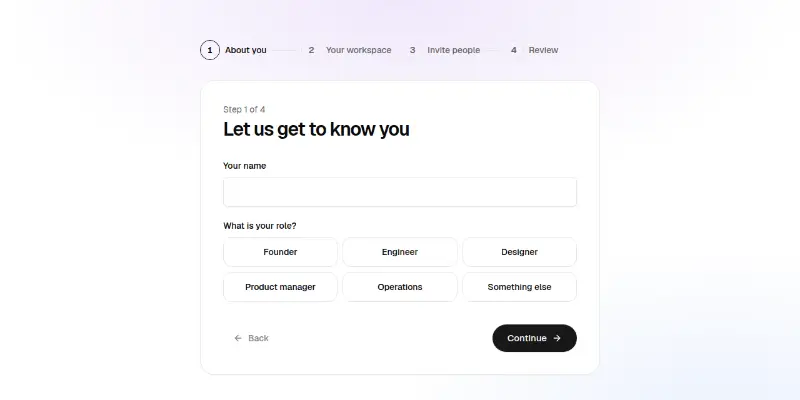
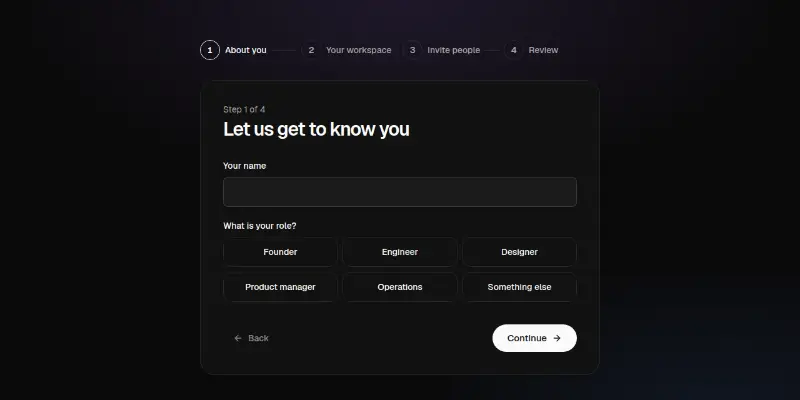
Progress across four steps: about you, workspace (with an address made from its name), invitations and a review. Each step validates and moves focus.
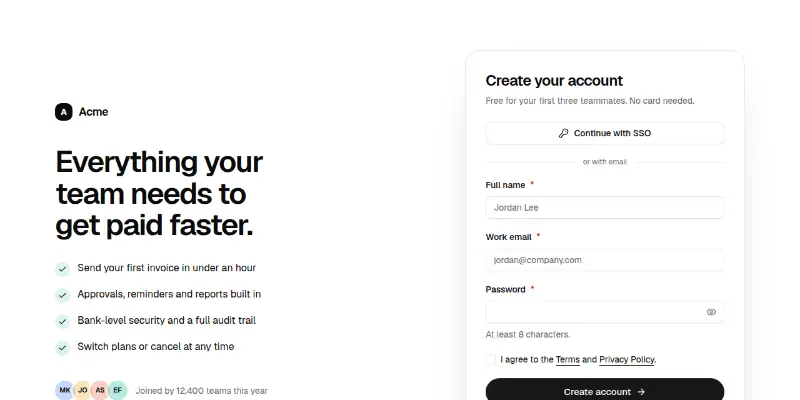
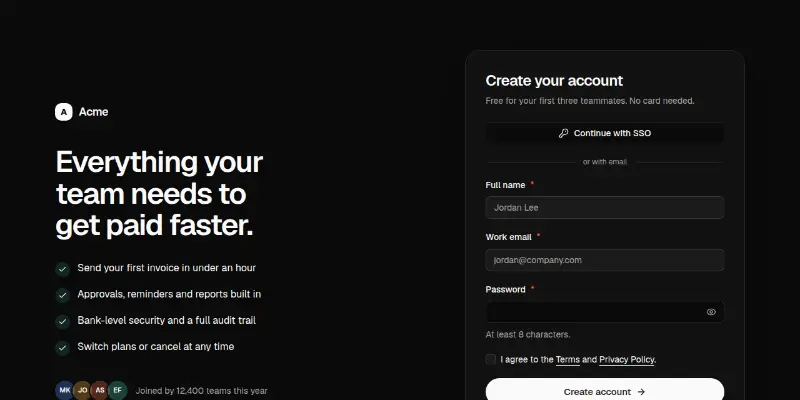
A signup page: validated name, work email and password with a live strength guide, terms checkbox, SSO option and a check-your-inbox confirmation, beside a benefits list with social proof.
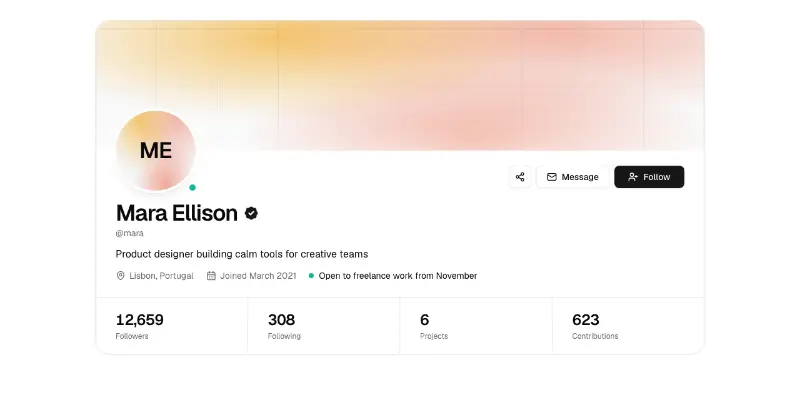
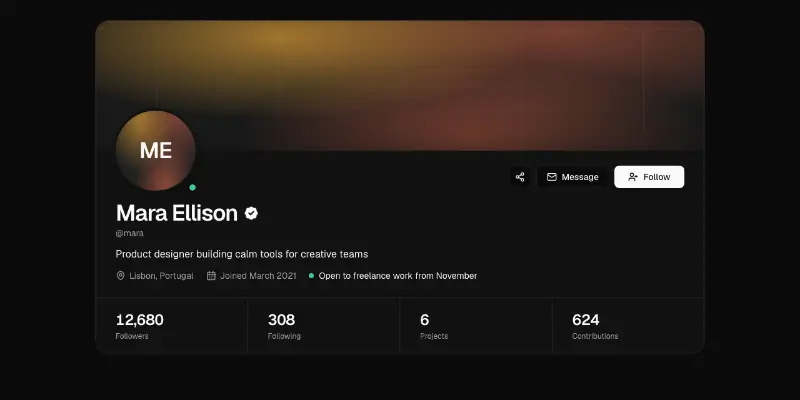
A public profile: cover and avatar art drawn from the handle, a verified badge, Follow that updates the count and undoes itself on failure, stats that count up, About, pointer-lit project cards and an Activity tab.
5 of these blocks are in Ballmac UI Pro.
$49 oncefor all 311 Pro blocks and every Pro template. Tax included.Works as described or your money back
Whole sites and apps
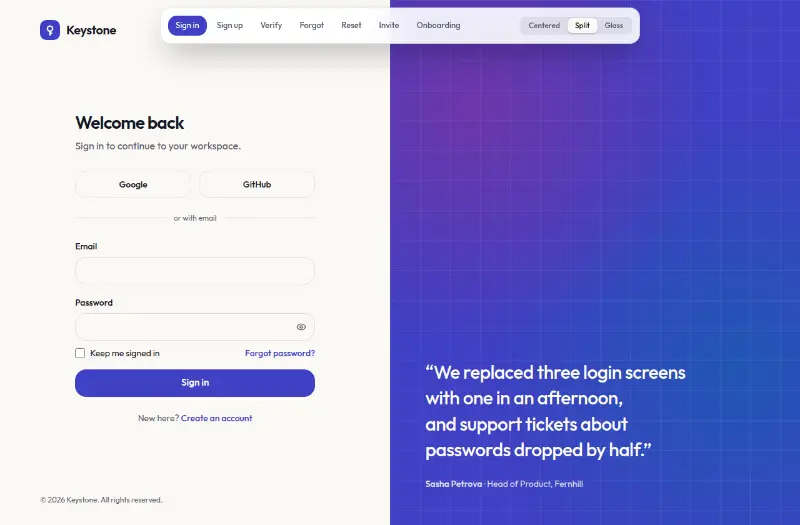
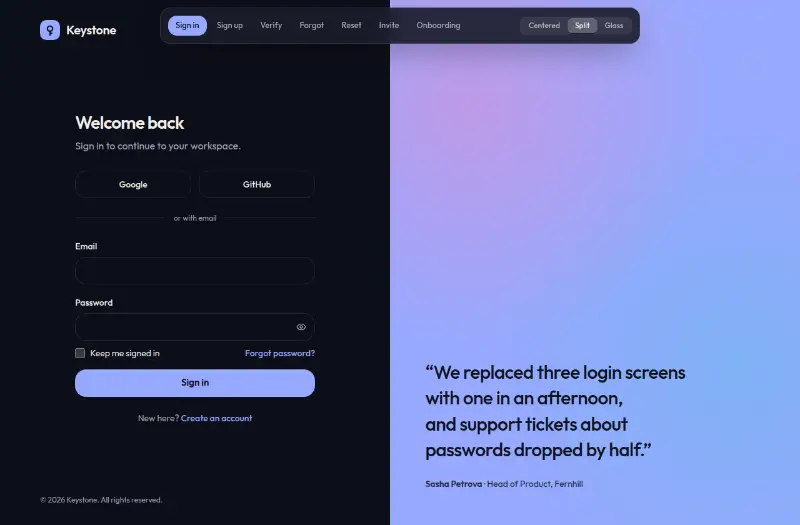
Seven auth pages in three switchable layouts (centered, split with art, frosted glass): sign in, sign up with a live password checklist, six-digit verification, forgot and reset password, team invite and a three-step onboarding.