React settings page components: account, team and security
The settings your customers come back to: their profile, who gets notified about what, who is on the team, how they sign in and which apps are connected. Anything destructive asks for confirmation first, and every page stacks cleanly on phones.
$ pnpm dlx shadcn@latest add @ballmac/settings-4Blocks
More blocks like these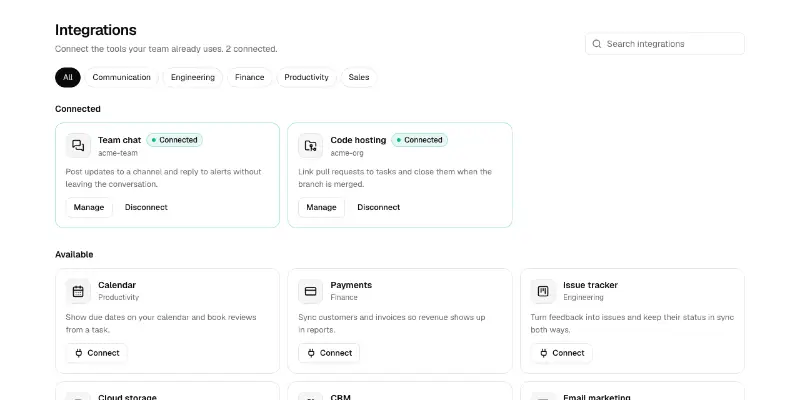
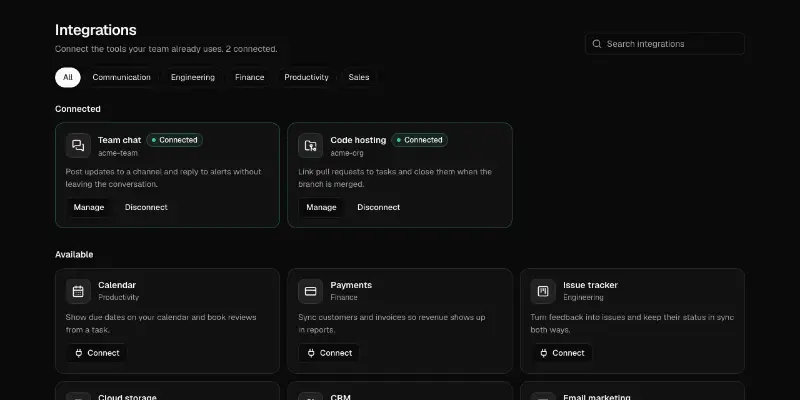
An integrations page: search, category filters, connected ones first, Connect with progress and the reason when it fails, Manage, Disconnect after a confirmation, coming-soon entries and a request link.
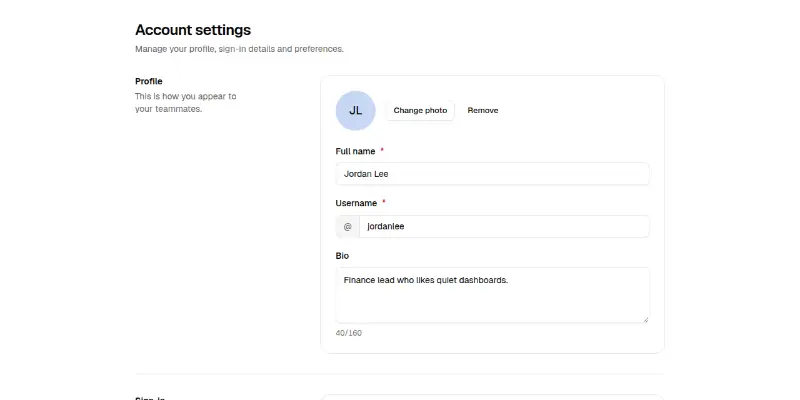
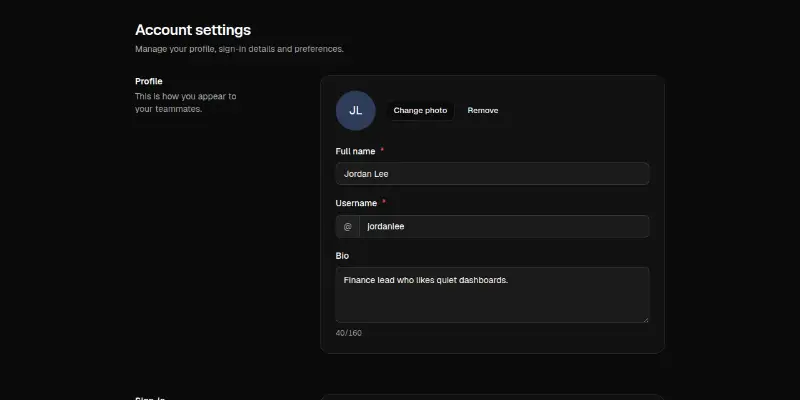
An account settings page: profile with username availability, sign-in details with a change-password dialog, language, time zone and appearance, a type-to-confirm delete, and a sticky save bar that appears only when something changed.
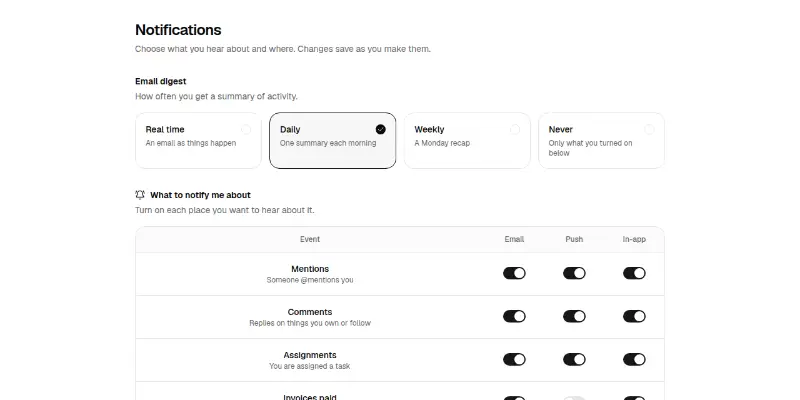
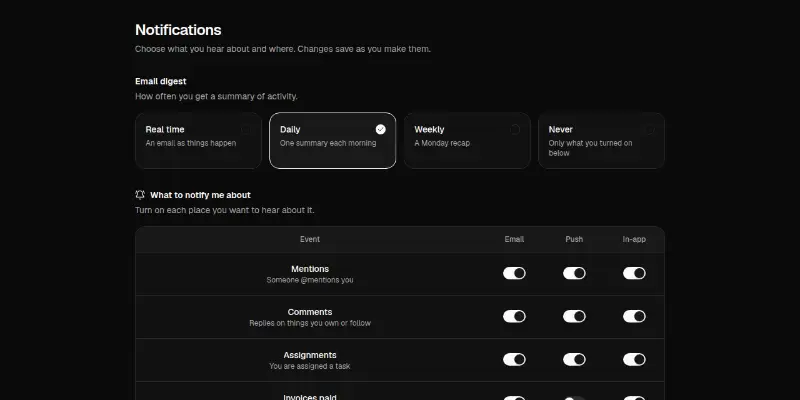
Notification settings that save as you go: digest frequency as radio cards, a grid of switches for each event and channel (cards on phones), and quiet hours with times and weekdays.
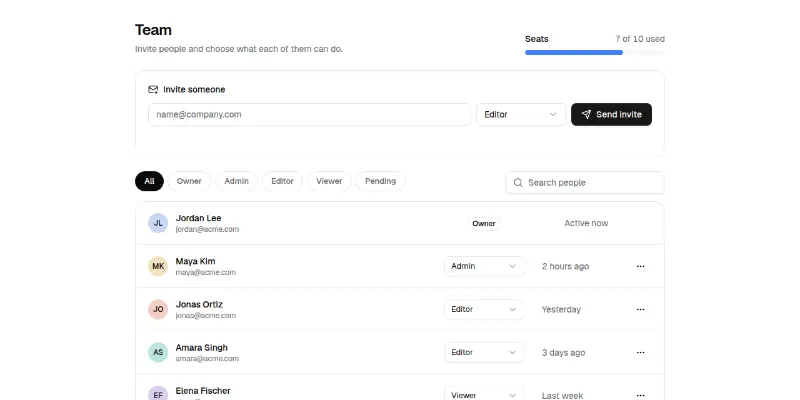
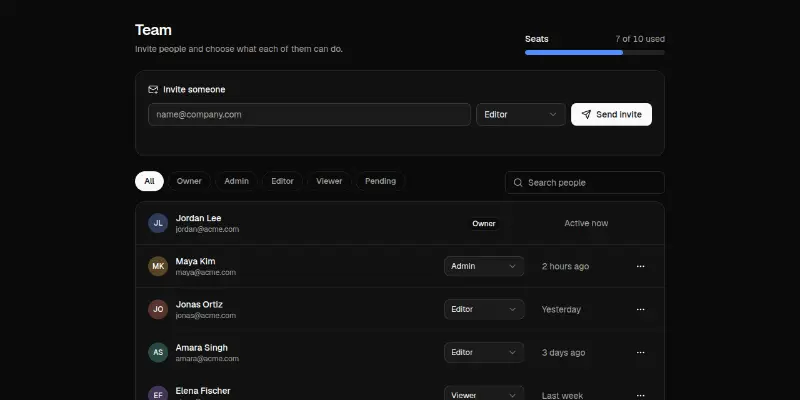
Team management: a seats meter, an invite form with role, role filters and search, a member list with role selects, pending invitations and a confirm-before-remove dialog. Stacks cleanly on phones.
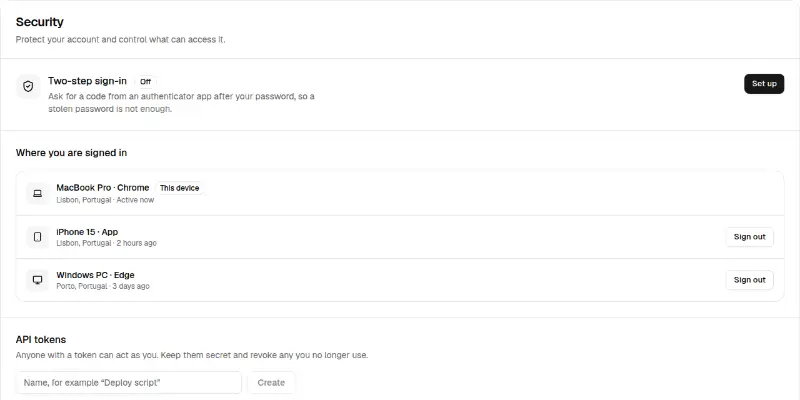
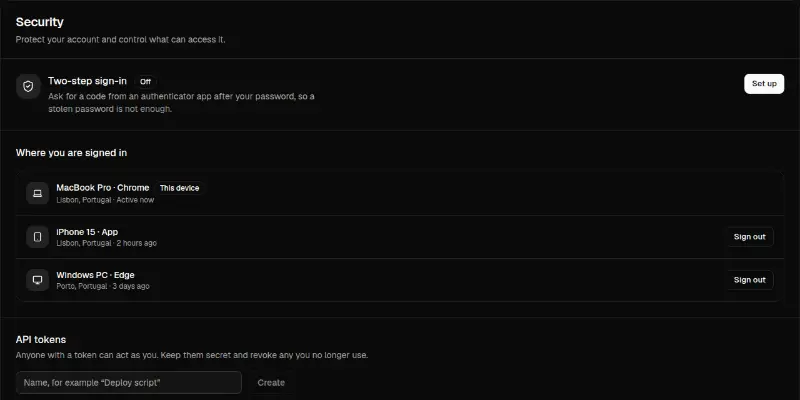
Turn on two-step sign-in with a code check, sign out other devices with a confirmation, and create, reveal, copy and revoke API tokens.
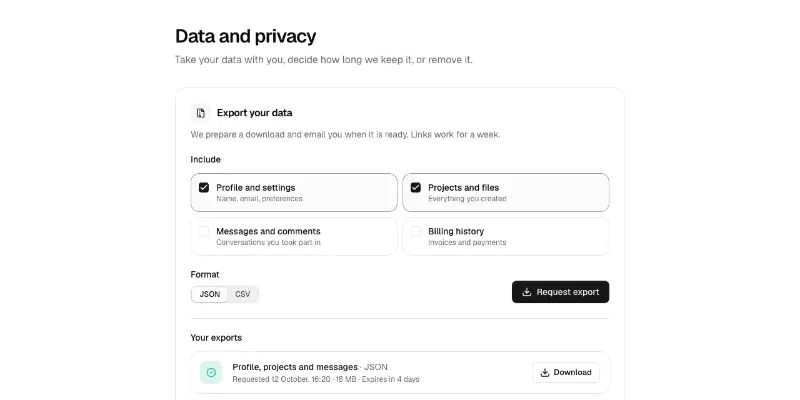
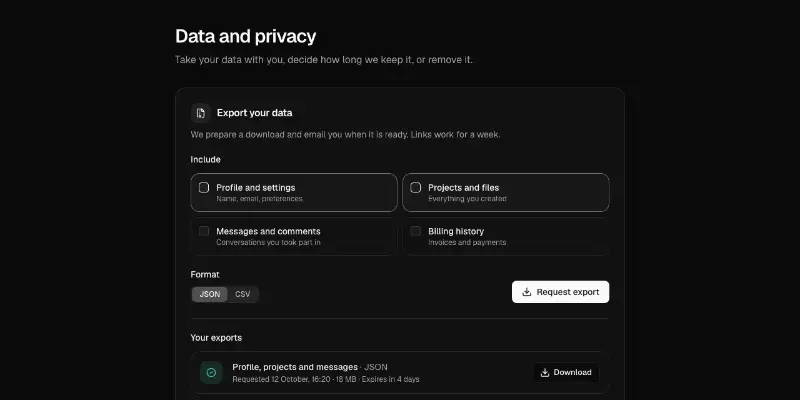
A data and privacy page: request an export in JSON or CSV and watch it prepare, set how long messages are kept, and delete the account behind a typed confirmation with a grace period you can cancel.
5 of these blocks are in Ballmac UI Pro.
$49 oncefor all 311 Pro blocks and every Pro template. Tax included.Works as described or your money back
Whole sites and apps
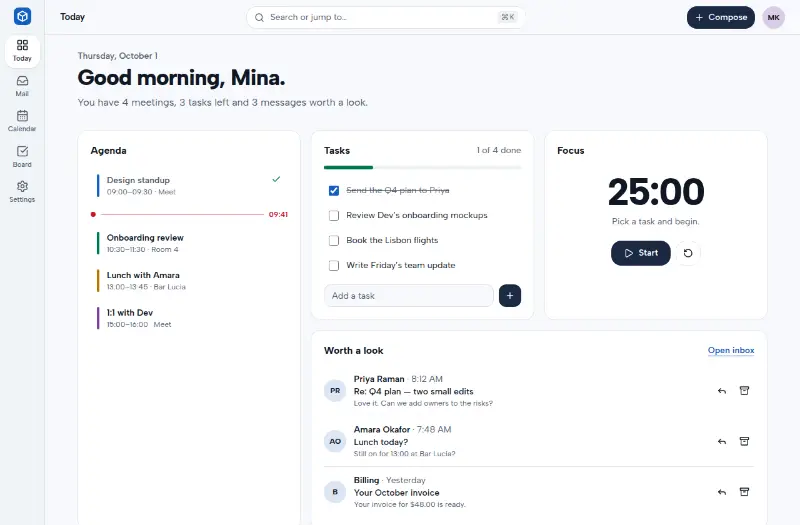
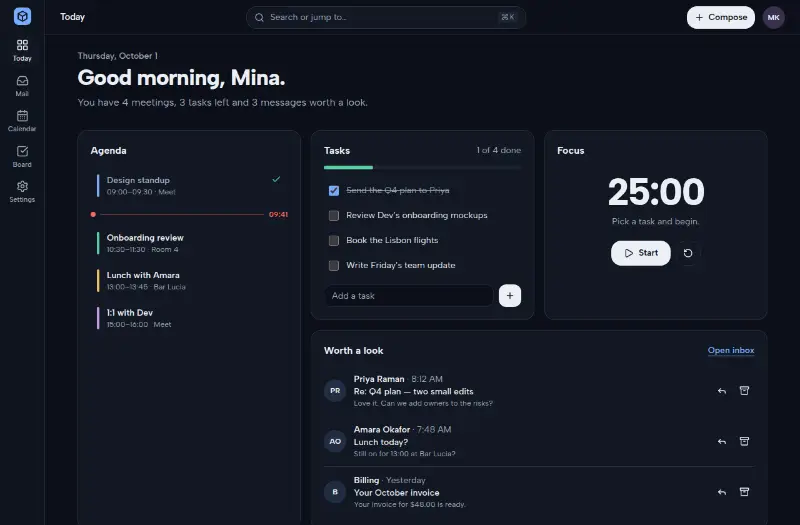
A five-app productivity suite in one shell: a Today page with agenda, tasks and a focus timer, plus a full mail client, week calendar, drag-and-drop board and settings. A tab bar on phones.