React sign-in, onboarding and account settings screens
The first screens a customer sees and the settings they come back for. Forms lock while a request is in flight, so nothing is sent twice, and every form block can show submitting, success and error.
$ pnpm dlx shadcn@latest add @ballmac/login-1Blocks
More blocks like these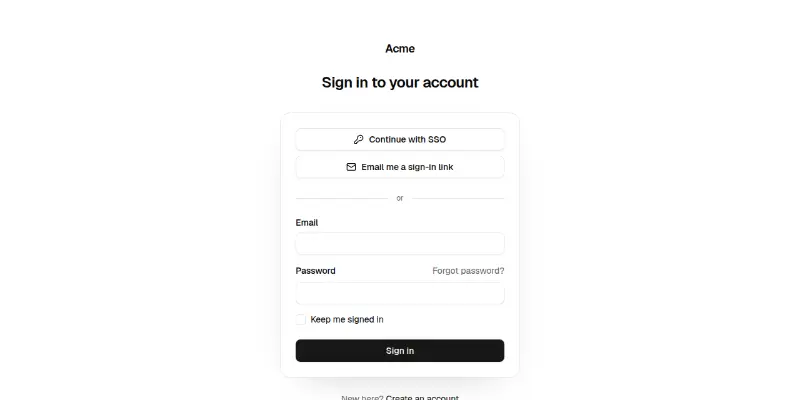
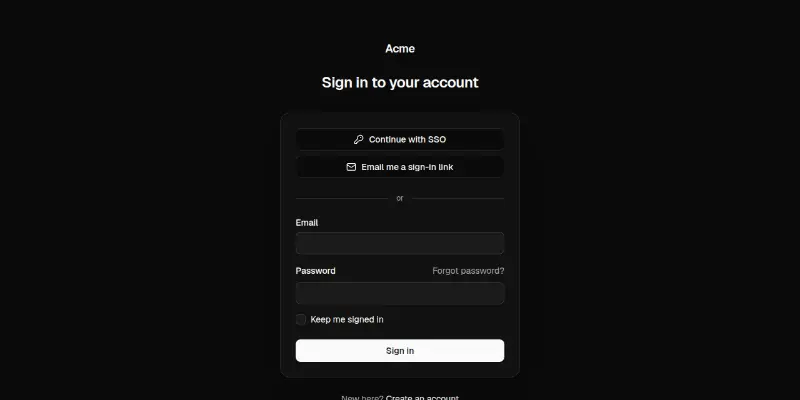
Centered sign-in card: SSO and email-link buttons, an email and password form with remember me, a loading submit and an inline error.
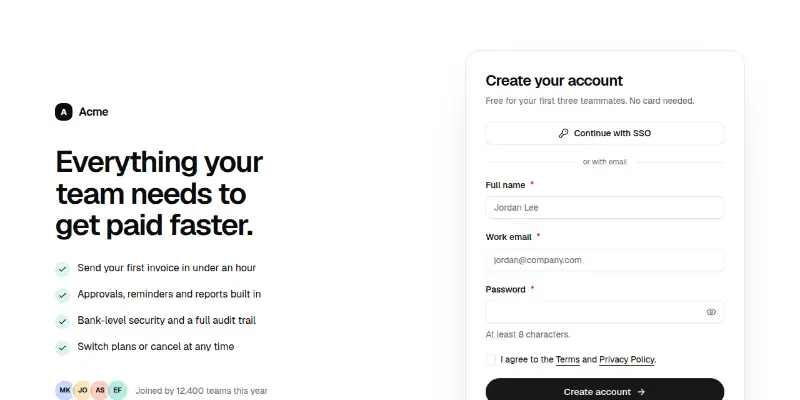
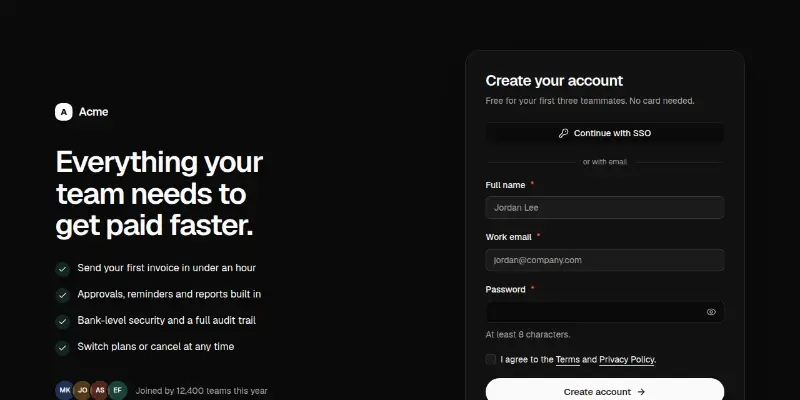
A signup page: validated name, work email and password with a live strength guide, terms checkbox, SSO option and a check-your-inbox confirmation, beside a benefits list with social proof.
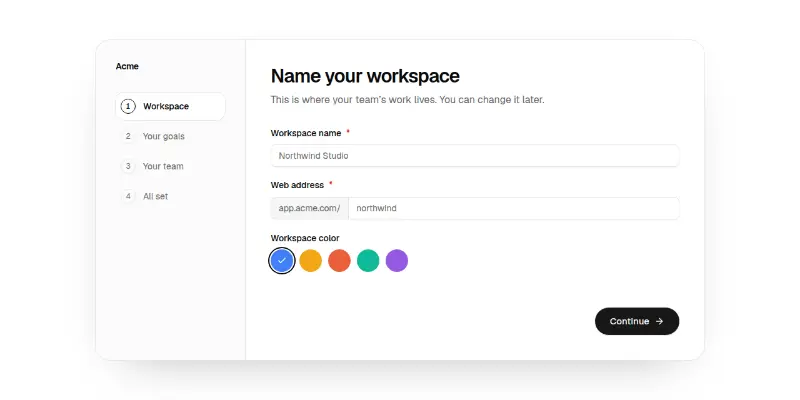
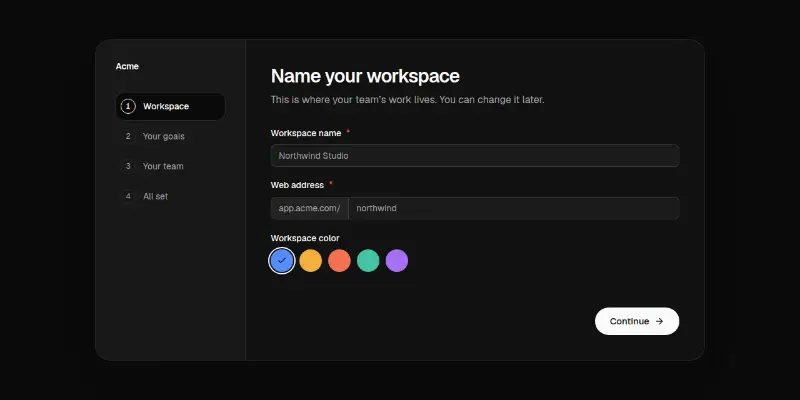
A four-step setup wizard with a progress rail: name and address a workspace (auto-filled), pick goals as cards, invite teammates as removable chips, review, then a finish screen. Slides between steps.
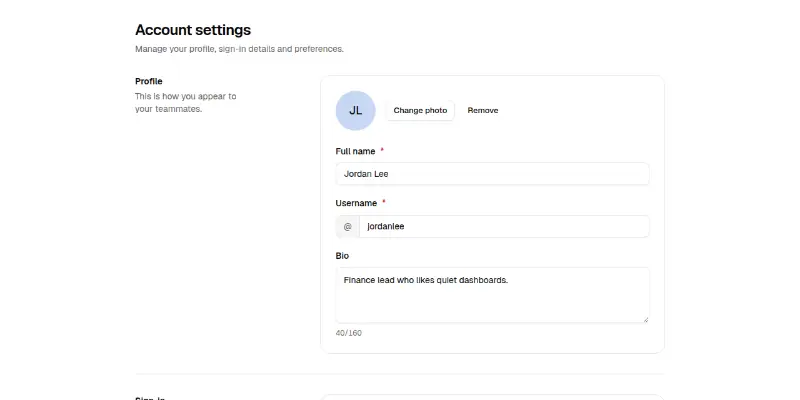
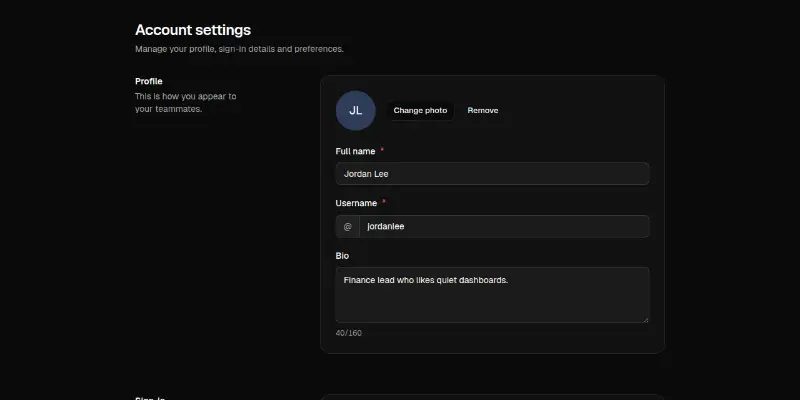
An account settings page: profile with username availability, sign-in details with a change-password dialog, language, time zone and appearance, a type-to-confirm delete, and a sticky save bar that appears only when something changed.
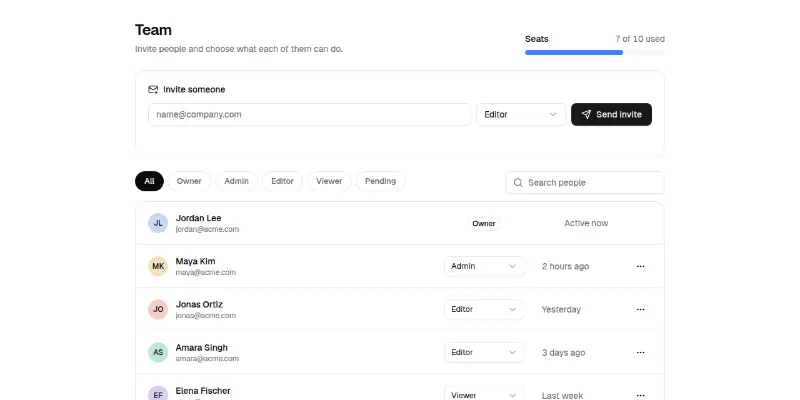
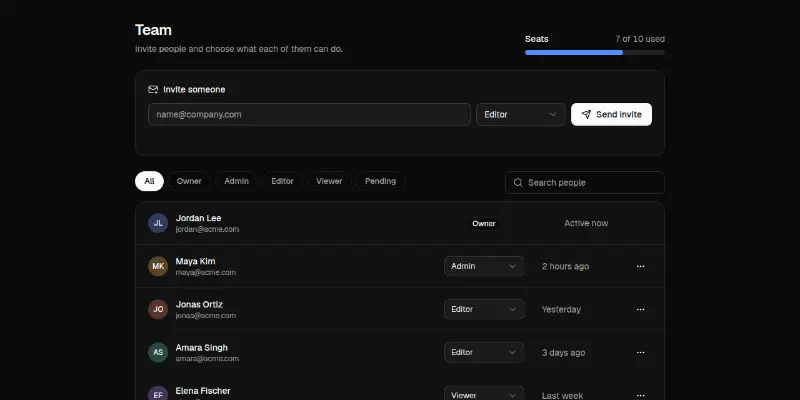
Team management: a seats meter, an invite form with role, role filters and search, a member list with role selects, pending invitations and a confirm-before-remove dialog. Stacks cleanly on phones.
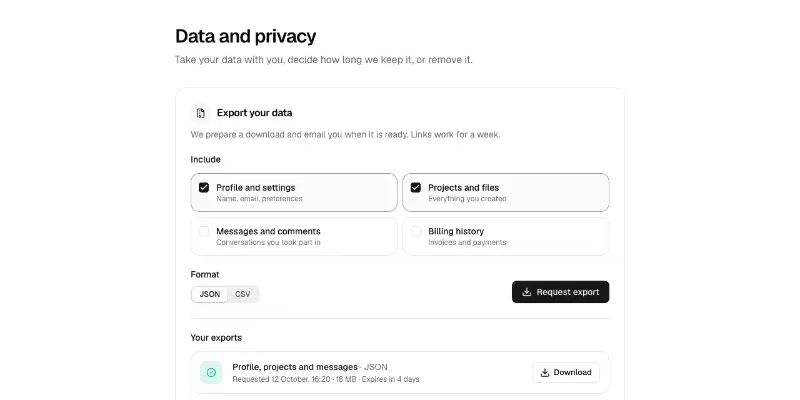
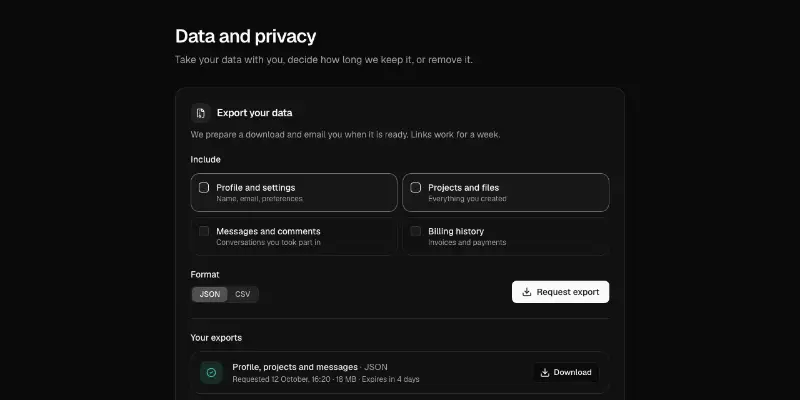
A data and privacy page: request an export in JSON or CSV and watch it prepare, set how long messages are kept, and delete the account behind a typed confirmation with a grace period you can cancel.
Whole sites and apps
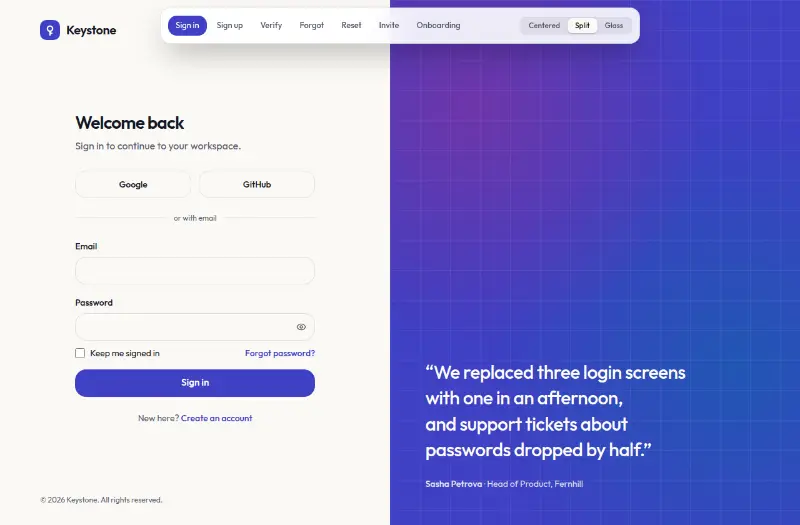
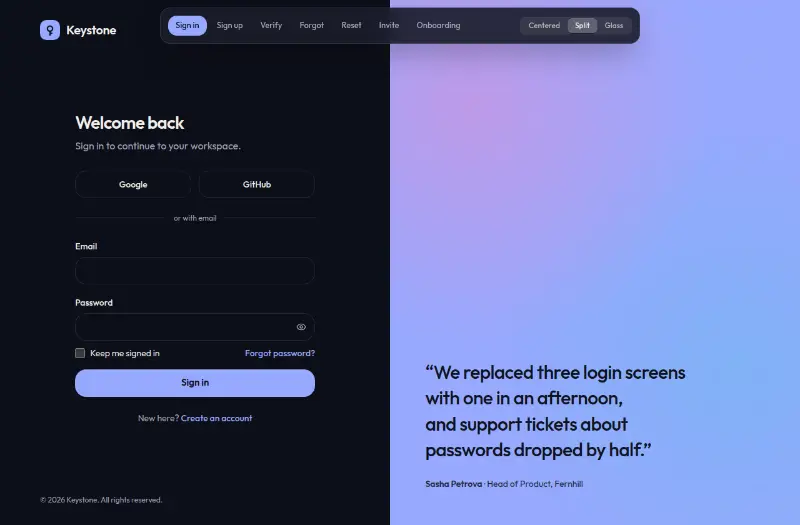
Seven auth pages in three switchable layouts (centered, split with art, frosted glass): sign in, sign up with a live password checklist, six-digit verification, forgot and reset password, team invite and a three-step onboarding.