Desktop app blocks for Tauri and Electron
Six free blocks for the windows people expect in a desktop app, drawn with real window chrome and handling like macOS or Windows.
New
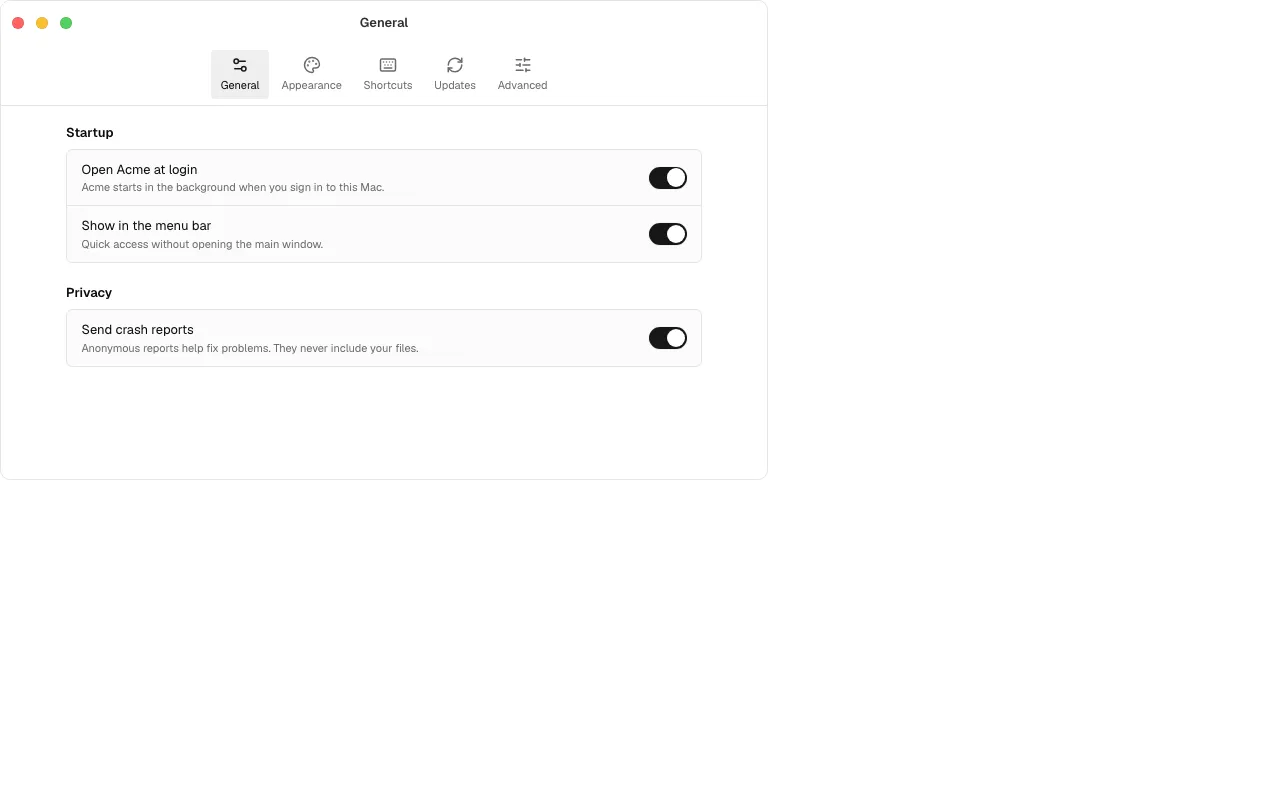
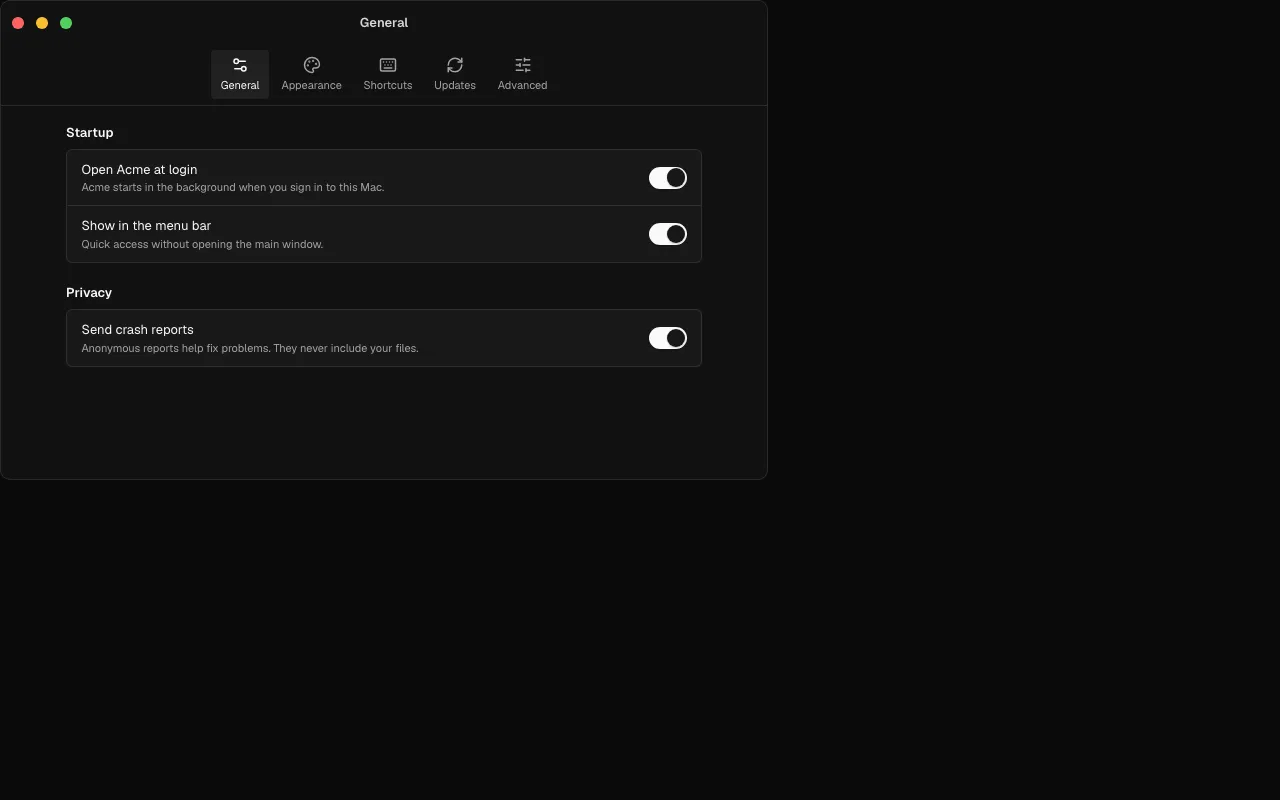
- Desktop 1 is a preferences window: toolbar tabs on macOS, a side nav on Windows, a shortcut recorder that writes ⇧⌘Space or Ctrl+Shift+Space, and settings that apply as they change with no Save button.
- Desktop 2 is a menu bar and tray panel with a searchable clipboard history, pins, a pause switch and keyboard selection.
- Desktop 3 covers software update as states (checking, available with release notes, downloading, ready to relaunch, up to date, failed); leave state out and it runs itself.
- Desktop 4 activates a licence (trial meter, a key field that cleans pasted keys, the reason a key is refused), Desktop 5 sets up permissions with the exact System Settings path, and Desktop 6 is an About window with copyable version and build.
- Wording and button order follow the platform: Title Case and the default button last on macOS, sentence case and the default button first on Windows.
frame={false}drops the chrome inside a real native window.
Improved
- All six pass every scorecard check (axe in light and dark, 360 px, reduced motion, right to left, console, keyboard) and ship their tests with
ballmac add --with-tests. - The MCP server finds them for desktop, Tauri, Electron, preferences, tray and licence.
- The AI notes on Desktop 3 show how to wire tauri-plugin-updater and electron-updater.