Loading, empty and error states in every block
Data blocks take one prop, state, and form blocks can show submitting, success and error.
New
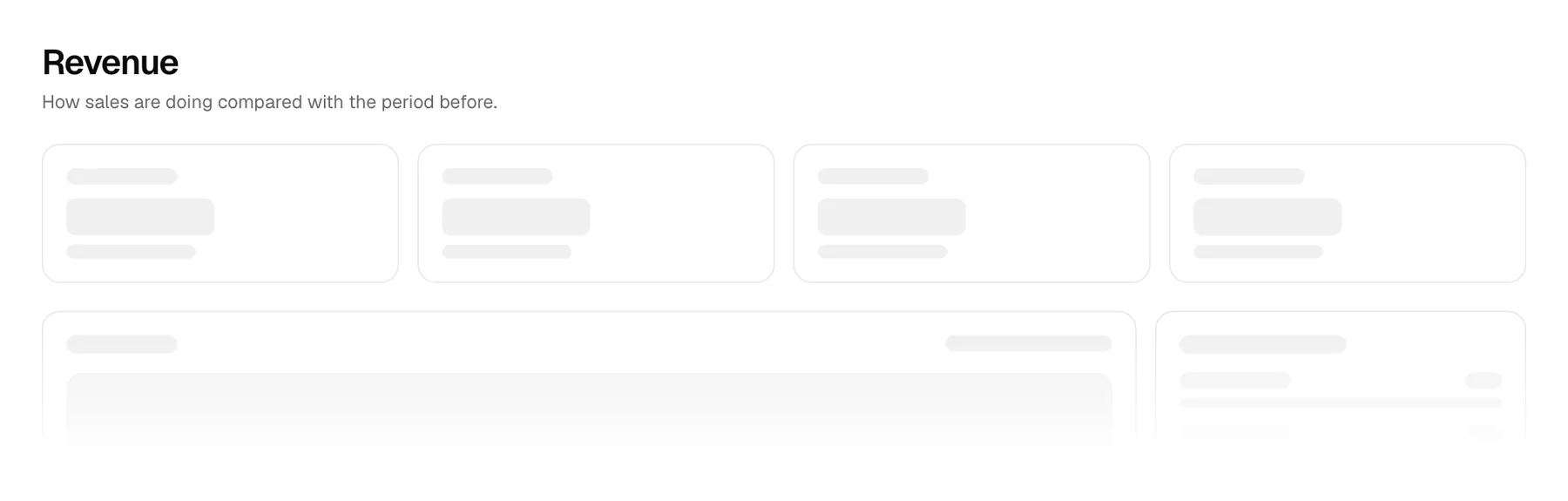
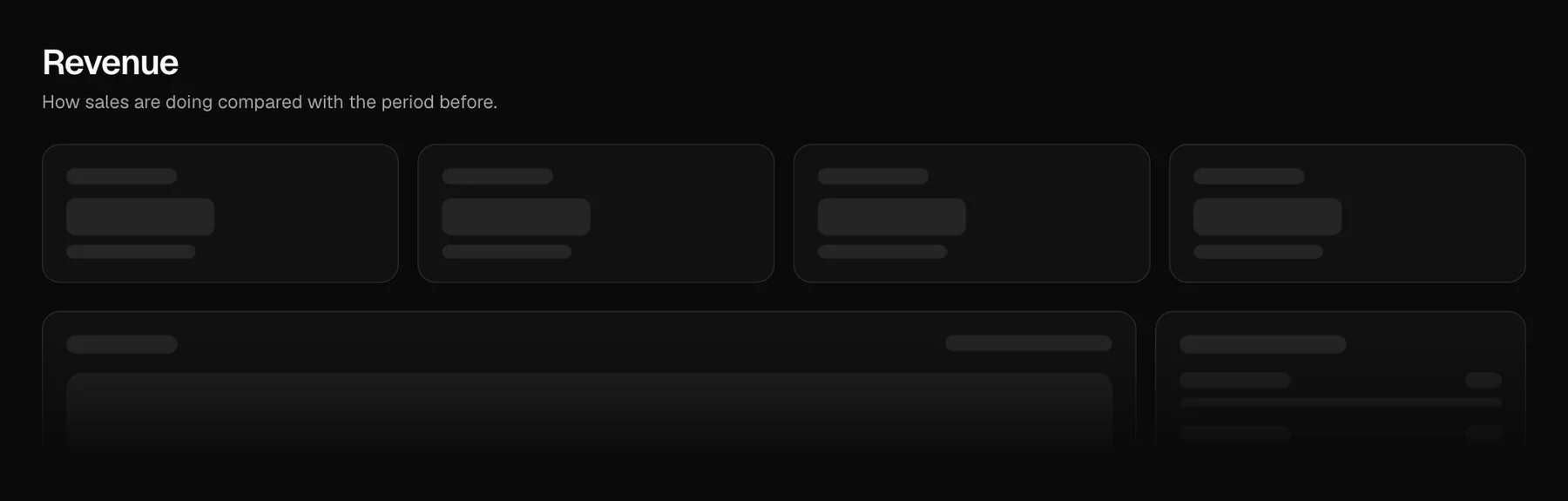
- Every data block takes
state:"loading","ready","empty"or"error", withonRetry,emptyStateanderrorState. Eleven blocks: Mail 1, Dashboard 1 and 2, Kanban 1, Calendar 1, Blog 1, Changelog 1, Billing 1 and 2, Settings 3 and the two AI chats. See Handle loading, empty and error states. - Every form block (Login 1 and 2, Sign up, Forgot password, Verify, Contact, Newsletter, Invite, Onboarding, Settings 1 and 2) can show submitting, success and error from the same prop. Fields lock while a request is in flight, so nothing is sent twice.
- state-view is for your own views, and use-resource is a fetch state machine that aborts replaced requests, never lets a slow old answer win, and retries;
stateOf()maps TanStack Query and SWR results onto the same states. - Block pages have a State switch above the preview with the prop to copy and what each state does; a link such as
/blocks/mail-1?state=loadingopens a state.
Improved
- Skeletons are a little stronger on light pages, and their pulse follows the theme's decorative-loops switch. They are announced as loading, busy while loading, errors are announced as alerts, and focus is never moved for you.
- Each item can list its states in its metadata (or say why a block has nothing to load). The registry JSON and the API carry them, and a build check fails when a free block does neither.