Ballmac UI home

Changelog

What's new in Ballmac UI

New components and blocks, CLI and MCP releases, docs and fixes, newest first. Every entry has its own link.

Subscribe

Showing all 38 updates

October 202636 updates

Ten data views, two agent screens, and fifteen more screens for operations and trades

Heat grid, treemap, Sankey, bullet and waterfall charts, a trace waterfall and prompt diff, plus screens for cost, capacity, alerts, fleets, salons, schools and more.
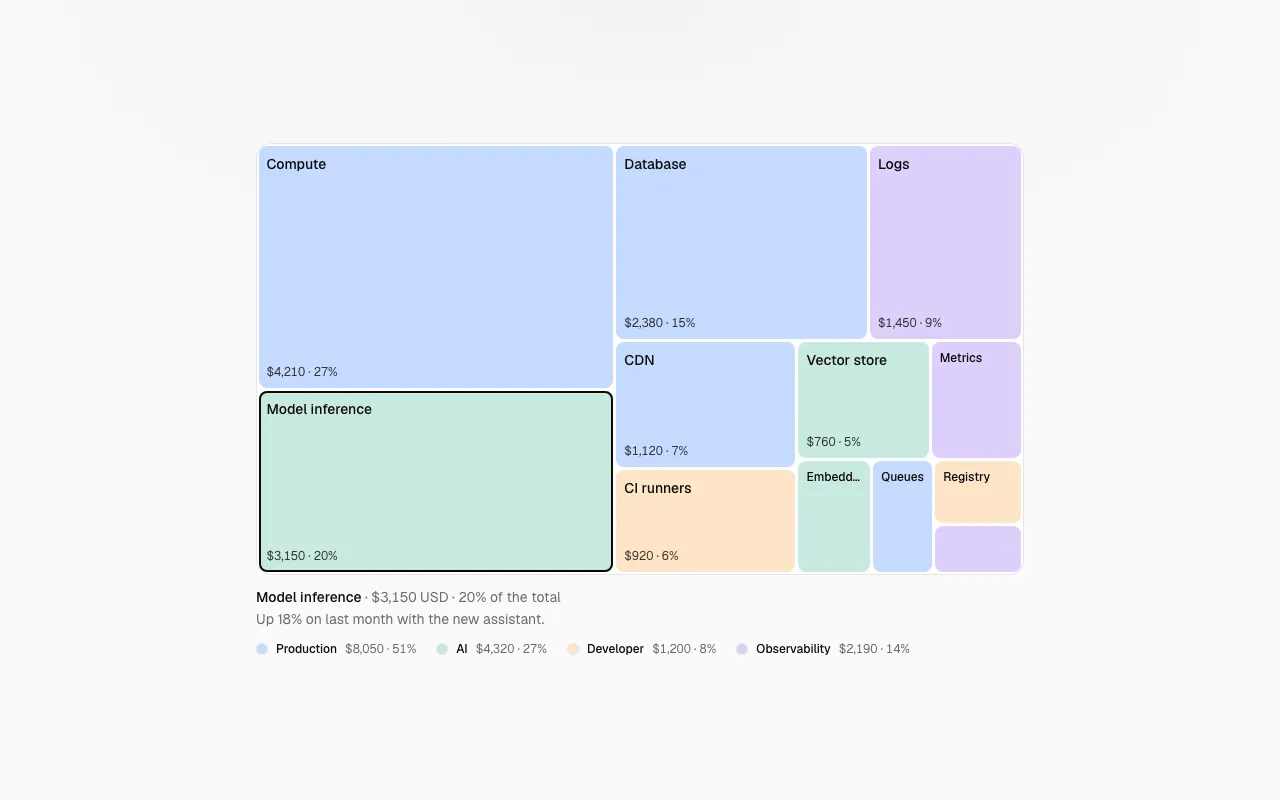
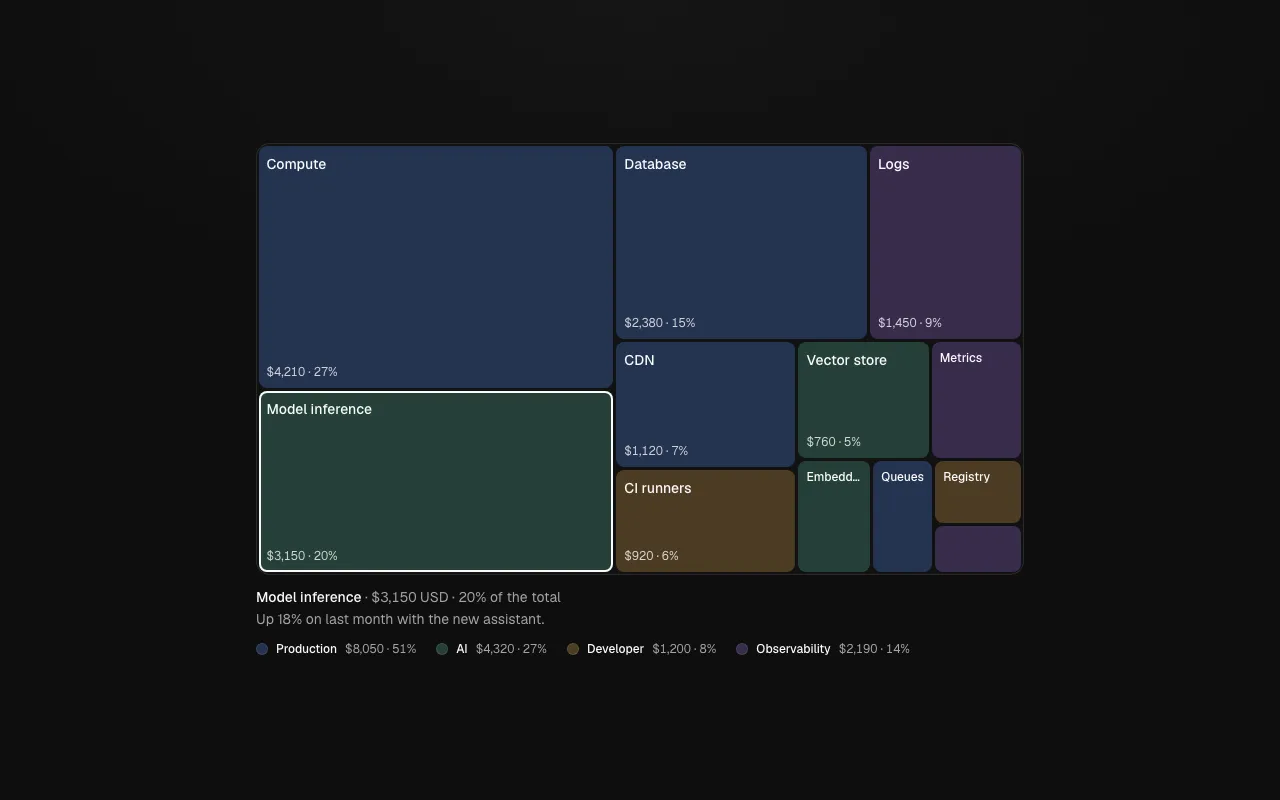
A treemap of spend by service, each tile sized by its share and labelled with its value and percentage.

New

  • Data views that need no chart library: heat-grid, treemap, flow-sankey, bullet-chart and waterfall-chart. Each has a keyboard path, a text equivalent for screen readers and tokens for color.
  • Agent tools: agent-graph draws how agents and tools connect, trace-waterfall shows a run's spans over time, prompt-diff compares two prompts word by word, tool-catalog lists tools with risk and a switch, and escalation-card hands a case to a person.
  • Operations blocks: cost-1, matrix-1, capacity-1, runbook-1, secrets-1, alerts-1 and deploys-1.
  • Trade and service blocks: floorplan-1 (restaurant floor), gradebook-1, inspection-1, fleet-1, salon-1 (appointment booking), donations-1, rentals-1 and claims-1.
  • agent-9 sets how much an agent may do alone, with spend and step limits and the tools it may use. agent-10 is a console with openable tool-call steps and a clear take-over and hand-back.
Ten agent primitives, eight operations screens, seven industry screens, and a way to contribute

Ten primitives for agent products, eight screens for the people who keep a product running, seven screens for specific trades, a public Pro changelog, and a page that explains how to build an item for the free library.

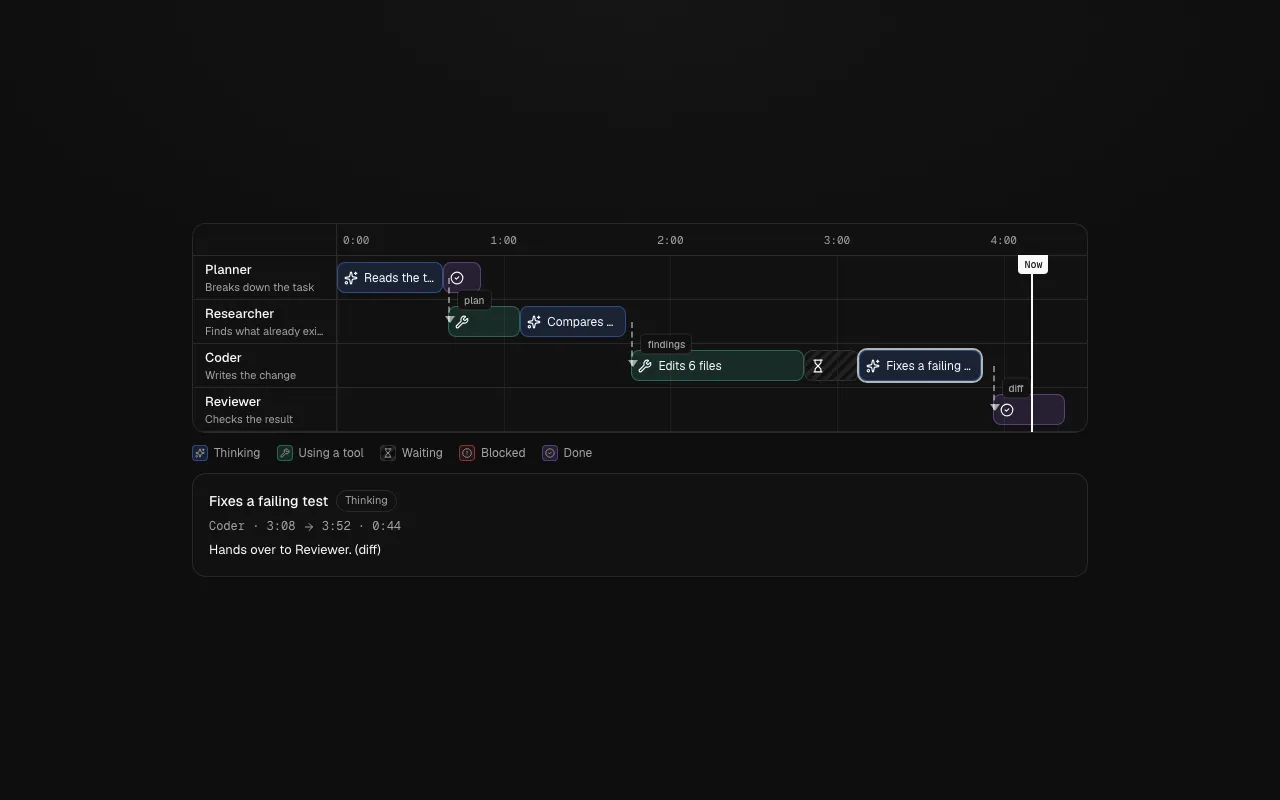
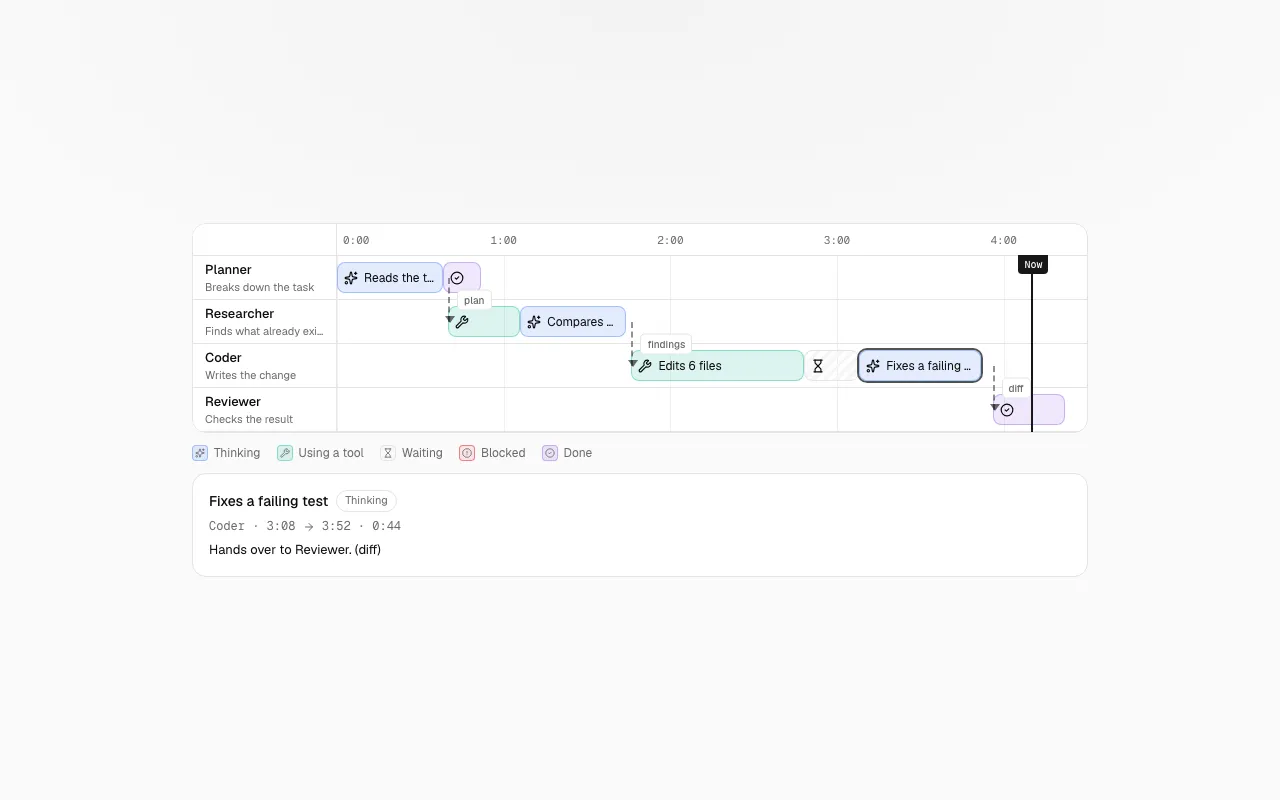
Agent Lanes: four agents in rows, their steps coloured by kind, dashed handoffs between rows and a Now line.

New

  • agent-lanes is a swimlane timeline for runs with several agents: one row per agent, steps coloured by what they are doing, dashed handoffs between rows, a Now line and a detail panel. Every step is reachable with the arrow keys.
  • parallel-attempts compares several runs of the same task side by side and has a native radio group to pick the one to continue with. run-replay replays a recorded run with a scrubber, markers and speeds, and drives anything on the page from one clock.
  • autonomy-dial sets how much an agent may do on its own, from suggest-only to full auto, with what it does alone and what it stops to ask about written out. permission-grid sets Allow, Ask or Deny for each tool, with risk in words and presets.
  • run-ledger breaks a run's time, tokens and cost down by step with a budget meter. citation-coverage shows an answer claim by claim, with the unsupported ones marked in words. guardrail-feed, handoff-card and agent-roster complete the set.
  • Operations blocks: audit-1 (an audit log you can search and export), access-1 (a quarterly access review), oncall-1 (a weekly rota), incident-1 (an incident page with roles and updates), pipeline-1 (a deploy pipeline with an approval gate), queues-1 (job queues and failed jobs), slo-1 (error budgets) and cron-1 (scheduled jobs in plain words).
  • Industry blocks: clinic-1 (a day schedule with a privacy mode), kitchen-1 (a kitchen display), matter-1 (legal matters and deadlines), listing-1 (a property page with a viewing form), booking-1 (a class timetable), workorder-1 (a repair job) and dispatch-1 (a field-service board).

Improved

  • Contribute explains the path from idea to merged pull request, the standard every item meets and where help is wanted, with issue forms to propose an item or show a project.
  • The Pro changelog lists every new block, update and starter in Ballmac UI Pro with its date and version.
  • The pricing page now has a Team plan for up to ten people, and a refund policy: if a Pro item does not work as its page says and cannot be fixed within 14 days of your request, you get a full refund.

A workspace for Ballmac partners

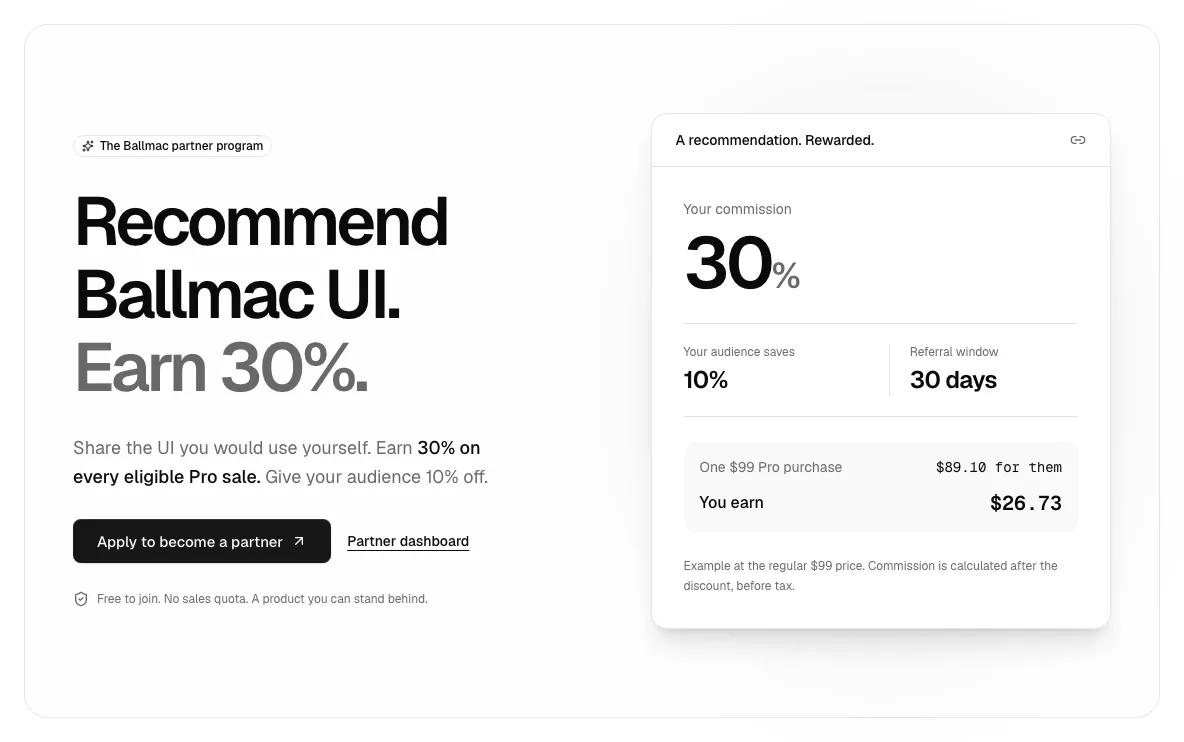
Recommend Ballmac UI Pro, earn 30% on eligible purchases and give your audience 10% off, with clear commission and payout tracking.

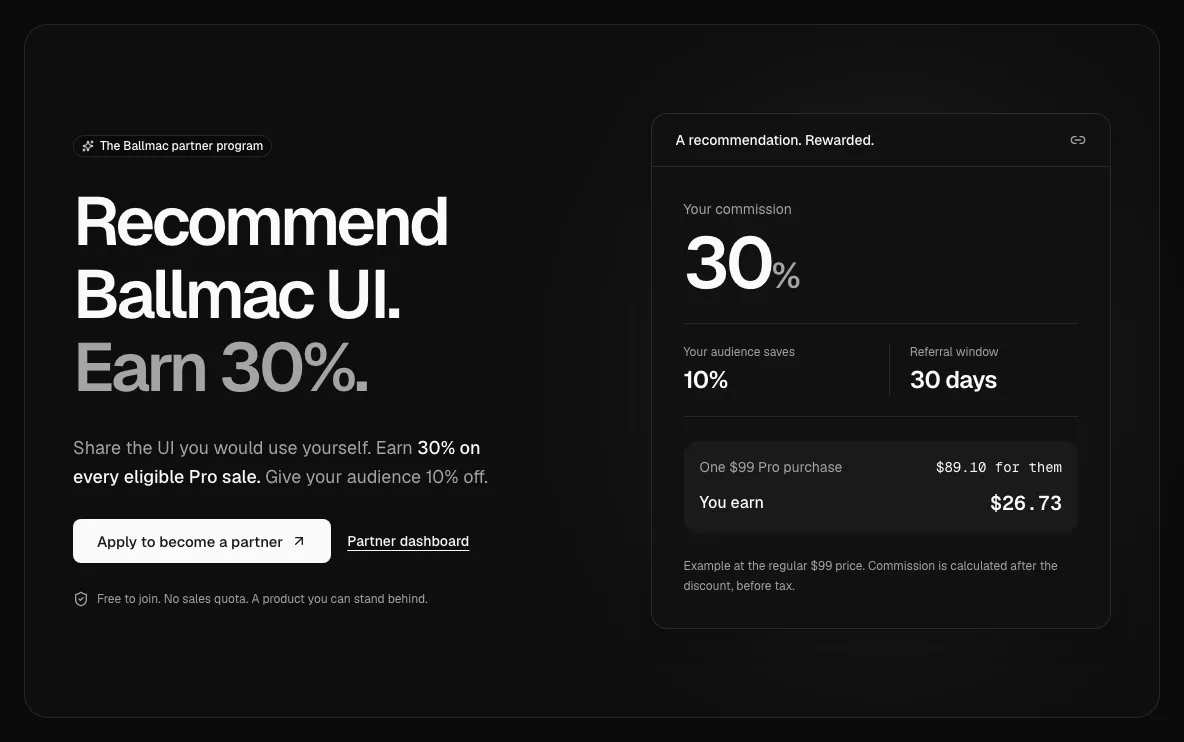
The Ballmac partner program showing the 30% commission and 10% audience discount.

New

  • The partner program gives approved partners a personal referral link, a 30-day referral window and 30% commission on eligible Pro purchases after the buyer’s 10% discount, before tax.
  • A private partner workspace brings together referral links, editable sharing resources, commission activity and payment history. Pending earnings show their eligibility date and progress toward the $100 payout minimum.
  • A separate owner workspace handles application reviews, partner access, provider-backed commission checks and completed-transfer records. New applications notify administrators and receive a confirmation email, with durable retries for temporary delivery failures.

Improved

  • Partner sign-in codes, approval messages and recorded-payout confirmations use consistent transactional email designs. Program terms explain attribution, adjustments, disclosures, privacy and monthly payout reviews.

Fixed

  • Partner applications require a checked terms agreement and a short promotion plan. Owners can review the plan and consent record; the $100 minimum applies to payout reviews and completed-transfer records.

Data grid, drag and drop, event calendar, rich text and more

Nine hard components that most libraries leave to you: a virtualized data grid, sortable lists and boards, an event calendar, a rich text editor, mentions, QR codes, an emoji picker, an image cropper and a native select.

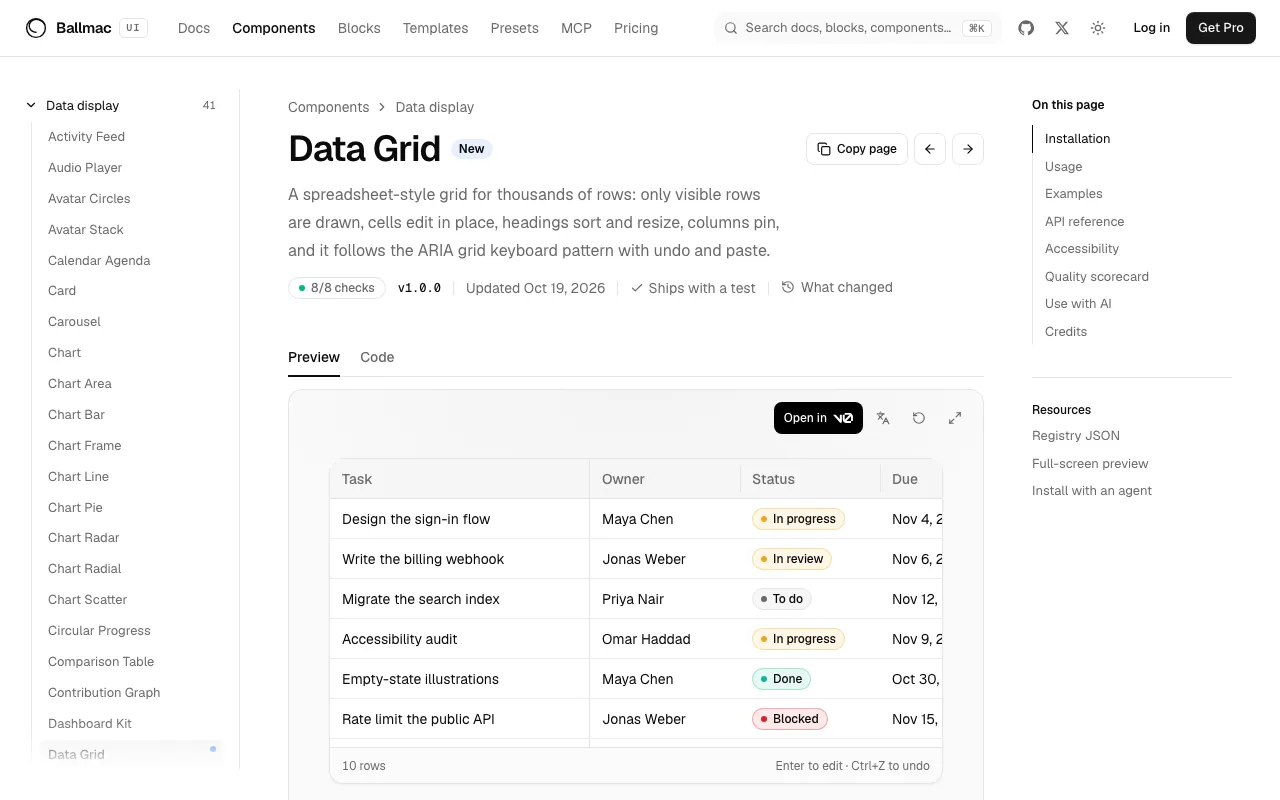
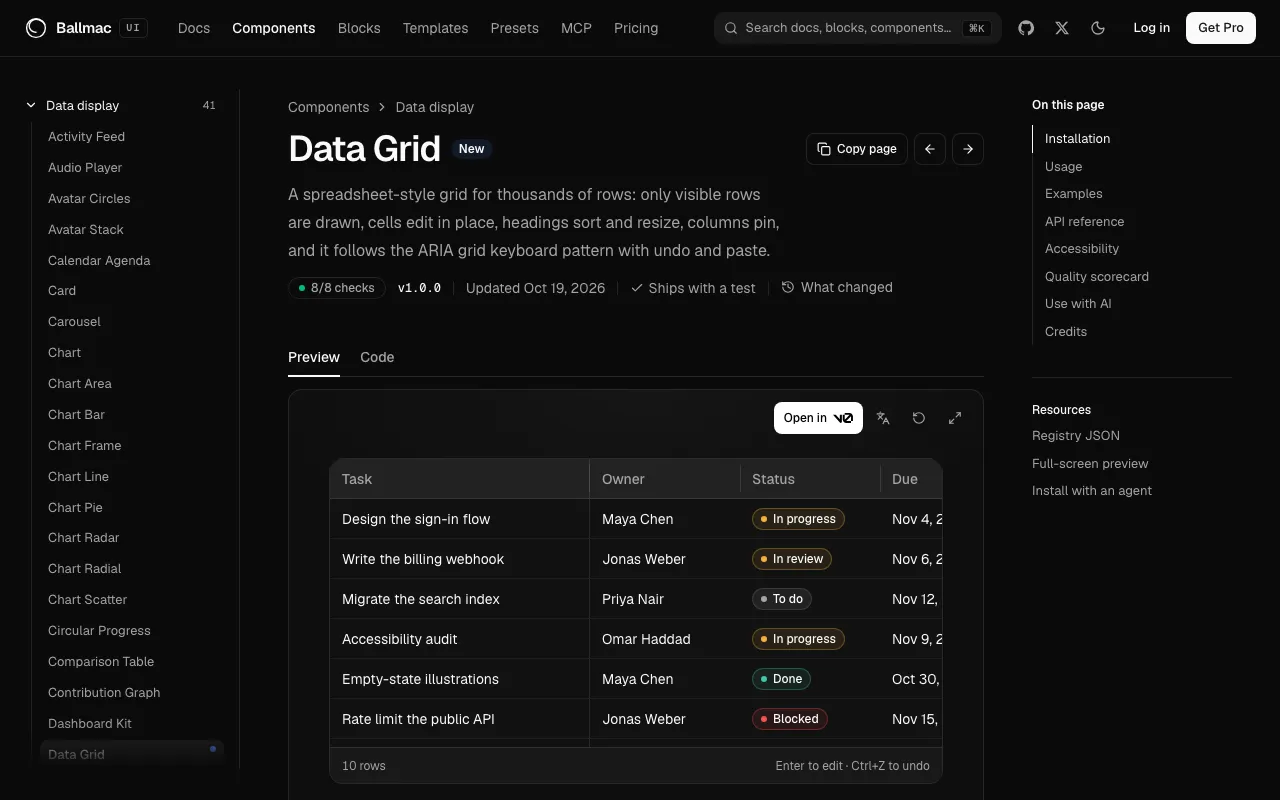
The data grid component page, with an editable table of sprint tasks.

New

  • data-grid is a spreadsheet-style grid for tens of thousands of rows. Only visible rows are drawn, cells edit in place with validation, headings sort and resize, columns pin, and it follows the ARIA grid keyboard pattern, with undo, redo and paste from a spreadsheet.
  • sortable reorders lists, grids and boards with columns, by pointer, touch or keyboard. It reads out what moved, in the page's language, and has move buttons for people who cannot drag.
  • event-calendar has month, week, day and agenda views. Overlapping events sit side by side, multi-day events run as bars, and people drag events to move or resize them and drag across empty time to make one. Alt and the arrow keys do the same from the keyboard.
  • rich-text-editor is built on Tiptap: headings, bold, lists, checklists, quotes, code and links, a toolbar you drive with the arrow keys, a "/" menu for blocks, a link popover, a character limit and HTML output.
  • mention-input, qr-code, emoji-picker, image-cropper and native-select complete the set. Mentions keep the id of who was mentioned, QR codes come as accessible SVG with shapes and a logo slot, the emoji picker loads its data on first use in any Emojibase language, the cropper exports the result as a file, and the native select keeps the phone's own picker.

Improved

  • calendar-dates is a small dependency-free helper for weeks that start where the locale says, month grids and daylight-saving-safe day math.

Presets, accessible charts, Base UI and an agent skill

Install a whole design system with one command, draw seven kinds of chart that work for everyone, use Base UI instead of Radix UI, and let your coding agent use Ballmac UI well.

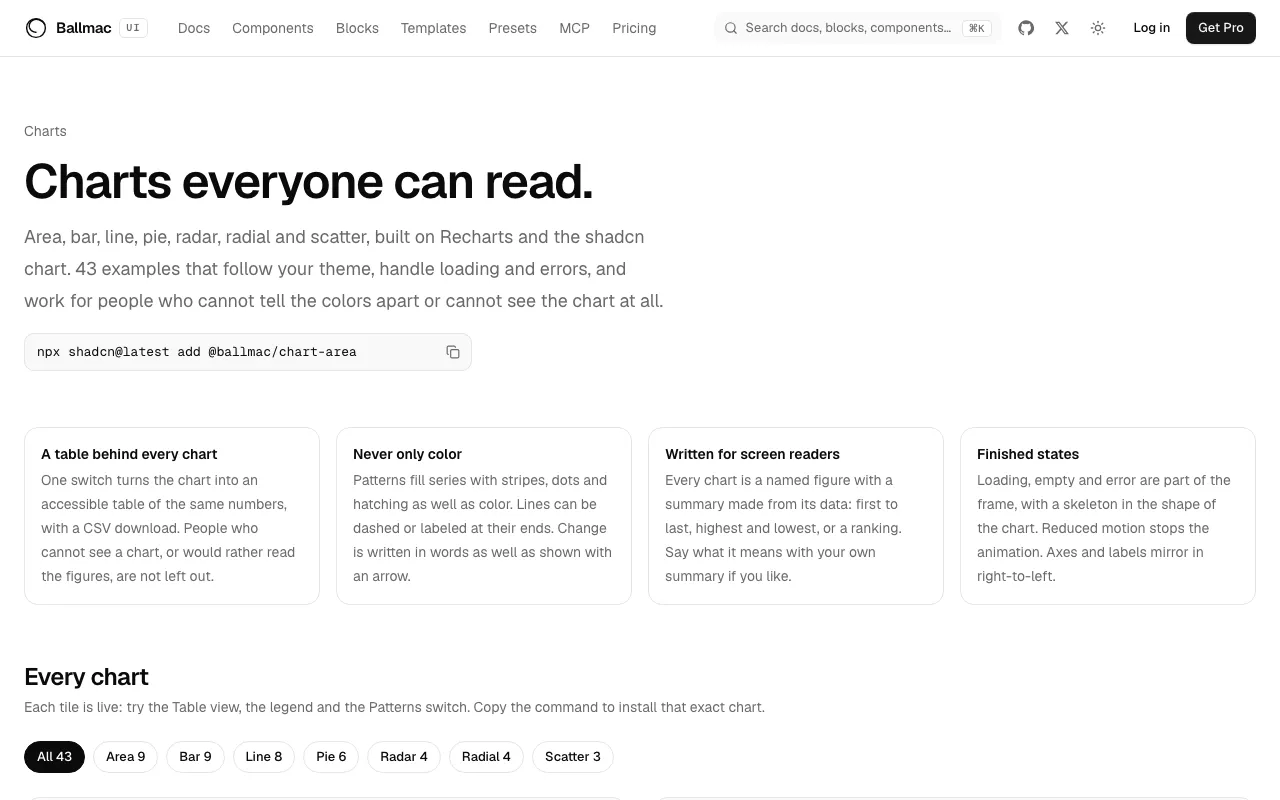
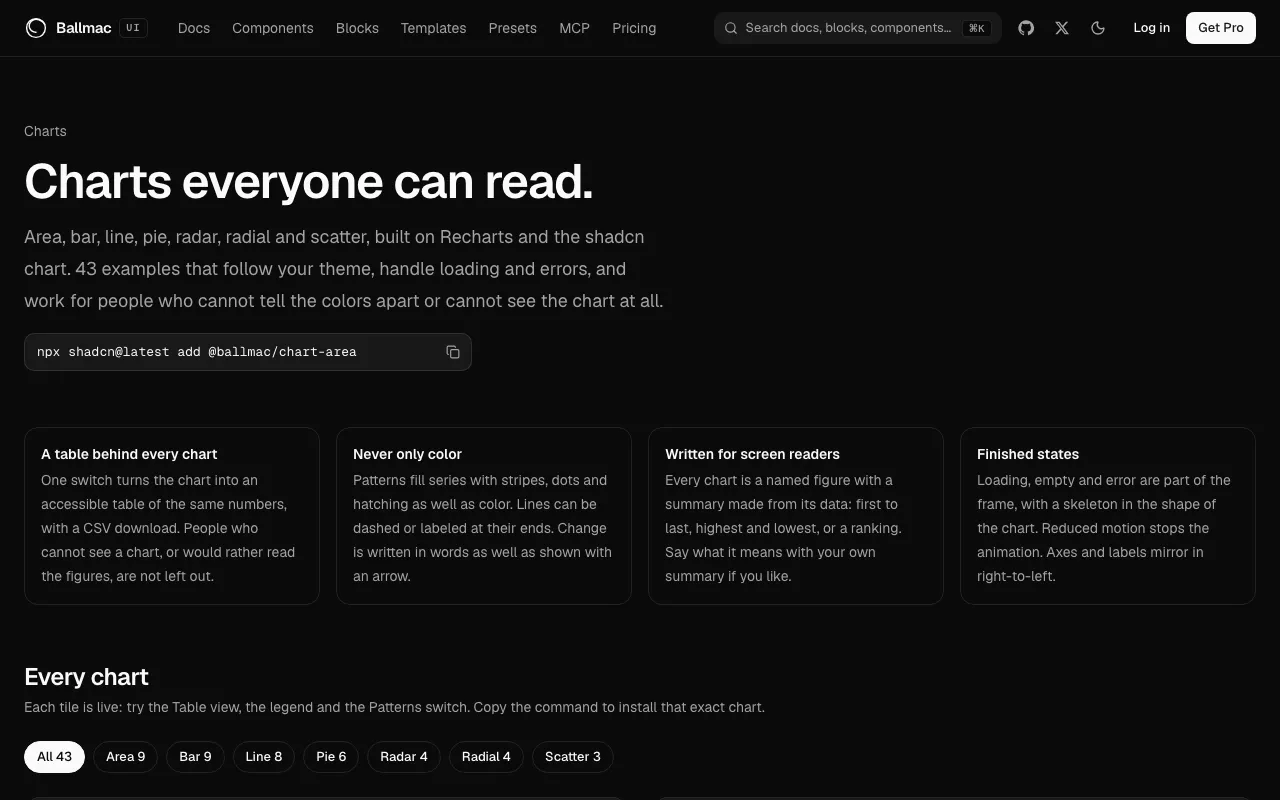
The charts page, a gallery of area, bar, line, pie, radar, radial and scatter charts.

New

  • Presets are whole design systems: color, corner radius, typeface, platform feel and motion, installed together with npx shadcn@latest add @ballmac/preset-ink. Pick one of fifteen, or make your own in the theme builder and share it as a 16-character code. Add ?only=colors,font to install only those parts. Fourteen typefaces install on their own as @ballmac/font-<name>. Guide.
  • Seven chart components, each drawn inside a chart frame: chart-area, chart-bar, chart-line, chart-pie, chart-radar, chart-radial and chart-scatter. Pass your data, and the frame adds a Table view with CSV download, patterns for color blindness, a written summary, a legend that switches series off, and loading, empty and error states. Guide.
  • Four chart dashboards, charts-1 to charts-4, and a charts gallery with about fifty live examples.
  • Every component built on Radix UI also comes in a Base UI version, with the same props, keyboard behavior and tests. Switch between them on a component page, install by URL or as @ballmac/base-<name>, or pin the registry to {style} so a Base UI project gets the right one. Guide.
  • An agent skill teaches Claude Code, Cursor and other agents to find, install and use Ballmac UI: npx skills add vamsiy78/ballmac-ui or npx shadcn@latest add @ballmac/skill. The MCP server also has a make_preset tool that makes a preset and returns its code.

Improved

  • chart formats numbers for the reader's locale, can write a total in the middle of a donut, and reads a tooltip's names from the data with nameKey.
  • The theme builder shows the fifteen design systems, a typeface picker, a box for loading a code, and a checkbox for each part to install.

Use-case pages, a dashboard tutorial and better search

Start from the job you are doing, follow a ten-minute tutorial, and tell us when a docs page didn't help.

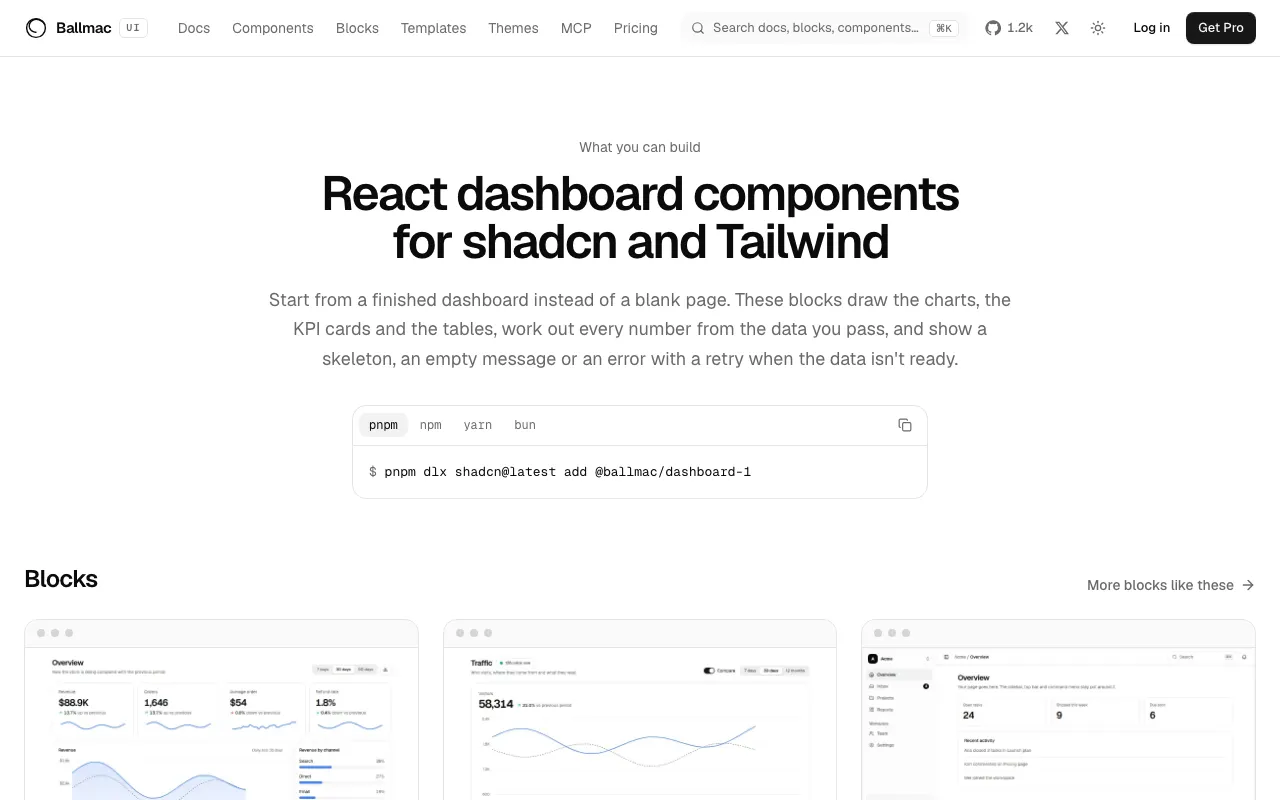
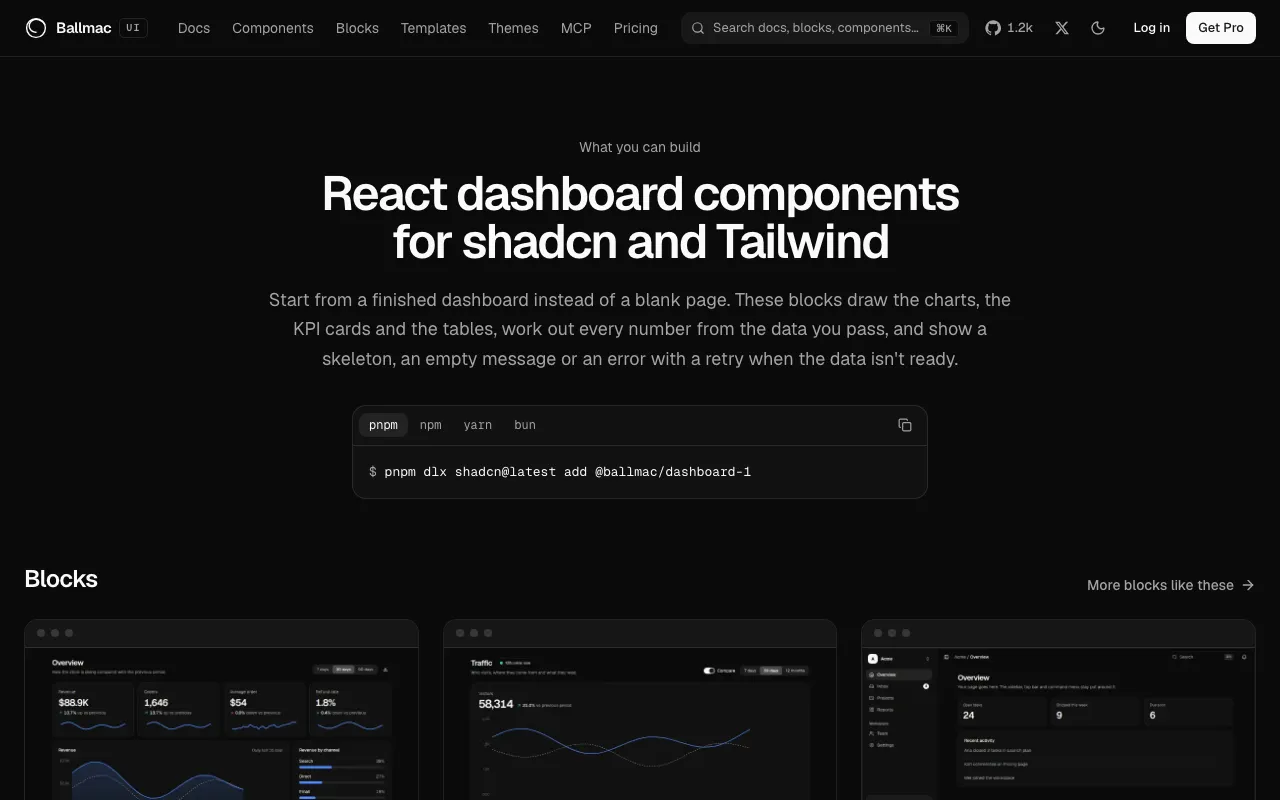
The dashboard use-case page, with an install command and six dashboard blocks.

New

  • What you can build has a page for dashboards, desktop apps, AI agents, landing pages, admin tools, and sign-in and settings, each with its blocks, templates and guides.
  • Build a sales dashboard is a ten-minute tutorial: add the block, pass your own numbers, load them with useResource, see every state and match your brand.
  • Every docs page ends with "Was this page helpful?"; a "no" can say what was missing.
  • The quality page shows the tools it was measured with, how many items each check doesn't apply to, and a run history.

Improved

  • Search ranks title matches first, marks your words in the results, and lists the places people go most before you type.
  • The component page header is one row: quality, version, date and test, with the change notes behind "What changed".
  • Docs pages and changelog entries have their own share image.

Shifts, recipes and habits

Five everyday planning blocks, from a weekly shift roster to a day-by-day trip itinerary.

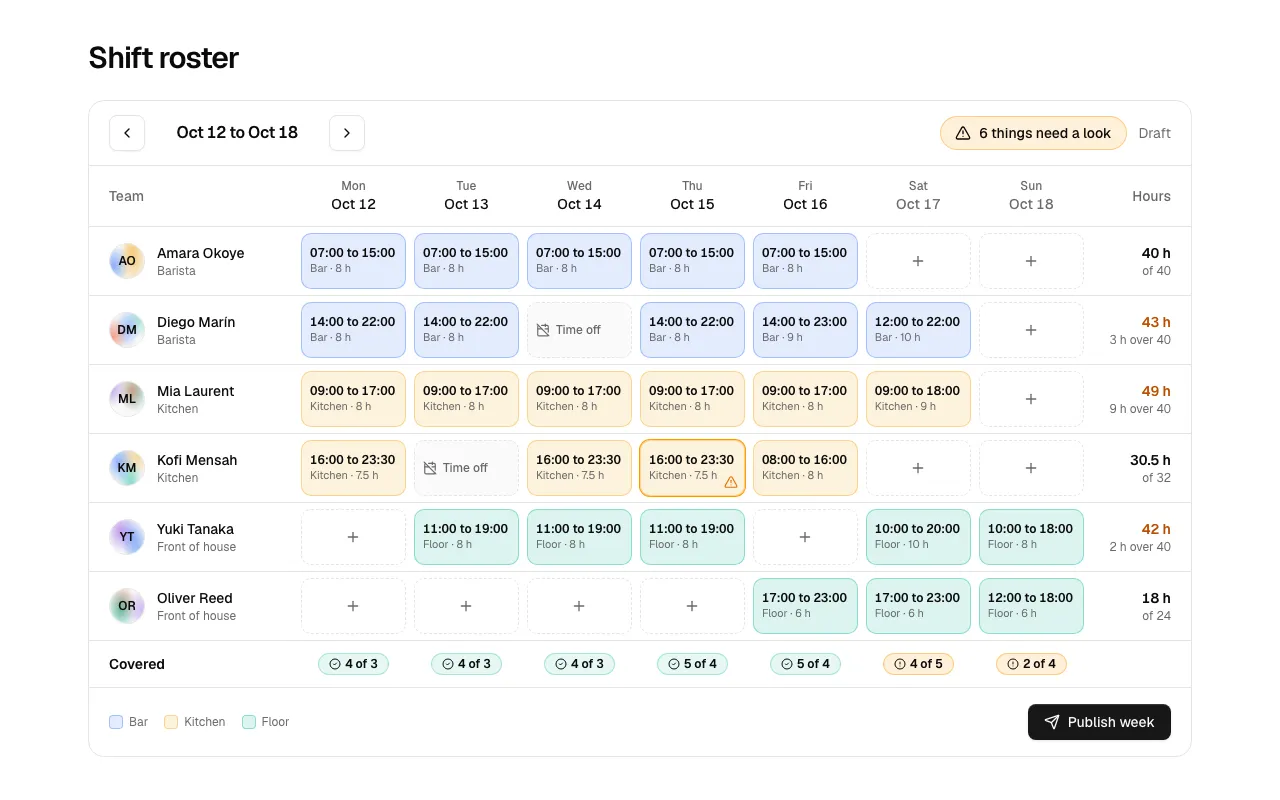
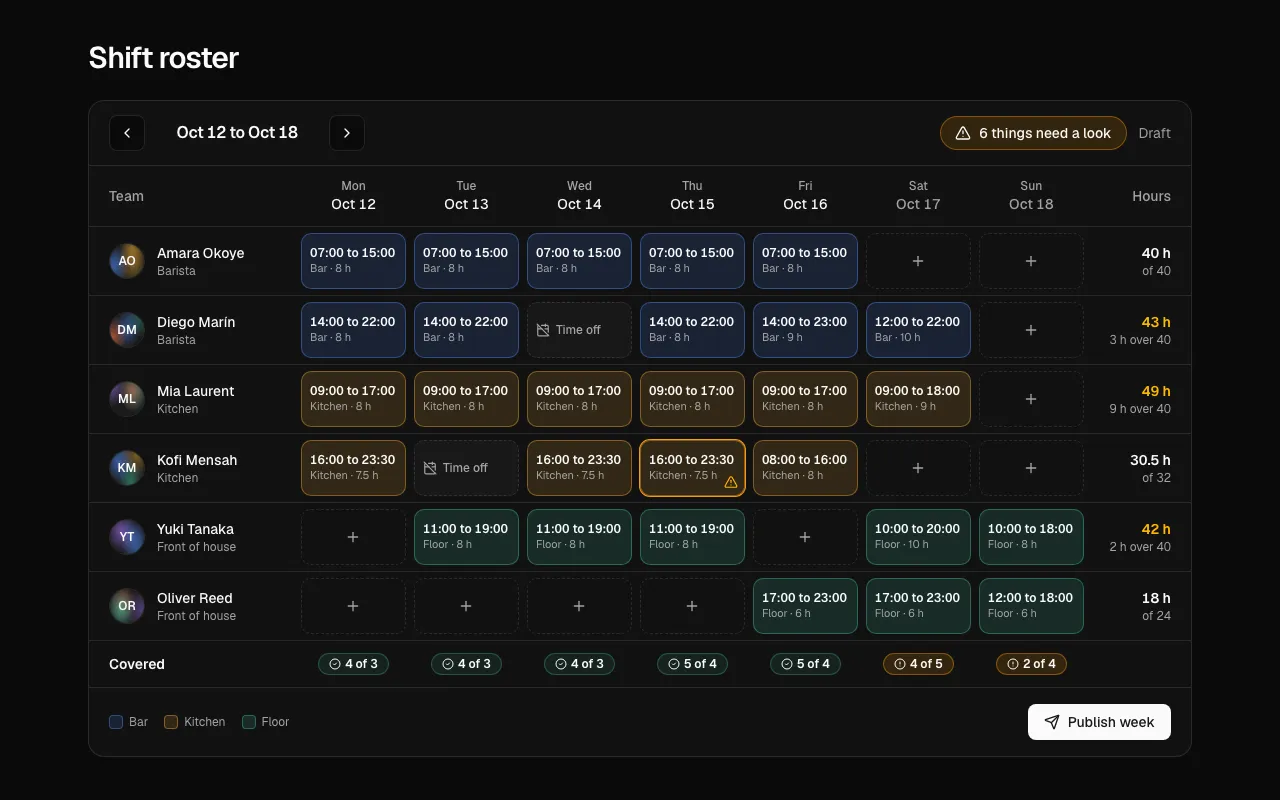
The Roster 1 block, a weekly shift planner with a row per person and a column per day.

New

  • Roster 1 plans a week of shifts: set or change a shift in a dialog, see hours and overtime per person, a warning when rest between days is too short, and a coverage row ("3 of 4, short by 1").
  • Recipe 1 scales every amount the way a cook reads it (½ and ¼ for spoons and cups), switches metric and US units, ticks off steps, and starts a timer that says "Time is up".
  • Habits 1 tracks streaks (kept alive until today is over), this week against a goal, the last seven days to tick and a twelve-week grid; a tick that fails to save goes back with the reason.
  • Inventory 1 shows stock against reorder points, days left at today's pace and a status in words, with an order form that suggests how many to buy and says nothing was charged if it fails.
  • Trip 1 lays out a trip by day with copyable booking codes, anything unbooked marked in words, cost by type and per traveler, and a packing list with progress.

Improved

  • The MCP server finds the five new block groups for rota, shifts, ingredients, streak, warehouse, itinerary and vacation.
  • All five pass every scorecard check, including 360 px (checked to 320 px), reduced motion and right to left (the history grid in Habits 1 stays left to right), and ship their tests.

Comments, polls and product tours

Threaded discussion, voting, a guided tour, an investment overview and a seat map.

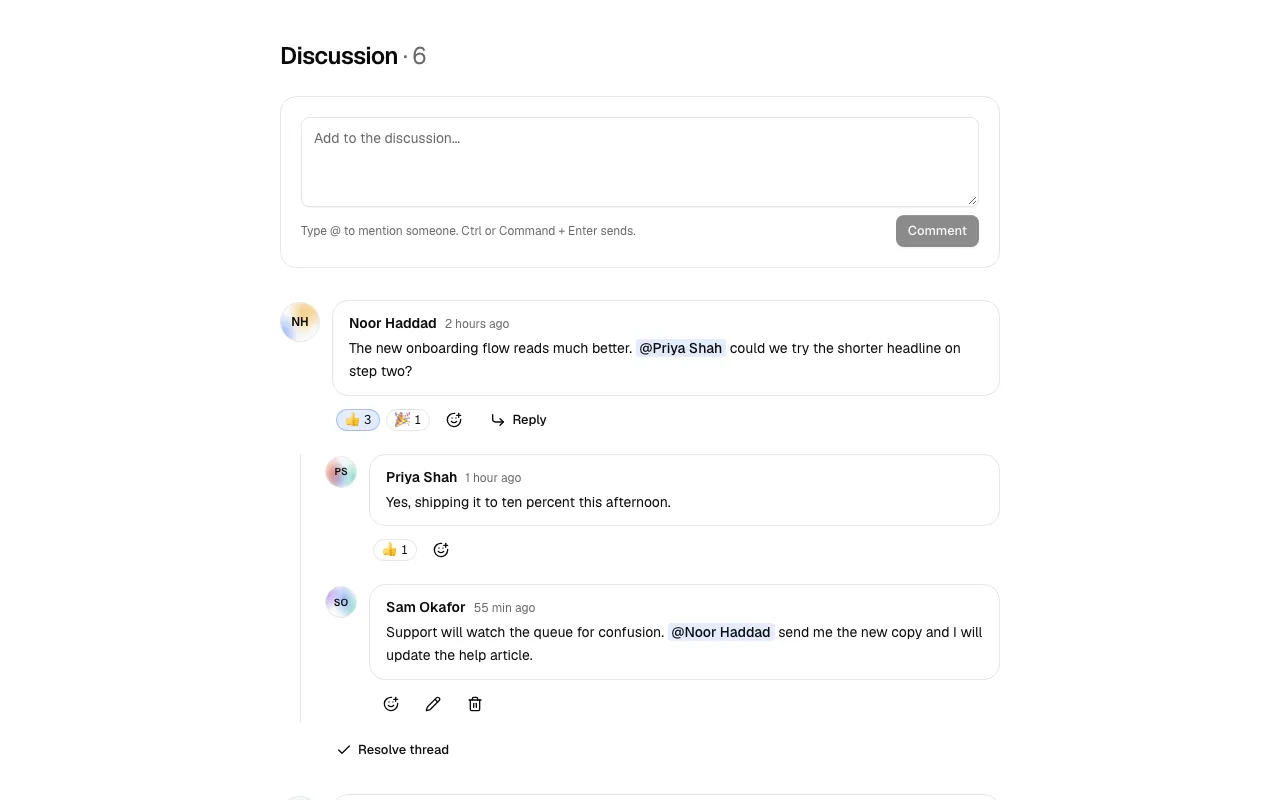
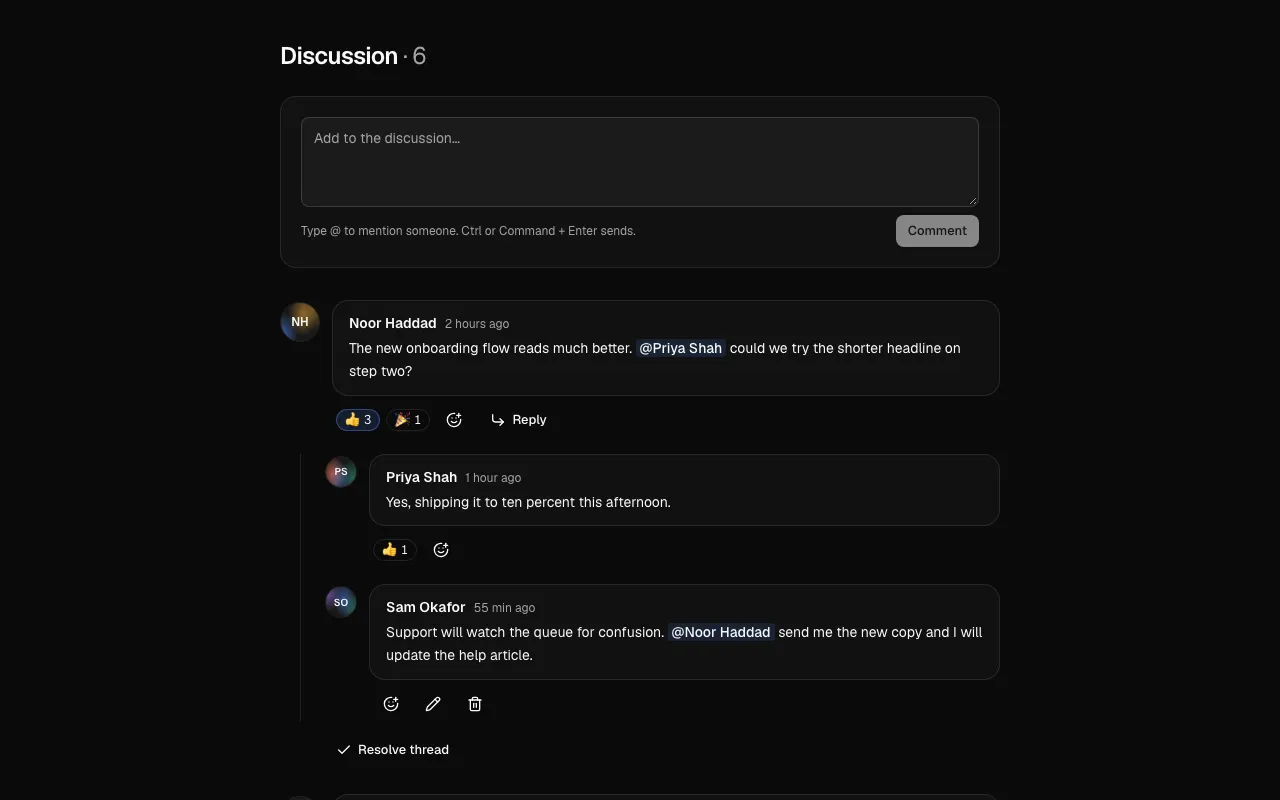
The Comments 1 block, a threaded discussion with a composer, replies and emoji reactions.

New

  • Comments 1 is a threaded discussion: type @ to mention people, reply, react with emoji, edit or delete your own comments, and resolve threads; a comment that cannot be saved stays with "Not posted" and Retry.
  • Poll 1 takes one choice or several up to a limit, counts your vote at once, marks the leader and your choice in words, and takes a failed vote back with the reason.
  • Tour 1 lifts one part of your interface out of a dimmed page while a card says what it is for. Point it at your own elements with data-tour attributes; focus is never taken on page load.
  • Portfolio 1 shows total value over a week, month or year on a line you scrub with the pointer or arrow keys, an allocation ring with a text equivalent and sortable holdings; gains and losses carry a sign and an arrow, not only color.
  • Seat map 1 picks seats on a hall with walkways and three price tiers, marks taken and wheelchair seats in words, finds neighbouring seats for a party, and keeps your other seats when one is taken.

Improved

  • The MCP server finds the new groups for discussion, vote, walkthrough, holdings, seats and cinema.
  • All five pass every scorecard check, including 360 px (checked to 320 px), reduced motion and right to left (the floor plan in Seat map 1 stays left to right), and ship their tests.

Goals, timesheets and expenses

Work-tracking blocks for OKRs, weekly hours, expense reports, Markdown writing and CRM contacts.

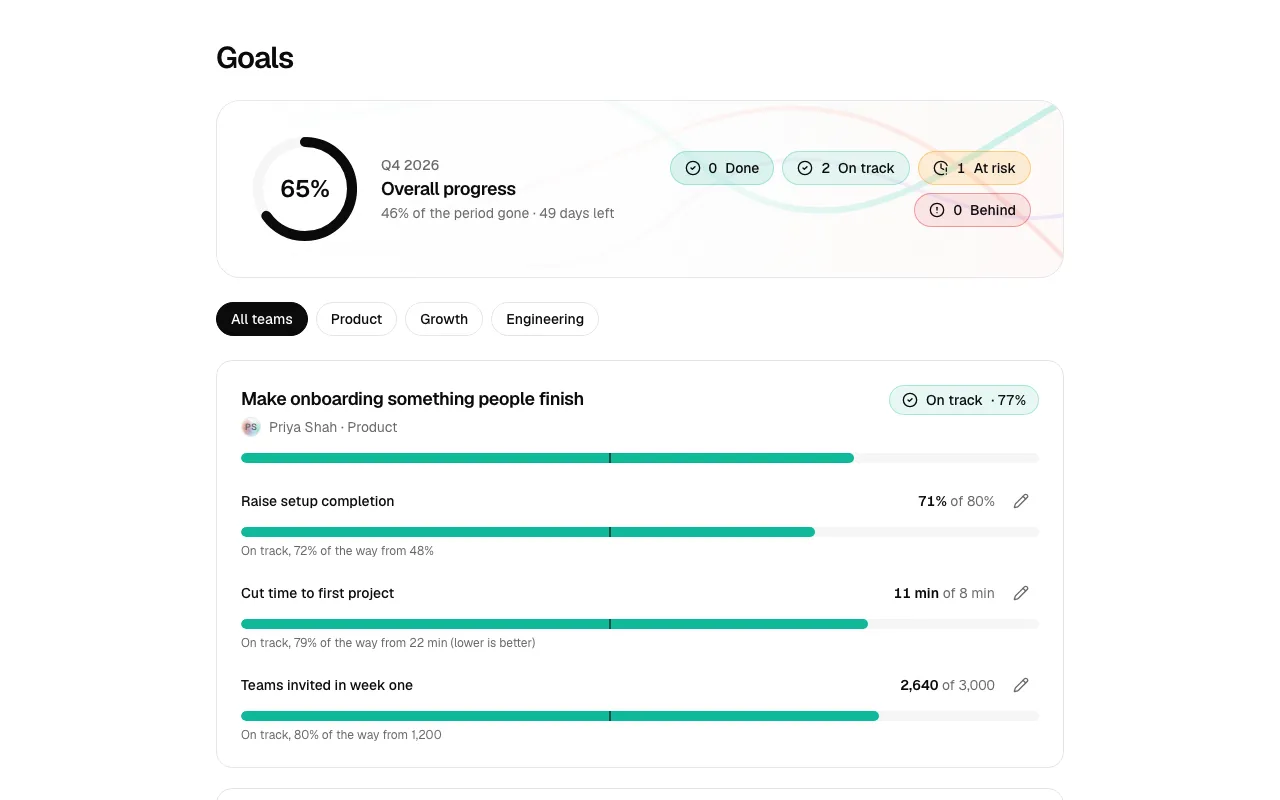
The Goals 1 block, objectives with key results and a mark on each bar for where progress should be today.

New

  • Goals 1 works out OKR progress from start, current and target, marks where each bar should be today, and writes On track, At risk, Behind or Done in words; a failed save puts the old number back with the reason.
  • Timesheet 1 takes time the way people say it (1.5, 1:30, 90m, 2h), totals rows, days and the week as you type, says "+1:15 over" when a day runs long, and locks the week on Submit.
  • Expenses 1 checks rules as you go (a receipt is needed over a threshold, a category can have a limit), breaks the total down by category with a text equivalent, and names the lines that still need a receipt.
  • Editor 1 is a Markdown editor with a toolbar, shortcuts, a safe live preview (only http, https and mailto links), word count and reading time, and autosave that says Saved, Saving, Unsaved changes or Not saved with a Retry that keeps your text.
  • CRM 1 is a contact record with a movable pipeline stage, an overdue follow-up worked out from the day you pass, a timeline, and a form that logs the next note, call, email or meeting.

Improved

  • The MCP server finds the new groups for okr, hours, reimbursement, markdown, deals and lead.
  • All five pass every scorecard check, including 360 px (checked to 320 px), reduced motion and right to left, and ship their tests.

Tickets, webhooks and feature flags

Developer and support surfaces: a ticket thread, a webhooks manager, flags, an automation builder and an API explorer.

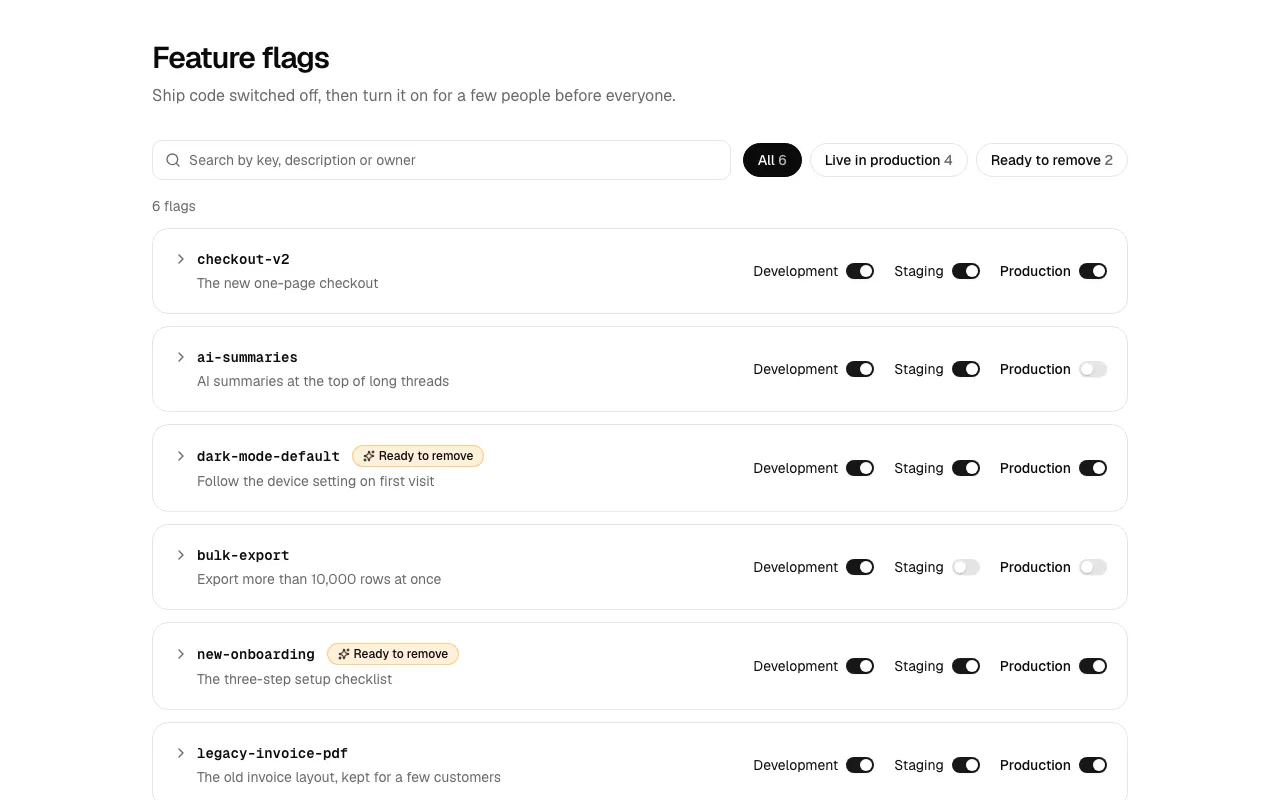
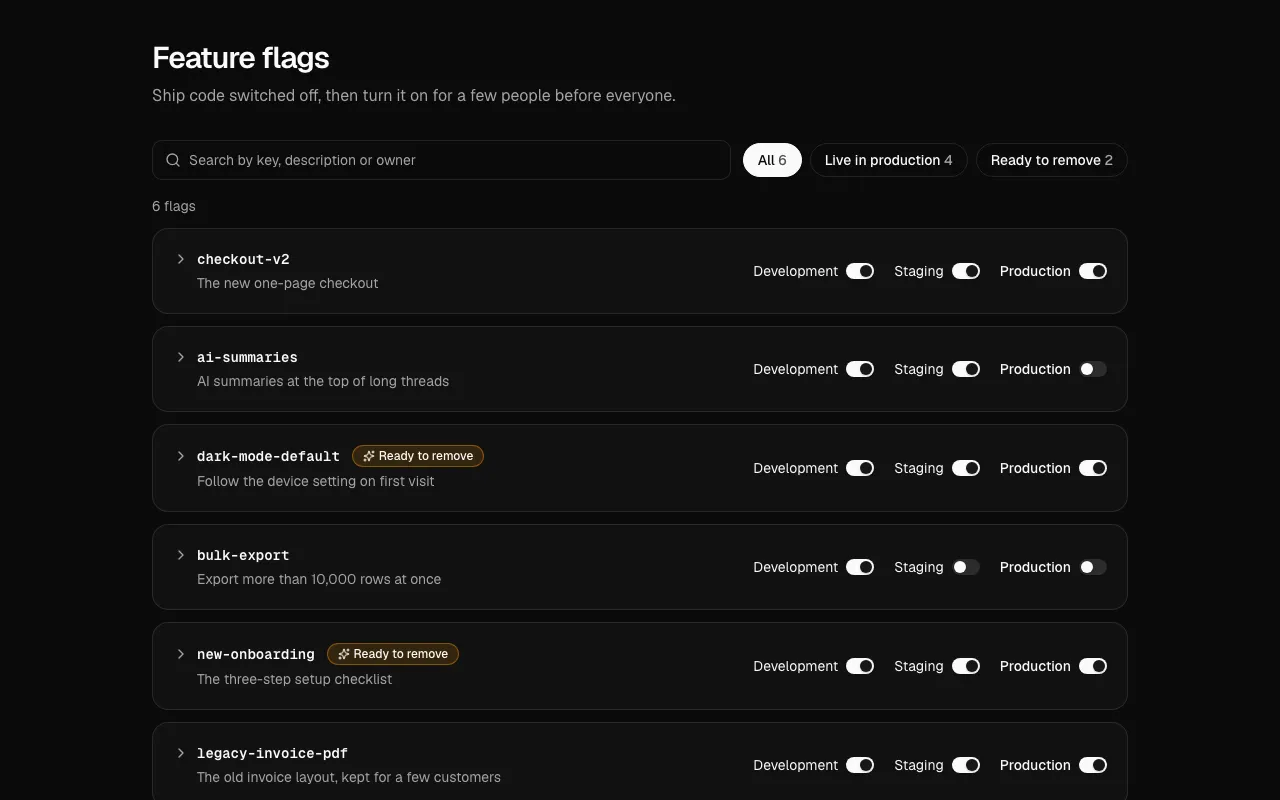
The Flags 1 block, a feature flags manager with a switch for each environment.

New

  • Tickets 1 shows the customer conversation with replies and private notes (dashed, tinted and labelled so a note is never mistaken for a reply), a reply timer, canned replies, and Retry for a message that fails to send.
  • Webhooks 1 rates each endpoint from its last ten deliveries, masks the signing secret, and logs every delivery with status, timing, payload, the endpoint's answer and Send again.
  • Flags 1 has a switch per environment, a rollout slider that applies on Save, flags fully on for months marked ready to remove, and a confirmation that says exactly who is affected before Production changes.
  • Workflow 1 builds a trigger plus conditions, waits and actions you add, reorder and delete, and a test run that shows each step as ran fine or where and why a condition stopped it.
  • API 1 explores an API: method, address, headers and JSON body in, status in words, time, size and a body tree out, with history, Copy as cURL and a built-in demo API so it works with no server.

Improved

  • The MCP server finds the new groups for helpdesk, sla, rollout, trigger, postman and explorer.
  • All five pass every scorecard check, including 360 px (checked to 320 px), reduced motion and right to left (code in Webhooks 1 and API 1 stays left to right), and ship their tests.

Retention, CSV import and invoices

A cohort heatmap, a CSV importer, an event agenda, a quiz and an invoice you can pay.

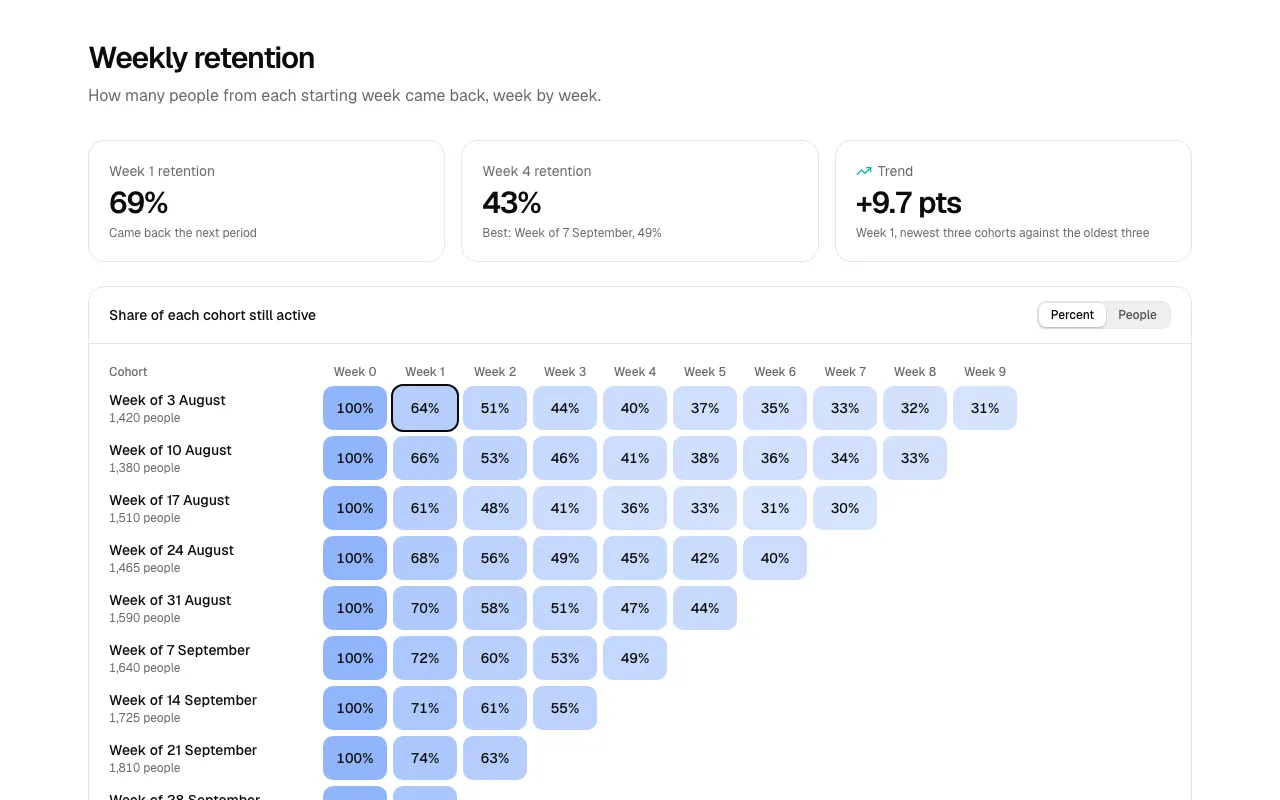
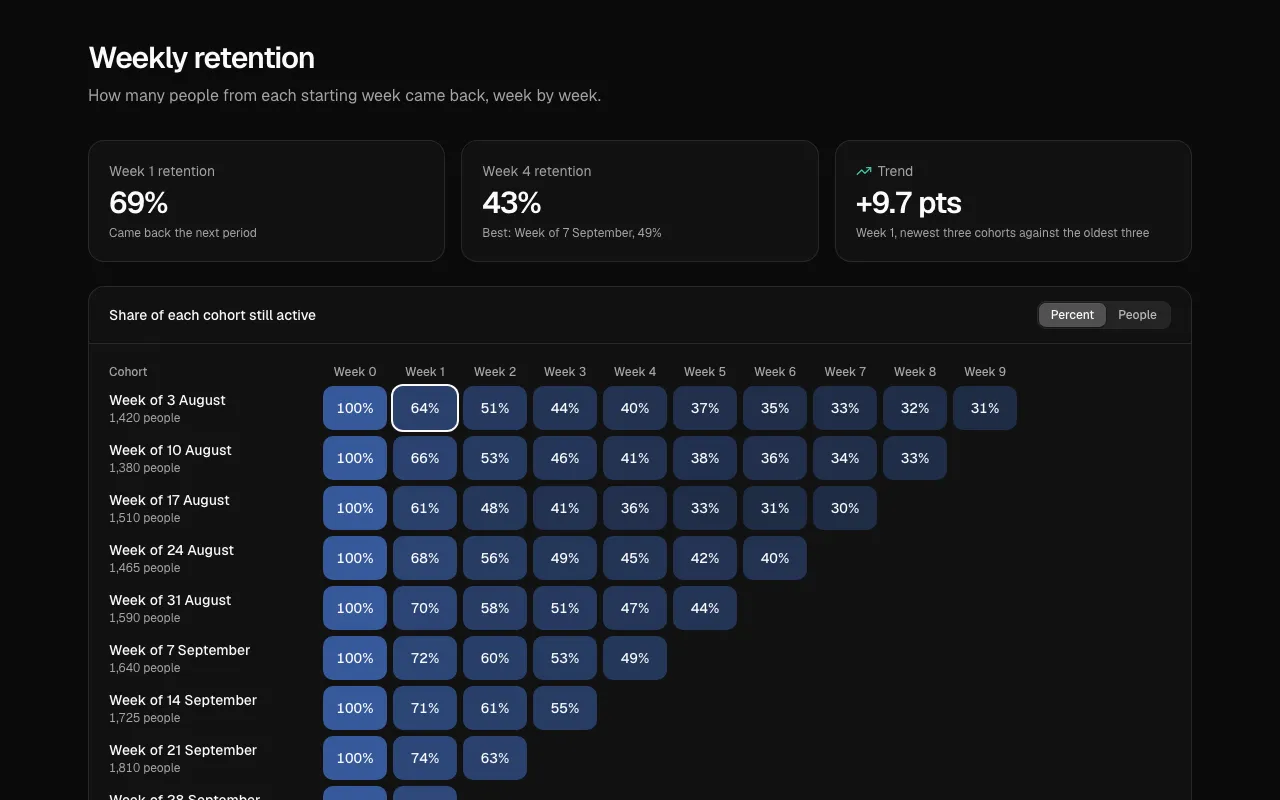
The Retention 1 block, a cohort heatmap with each cell tinted by the share still active.

New

  • Retention 1 tints a cohort grid by the share still active, adds a size-weighted average row that counts only cohorts old enough, and reads each cell as cohort, period, percent and people; arrows, Home and End move through it.
  • Import 1 walks a CSV import: choose a file, match columns (found by name and alias), review ready rows and problems with reasons, then import with progress; a failed import keeps you on the last step with your rows.
  • Event 1 is an agenda by day and track with a Save star on each session, a warning that names the other session when two of yours overlap, and one press to download your schedule as a calendar file.
  • Quiz 1 asks one question at a time, shows right or wrong with the reason, locks answers once checked, then scores against the pass mark with a review and a retake.
  • Invoice 1 works out subtotal, discount, tax and total from the lines, sets a status from the dates (Paid, Due in N days, Overdue by N days), and Pay now says you were not charged if it fails.

Improved

  • The MCP server finds the new groups for receipt, csv, mapping, cohort, churn, agenda, test and exam.
  • All five pass every scorecard check, including 360 px (checked to 320 px), reduced motion and right to left (the cohort grid in Retention 1 stays left to right; bank details in Invoice 1 stay left to right), and ship their tests.

Reviews, A/B results and funnels

Customer reviews, test results with real statistics, a conversion funnel, a locations finder and a course page.

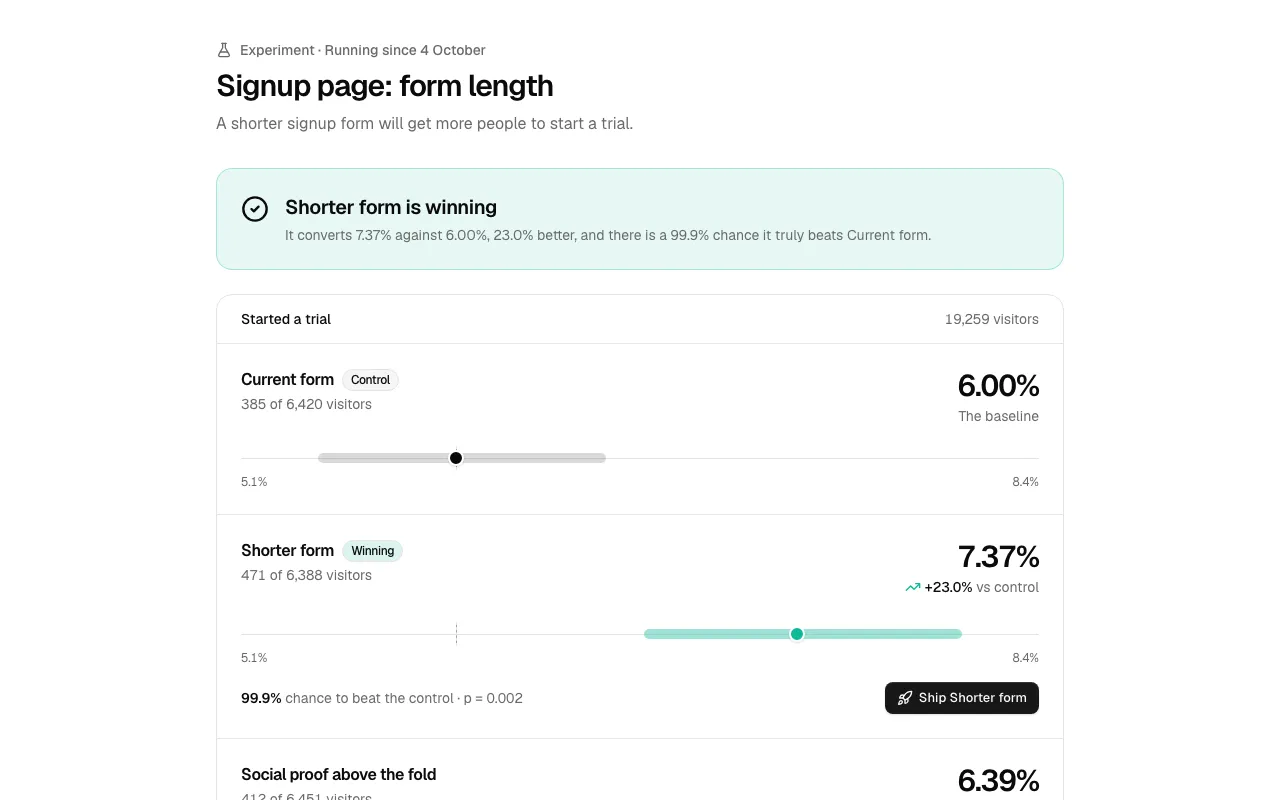
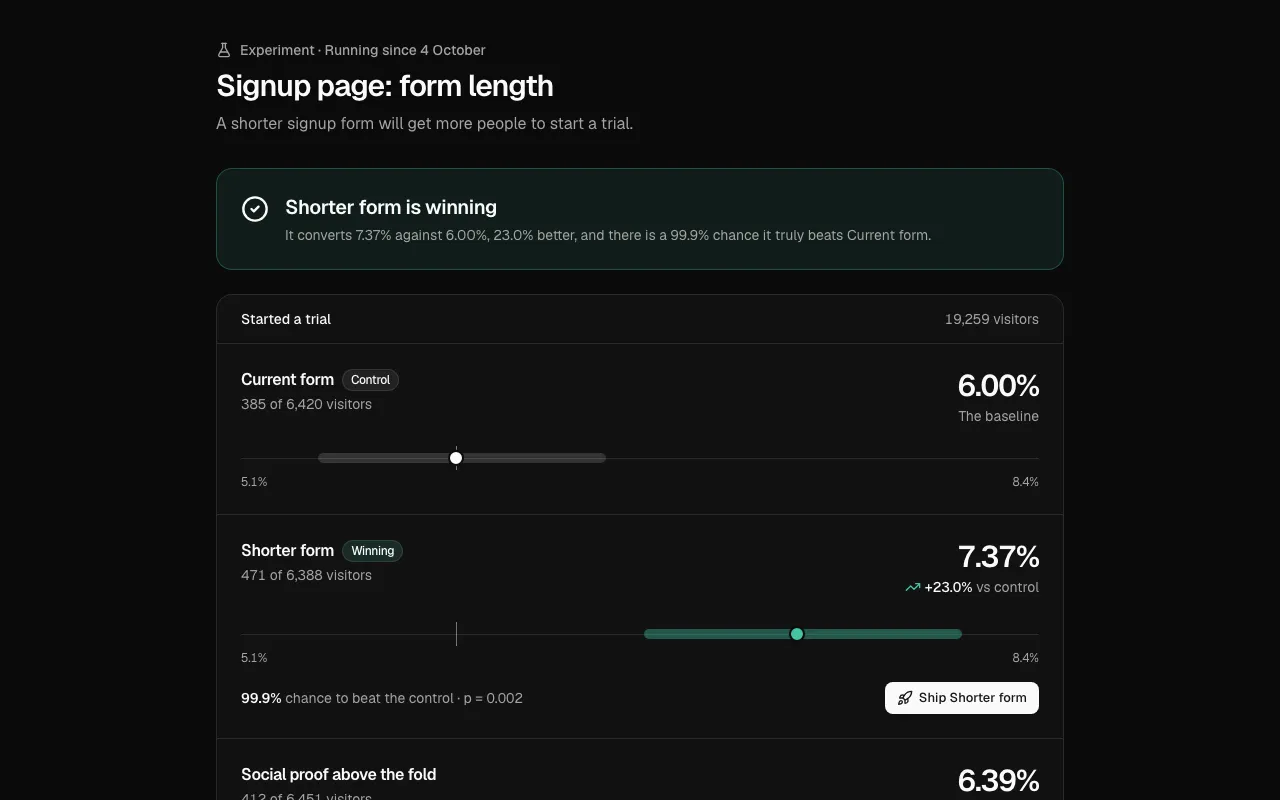
The Experiments 1 block, A/B variants with their conversion rates and confidence intervals on one axis.

New

  • Reviews 1 works the average, every star bar and the share of 4 and 5 stars out of the reviews, filters by bar, sorts, and counts helpful votes at once; drawn stars read as "4 out of 5 stars".
  • Experiments 1 plots each variant's conversion rate with its 95% confidence interval, the lift, the chance it beats the control and a plain verdict, including "not enough data" with the visitors still needed; certainty is never shown as 100%.
  • Funnel 1 sizes bars against the first step, shows the share kept and people lost at each step, and writes the biggest leak out as a sentence with what winning some back is worth.
  • Locations 1 puts a pressable pin on a dotted world map for every place, with a searchable list and a card that says whether it is open now in the place's own time zone.
  • Course 1 shows a progress ring, a Continue button for the next lesson, modules with their own progress, locked lessons that say why, and a certificate that unlocks when every lesson is done.

Improved

  • The MCP server finds the new groups for ratings, conversion, abtest, stores, locator, offices, lessons, curriculum and lms.
  • All five pass every scorecard check, including 360 px (checked to 320 px), reduced motion and right to left (the chart axes in Experiments 1 stay left to right), and ship their tests.

Status pages, estimators and waitlists

A system status page, a pricing estimator, an NPS survey, a people directory and a referral waitlist.

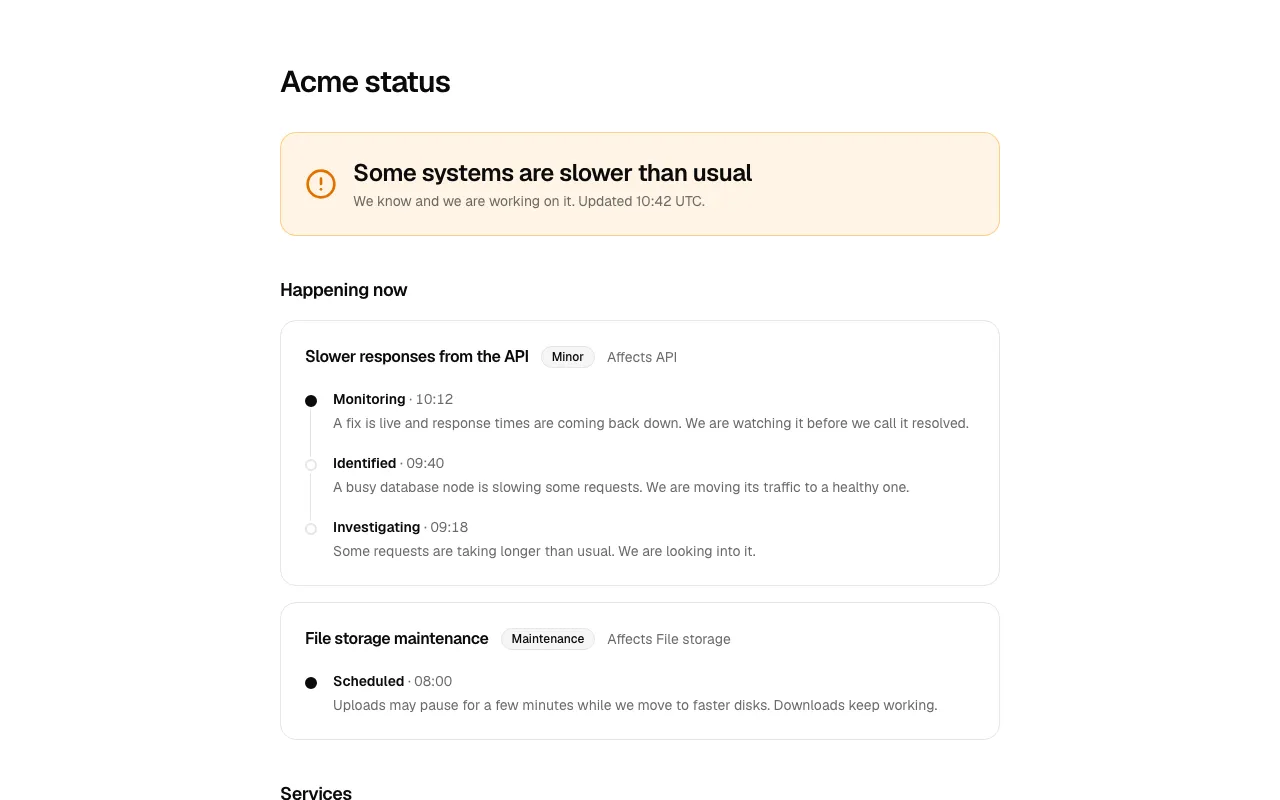
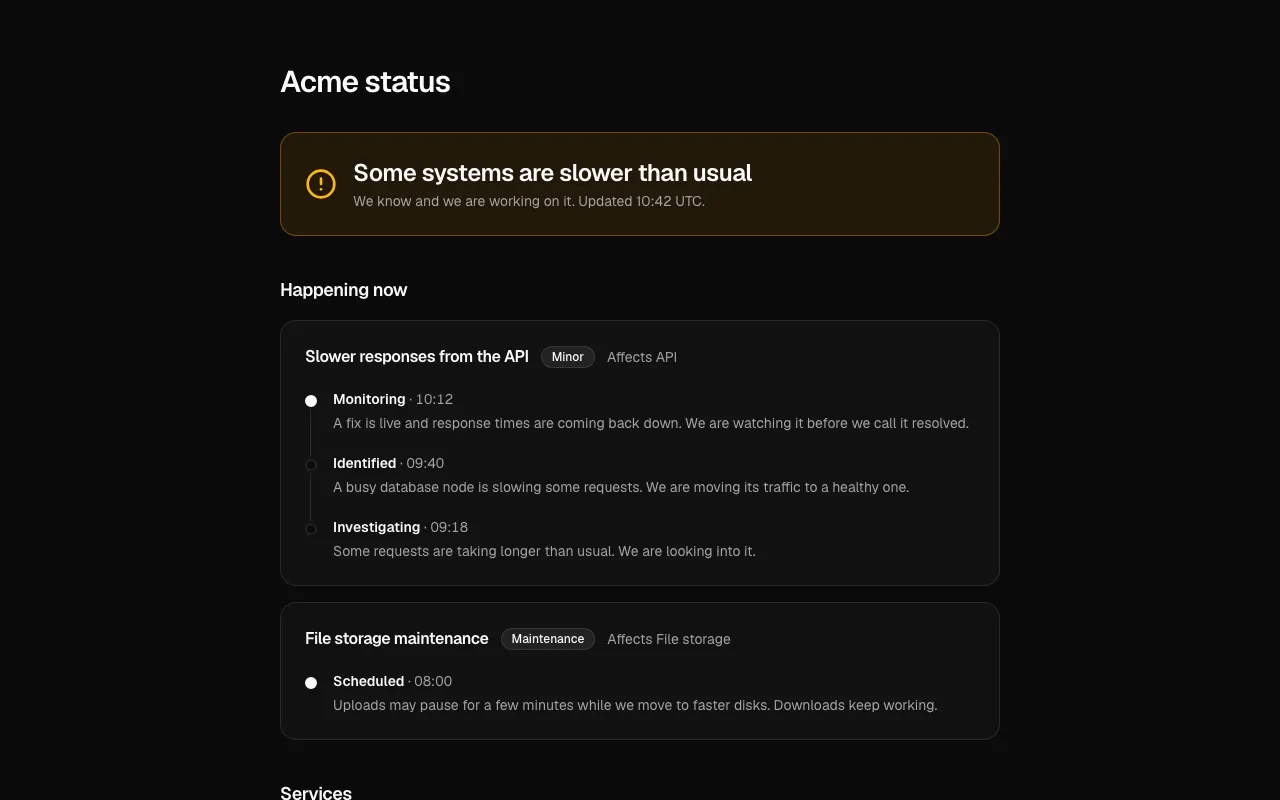
The Status 1 block, a system status page with a banner and 90-day history bars for each service.

New

  • Status 1 shows a banner worked out from the services, a 90-day history per service you scrub with a pointer or the arrow keys, uptime from the days, live incidents as a timeline and a subscribe box; you pass today yourself, the block never reads the clock.
  • Calculator 1 estimates a price from sliders for seats, requests and storage, picks the cheapest plan that fits, itemizes the sum, and says "Talk to us" instead of inventing a price beyond your plans.
  • Survey 1 asks the 0 to 10 NPS question as big buttons (one tab stop, arrows choose), changes the follow-up with the answer, and keeps what was typed when a send fails.
  • Directory 1 searches people with highlighted matches, department chips with live counts and a location filter, and shows each person's availability in words and local time.
  • Waitlist 1 takes an email, shows the place in line, a share link with one-press copy, and a reward ladder that says in words which steps are unlocked.

Improved

  • The MCP server finds the new groups for uptime, incident, estimator, nps, feedback, people, employees, referral and launch.
  • All five pass every scorecard check, including 360 px (checked to 320 px), reduced motion and right to left (the history bars in Status 1 stay left to right), and ship their tests.

Timelines, org charts and privacy settings

A project timeline, an org chart, data and privacy settings, customer stories and an integrations directory.

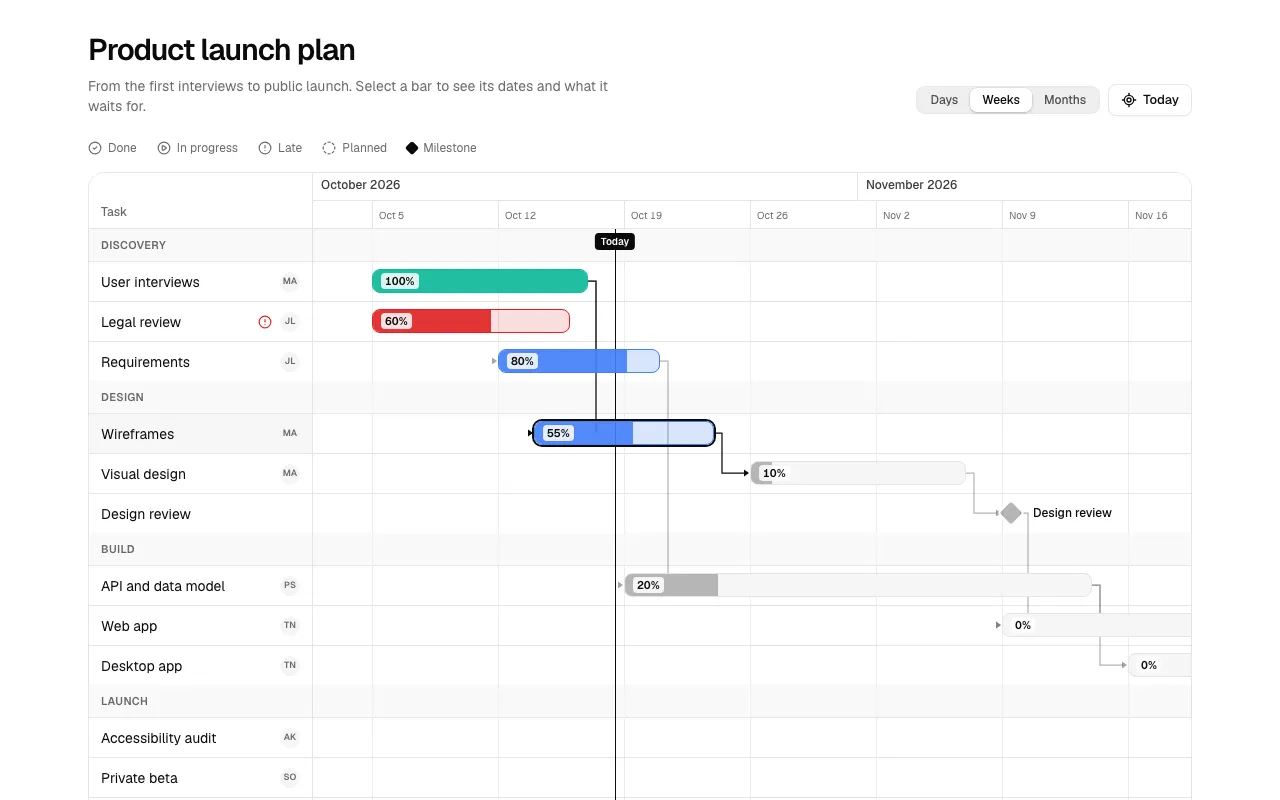
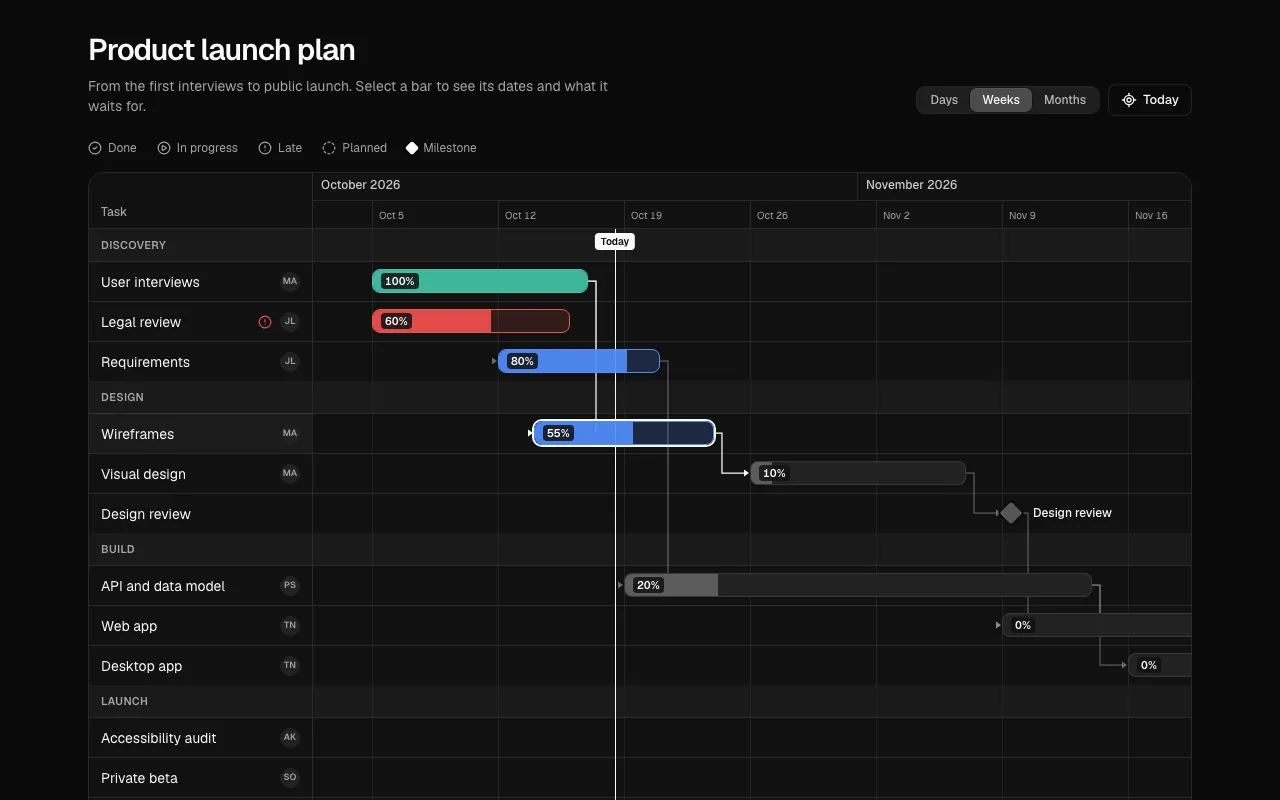
The Gantt 1 block, a project timeline with bars, milestones and dependency arrows.

New

  • Gantt 1 places bars by real dates with progress, milestones, dependency arrows (a task that starts before what it waits for shows its arrow backwards), a today line, three zoom levels and a hidden table for screen readers; late work shows an icon and the word Late.
  • Org chart 1 draws connected person cards with a count toggle per team, search that opens the path to a person, and the standard tree keys; connectors and keys mirror in right to left.
  • Settings 6 handles data and privacy: request an export in JSON or CSV with a labelled progress bar, set how long messages are kept, and delete the account behind a typed email with a 30-day grace period you can cancel.
  • Case study 1 features one story with its quote and results counting up, a grid of the others with a headline number each, an industry filter, and pictures drawn from each company's name, so no image files are needed.
  • Integrations 1 lists integrations with highlighted search, category counts that follow the search, "Connected" in words, and a side sheet whose Connect button handles the wait and a failure.

Improved

  • The MCP server finds the new groups for gantt, schedule, orgchart, hierarchy, privacy, gdpr, export, customers and marketplace.
  • All five pass every scorecard check, including 360 px (checked to 320 px), reduced motion and right to left (the Gantt timeline runs left to right in every language, like a chart), and ship their tests.

Fixed

  • The hidden usage table in Dev 1 is now wrapped so it can never widen the page on a phone.

Galleries, trust centers and leaderboards

A filterable gallery, a company story, a trust center, a task list and a leaderboard, plus a hook that fixes lost focus in dialogs.

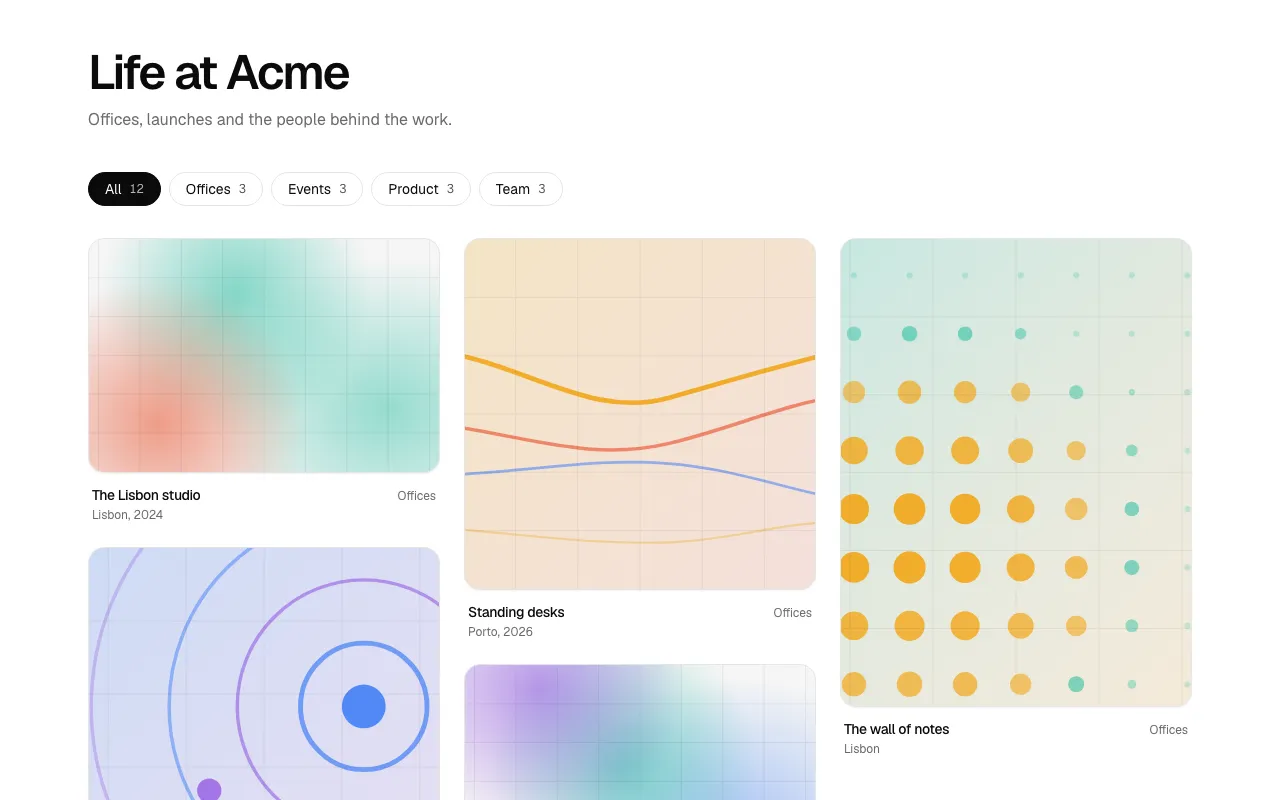
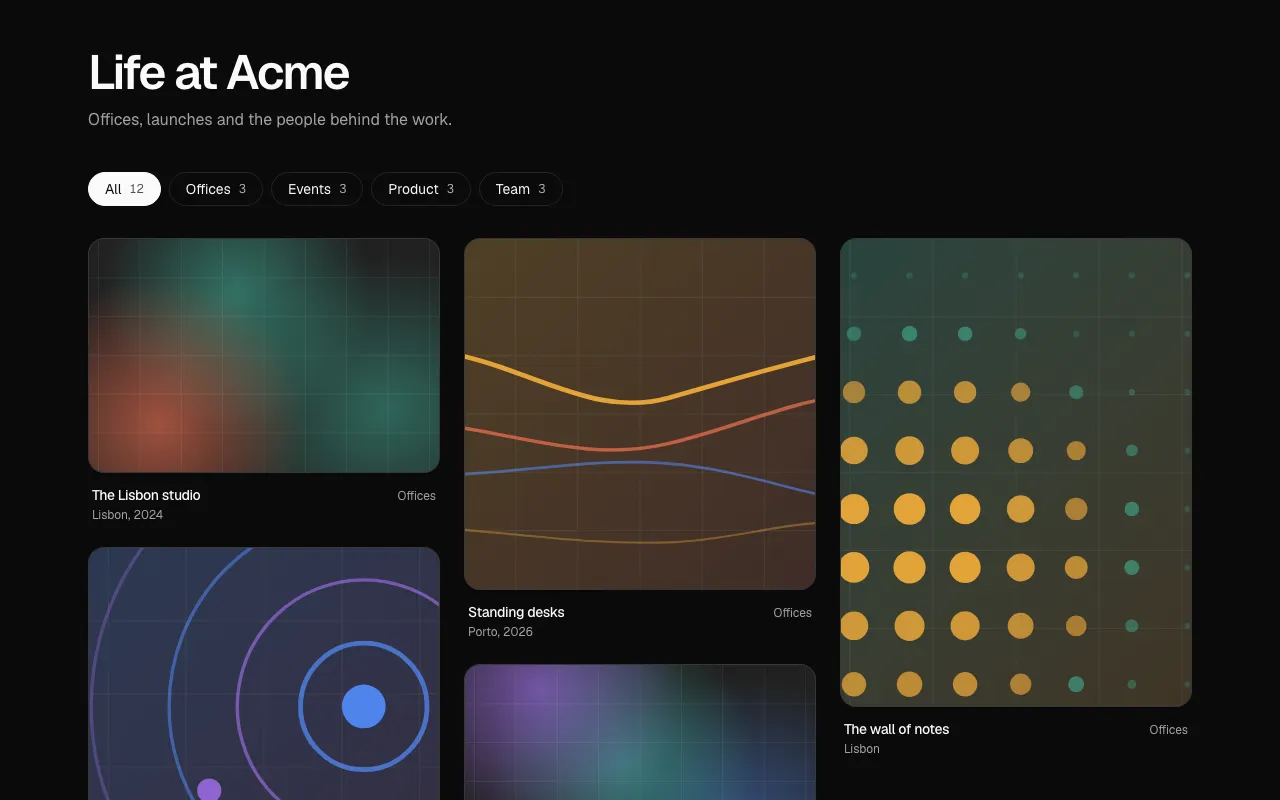
The Gallery 1 block, a masonry of tiles with category chips above it.

New

  • Gallery 1 is a filterable masonry with category chips and a lightbox (counter, thumbnail strip, arrow-key and swipe navigation, mirrored in right to left); tiles without a picture show art drawn from their id.
  • About 1 tells a company story with a two-tone statement, counting numbers, a pull quote, value cards, a milestone timeline and a closing call to action; pass [] or null to leave a part out.
  • Trust 1 lists certifications with dates, security controls with what is still in progress, documents behind a validated request form, a subprocessor table, and a disclosure contact that stays visible if the page fails to load.
  • Tasks 1 groups tasks as overdue, today, upcoming and no date with due dates in words, edits inline, reorders with buttons or Alt and the arrow keys, has shortcuts (N, X, E, J, K) and Undo on delete; pass today in.
  • Leaderboard 1 shows a podium and ranked rows with bars against the leader, movement in words ("Up 2 places"), a week, month and all-time switch, and your own place pinned when you are further down.
  • return-focus puts keyboard focus back where it was when a dialog closes. Radix returns focus only to a dialog's trigger, so a dialog opened from state dropped it to the top of the page; Gallery 1, Trust 1, Settings 4, Agent 6, Agent 8 and Dev 1 use it.

Improved

  • Cover art spreads its color fields across the full width, so a wide cover is never empty on one side.
  • The MCP server finds the new groups for about, story, trust, compliance, gallery, lightbox, tasks, todo, leaderboard and ranking.

Fixed

  • Screen-reader-only text now sits beside its visible text with a real space, not inside the span, where some browsers drop it ("DownloadSecurity whitepaper"). Fixed in Trust 1, Inbox 1, Chat 1, Profile 1, Help 1, Agent 5 and Desktop 7.

Search, notifications and uploads

A search results page, a notifications inbox, an upload manager, an agent knowledge manager and a developers page.

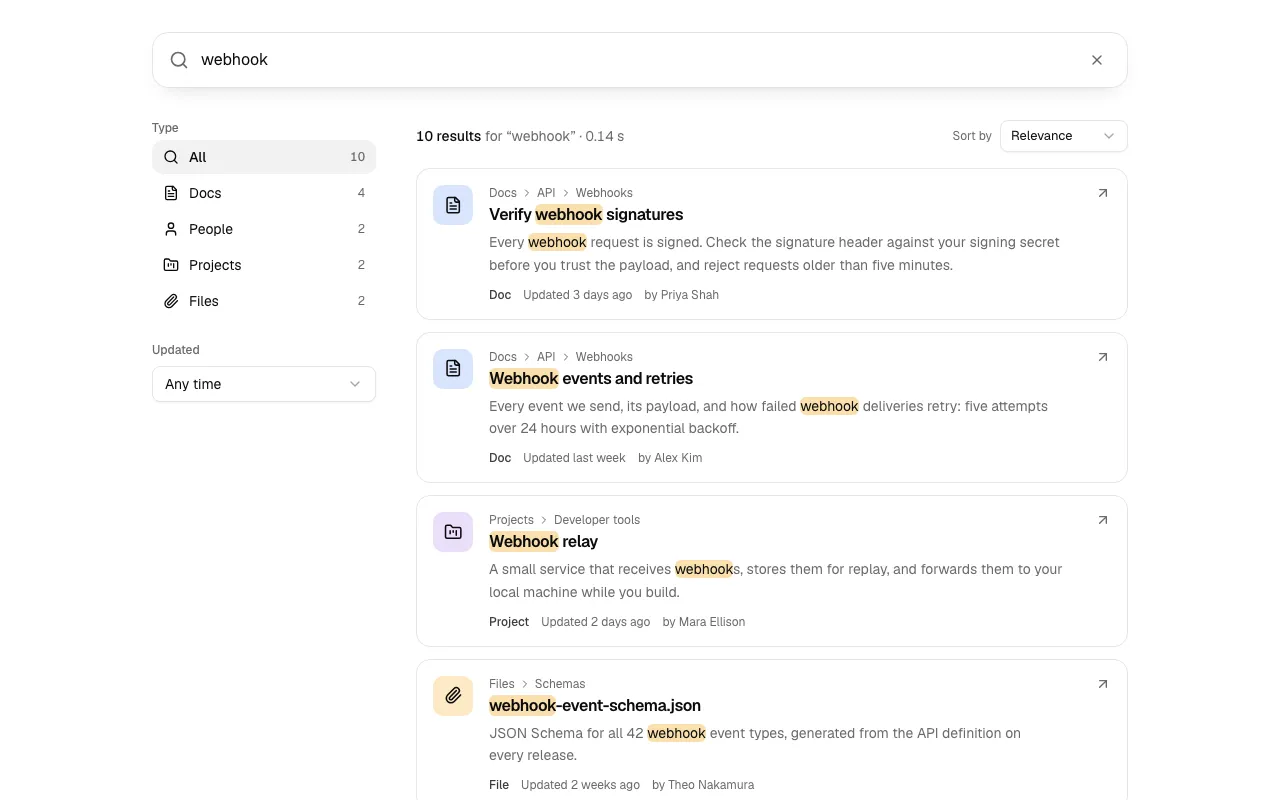
The Search 1 block, a results page with a large search box and filters with live counts.

New

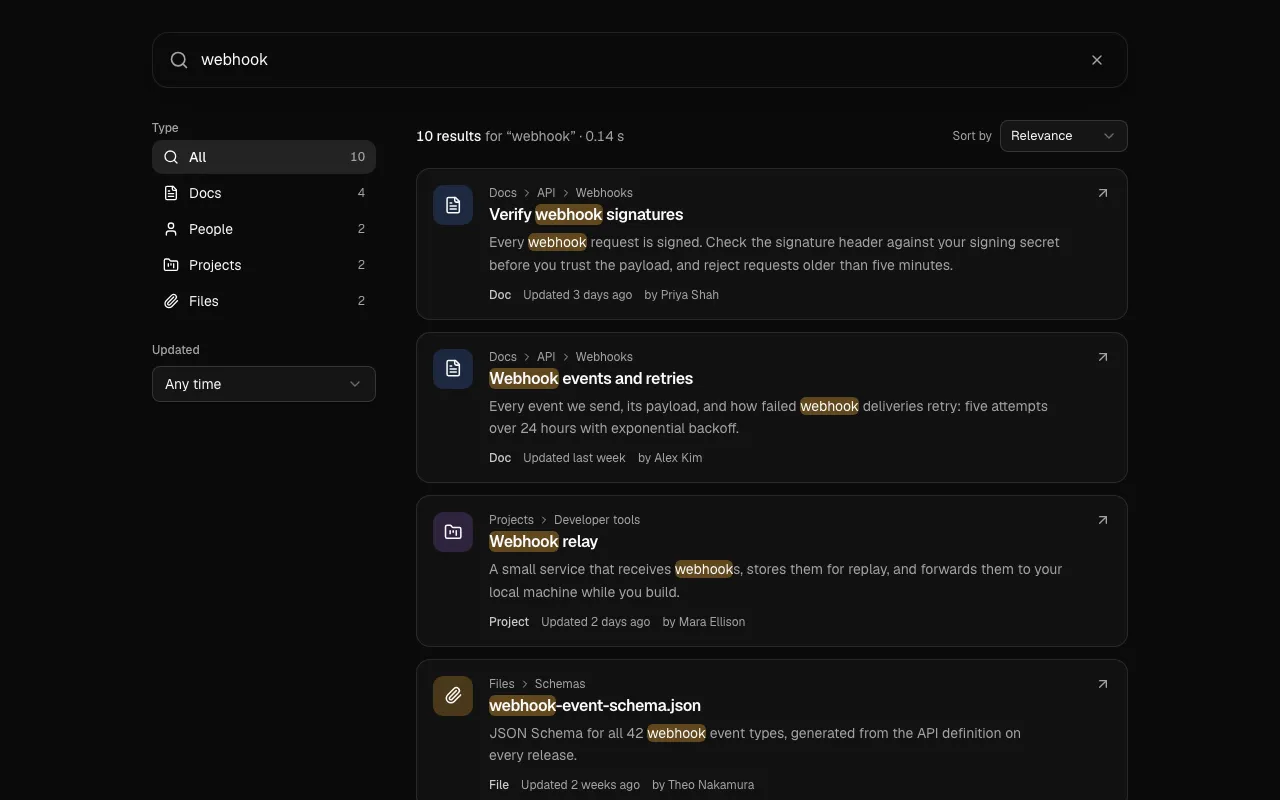
  • Search 1 is a results page with a search box (press / to reach it), type filters with live counts, a date filter and sort, highlighted words, Show more, and a no-results page that suggests a spelling.
  • Inbox 1 groups notifications by day, answers requests in the list (Approve, Deny, Accept, Decline), supports J, K, E and U triage, and offers Undo after archiving.
  • Upload 1 validates files and says why each was refused, gives every file its own state (waiting, uploading with progress, done, or failed with the reason and Retry), previews images and cancels through an abort signal.
  • Agent 8 manages an agent's knowledge: a health bar across sources, sync progress or failure with retry, a switch for whether the agent may use each source, and a panel that shows which passages come back for a question.
  • Dev 1 is a developers page with a 14-day request chart, success rate and median time, API keys shown in full exactly once and revoked behind a confirmation, test and live modes, and a request log with copy as curl.
  • match-highlight marks the words of a search in text with real mark elements, with helpers to split a query and count matches. It works on the server and on Arabic and Hebrew text.

Improved

  • Help 1 now uses match-highlight instead of its own copy, with no change in behaviour.
  • The MCP server finds the new groups for results, notifications, alerts, files, developer, logs, knowledge and rag.
  • All pass every scorecard check, including 360 px (checked to 320 px), reduced motion and right to left, and ship their tests; the mirror check for match-highlight is marked not applicable, with the reason shown, because words in a line keep the order of their language.

Profiles, help centers and agent builders

A public profile, a help center home, assistant memory, an agent builder and generated cover art.

The Agent 7 block, an agent builder with a tool permission list and a live preview.

New

  • Profile 1 is a public profile with a verified badge, a Follow button that updates the count at once and undoes itself if it fails, counting stats, project cards and an Activity tab with a contribution graph.
  • Help 1 is a help center home with a hero search that suggests articles as you type (arrow keys, Enter, Escape, and / from anywhere), topic cards, popular articles and a contact strip that stays even when the guides fail to load.
  • Agent 6 shows what an assistant remembers in a three-ring chart, with a pause switch, memories you edit, pin or forget (seven seconds to undo) and Forget everything behind a confirmation.
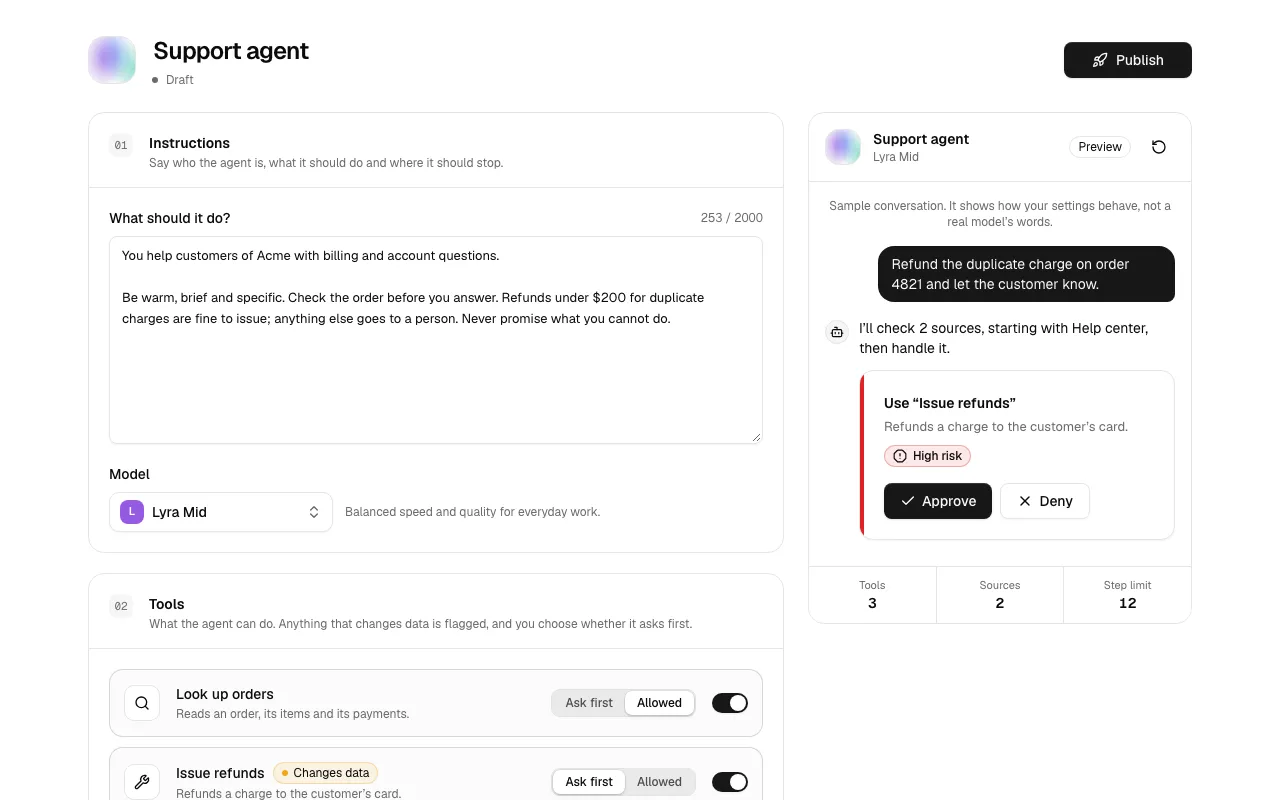
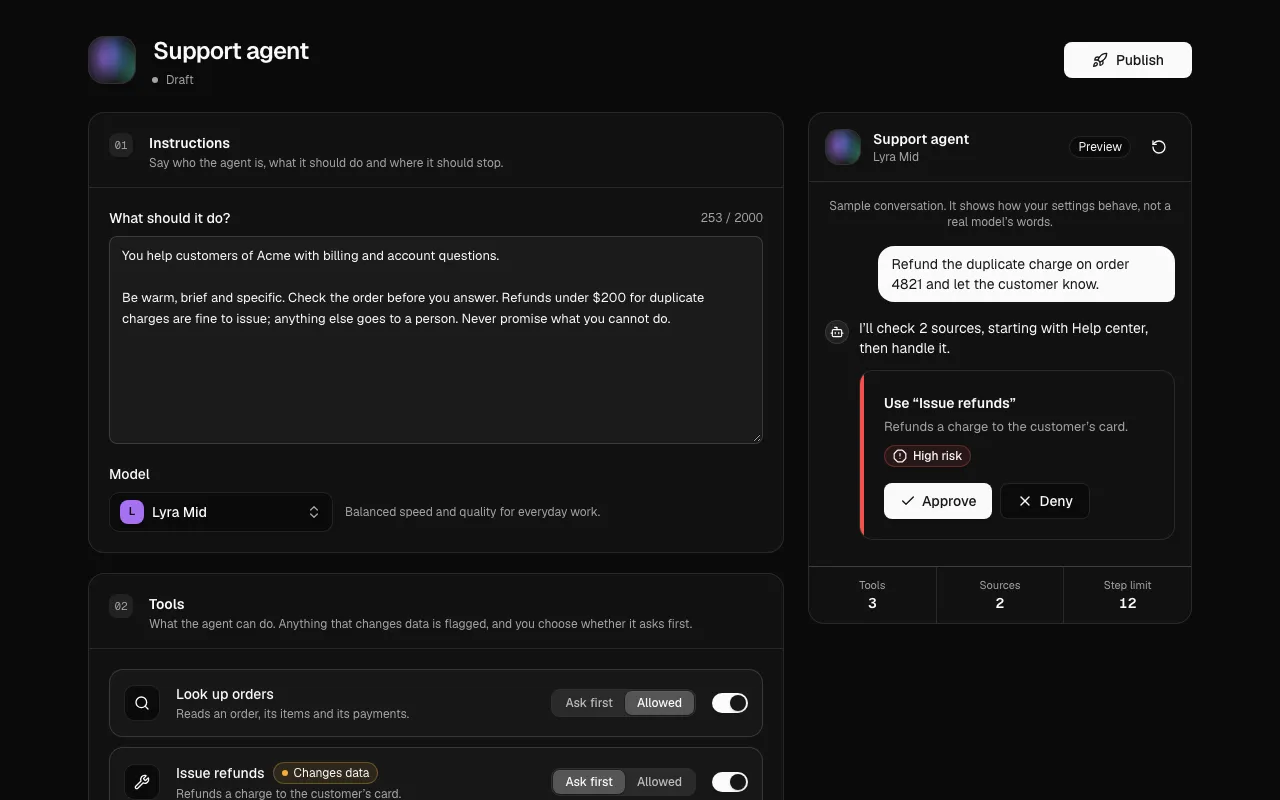
  • Agent 7 builds an agent: instructions, a model, each tool set to off, ask first or allowed (tools that change data start at ask first), knowledge, guardrails and a live preview that follows every setting.
  • cover-art draws cover pictures from a seed in your theme's chart colors. The same seed always draws the same picture, with plain arithmetic so server and browsers agree; Profile 1, Help 1 and Agent 7 use it as the fallback for images you have not set.

Improved

  • The MCP server finds the new groups for profile, help, support, memory, builder and cover.
  • All pass every scorecard check, including 360 px, the right-to-left mirror and reduced motion, and ship their tests.

Team chat, evals and shortcut editing

A team chat, eval results, a desktop welcome window and a keyboard shortcuts editor.

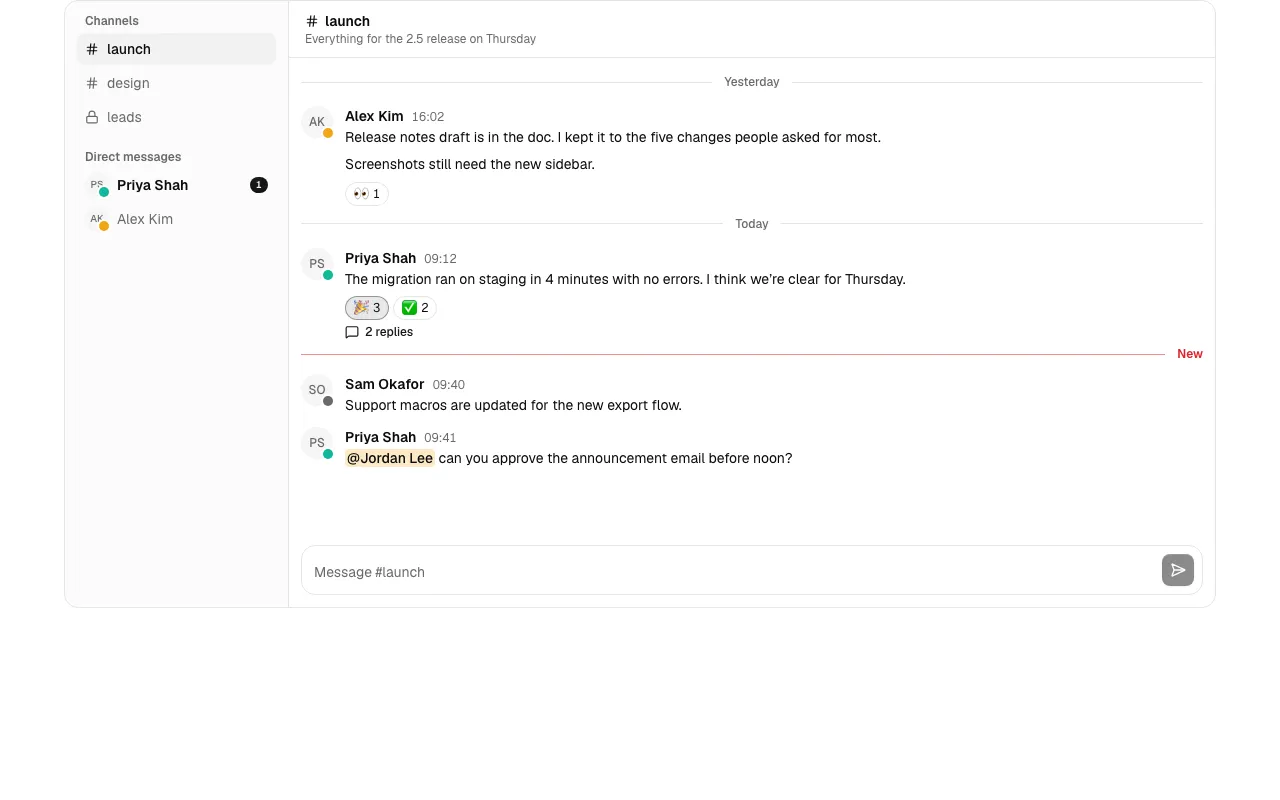
The Chat 1 block, team chat with channels, direct messages and a thread panel.

New

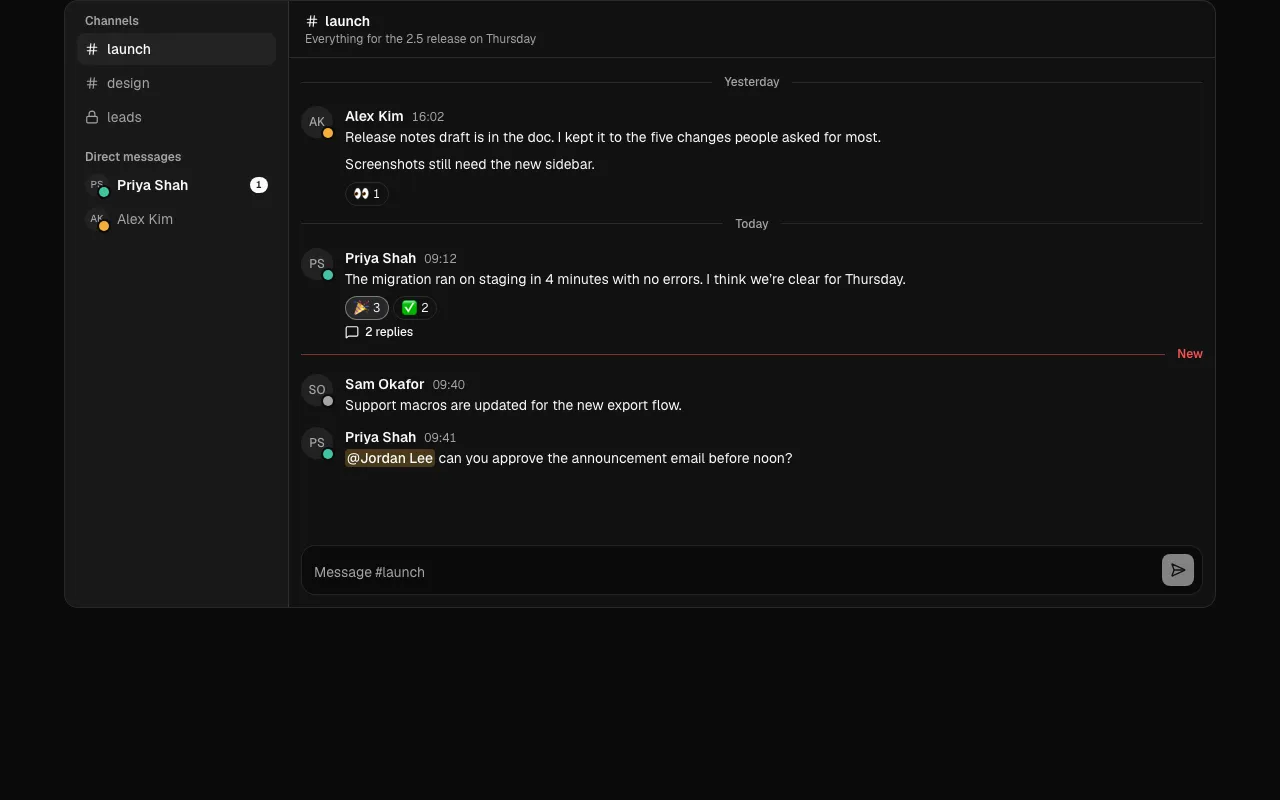
  • Chat 1 is team chat with channels and direct messages, unread counts and presence, a New divider, reactions, threads in a side panel, @mentions, and messages that show while sending and offer Retry when they fail.
  • Agent 5 shows eval results: a verdict that calls out cases that passed before and fail now, each metric against the baseline with Better or Worse in words, and answers side by side or as a diff.
  • Desktop 7 is a welcome window with the app's name and version, ways to start (new, open, clone) with shortcuts in the platform's notation, and recent projects you search, open and remove.
  • Desktop 8 edits keyboard shortcuts: commands searchable by name or by pressing the keys, a recorder per row, a Replace warning when a combination is taken, and Restore defaults; it saves only what differs from the defaults.
  • shortcut adds formatShortcut, shortcutFromEvent and normalizeShortcut, shared by Desktop 1, 7 and 8. Option+letter on a Mac records the letter rather than its symbol.

Improved

  • Desktop 1 is 1.0.1 and installs the shortcut lib; its behaviour is unchanged.
  • The MCP server finds them for slack, channels, messaging, evals, welcome, hotkeys and keybindings.
  • All pass every scorecard check and ship their tests.

AI agent blocks and the audit log

Four blocks for products where agents do the work and people stay in charge, plus an integrations directory and an audit log.

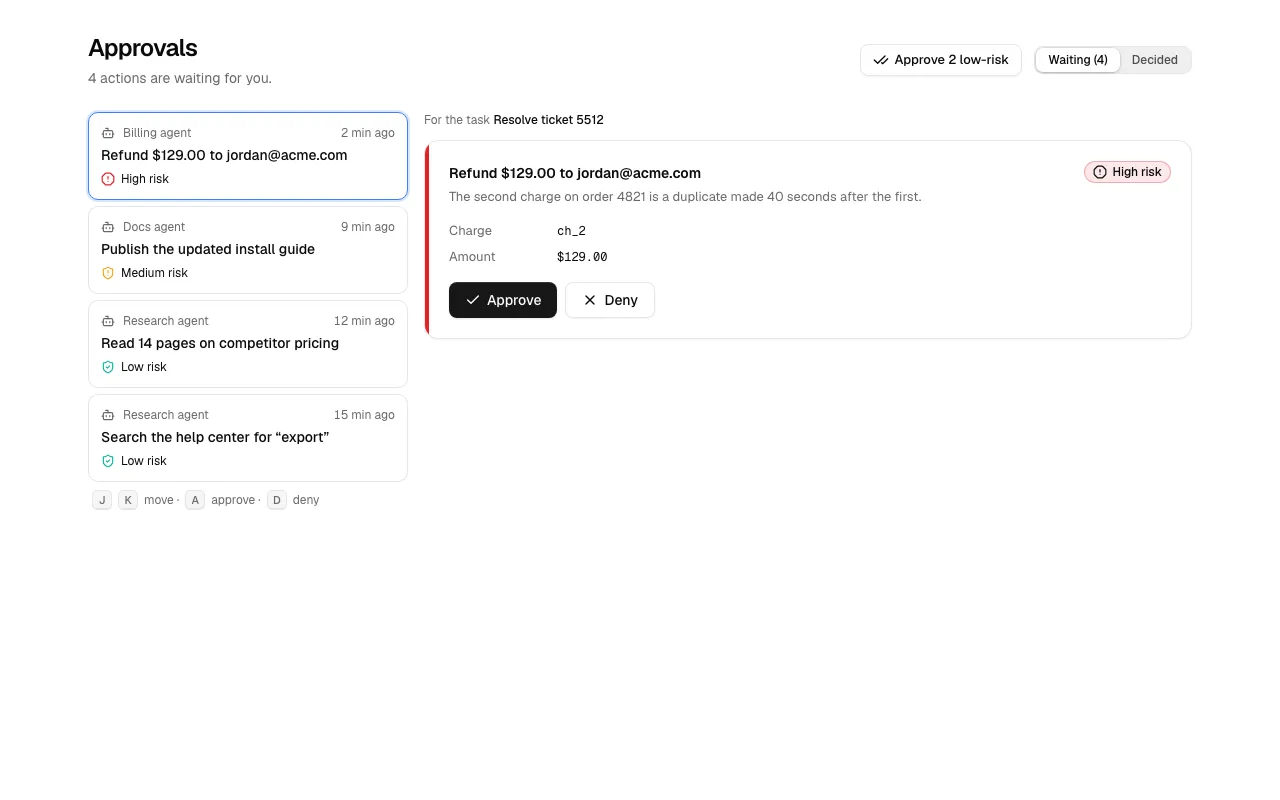
The Agent 2 block, an approvals inbox with a risk label on each request.

New

  • A new AI agents group opens the catalog beyond chat blocks, with four free blocks.
  • Agent 1 shows a live run: the task and its status ("Waiting for you" is announced), the plan, every note, tool call and approval in order, Stop, Run again and a follow-up box.
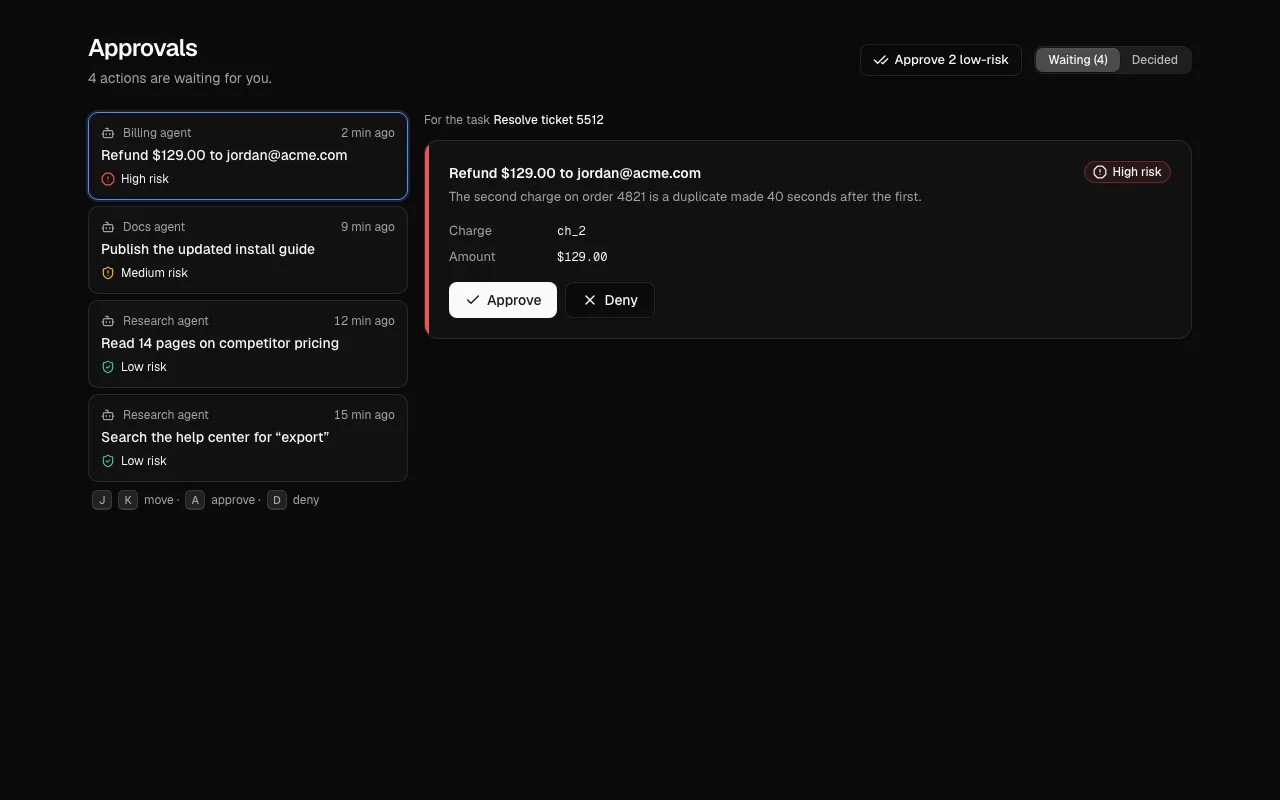
  • Agent 2 is an approvals inbox with risk, the full request beside the list, A and D to approve or deny, J and K to move, and one button for every low-risk request.
  • Agent 3 lists runs with status, time, tokens and cost, and a waterfall of model, tool and retrieval calls in which a failed span opens first; Agent 4 compares one prompt on two models with {{variables}} as fields, ⌘Enter to run, ratings and Pick this one.
  • Settings 4 is an integrations directory with Connect progress and failure reasons, and Disconnect after a confirmation.
  • Settings 5 is an audit log of who changed what (people, agents, API keys, the system), filterable, with a before-and-after diff per event and a CSV export.

Improved

  • All six have loading, empty and error states (the playground has running and error), pass every scorecard check and ship their tests.
  • The MCP server finds them for agent, approval, trace, observability, playground, audit and integrations.

Desktop app blocks for Tauri and Electron

Six free blocks for the windows people expect in a desktop app, drawn with real window chrome and handling like macOS or Windows.

The Desktop 1 block, a preferences window with toolbar tabs and settings that apply as they change.

New

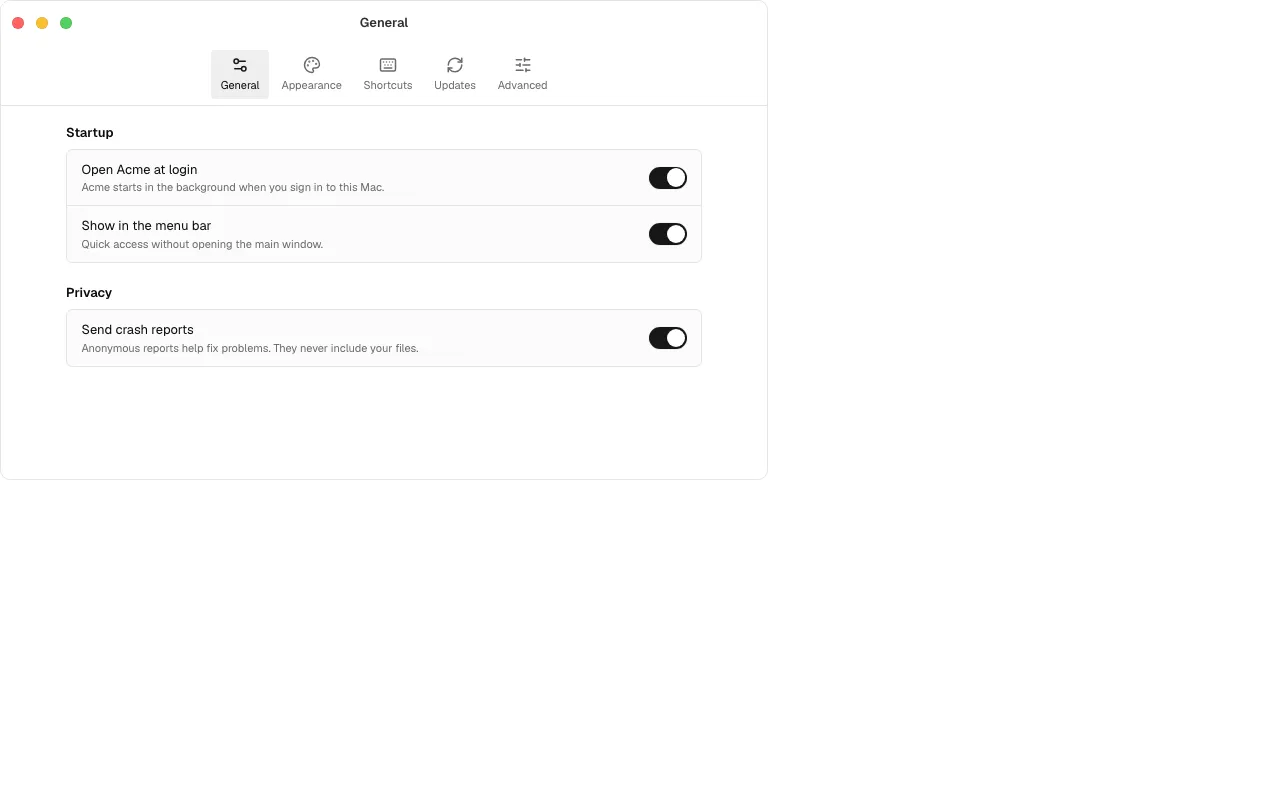
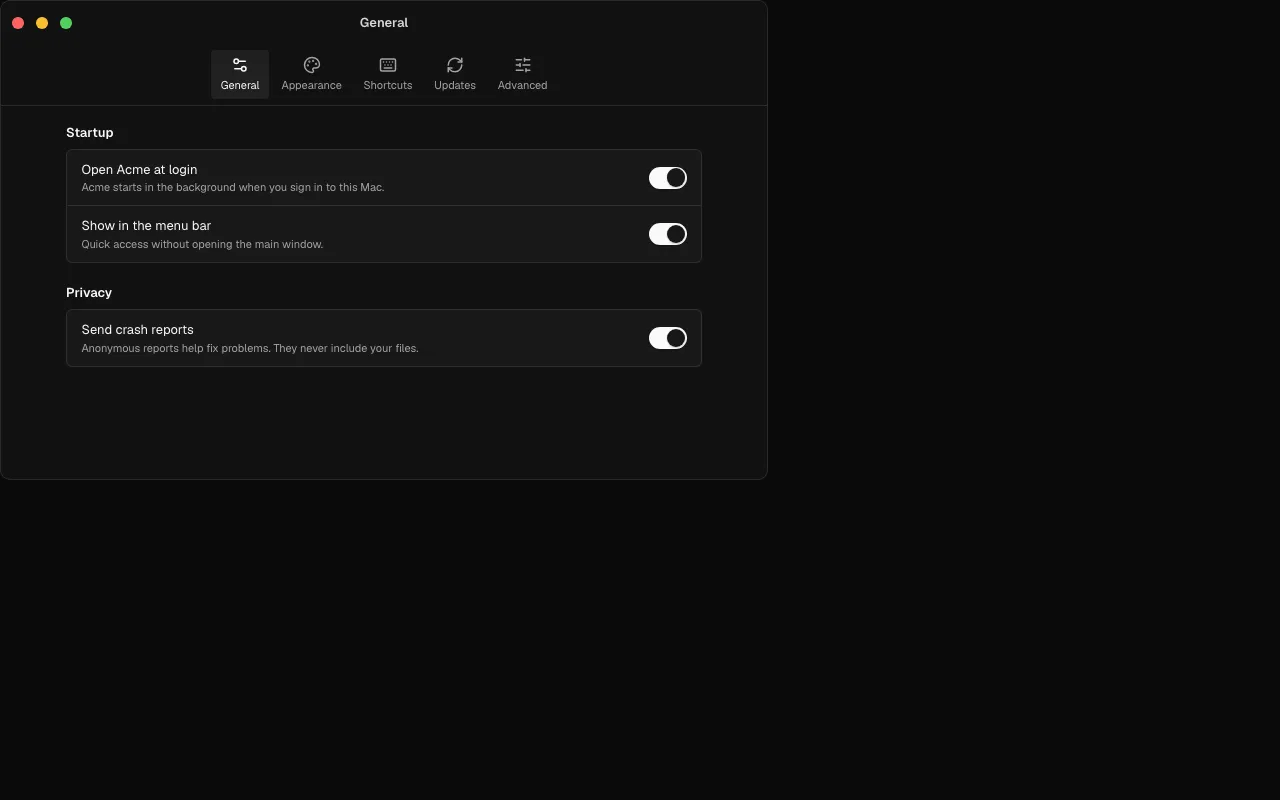
  • Desktop 1 is a preferences window: toolbar tabs on macOS, a side nav on Windows, a shortcut recorder that writes ⇧⌘Space or Ctrl+Shift+Space, and settings that apply as they change with no Save button.
  • Desktop 2 is a menu bar and tray panel with a searchable clipboard history, pins, a pause switch and keyboard selection.
  • Desktop 3 covers software update as states (checking, available with release notes, downloading, ready to relaunch, up to date, failed); leave state out and it runs itself.
  • Desktop 4 activates a licence (trial meter, a key field that cleans pasted keys, the reason a key is refused), Desktop 5 sets up permissions with the exact System Settings path, and Desktop 6 is an About window with copyable version and build.
  • Wording and button order follow the platform: Title Case and the default button last on macOS, sentence case and the default button first on Windows. frame={false} drops the chrome inside a real native window.

Improved

  • All six pass every scorecard check (axe in light and dark, 360 px, reduced motion, right to left, console, keyboard) and ship their tests with ballmac add --with-tests.
  • The MCP server finds them for desktop, Tauri, Electron, preferences, tray and licence.
  • The AI notes on Desktop 3 show how to wire tauri-plugin-updater and electron-updater.

Loading, empty and error states in every block

Data blocks take one prop, state, and form blocks can show submitting, success and error.

A Ballmac UI block in its loading state, drawn as a skeleton with the same shape as the block.

New

  • Every data block takes state: "loading", "ready", "empty" or "error", with onRetry, emptyState and errorState. Eleven blocks: Mail 1, Dashboard 1 and 2, Kanban 1, Calendar 1, Blog 1, Changelog 1, Billing 1 and 2, Settings 3 and the two AI chats. See Handle loading, empty and error states.
  • Every form block (Login 1 and 2, Sign up, Forgot password, Verify, Contact, Newsletter, Invite, Onboarding, Settings 1 and 2) can show submitting, success and error from the same prop. Fields lock while a request is in flight, so nothing is sent twice.
  • state-view is for your own views, and use-resource is a fetch state machine that aborts replaced requests, never lets a slow old answer win, and retries; stateOf() maps TanStack Query and SWR results onto the same states.
  • Block pages have a State switch above the preview with the prop to copy and what each state does; a link such as /blocks/mail-1?state=loading opens a state.

Improved

  • Skeletons are a little stronger on light pages, and their pulse follows the theme's decorative-loops switch. They are announced as loading, busy while loading, errors are announced as alerts, and focus is never moved for you.
  • Each item can list its states in its metadata (or say why a block has nothing to load). The registry JSON and the API carry them, and a build check fails when a free block does neither.
  • @ballmac/mcp 1.4.0

Quality, measured

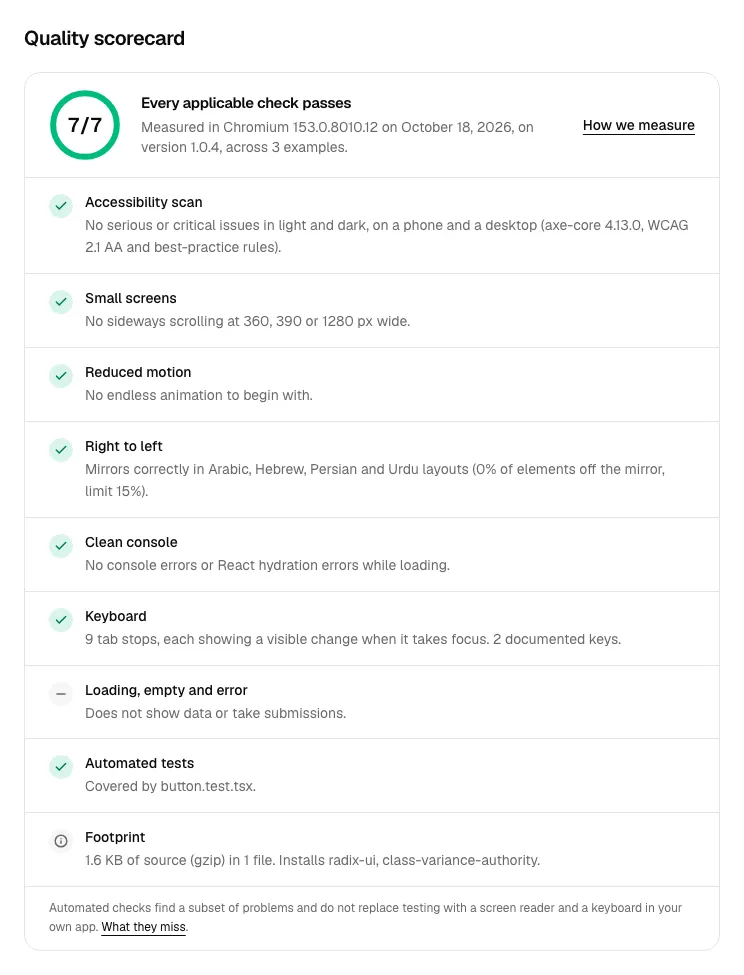
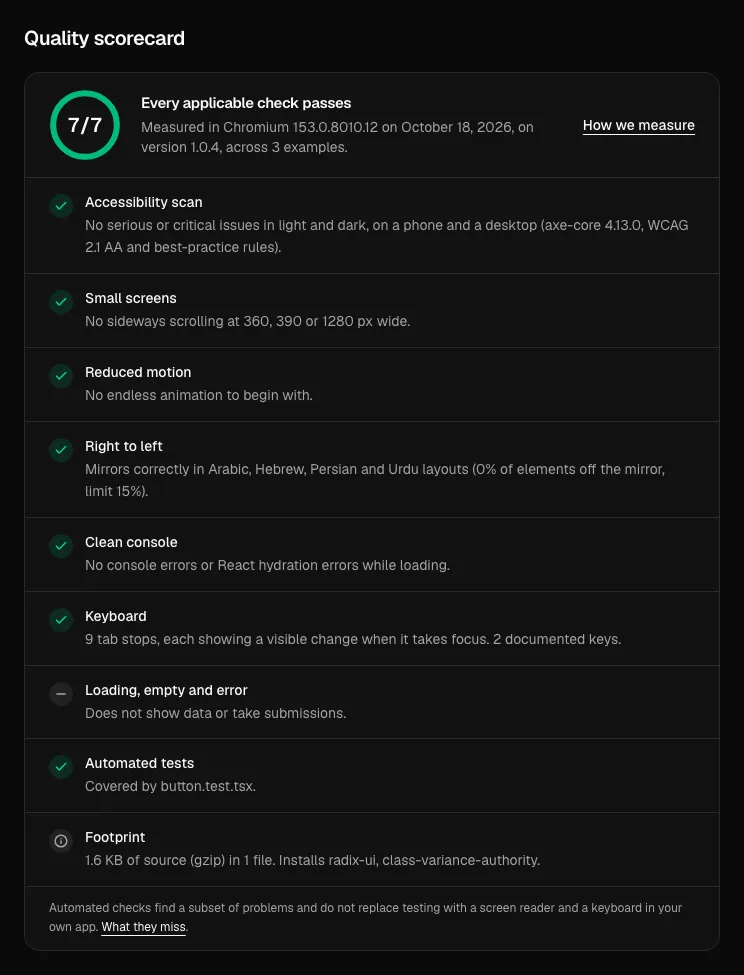
Every item now has a scorecard measured in a real browser, and ballmac check holds your own app to the same bar.

The quality scorecard on the Button page, listing each check that was measured in a real browser.

New

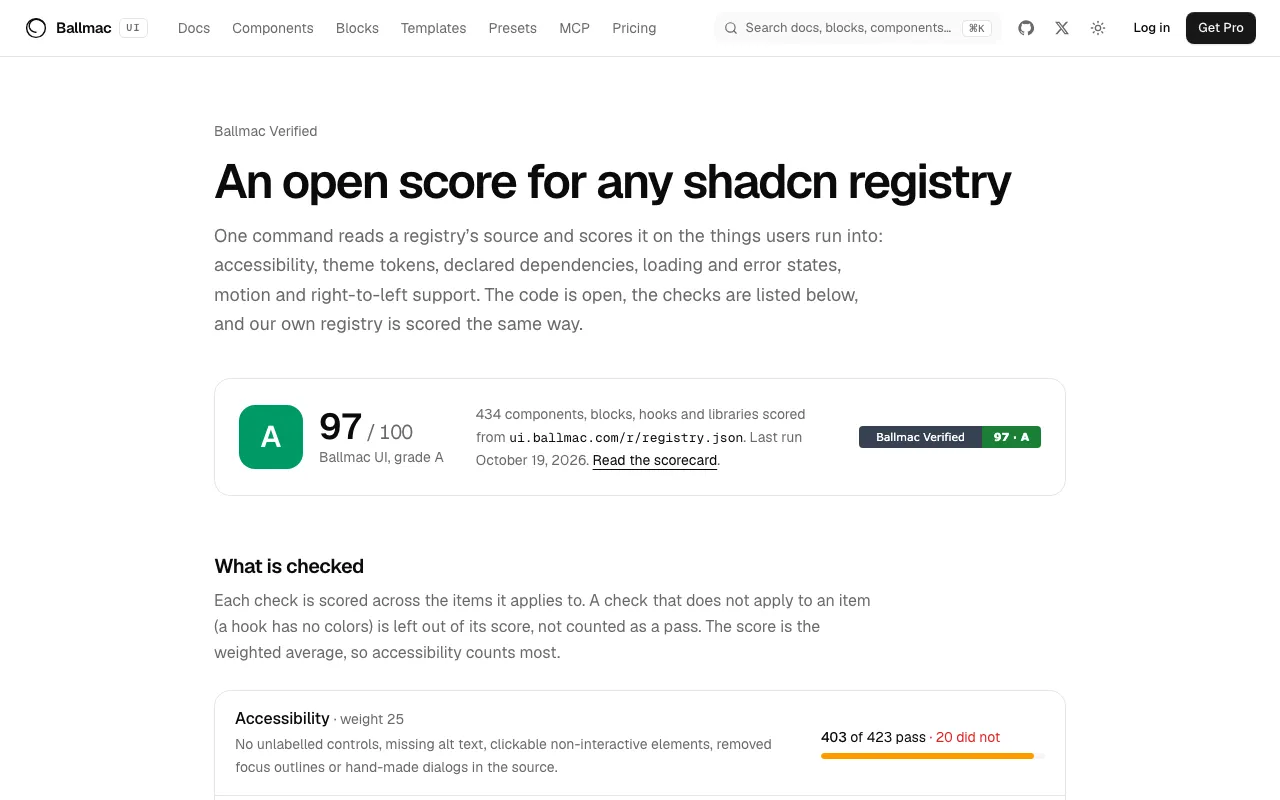
  • Every item page has a quality scorecard measured in a real browser: axe-core in light and dark, no sideways scrolling at 360, 390 and 1280 px, reduced motion, a right-to-left mirror, a clean console, a keyboard pass, states, tests and size. 477 items and 1,032 examples were loaded and the results are public at /quality.
  • ballmac check reads your source (read-only, offline) and reports missing loading and error states, unnamed images and buttons, positive tabindex, hand-rolled dialogs, hard-coded colors, endless decorative motion and layouts that break on a phone, each with the fix; --url also loads your running app with your own Playwright and axe.
  • The MCP server (1.4.0) has get_quality_rules, so an agent reads the rules before it writes a component, and audit_project, so it can check its work before it says it is done.

Improved

  • The measurement is honest about its limits: automated tools find only part of the accessibility problems, a loading spinner is kept turning on purpose, WCAG 2.2's 24 px target size is a note rather than a failure, and items not mirrored by design (code, charts, keyboard shortcuts) show their reason. See what the check is and is not.

Fixed

  • The first full run found 55 real failures: a table that stretched the page sideways on phones in five Pro blocks, skeletons wider than a 360 px screen, compact amounts written differently on server and browser (a hydration error in three dashboards), a map route that kept animating for visitors who asked for less motion, and a notification table keyboard users could not scroll while a save was running. The affected items have new versions that ballmac update merges into your copy.
  • @ballmac/mcp 1.2.0

Platform feels for macOS, iOS and Windows

A feel is everything about a product except its colors, and every component can now handle like macOS, iOS or Windows.

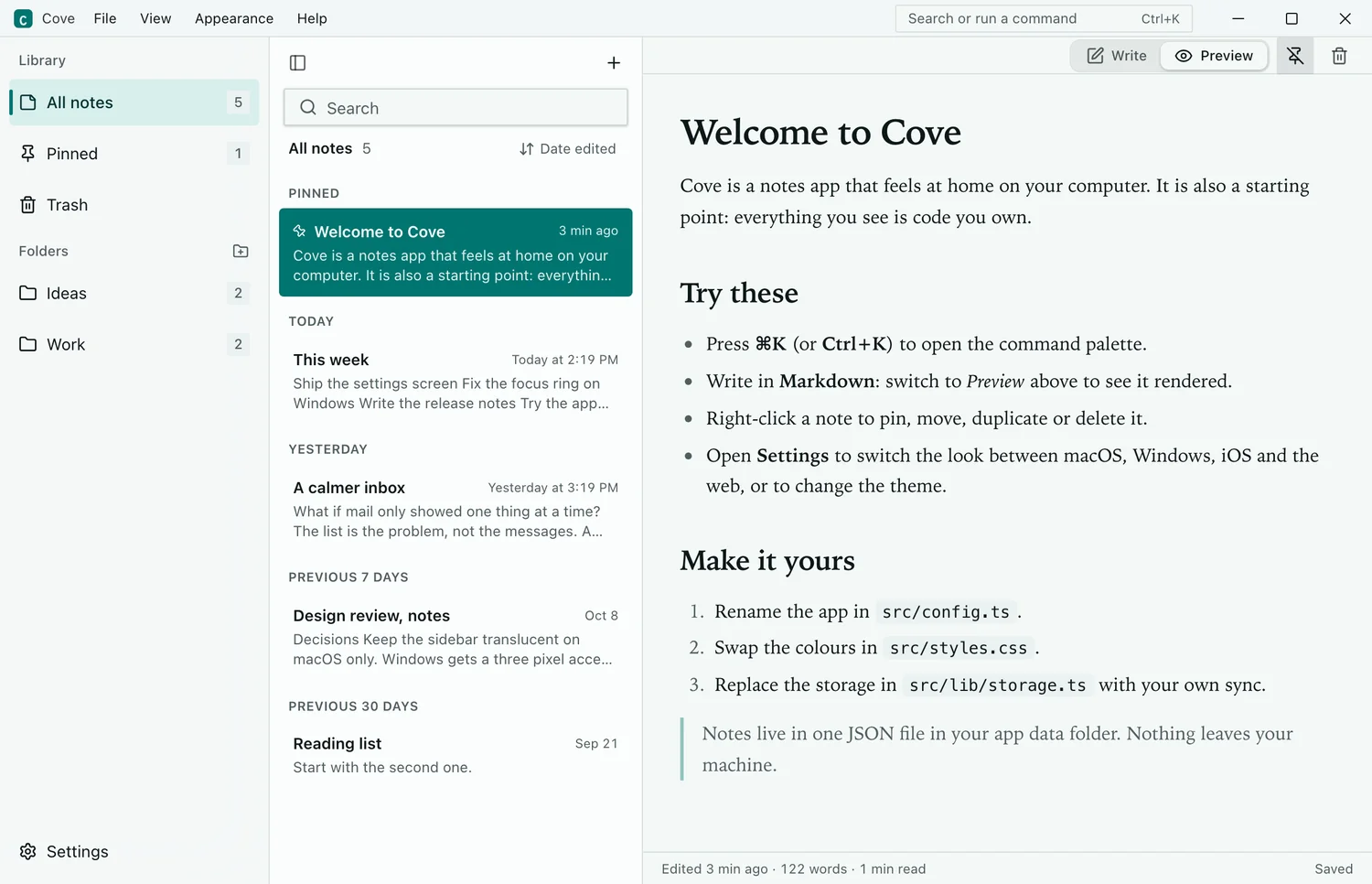
Cove showing the Windows feel, with caption buttons on the right and square corners.

New

  • Four feels, working on top of any color theme: Web (the default), macOS, iOS and Windows. Install one with @ballmac/feel-macos, -ios, -windows or -web, or @ballmac/feel-auto, which sets the right one from the device before first paint. useFeel() and setFeel() let people override it. See Pick a platform feel.
  • app-window is the window chrome of a real Tauri or Electron app: a title bar that drags the window and maximizes on double-click, traffic lights on the left for macOS, caption buttons on the right for Windows. No Tauri or Electron dependency; you pass the actions. Based on tauri-controls (MIT).
  • The theme builder has a Platform feel picker, a window in the preview and a Compare view of your colors in all four feels; /themes?fe=windows opens one.
  • The MCP server (from 1.2.0) knows about feels: compose_page takes a feel, or reads macOS, Windows, iOS, Tauri or Electron from the request.

Improved

  • Tailwind's shadow and text scales follow the feel, and one rule restyles the focus ring on every component that uses shadcn's standard focus classes (250 Ballmac items, and shadcn's own). Button, Input, Select, Tabs, Sidebar, menus, popovers and hover cards read feel tokens; nothing changes without a feel.
  • The 12 color themes and the base theme carry the web-feel tokens, and new checks fail the build when an endless loop ignores the theme or a component draws its own focus ring without being listed.
  • These are web components that feel like each platform, not native controls, and Ballmac UI is not affiliated with Apple or Microsoft. Setup for Tauri v2 and Electron is in Ship a desktop app.

Cove, a native-looking Tauri starter

Cove is a third Pro starter and the first for the desktop: a Tauri 2 notes app that looks native on macOS and Windows.

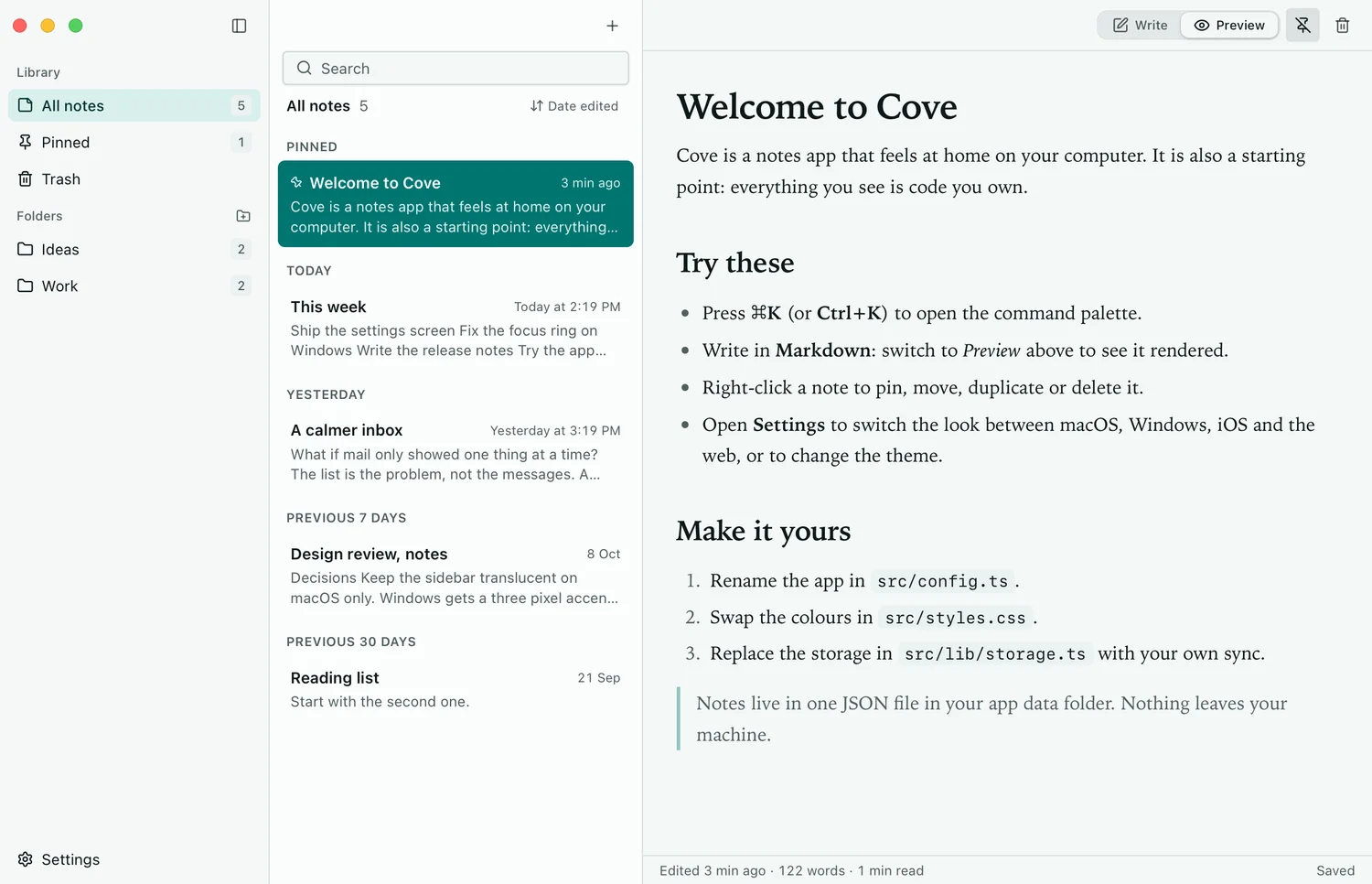
Cove, a Tauri notes app with a macOS window, a blurred sidebar and traffic lights.

New

  • Cove is a real notes app you can ship: folders, pinning, search that needs every word, trash with undo, Markdown with a preview and a command palette. It is the quickest way to see the platform feels in a working window.
  • On a Mac it has traffic lights in the sidebar column that dim in the background, a real NSVisualEffectView blur, the native menu bar and rounded corners; on Windows, 46 px caption buttons, an icon title bar with a menu bar, a 3 px accent bar on the current item and system-rounded corners.
  • Every command is defined once and runs from the palette, the keyboard and both menus, with shortcuts written the platform's way (⇧⌘N, Ctrl+Shift+N); settings switch the look between macOS, Windows, iOS and the web, the theme and the motion.
  • The README, a customisation guide and a release guide cover signing and notarizing on macOS, signing on Windows, and updates.

Improved

  • The interface also runs in a browser with no Rust installed, and is tested in WebKit and Chromium with each platform's user agent: both looks, light and dark, keyboard, axe, High Contrast, reduced motion and the smallest window. Notes are one JSON file; replace the four-method storage to add sync.
  • motion-presets 1.1.0

Motion is part of the theme

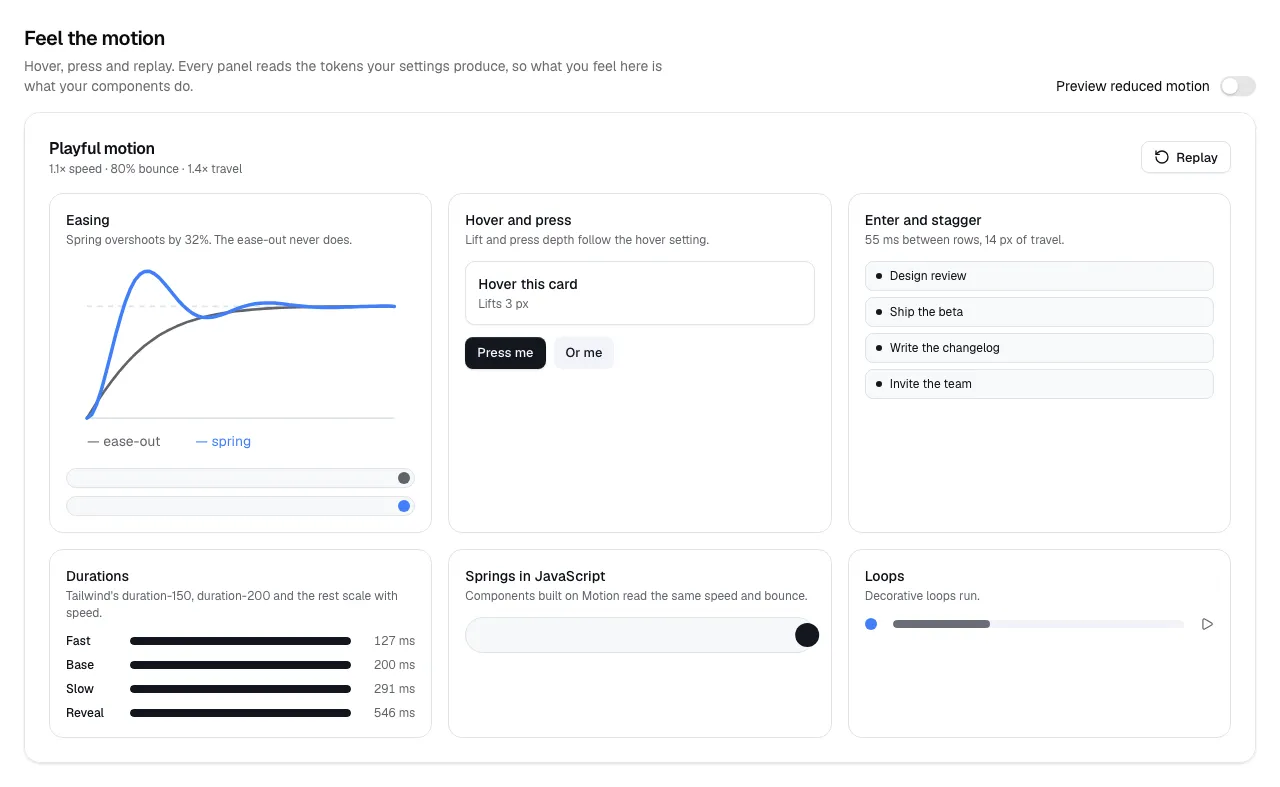
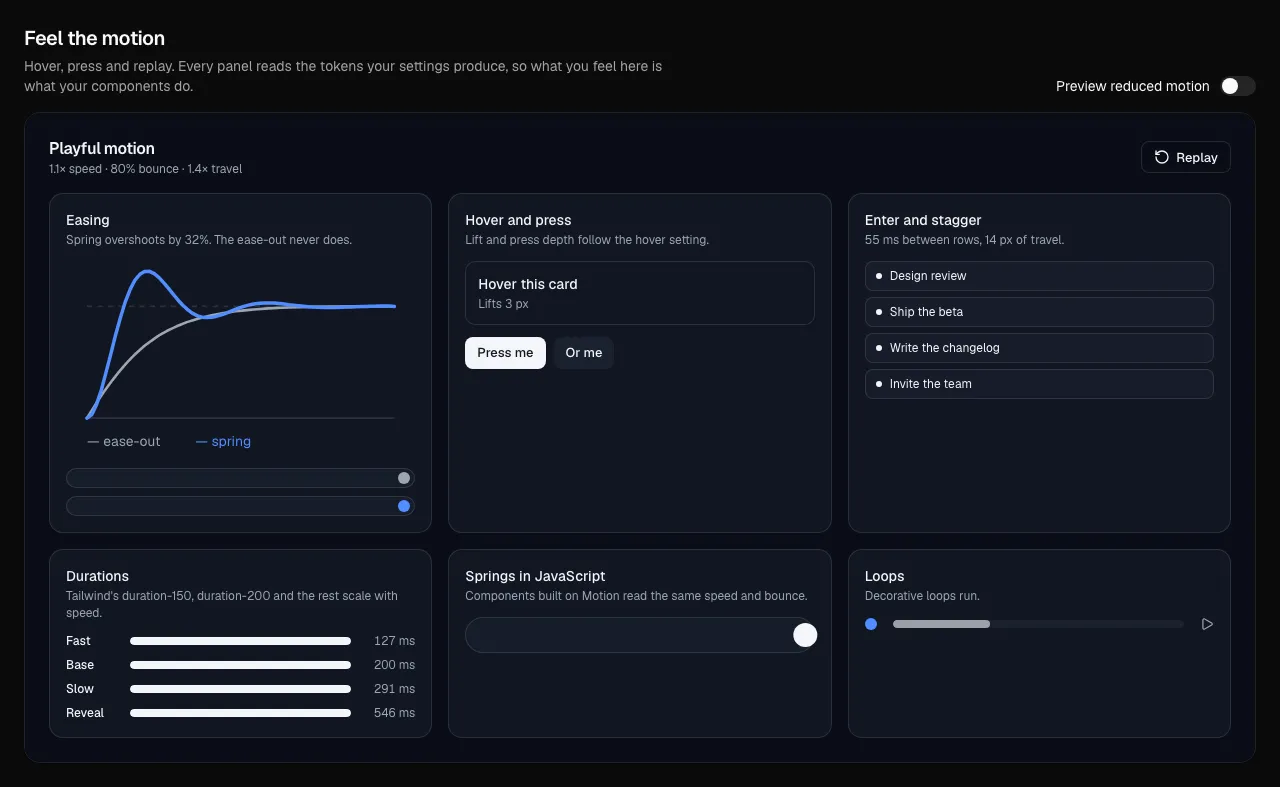
Six settings describe how a product moves, and every duration, easing, lift and stagger follows from them.

The theme builder with a Motion group and the motion lab.

New

  • Six settings: speed, bounce, travel, hover, stagger and decorative loops. Durations, easings, hover lift, button press and the CSS spring curve derive from them, and the defaults reproduce the current look exactly. See Motion settings.
  • Tailwind's scales follow: duration-75 to duration-1000, delay-* and the ease-* classes read the theme, and a new ease-spring is a real spring written as a CSS linear() easing. Dialogs, popovers, menus and accordions follow through tw-animate-css, with no edits to existing components.
  • Five ready-made feels, each its own registry theme: @ballmac/motion-native, -calm, -snappy, -playful and -still. Each of the twelve color themes carries a feel that suits it.
  • The theme builder has a Motion group (a personality picker and a slider per setting) and a motion lab with easing curves, hover and press, stagger, durations, JavaScript springs and loops; /themes?mo=playful opens a feel.
  • Motion presets 1.1.0 adds useMotion, useLoopsPaused and MotionProvider for the same numbers in JavaScript. See Use theme motion in your own code.
  • pnpm bump writes the version bump and changelog entry the version check asks for.

Improved

  • Reduced motion is part of the theme: a prefers-reduced-motion rule removes travel, lift, bounce and loops and keeps fades; the Still feel ships those values to every visitor.
  • Decorative loops (13 components) hold still when loops are turned off; spinners and thinking indicators keep running. Hover lift and button press follow the theme in Card, Button, Suggestion Chips, Workspace Card, three blocks and seven templates.
  • The Figma tokens export includes the motion settings as W3C duration and number tokens.

Server-component fixes and Next.js 16.4 Cache Components

Four components no longer crash when a server component renders them, and calendars build with Cache Components on.

Improved

  • A new build check fails when a file that runs on the server imports a function from a file marked "use client", so this crash is caught before it ships.
  • Every free component, block and template, and every Pro block, now builds in a fresh Next.js 16.4 app with Cache Components on.

Fixed

  • Bento Grid, Team Switcher, Lock Screen and Control Center failed with "Attempted to call isMediaImage() from the server". The helper now lives in its own small item, media-image (Media still exports it); each is 1.0.1, so ballmac update merges the fix.
  • Calendar, Date Picker and the Calendar 1 block read the current time while prerendering, which Cache Components (the default in new Next.js 16.4 apps) does not allow. Calendar now reads it inside Suspense with a same-size placeholder (pass today to skip that), Date Picker works out its year dropdown only when it opens, and Calendar 1 uses its own today.
  • The Atlas, Goods, Podcast and Publication templates read params inside Suspense, as Cache Components requires.

Update components without losing your edits

The new ballmac CLI merges new versions into your edited copies, and installs the tests that ship with components.

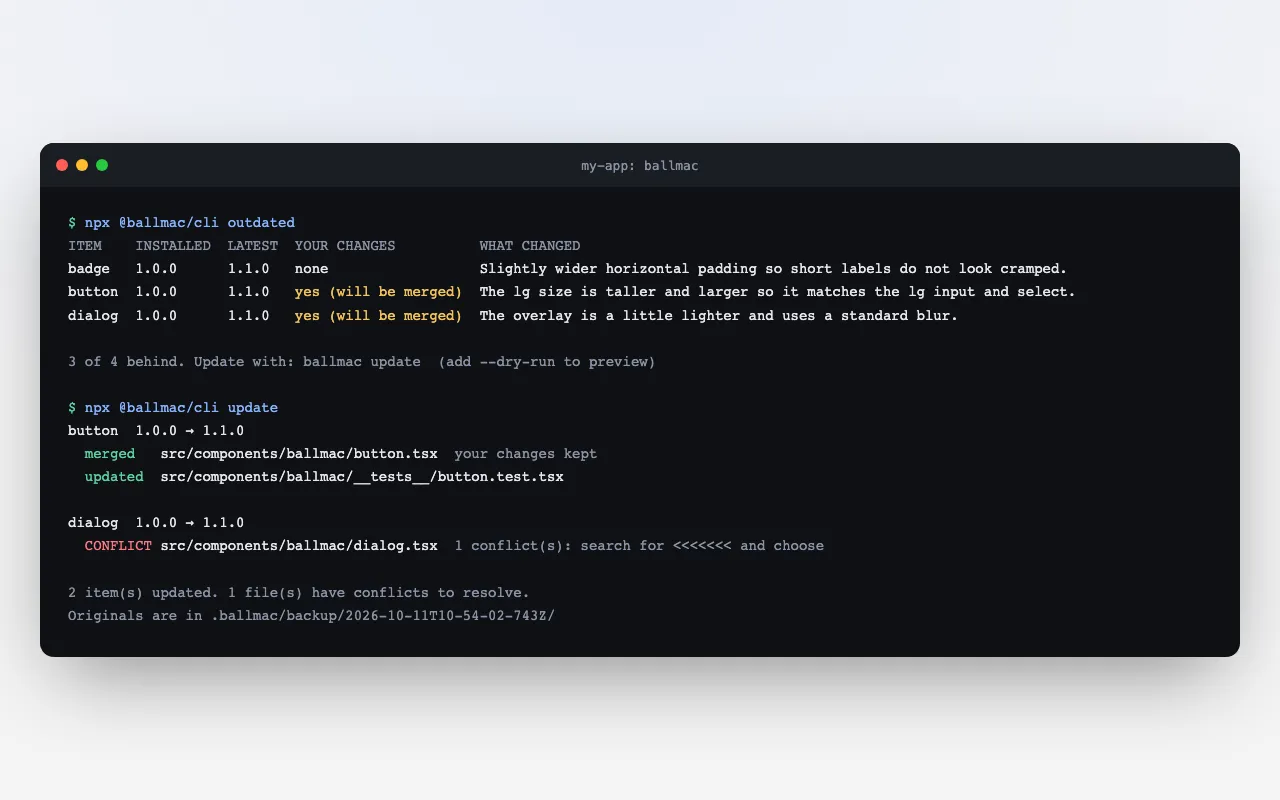
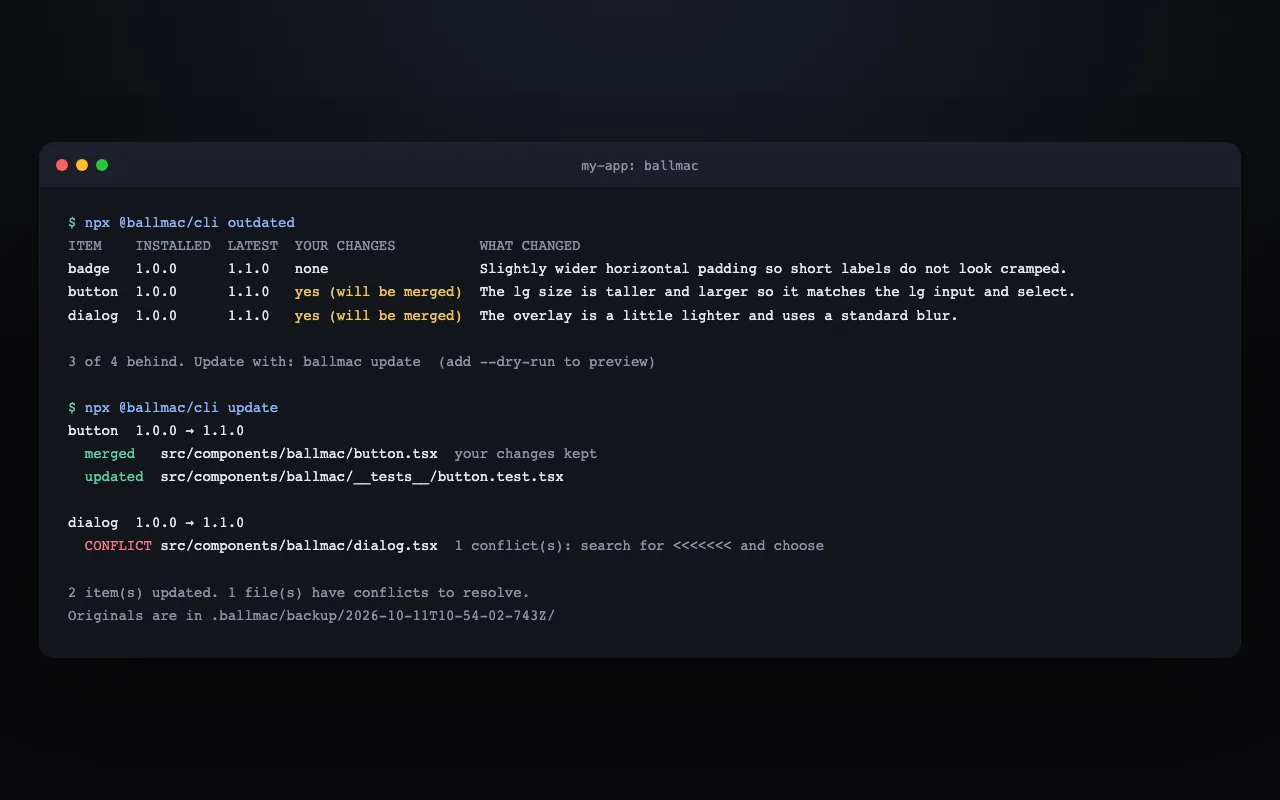
A terminal running ballmac outdated, which lists three items behind with a note on what changed, then ballmac update, which merges your edits and flags one conflict.

New

  • npx @ballmac/cli runs the shadcn CLI for you and remembers what it installed (ballmac.lock.json), so ballmac update merges a new version into your edited copy: untouched files are replaced, edits elsewhere are merged and overlapping edits become conflict markers. See Update components without losing your edits.
  • ballmac outdated lists what is behind with a note on what changed, ballmac diff shows your own changes, and ballmac track adopts items you installed with plain shadcn. Originals are backed up first and --dry-run previews everything.
  • 200 free items ship with the test we run on them: ballmac add dialog --with-tests installs it next to the component, with the packages it needs and a vitest config if you have none. See Install the tests.
  • The MCP server gets get_changes (what changed since a version, breaking changes flagged) and get_tests.

Improved

  • Every item has a version and a changelog written for people who customised the file; component pages show them under What changed.
  • A build check fails when an item's files change without a version bump and a changelog entry.

Install with no setup

Ballmac UI is in the official shadcn registry directory, so adding a component needs no configuration.

The install guide, showing the shadcn add command for Ballmac UI in four package managers.

New

  • npx shadcn@latest add @ballmac/button works with nothing to configure. The registry entry is kept as a fallback for older CLIs and for the shadcn MCP server, which only reads components.json. See Install your first component.
  • Every theme preset has its own clean link (for example /themes/rose), and a customised design is /themes?h=…. A note beside Copy link explains that your design lives in the link and is never stored.

Improved

  • Clearer page titles and descriptions for the components, blocks, templates and themes pages, structured data for the organisation and the website, and an llms.txt that lists blocks, templates and Pro.
  • Copying a theme link is announced to screen readers.

Fixed

  • The analytics scripts load only on Vercel, so running the site locally or on your own host no longer logs console errors.

Founding offer, $49 until 21 October

Pricing is rebuilt around a founding price of $49 until 21 October 2026, then $99.

The pricing page with the founding offer and its countdown.

New

  • The pricing page is rebuilt around the founding offer: a live countdown to 21 Oct 2026, 11:59 pm IST, with the $99 list price struck through.
  • See what is inside before you buy: a 40 second film with captions and six Pro block previews, and a free sampler of three Pro blocks for your email.
  • A Founders page and a desk in the Pro library let you opt in to be listed by name and vote on the next blocks.

Improved

  • Pro block pages and the locked copy-code prompt say when the founding price ends, and a reminder email goes out 72 hours and 24 hours before it does.
  • After 21 October, or when the 25 founding licences are gone, the site switches to $99 by itself.

Log in to Pro with your licence key

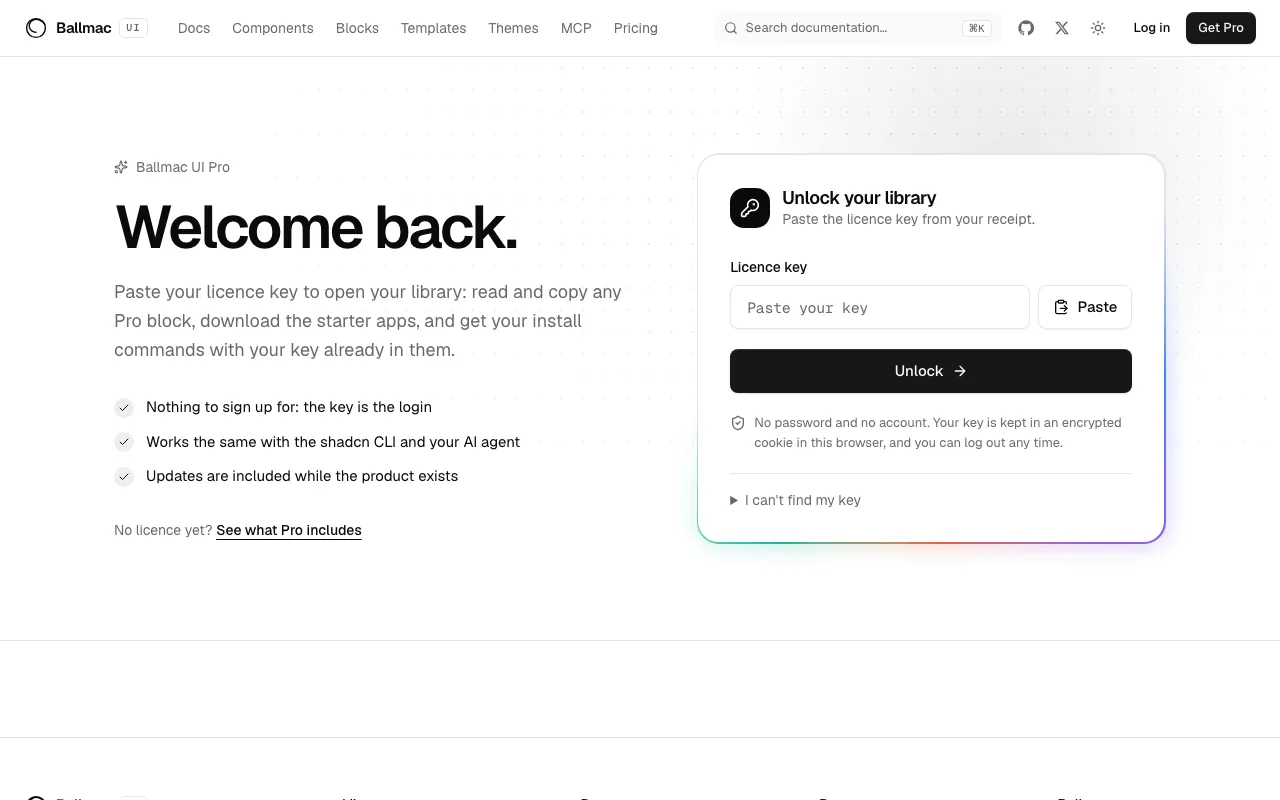
Paste your licence key once, with no password and no account, to open your Pro library.

The Pro log in page, a single field for a licence key.

New

  • A Pro log in page at /pro: the key stays in an encrypted cookie in your browser and is checked on every request, so a revoked key stops working within minutes. Buyers are logged in automatically when they return from checkout.
  • Your Pro library has install commands with your key already filled in (hidden on screen, real on the clipboard) for the shadcn CLI, AI agents through MCP and the starter apps, plus browser downloads of Beacon SaaS, Quire and the Figma tokens. See Set up Pro.
  • Pro block pages show the real source with copy buttons once you are logged in, while the pages stay public and static for everyone else.
  • A support page for bugs, questions, licence and billing help, and suggestions; messages go to a private inbox and you get a confirmation by email.

Improved

  • A Log in and Get Pro button in the header becomes a Pro library link after you log in.

Fixed

  • Pricing copy corrected: Pro adds 150 blocks and two starter apps (it has no templates).

Quire, a second Pro starter

Quire is an AI starter that answers from your own documents and shows its sources, and Beacon SaaS gets a new look.

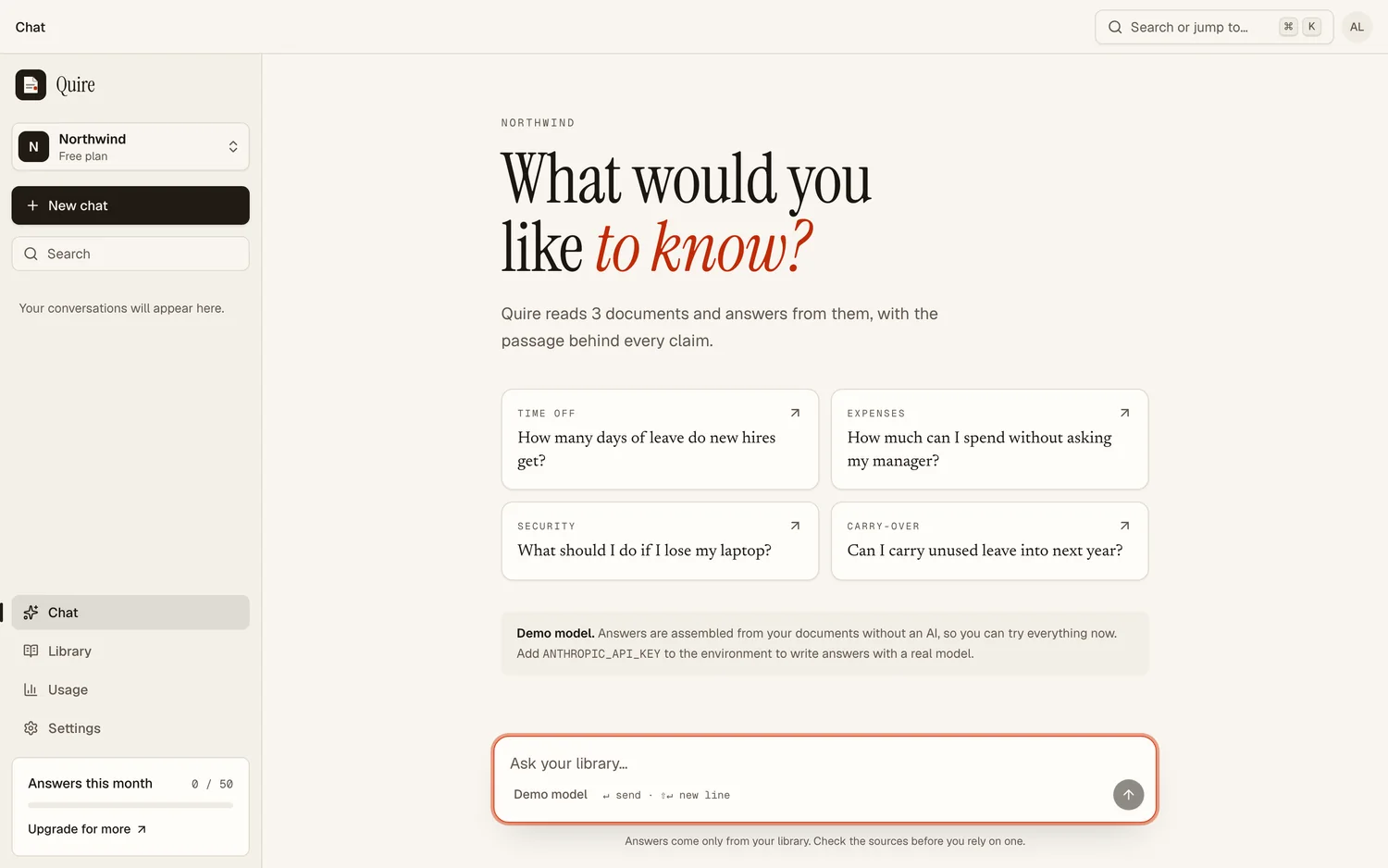
Quire, an AI chat that answers with numbered citations next to a document library.

New

  • Quire answers from your own documents and shows its sources: streaming chat with numbered citations that highlight the exact sentence, a document library with full-text search, usage limits per plan, Stripe billing, teams and a public API. It runs without an AI key on a built-in demo model.

Improved

  • Beacon SaaS is redesigned: a new landing page, sign-in and onboarding, and app shell.
  • @ballmac/mcp 1.0

Ballmac UI Pro and the first public release

Ballmac UI Pro launches with 150 premium blocks, a private registry, a first starter app and Figma tokens.

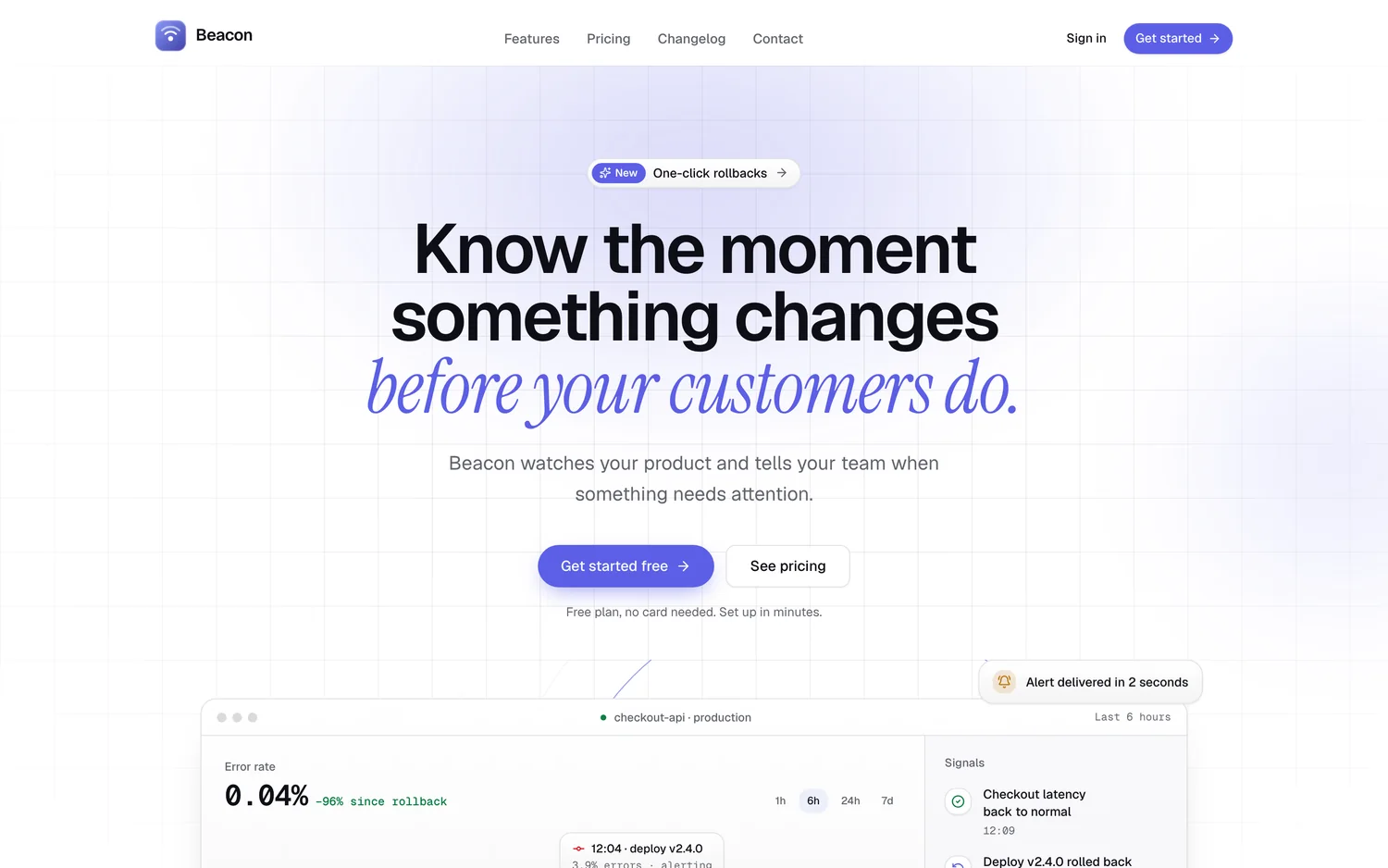
Beacon SaaS, the first Pro starter app, showing its landing page.

New

  • Ballmac UI Pro: 150 premium blocks (heroes, features, pricing, dashboards, app screens, ecommerce, content, sign-in and onboarding, marketing extras), all with light, dark and right-to-left support, installed from a private registry with a licence key through the shadcn CLI and the MCP server.
  • Beacon SaaS, the first Pro starter app: sign-in, workspaces with teams and invitations, Stripe billing, a dashboard and API keys.
  • Figma design tokens (W3C format) for all 13 themes, plus capture tooling for building a Figma library.
  • @ballmac/mcp 1.0 on npm: search the catalog, read when to use each item and get the install command from your agent.

Improved

  • A designed 404 and error page, tidier page titles and descriptions across the site, and stricter security headers.

Themes, right-to-left, translations and image slots

Twelve free themes with a live builder, mirroring for right-to-left languages, one translation provider and image props.

The theme builder with a live preview and contrast checks.

New

  • Twelve free themes and a live builder: change hue, radius, density and font, check contrast in light and dark, then install.
  • Right-to-left support across components, blocks and templates, with an RTL toggle on every preview. See Turn on right-to-left.
  • Built-in text moved behind one translation provider, with the full key list available as JSON. See Translate Ballmac UI.
  • Heroes, features, cards, galleries and templates take an image or media prop with required alt text and dark-mode variants. See Use your own images.

Templates, blocks and a full audit

Seventeen templates, sixty-three free blocks and desktop-style components, with a performance and accessibility audit.

The templates gallery.

New

  • Seventeen templates with their own look, from product sites to admin apps, docs, stores and a podcast.
  • Sixty-three free blocks grouped by purpose, from marketing sections to application screens.
  • Desktop and device components: windows, docks, menu bars, Finder-style browsing, Launchpad, lock screen and device frames.

Fixed

  • Page weight cut from 7.5 to 11.8 MB of JavaScript down to 1.3 to 2.0 MB, hydration fixes for visitors who prefer reduced motion, focus rings and pinned dependency versions.

September 20262 updates

Forms, data, SaaS patterns and AI interfaces

Four new families of components: forms, data display, SaaS patterns and AI interfaces.

The components catalog.

New

  • Forms: date and range pickers, currency, phone, tags, multi-select, stepper and signature pad.
  • Data display: calendar, data table, charts, carousel, drawer and resizable panels.
  • SaaS patterns: onboarding checklist, settings panel, usage meter, billing card, plan selector and notification center.
  • AI interfaces: chat messages, reasoning, tool calls, citations, a prompt box, agent plans and approval cards.