Presets, accessible charts, Base UI and an agent skill
Install a whole design system with one command, draw seven kinds of chart that work for everyone, use Base UI instead of Radix UI, and let your coding agent use Ballmac UI well.
New
- Presets are whole design systems: color, corner radius, typeface, platform feel and motion, installed together with
npx shadcn@latest add @ballmac/preset-ink. Pick one of fifteen, or make your own in the theme builder and share it as a 16-character code. Add?only=colors,fontto install only those parts. Fourteen typefaces install on their own as@ballmac/font-<name>. Guide. - Seven chart components, each drawn inside a chart frame:
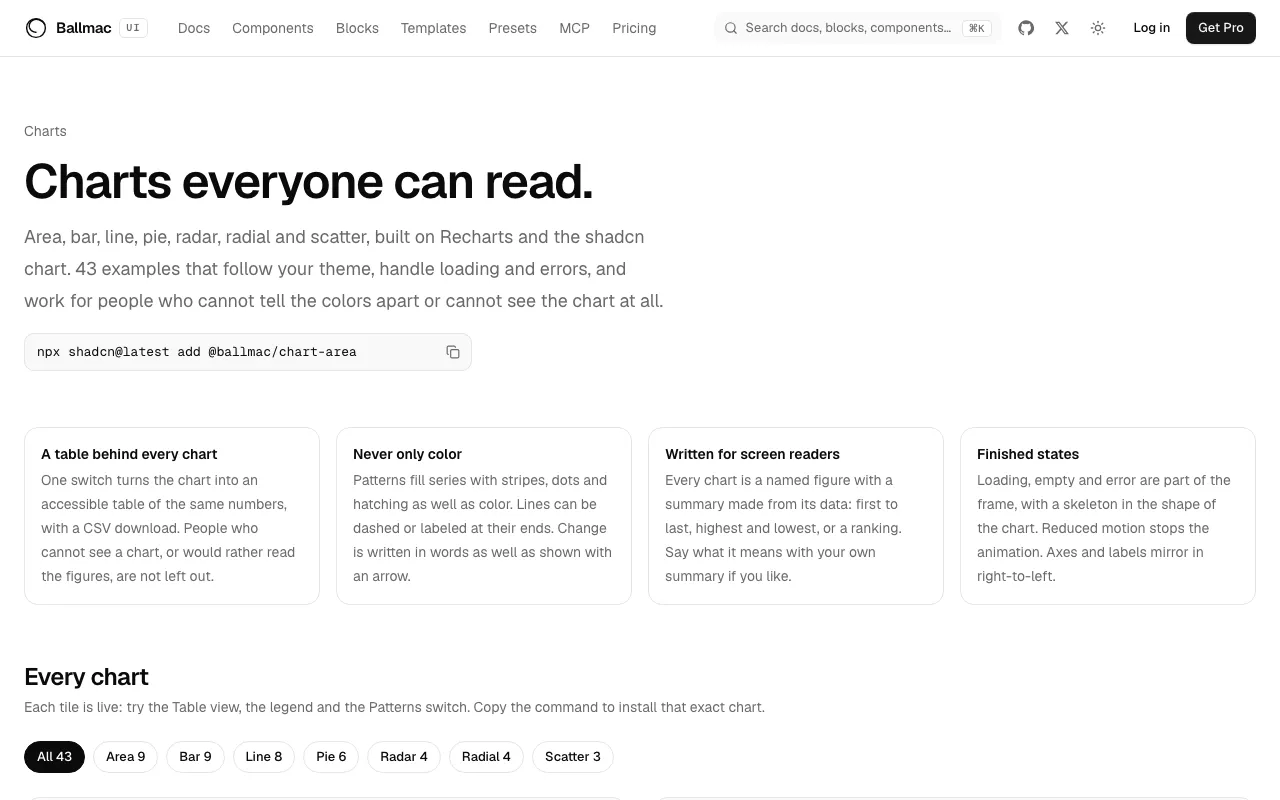
chart-area,chart-bar,chart-line,chart-pie,chart-radar,chart-radialandchart-scatter. Pass your data, and the frame adds a Table view with CSV download, patterns for color blindness, a written summary, a legend that switches series off, and loading, empty and error states. Guide. - Four chart dashboards,
charts-1tocharts-4, and a charts gallery with about fifty live examples. - Every component built on Radix UI also comes in a Base UI version, with the same props, keyboard behavior and tests. Switch between them on a component page, install by URL or as
@ballmac/base-<name>, or pin the registry to{style}so a Base UI project gets the right one. Guide. - An agent skill teaches Claude Code, Cursor and other agents to find, install and use Ballmac UI:
npx skills add vamsiy78/ballmac-uiornpx shadcn@latest add @ballmac/skill. The MCP server also has amake_presettool that makes a preset and returns its code.
Improved
chartformats numbers for the reader's locale, can write a total in the middle of a donut, and reads a tooltip's names from the data withnameKey.- The theme builder shows the fifteen design systems, a typeface picker, a box for loading a code, and a checkbox for each part to install.