Use-case pages, a dashboard tutorial and better search
Start from the job you are doing, follow a ten-minute tutorial, and tell us when a docs page didn't help.
New
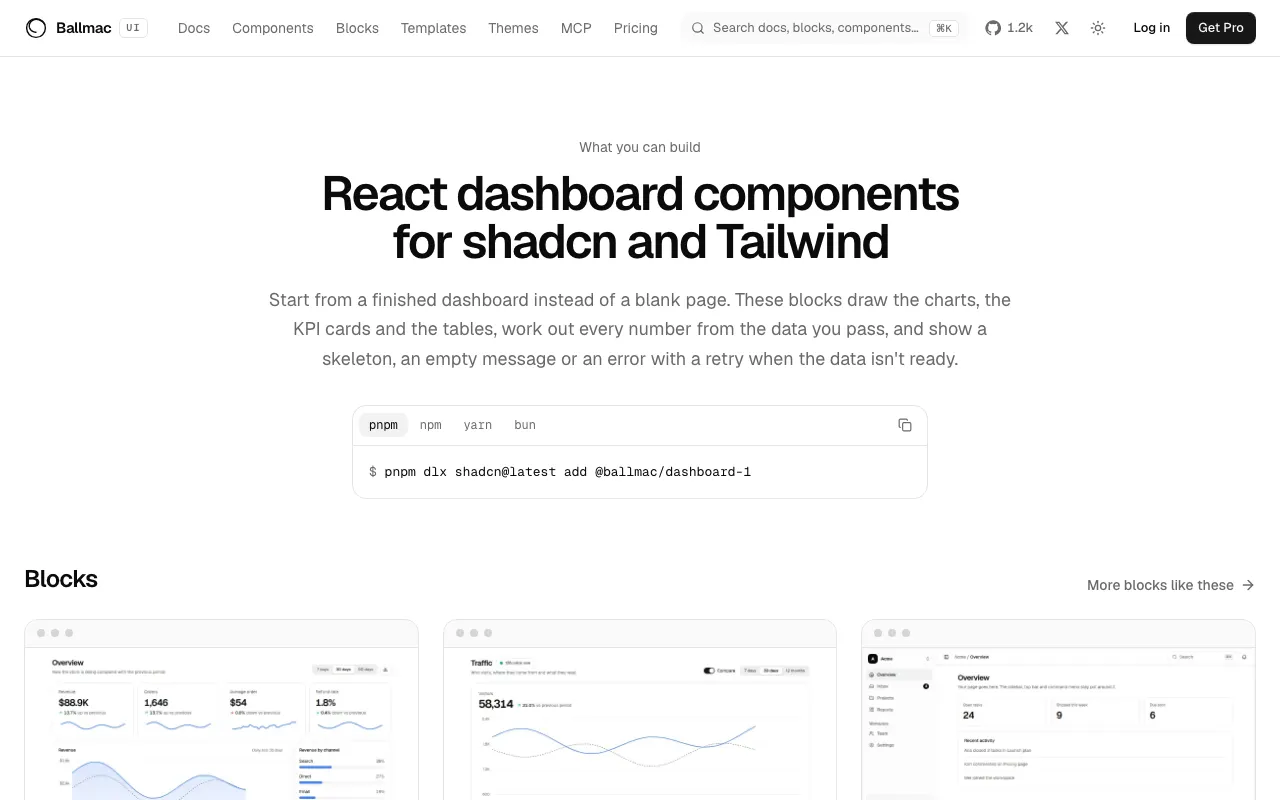
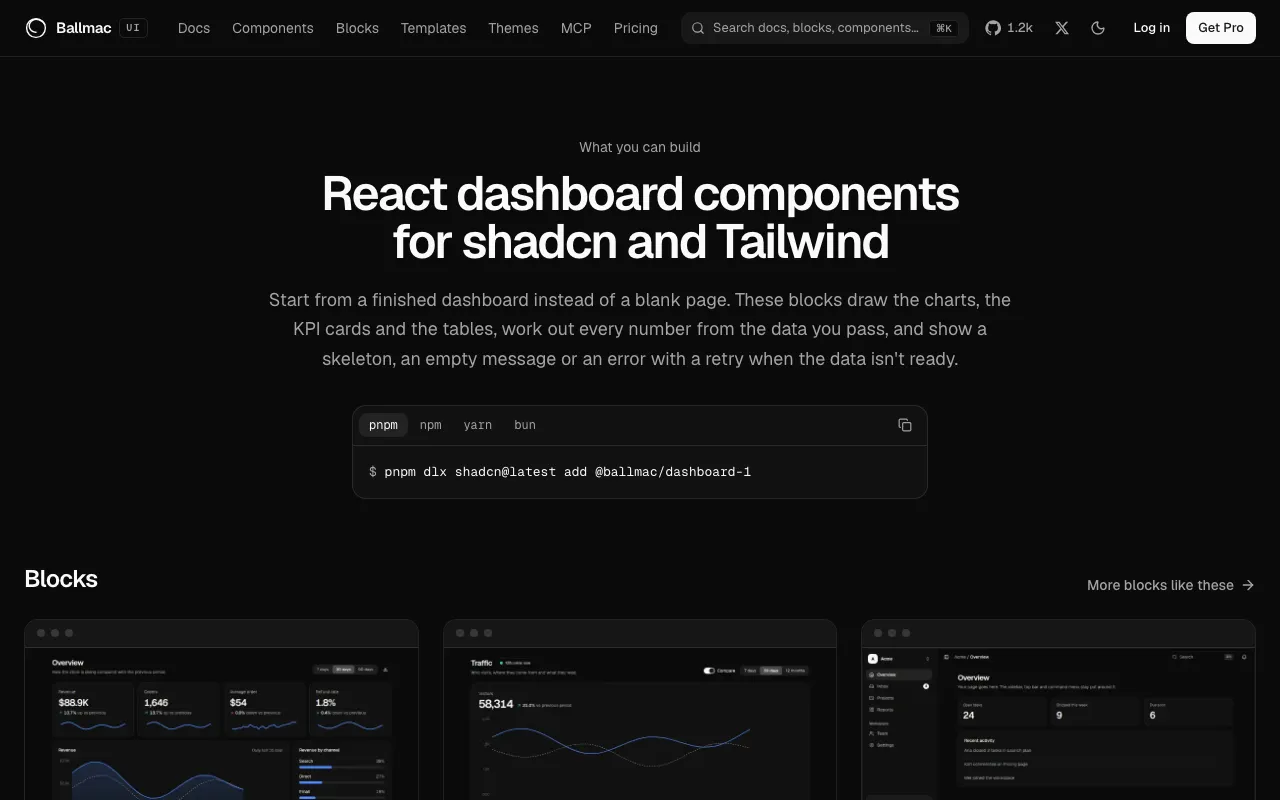
- What you can build has a page for dashboards, desktop apps, AI agents, landing pages, admin tools, and sign-in and settings, each with its blocks, templates and guides.
- Build a sales dashboard is a ten-minute tutorial: add the block, pass your own numbers, load them with
useResource, see every state and match your brand. - Every docs page ends with "Was this page helpful?"; a "no" can say what was missing.
- The quality page shows the tools it was measured with, how many items each check doesn't apply to, and a run history.
Improved
- Search ranks title matches first, marks your words in the results, and lists the places people go most before you type.
- The component page header is one row: quality, version, date and test, with the change notes behind "What changed".
- Docs pages and changelog entries have their own share image.