A searchable blocks gallery and a clearer home page
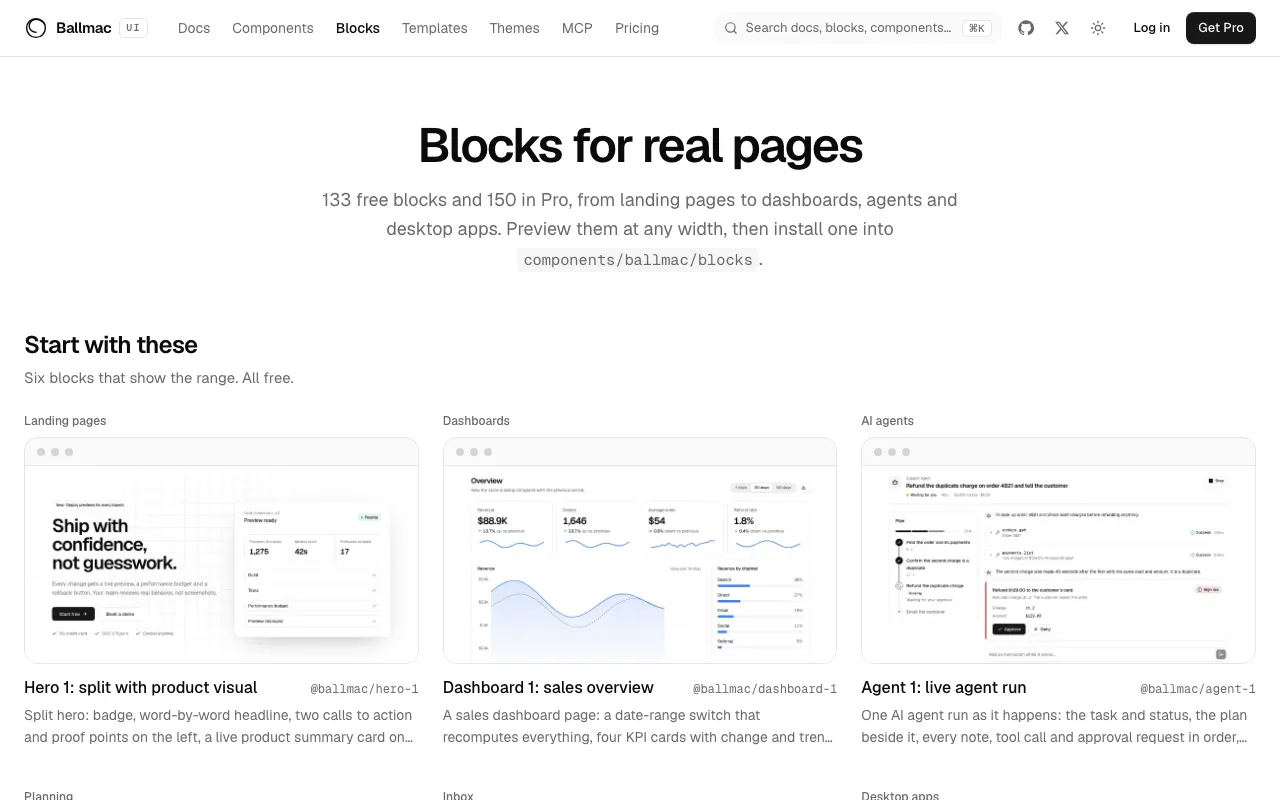
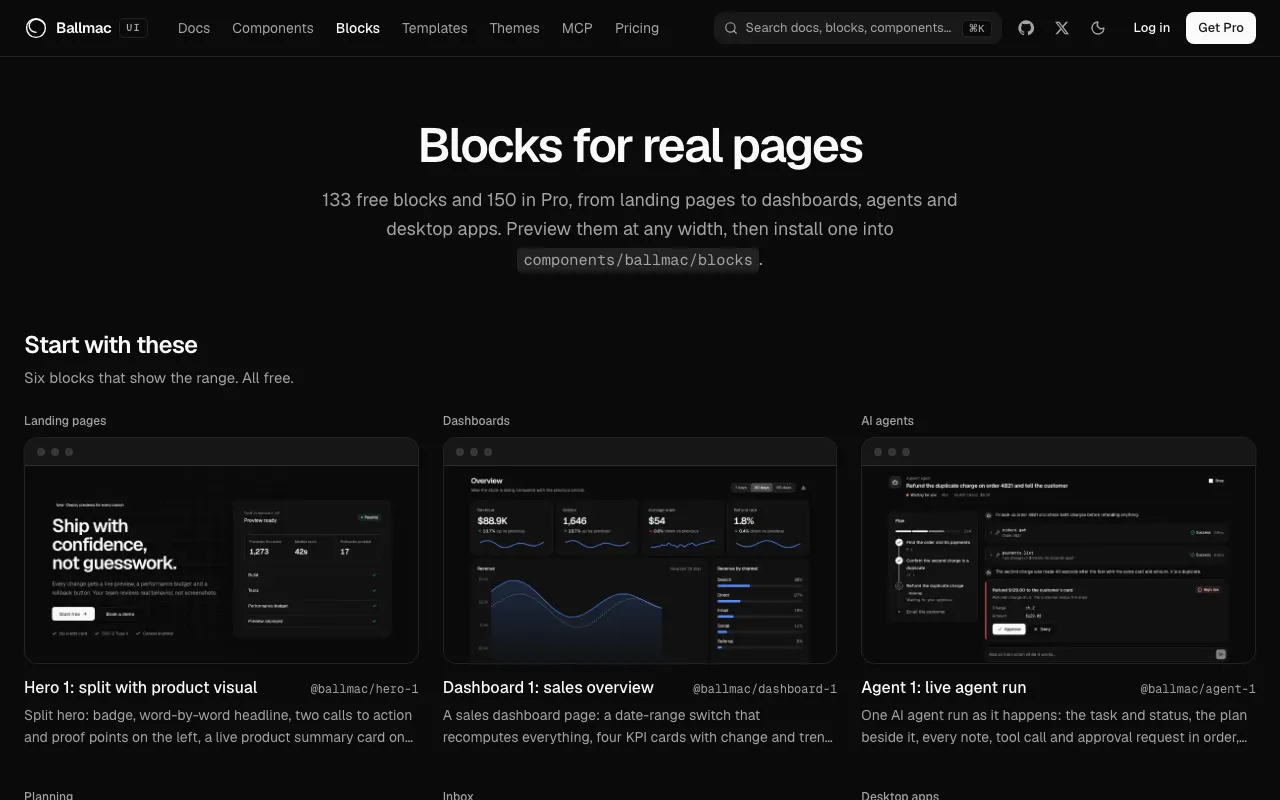
Find a block by typing, split free from Pro, and see what is new, with a home page that says what is in the library.
New
- The blocks gallery has a search box, a Free, Pro and All switch and a New filter. The filters are in the address, so a filtered view can be shared.
- The gallery opens on six free blocks that show the range, and every card marks what is new in the latest release.
- The home page leads with what is inside (free blocks, templates and components, and what Pro adds) and has a GitHub star link; the star count appears once it is worth showing and updates live.
Improved
- The 70 newest free blocks have thumbnails, so the gallery loads pictures instead of rendering each block.
- Header blocks show in a short window and come last in Marketing, so the first cards of a section are the ones with something to see.
- The search box now says it searches docs, blocks and components.
Fixed
- The
ballmac updateexample on the home page now meets contrast requirements and its output can be scrolled with the keyboard.