React status page, incident and on-call UI components
The screens for keeping a service up and telling people when it is not: a status page, incident command, service level objectives, an on-call rota and alert rules.
$ pnpm dlx shadcn@latest add @ballmac/alerts-1Blocks
More blocks like these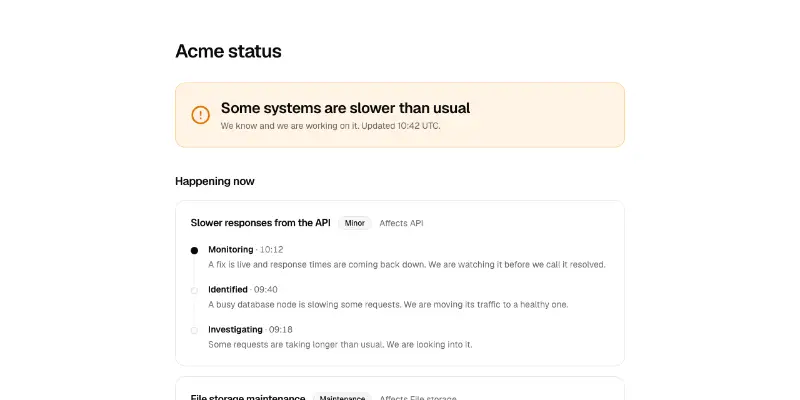
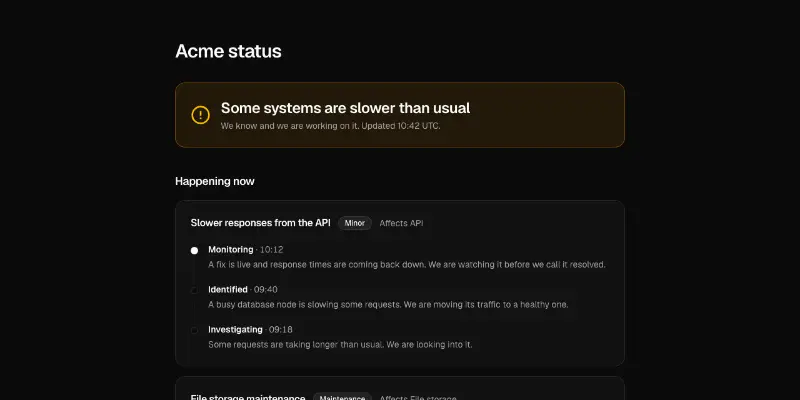
A public status page: an overall banner worked out from the data, each service with a 90-day history you scrub by pointer or arrow keys, live incidents as a timeline of updates, two weeks of past incidents and a subscribe box.
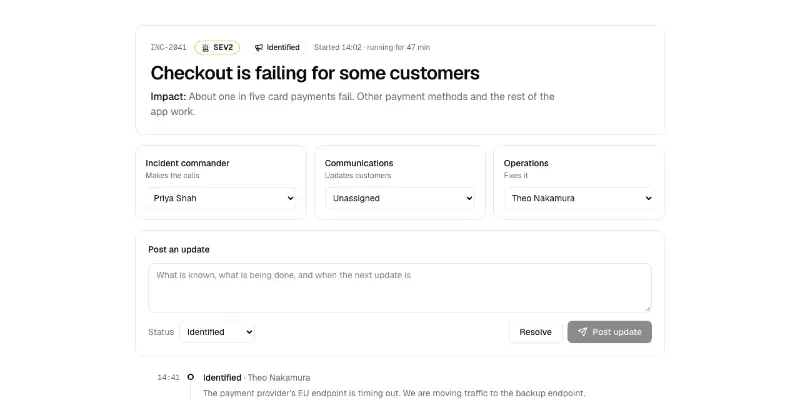
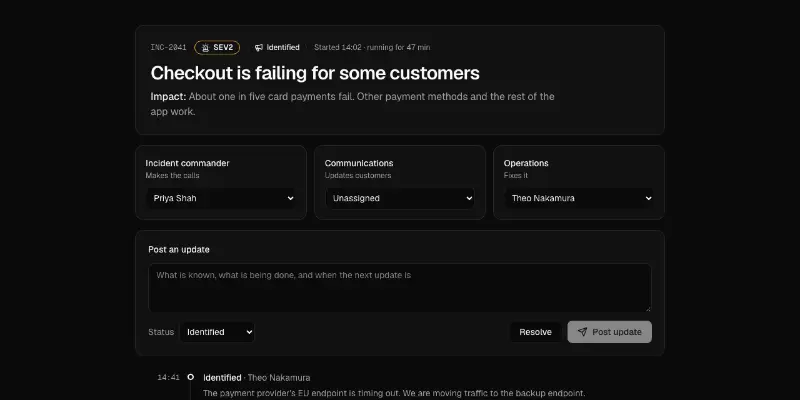
The page for people fixing an incident: severity and status in words, the impact, who holds commander, comms and ops, a form that posts an update with its new status, updates newest first, and a Resolve button that asks first.
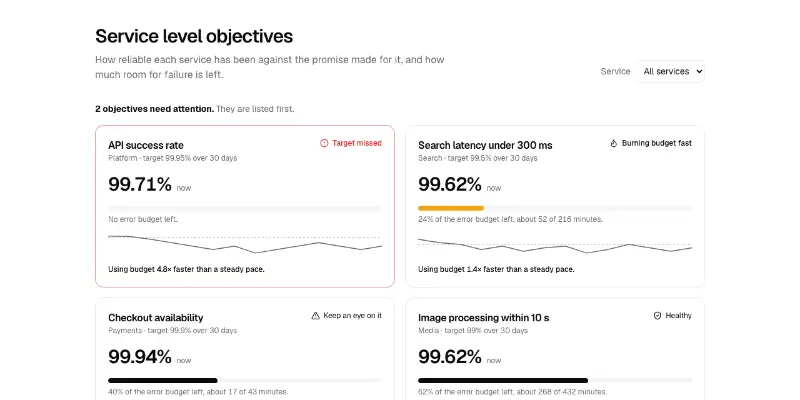
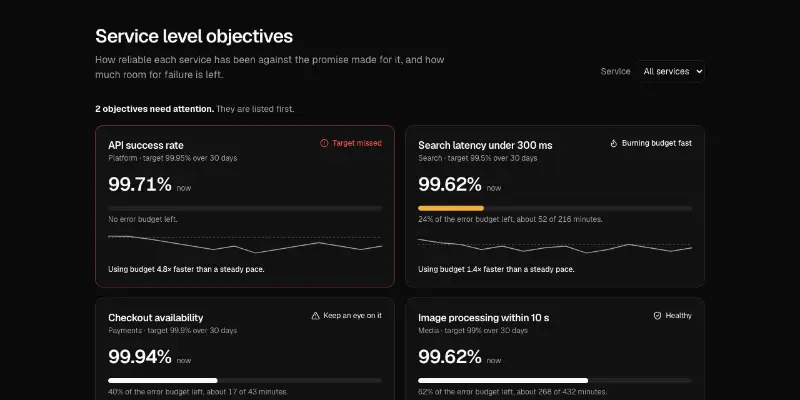
Service level objectives as cards: the goal, how it is going, error budget left in percent and minutes as a labelled meter, burn rate in words, a chart with the target drawn on it, risky ones listed first, and a filter by service.
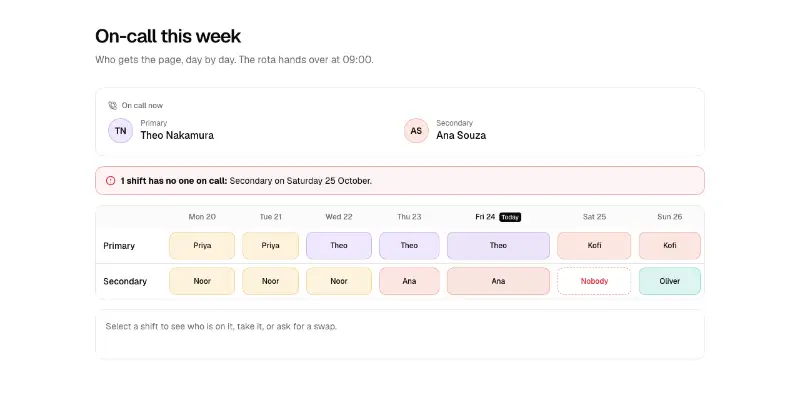
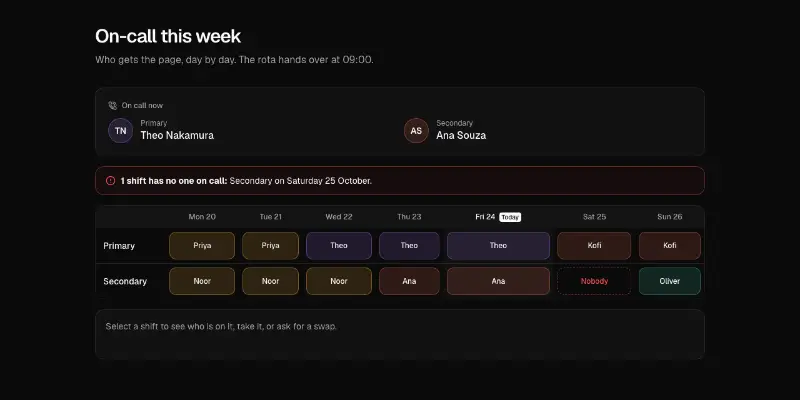
An on-call rota for the week: who is on call now per layer, a grid of days by primary and secondary, days nobody covers called out in words, and a selected shift you can take or ask the person on it to swap.
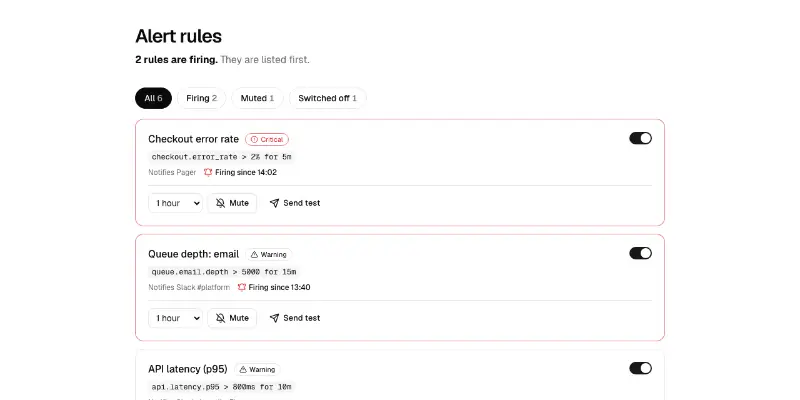
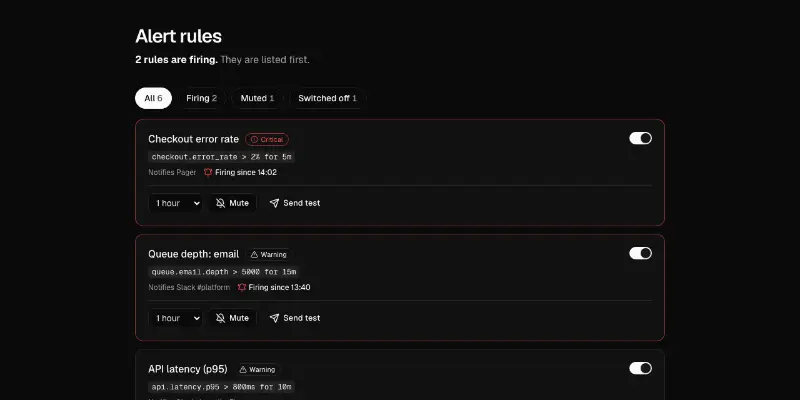
The alert rules of a monitoring setup: what each watches, severity, where it notifies, and firing, muted or fine in words, firing first, switch off, mute for an hour, four hours or a day, send a test, all undone with the reason if it fails.
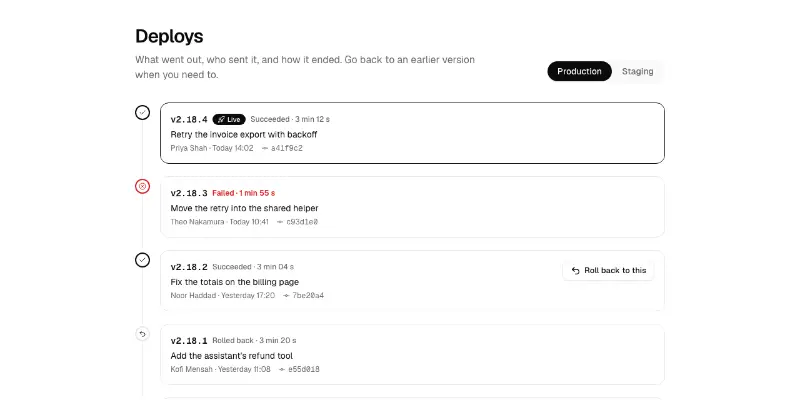
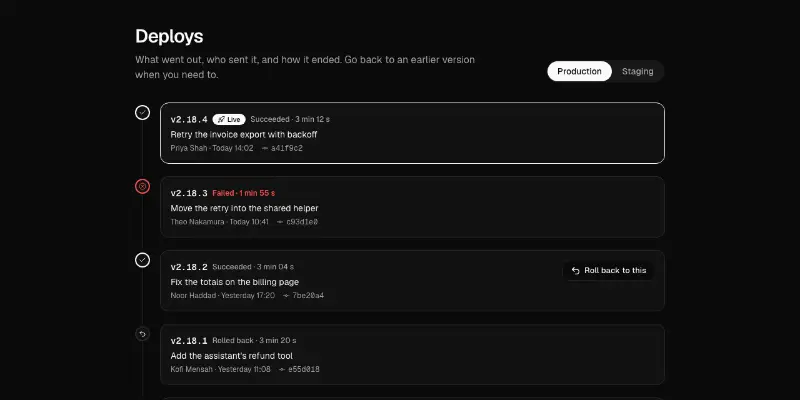
The deploy history of a product: version, what changed, who shipped it and when, how it ended in words, one environment at a time, the live version marked, and a confirmed rollback to any earlier version that succeeded.
4 of these blocks are in Ballmac UI Pro.
$49 oncefor all 311 Pro blocks and every Pro template. Tax included.Works as described or your money back
Whole sites and apps
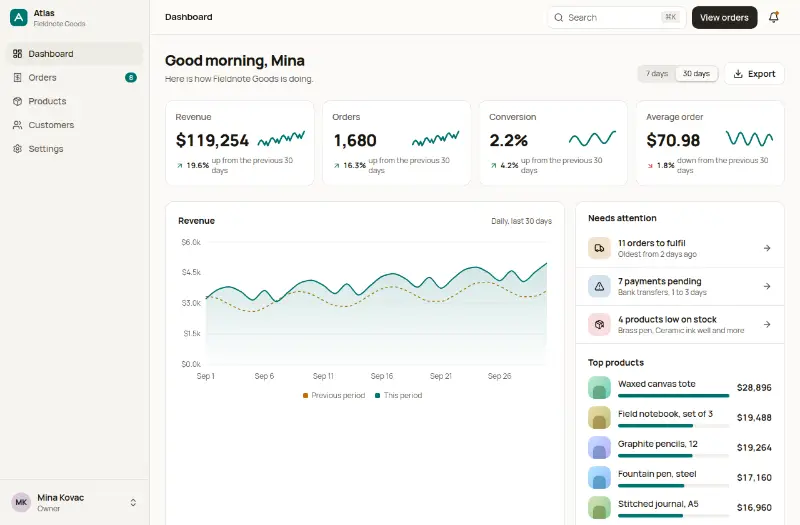
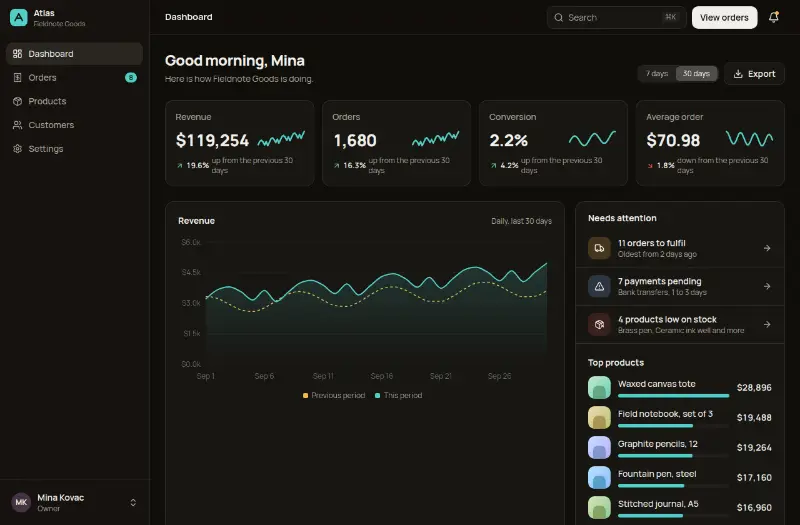
A dense, quiet six-page admin for an online store: a dashboard with a live date range, sortable orders with bulk actions, an order page with a refund flow, products, customers and settings.