shadcn login and sign-up blocks for React and Tailwind
Sign-in and account screens: email and password with providers, single sign-on, magic link and passkey, one-time codes with resend, sign-up with password strength, and forgot and reset password flows.
11 blocks · 2 free under MIT · 9 in Pro
$ pnpm dlx shadcn@latest add @ballmac/forgot-password-1All authentication blocks
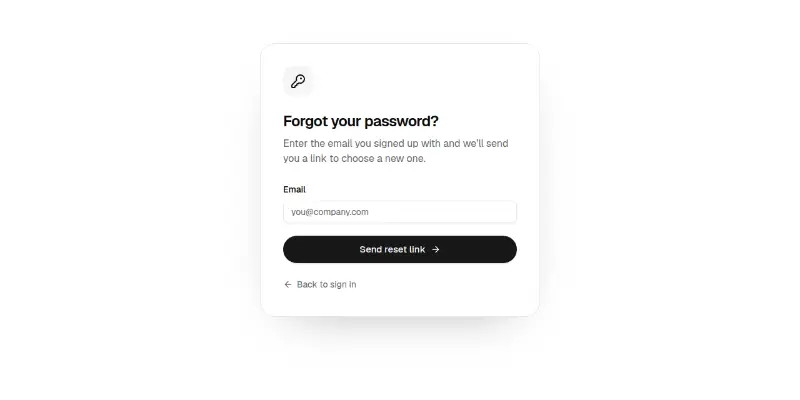
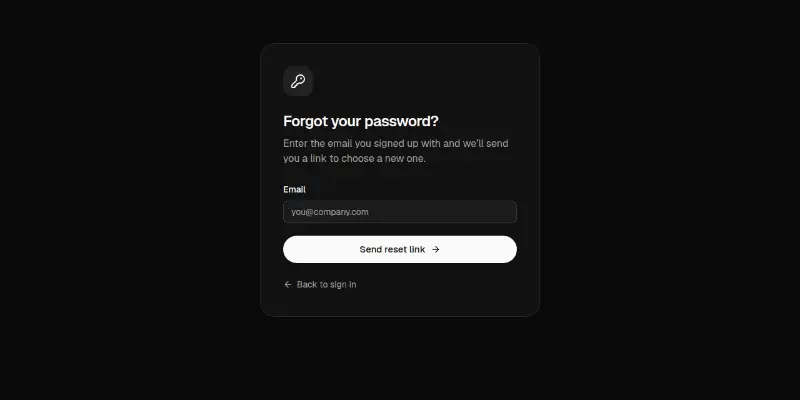
The whole password-recovery flow in one card: request a link, check-your-email with a resend countdown, choose a new password with confirmation and strength, and a success screen. Focus moves to each new heading.
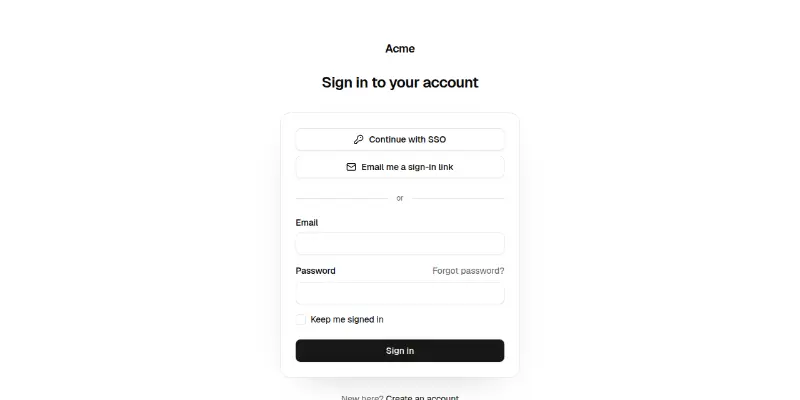
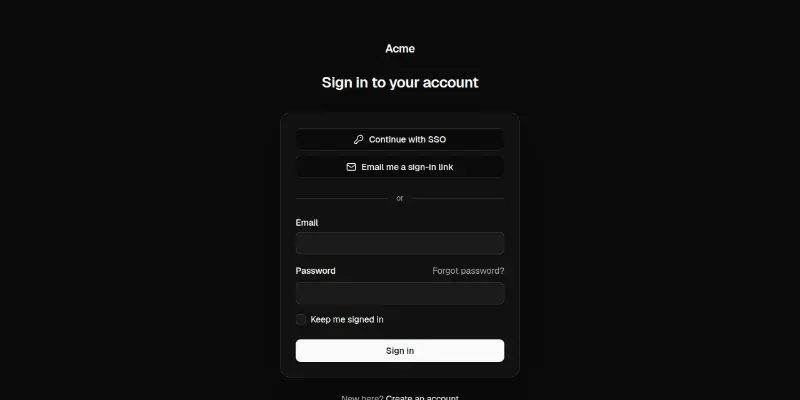
Centered sign-in card: SSO and email-link buttons, an email and password form with remember me, a loading submit and an inline error.
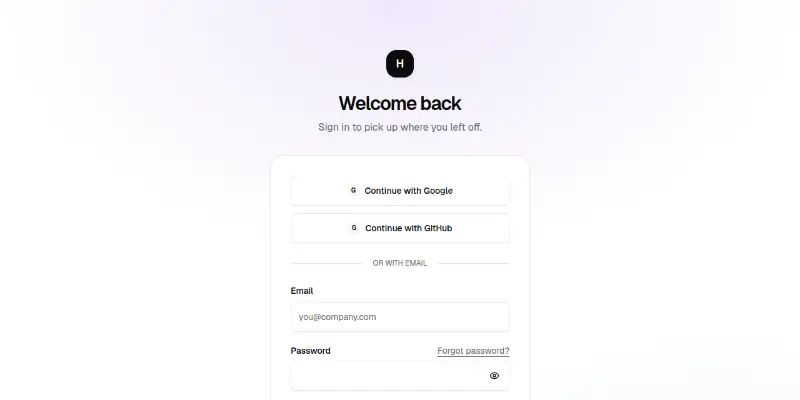
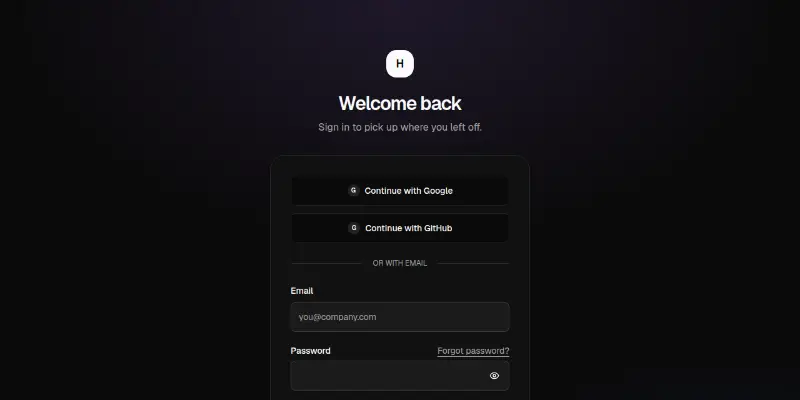
A calm sign-in card with provider buttons, email and password with a show button, remember me, field errors that take focus and a server error banner.
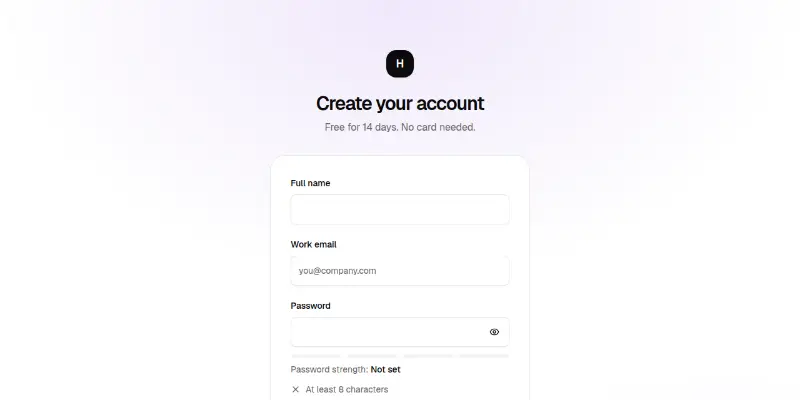
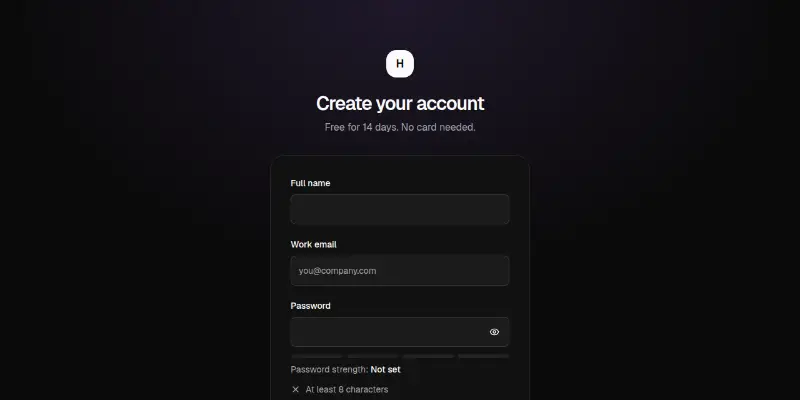
Name, email and a password with a four-step strength meter and a live checklist, plus a required terms checkbox and clear errors.
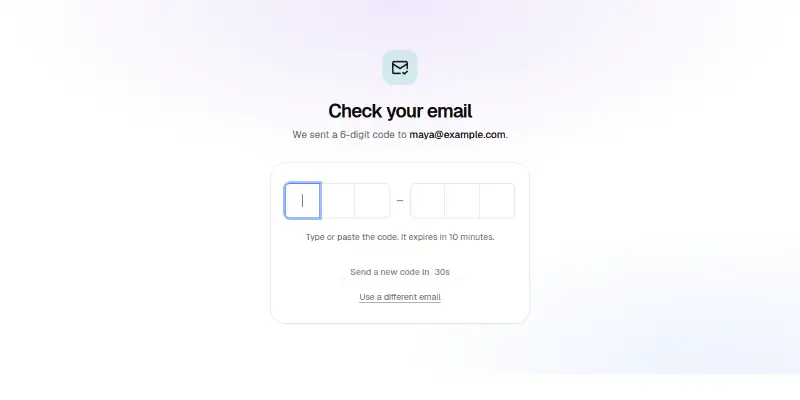
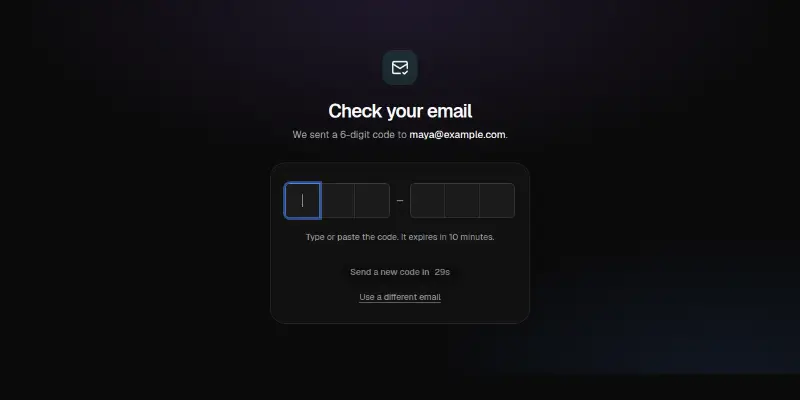
Six digit boxes backed by one real input, so paste and autofill work. Checks on the last digit, shows a wrong-code state and offers a resend with a countdown.
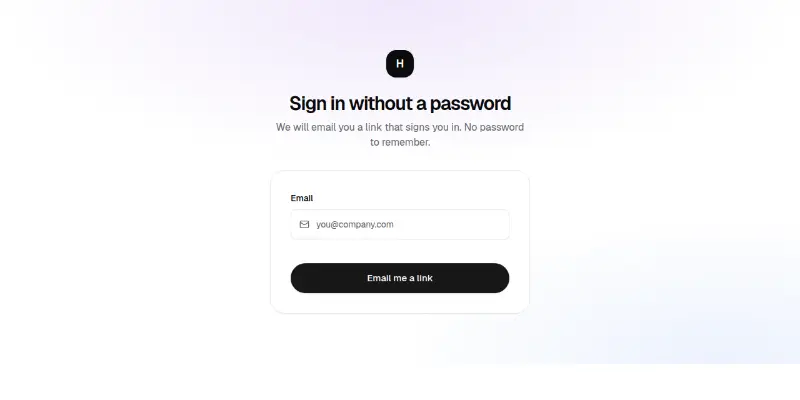
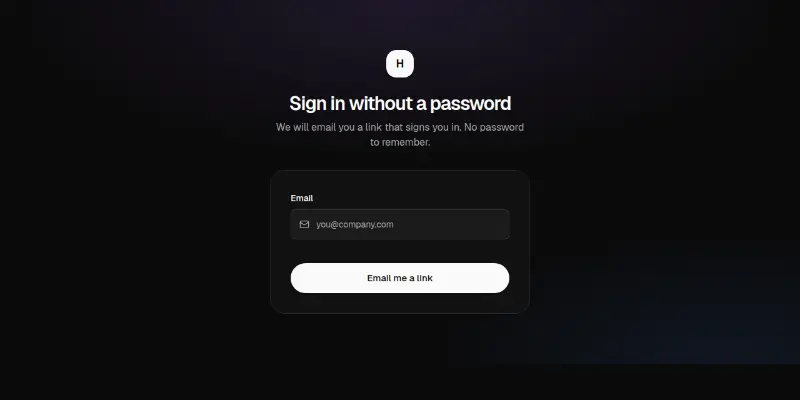
Ask for an email and send a sign-in link, then a check-your-inbox step with resend and a way back. An optional passkey button is disabled where the browser cannot use it.
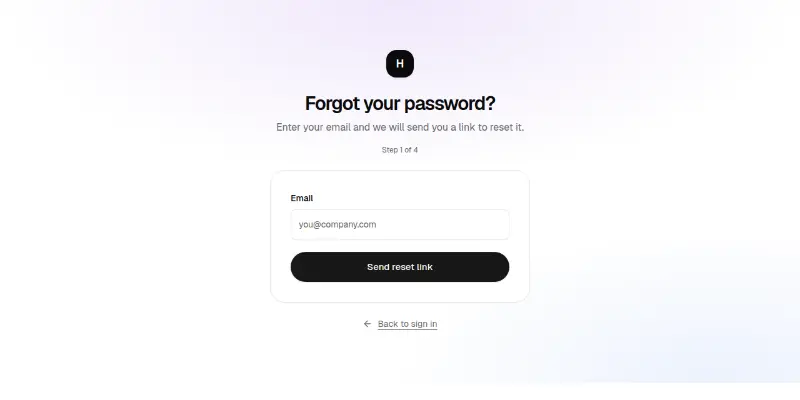
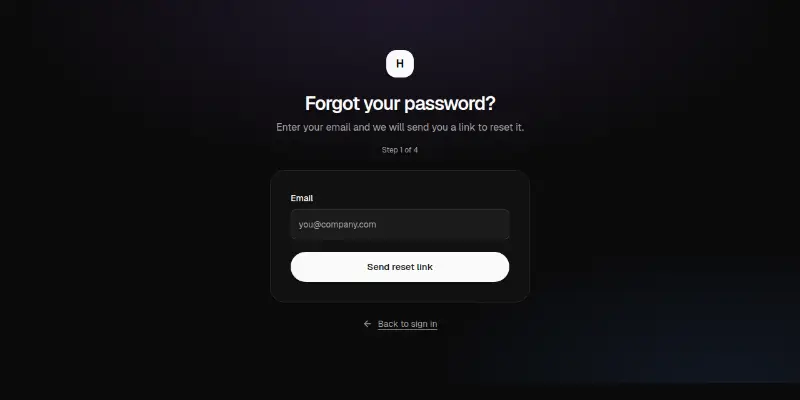
Four steps in one block: ask for an email, a check-your-email confirmation that does not reveal whether an account exists, a new password with strength and confirmation, and a done state.
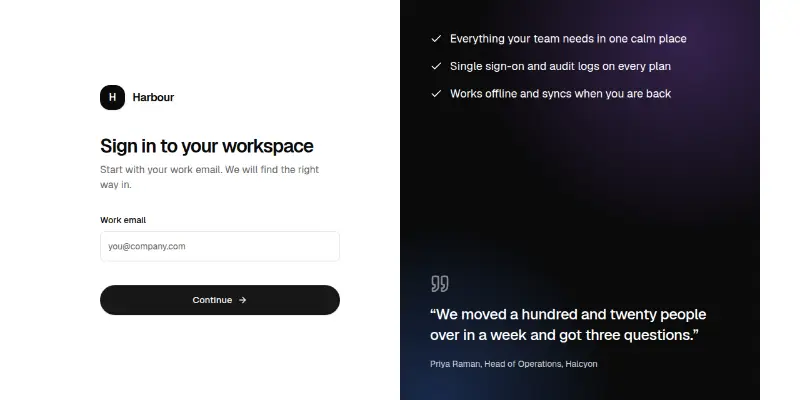
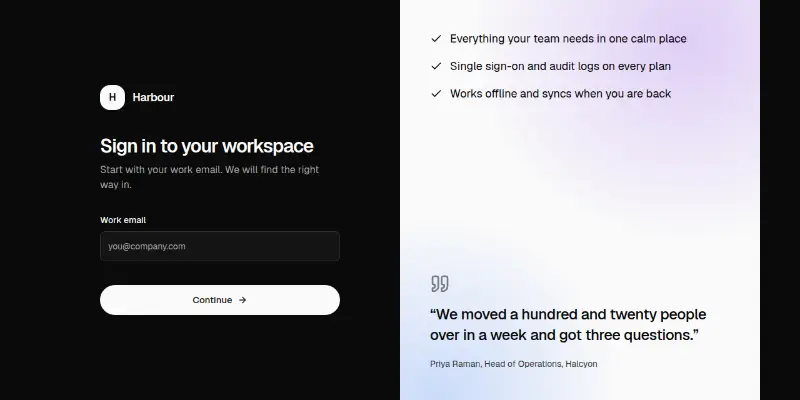
Work email first. If the domain uses single sign-on, offer that; otherwise ask for a password. A dark side panel carries reasons and a quote.
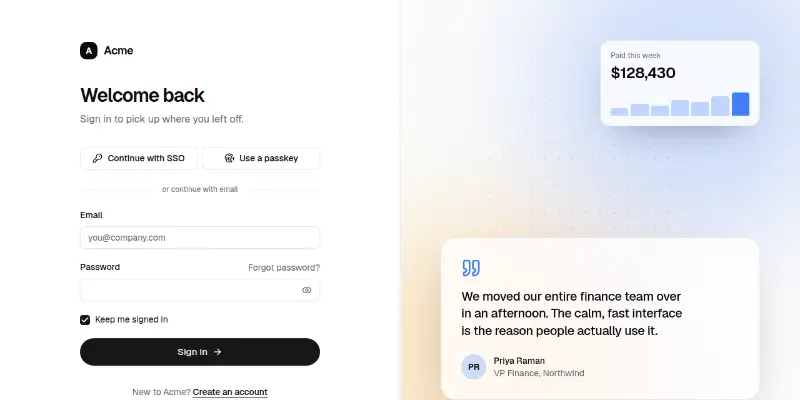
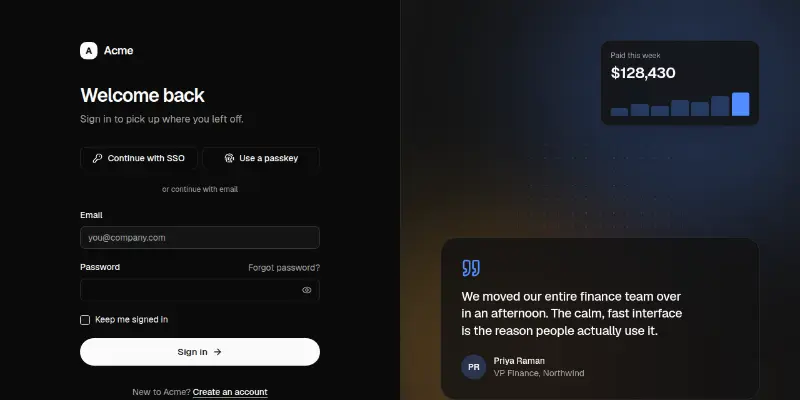
A split-screen sign-in: SSO and passkey buttons, validated email and password with show/hide, remember me and error state on one side, a soft colour mesh with a customer quote on the other.
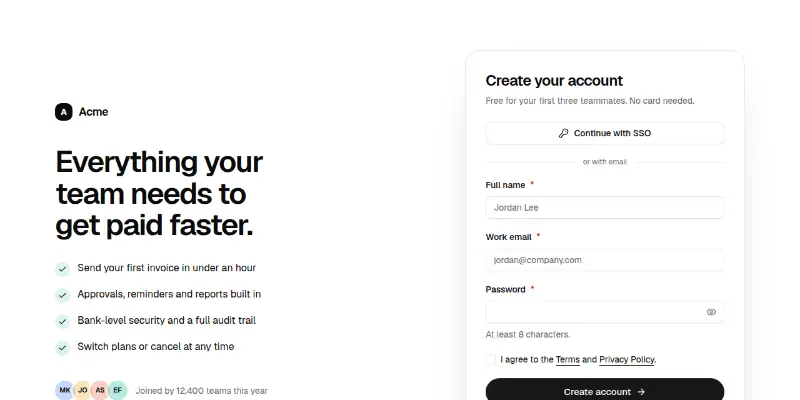
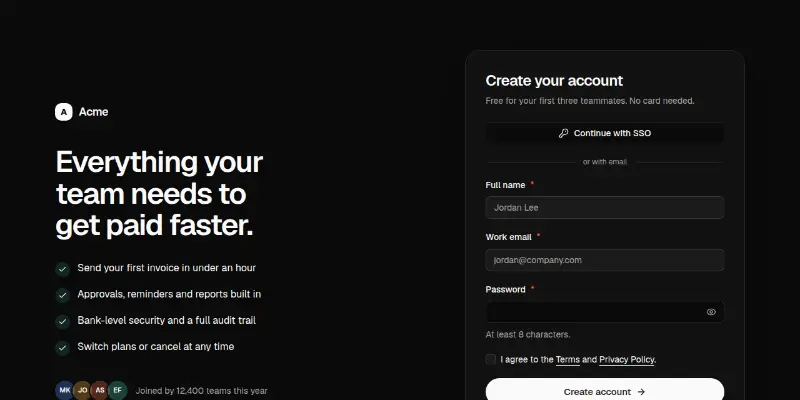
A signup page: validated name, work email and password with a live strength guide, terms checkbox, SSO option and a check-your-inbox confirmation, beside a benefits list with social proof.
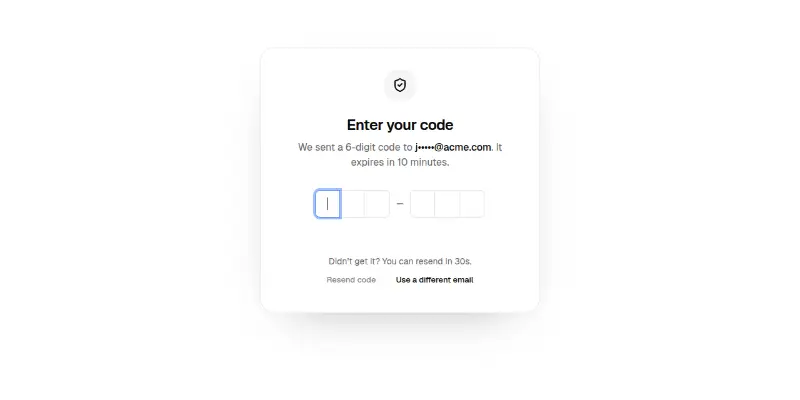
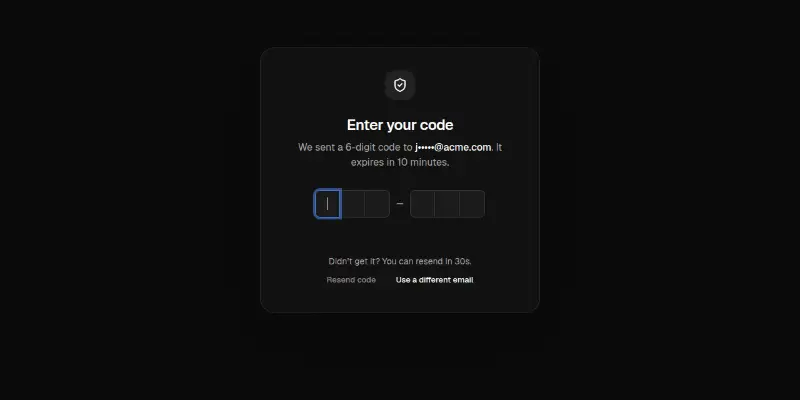
A code-entry screen: masked email, six slots that accept typing and pasting, automatic submit on the last digit, shake and alert on a wrong code, a resend countdown and an animated success state.
9 of these blocks are in Ballmac UI Pro.
$49 oncefor all 311 Pro blocks and every Pro template. Tax included.Works as described or your money back